System Analytics
2 / 25 Tasks Completed
Release View
0.1 Editor – Foundations
LIVE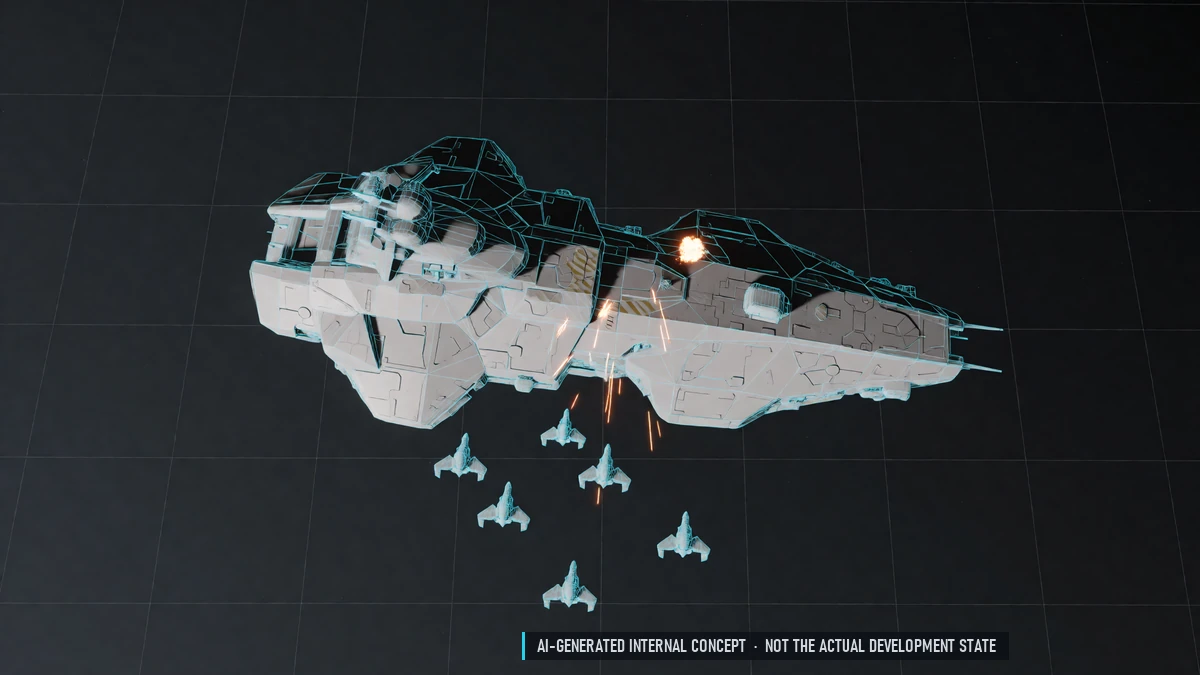
Events & Bosses
Convoys, raids, invasions and pirate nests. Waves of enemies and a boss at the end. Rewards by your share of the fight.
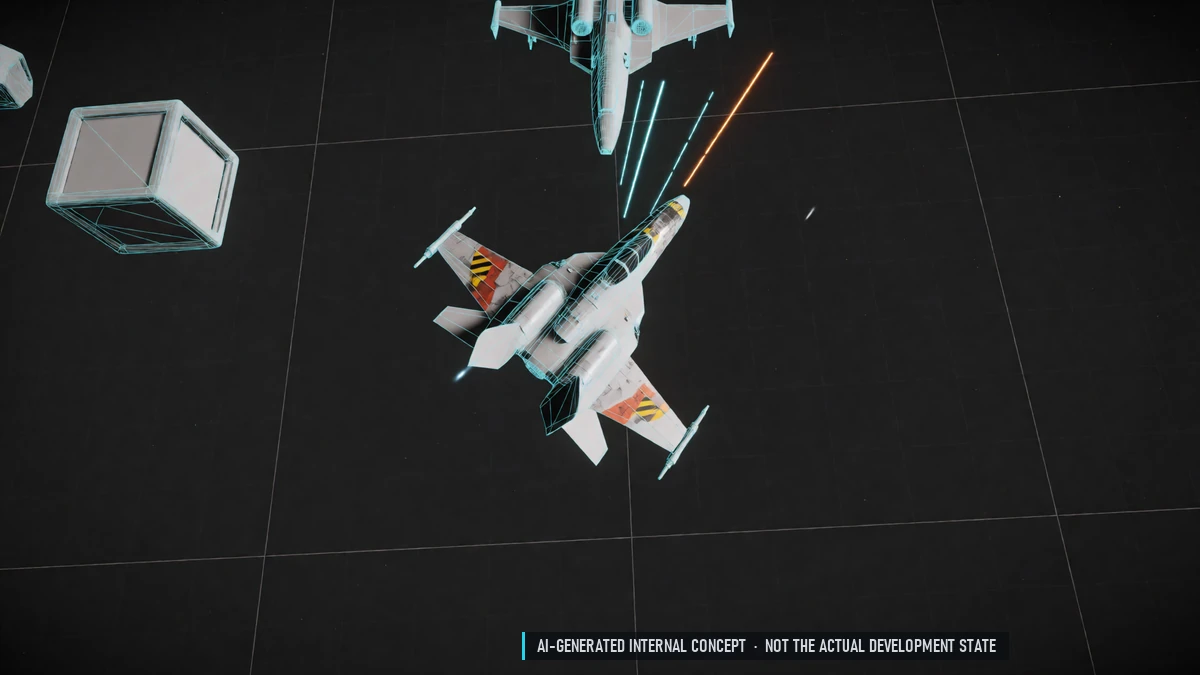
Flight & Combat
Newtonian flight with flight assist; switch it off to drift. Front guns fire along your ship's nose. Turrets fire on their own. Lock-on missile on every ship.
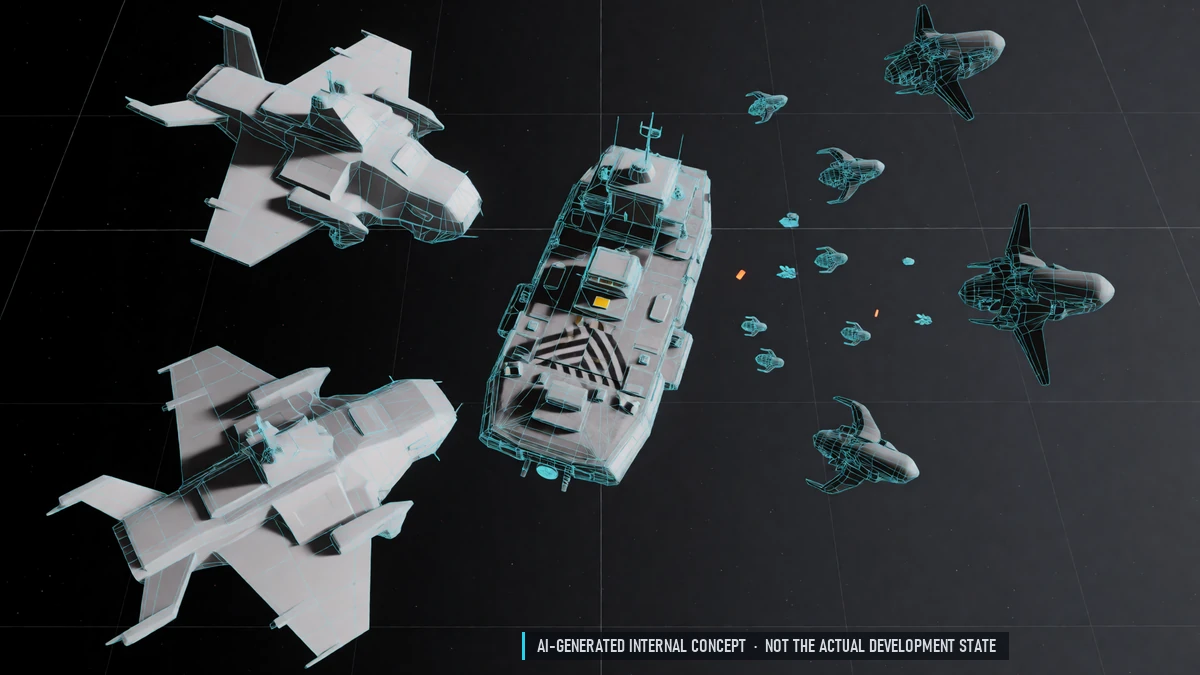
Pirates & Alien Swarms
Pirates ambush traders, miners and weak pilots. Alien swarms attack everything. NPCs fly in formations, dodge and retreat.
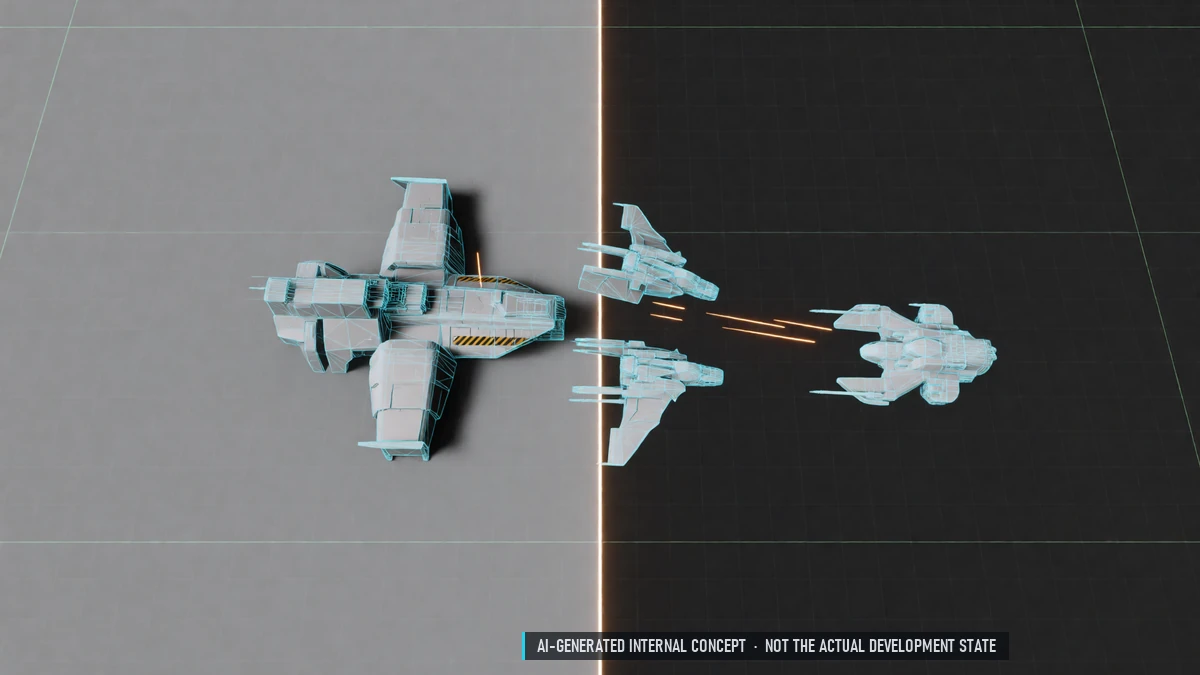
PvE & PvP Sectors
Safe sectors without PvP. PvP sectors: fight other nations. Friendly fire rules per sector.
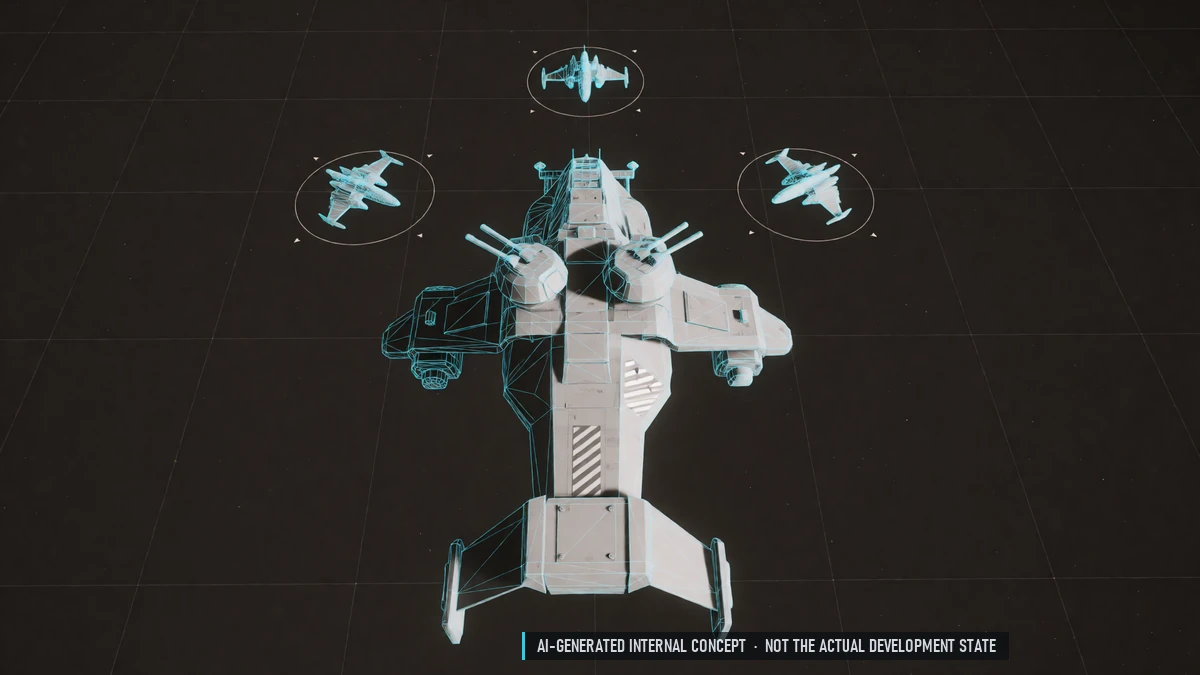
Targeting & Turret Modes
Lock several targets, pick a primary. Turret modes: defend, attack, hold fire. Panic key to stop all turrets.
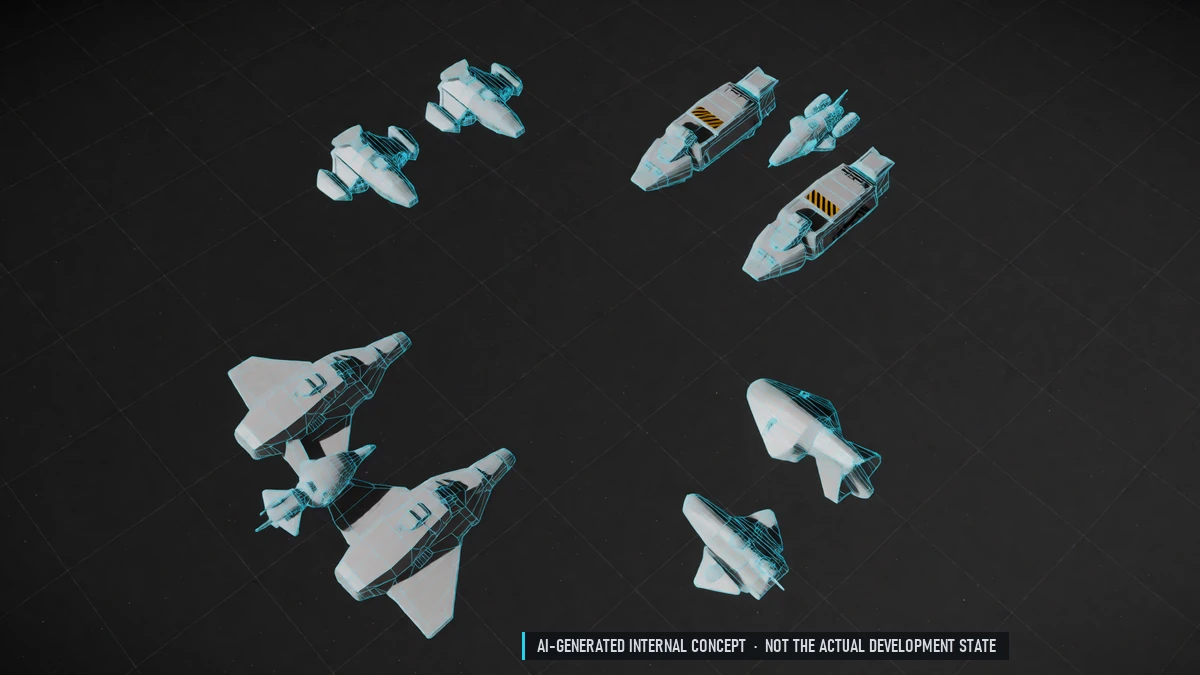
Factions & Reputation
Police, traders, pirates and aliens with their own relations. Your standing with each faction changes how they treat you.
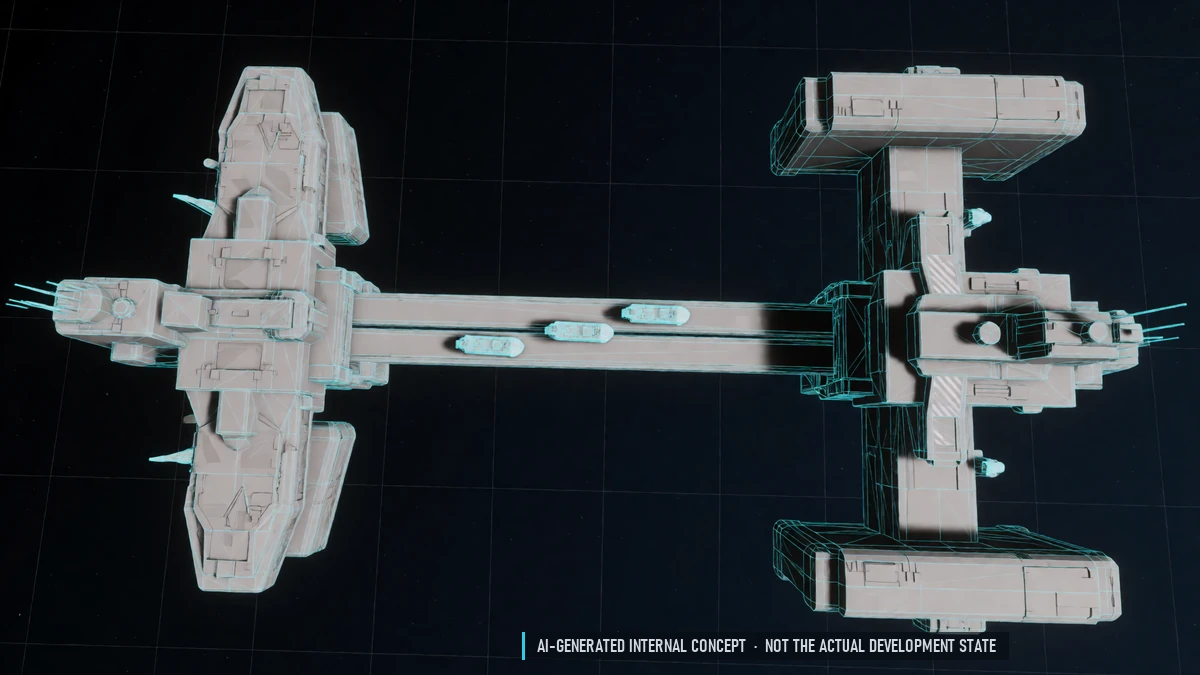
Living Sectors
NPC factions patrol, trade and fight each other. Traders, miners and convoys fly between stations.
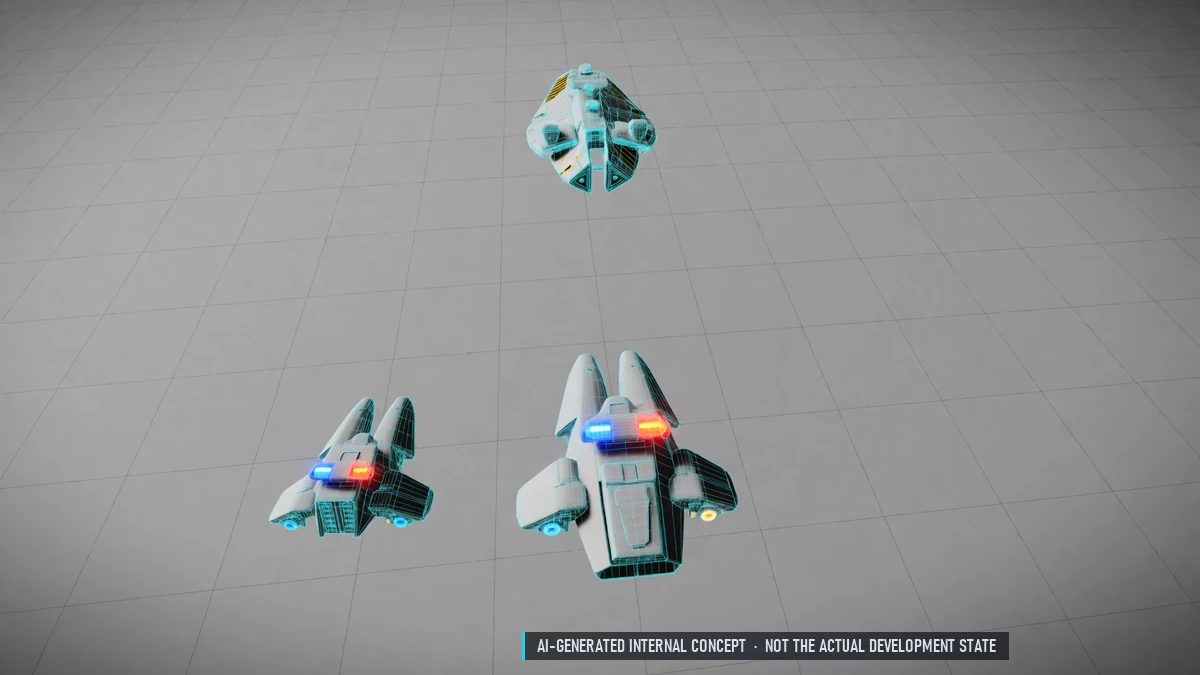
Police & Wanted
Crimes make you wanted. Police hunt wanted pilots and call for backup. Your death clears the wanted status.
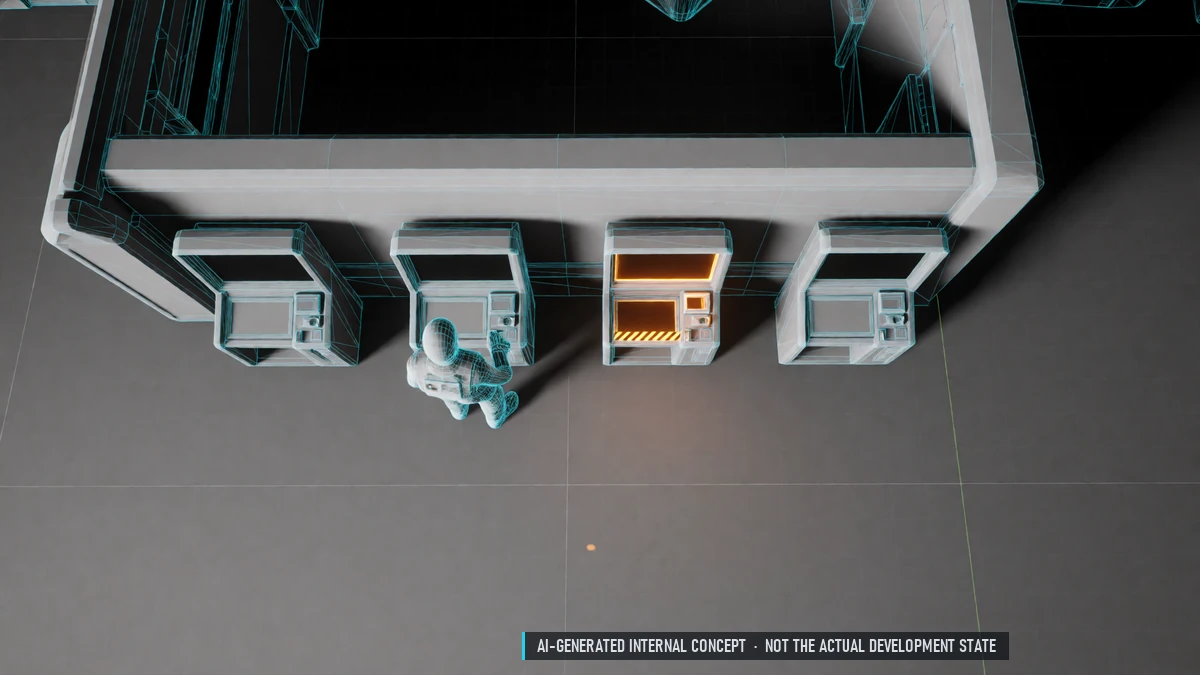
Station Terminals
Terminals for shop, trade, equipment, cargo, shipyard, nation office, comms and hangar. One pilot per terminal, with an "occupied" display.
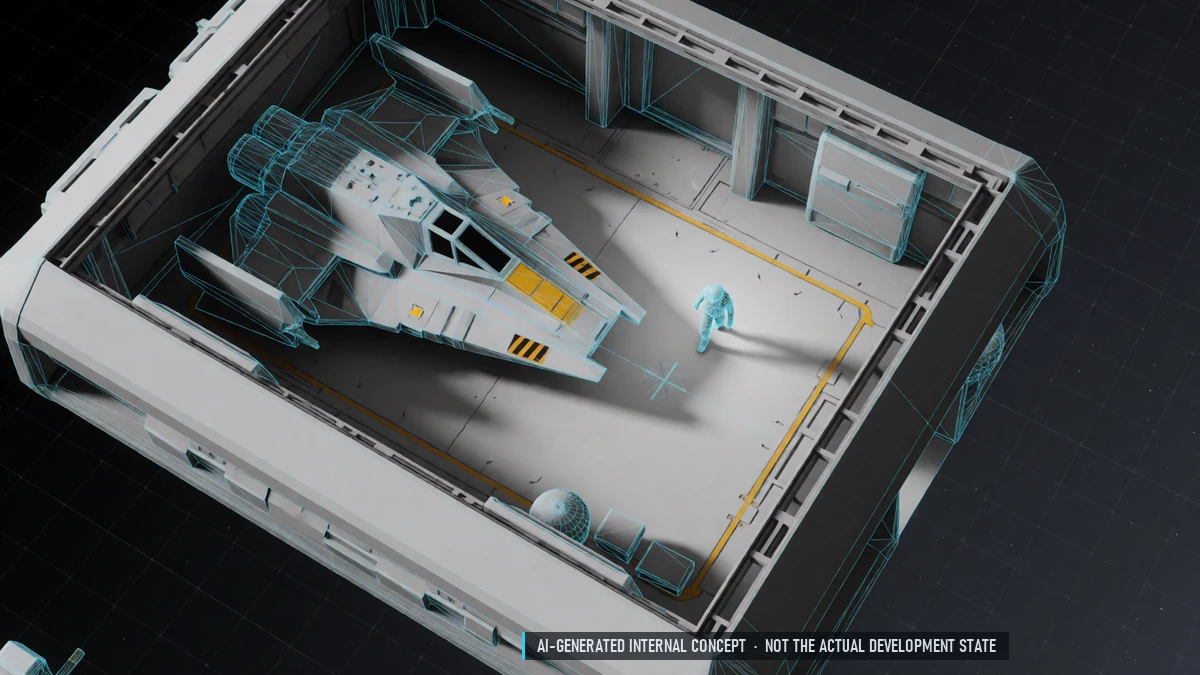
Walkable Stations
Walk around inside stations. Undock from the hangar.
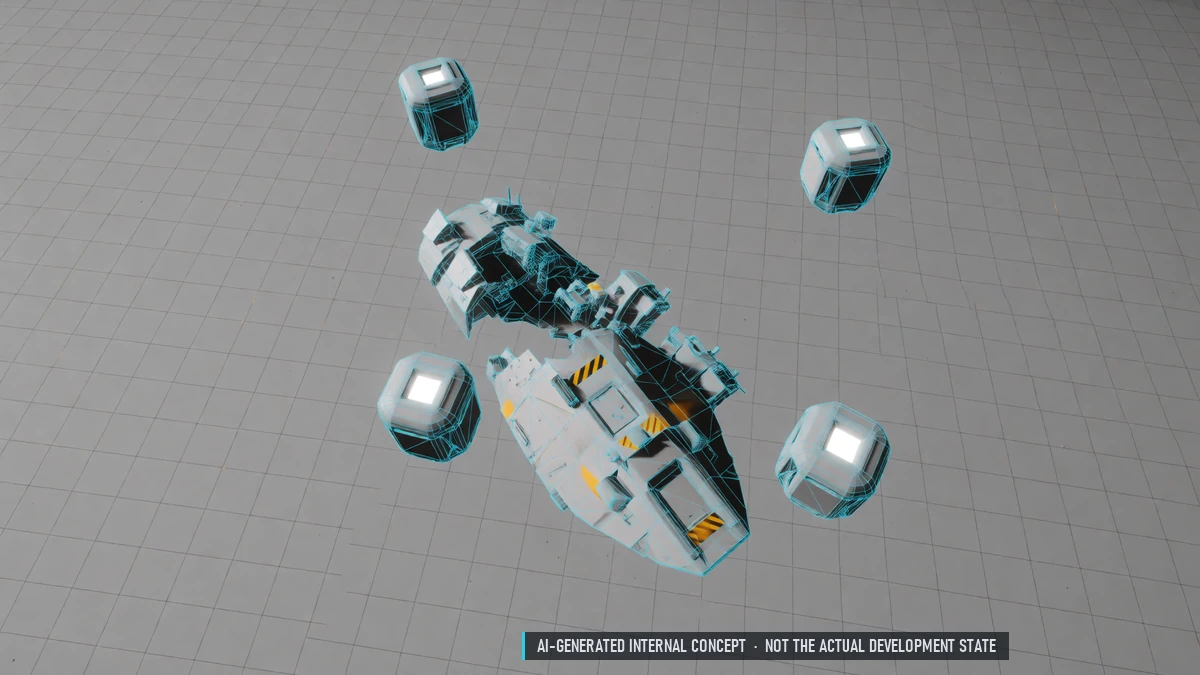
Bounties, Loot & Wrecks
Bounties for destroyed NPCs. Wrecks with loot; the killer gets first pick. Pickups floating in space.
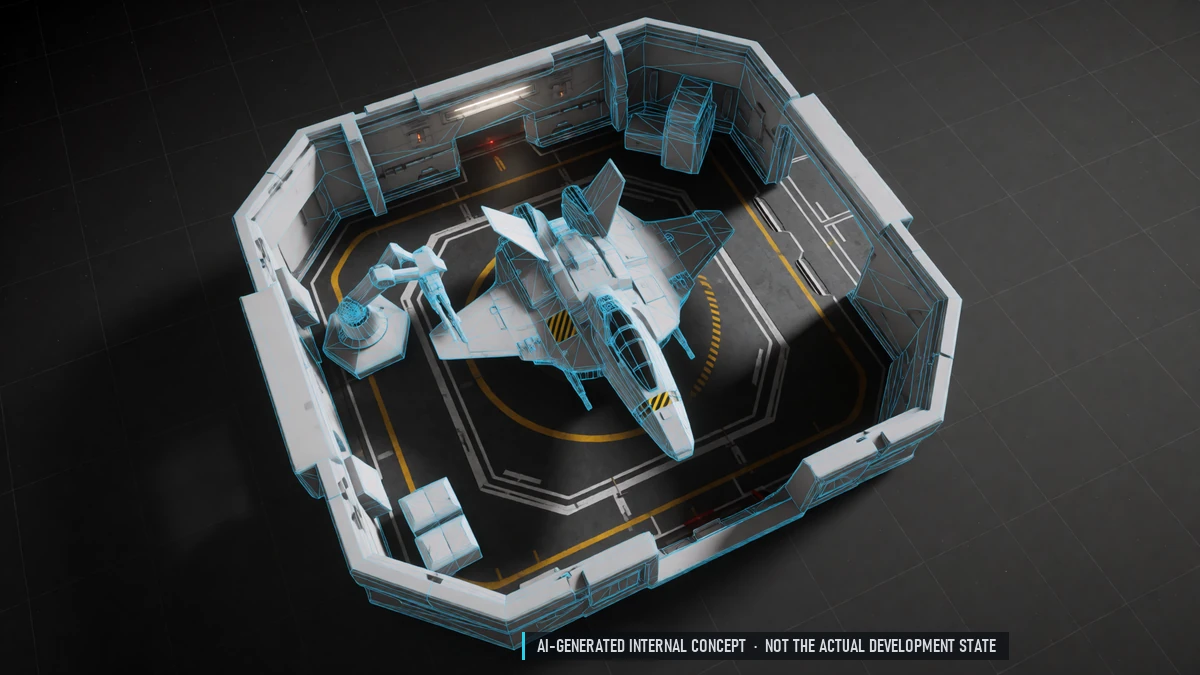
Ships & Equipment
Buy, sell, repair and rename ships. Equip weapons and modules. Ship cargo and station storage.
Chat & Groups
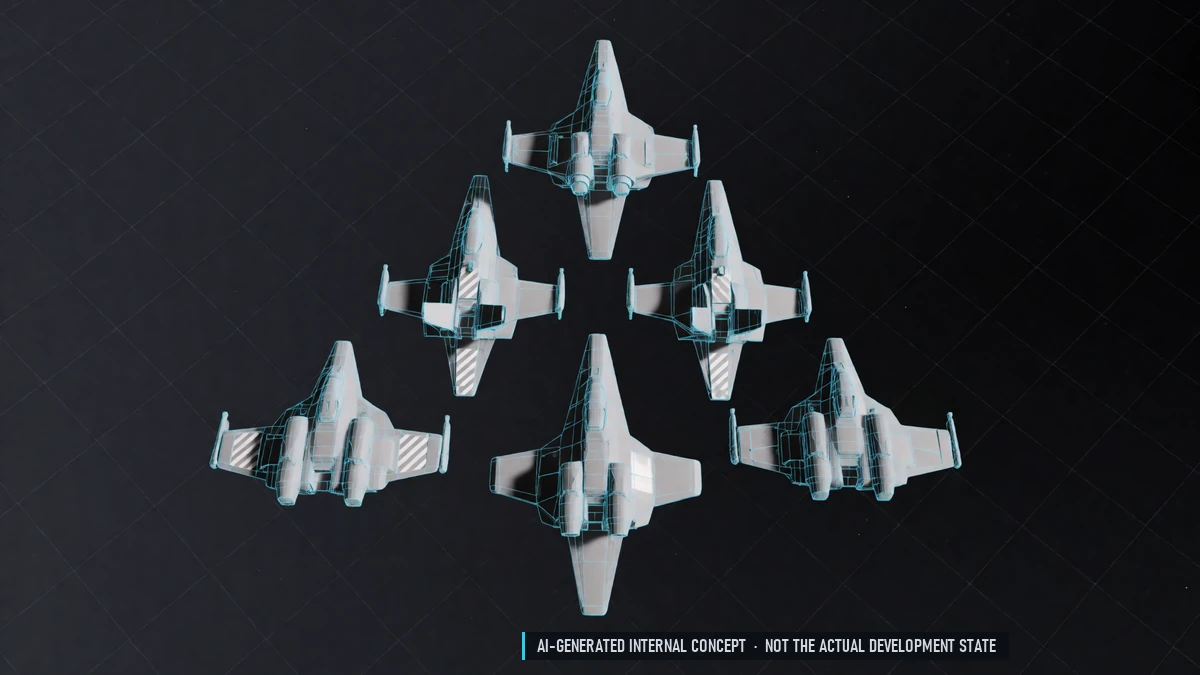
Chat channels. Groups of up to five pilots with group chat.
Nations
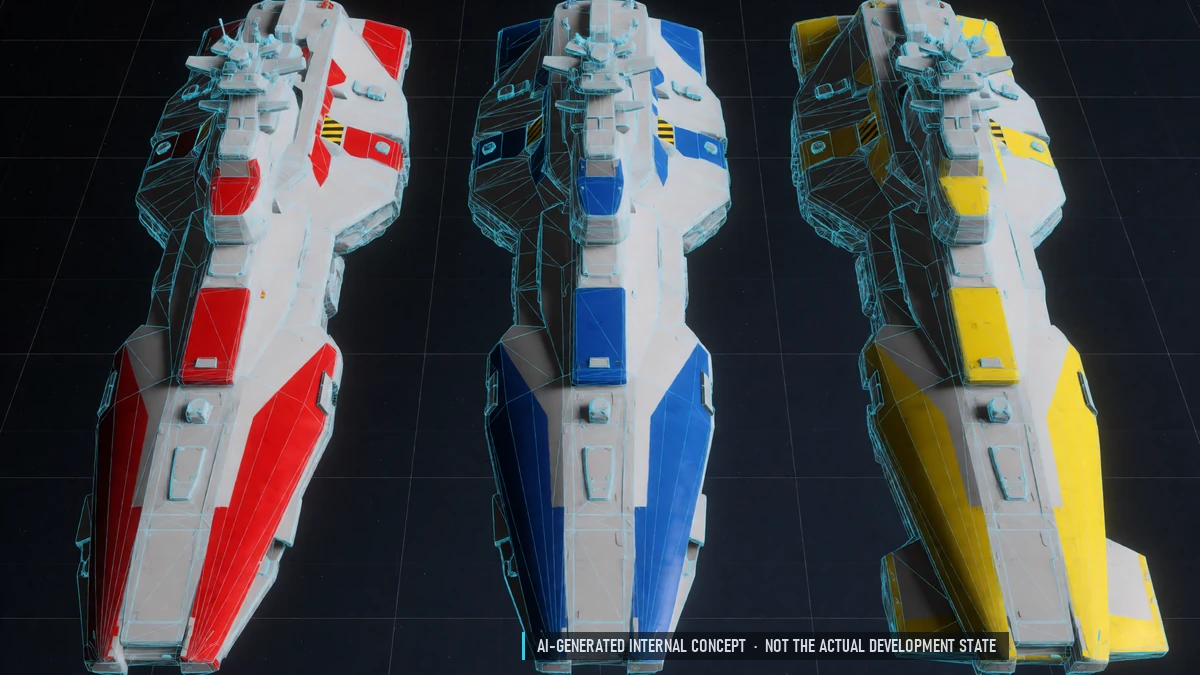
Three nations to choose from. Change your nation and home station.
Launcher & Updates
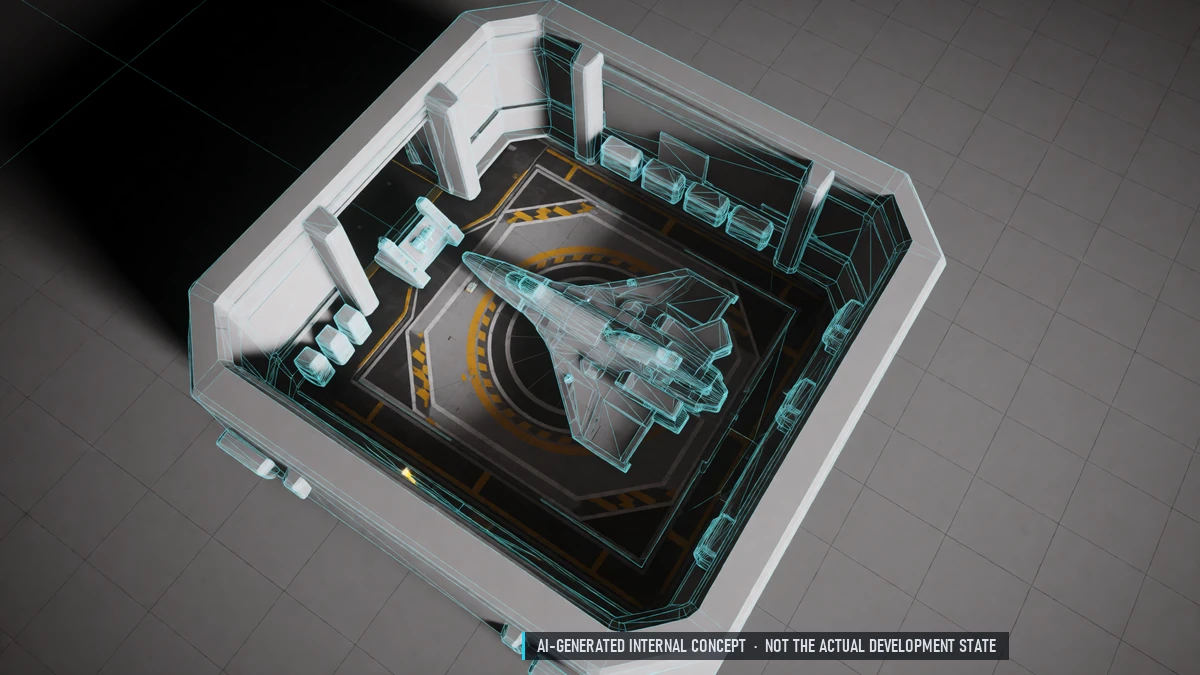
Install and update through the GAMAN Launcher. Small delta updates. News in the launcher.
0.2 Closed Alpha – Combat Depth
In Combat
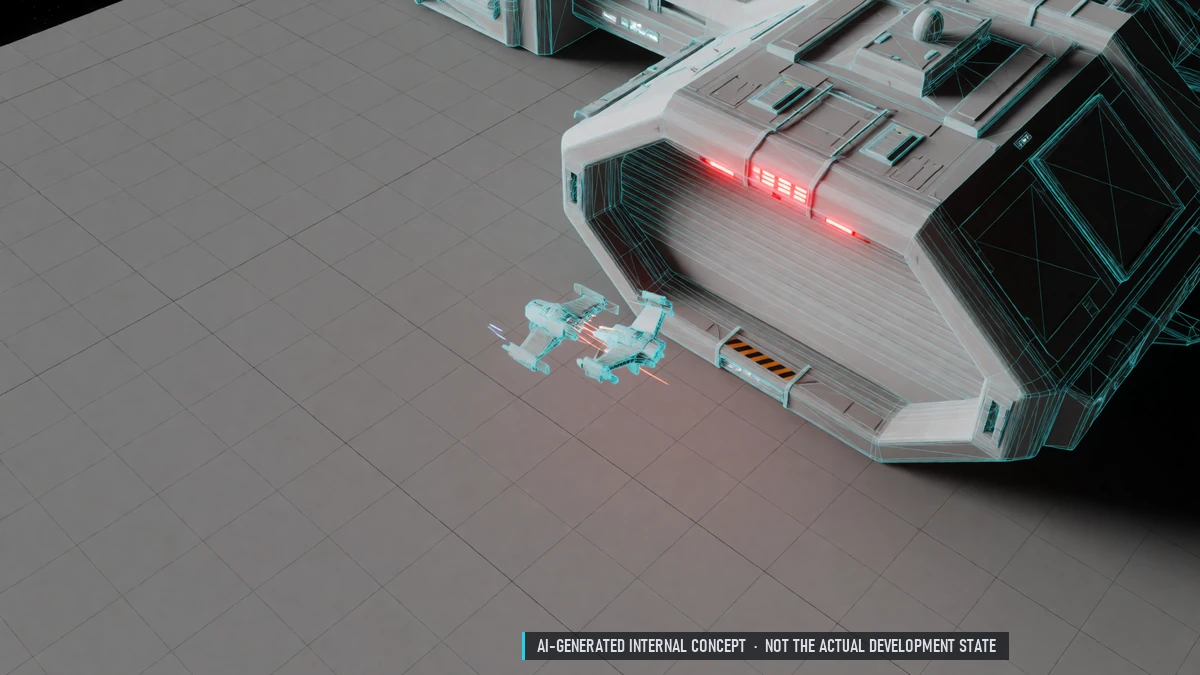
No gate jumps while in combat. No docking during combat in PvP sectors.
Ammo Bays
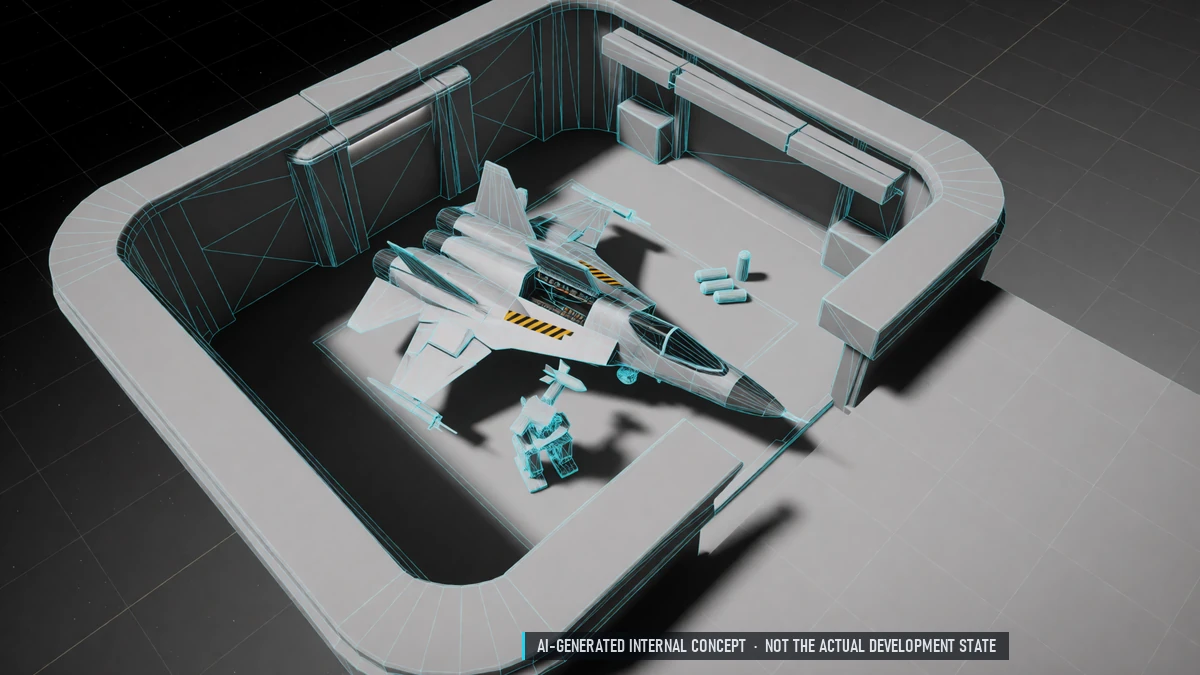
Fixed ammo bays per ship. Missiles, chaff and flares are ammo too. Rearm at stations.
Boost
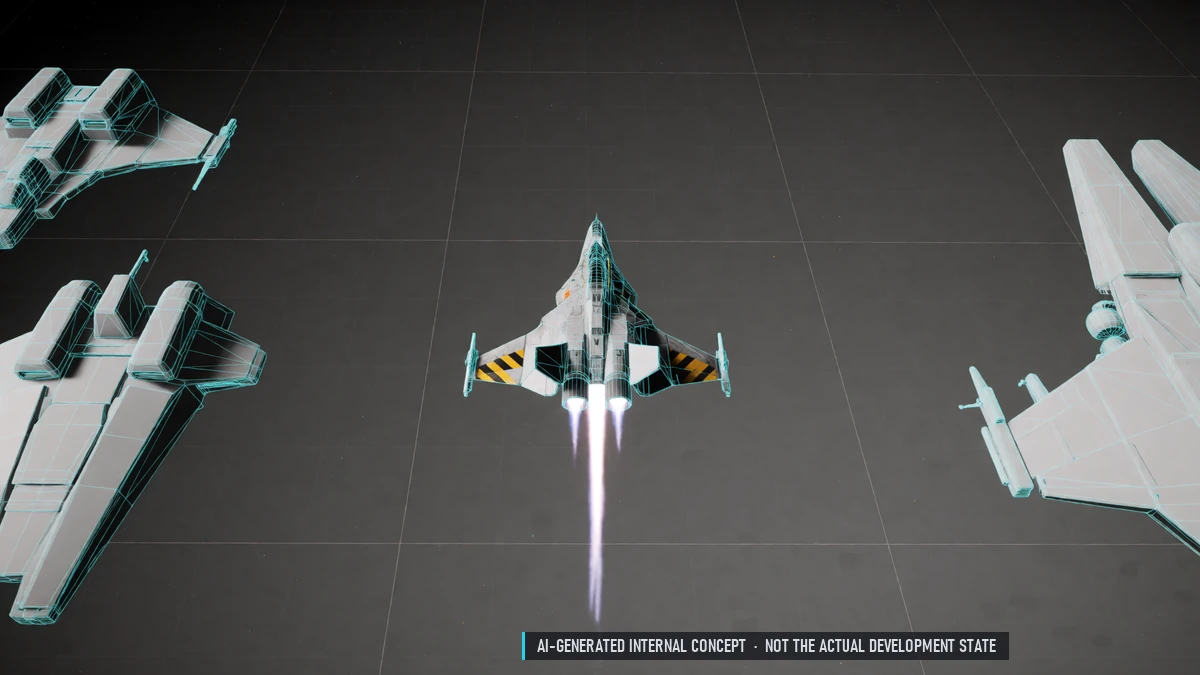
Short sprint with its own overheat. Flight assist slows you down gently afterwards.
Countermeasures
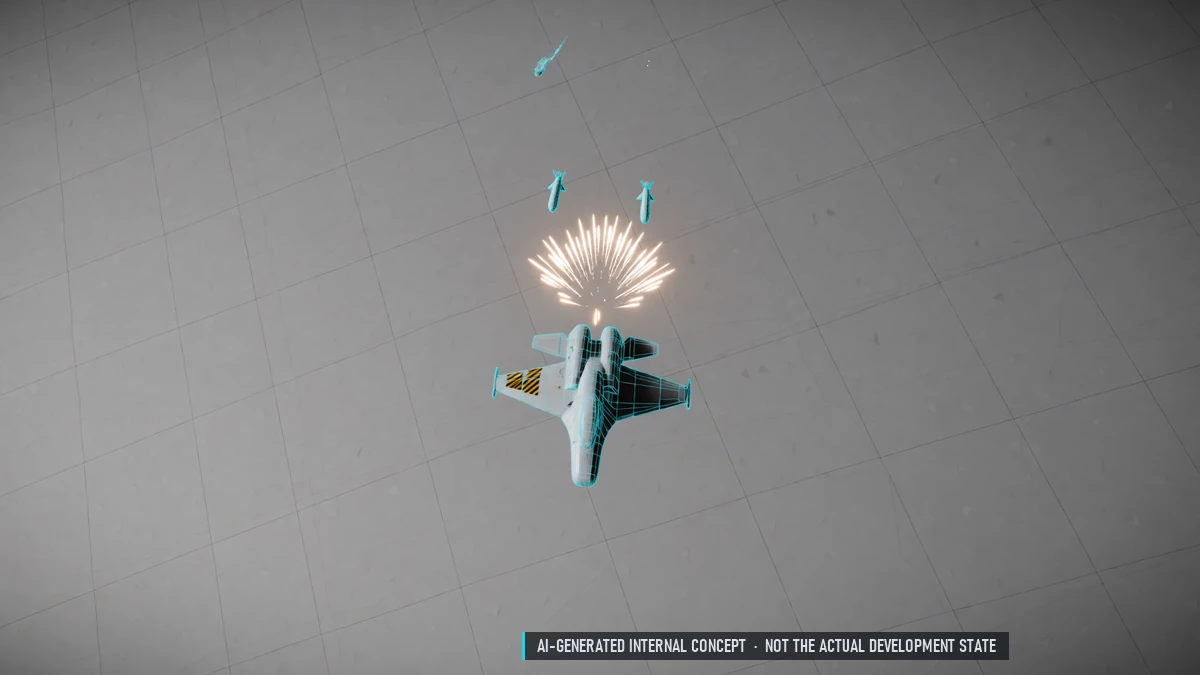
Chaff against radar, flares against heat-seekers. Jammers hide your distance – and give away your direction.
Datalink
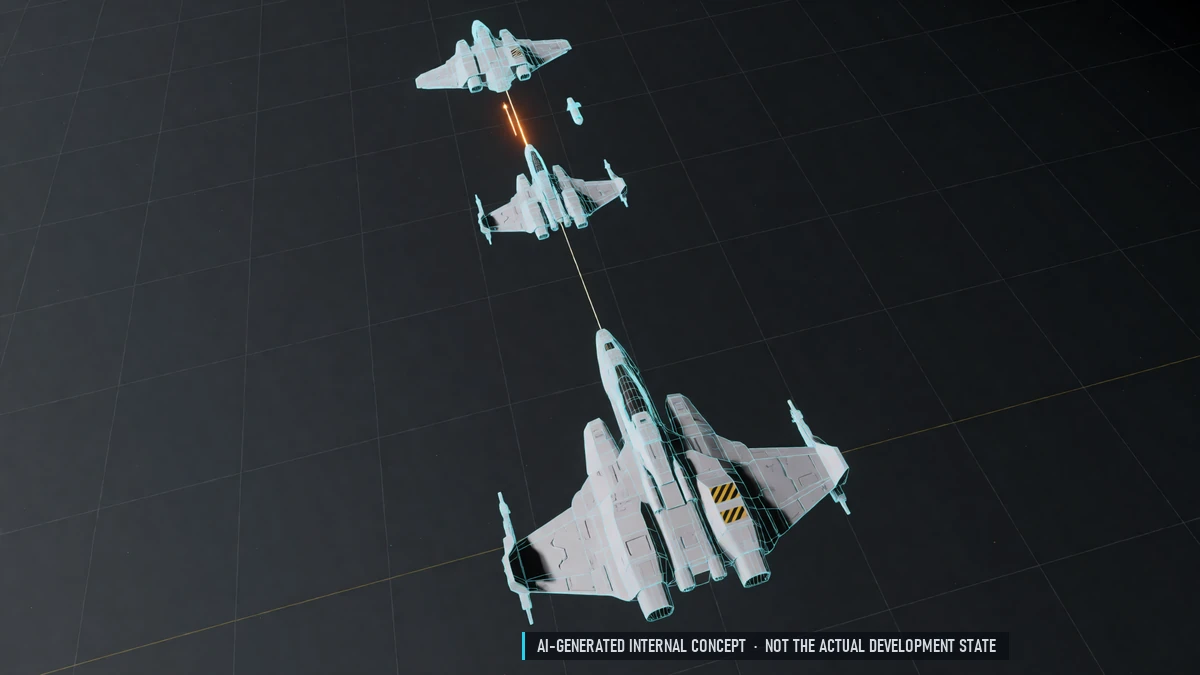
Fire at a teammate's target without your own lock. The shooter stays hidden from the target's warning receiver.
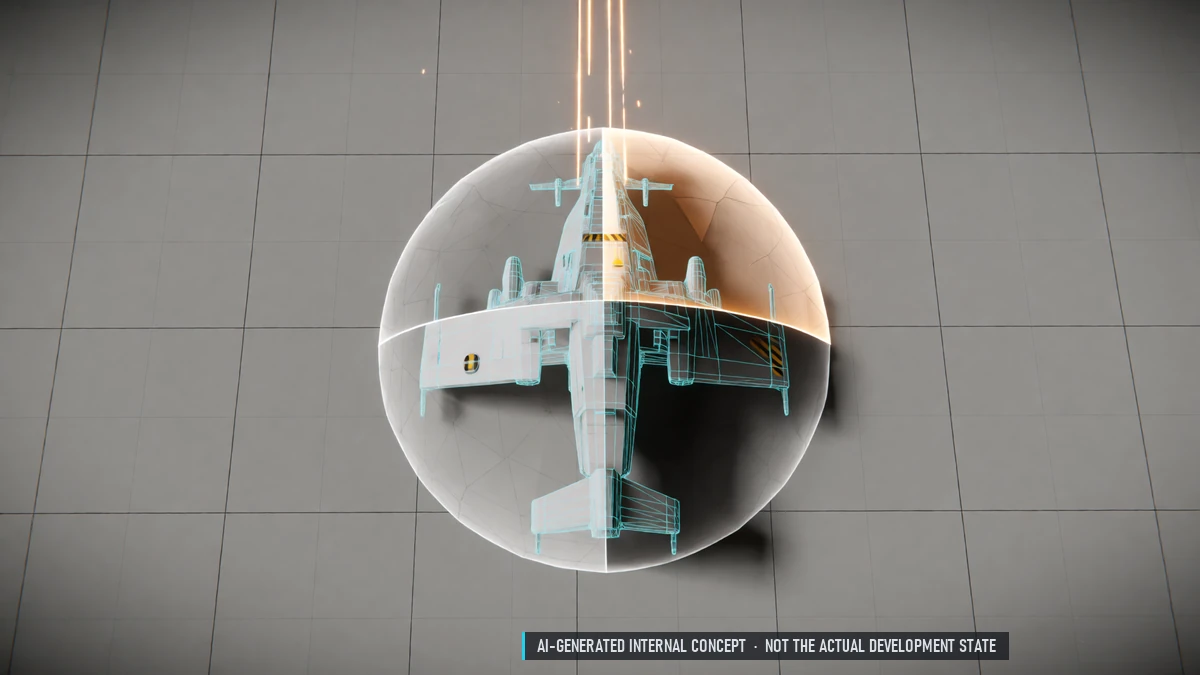
Directional Shields
Shield strength on four sides, set by the pilot. Shifting takes time. Two shield recharge styles are tested.
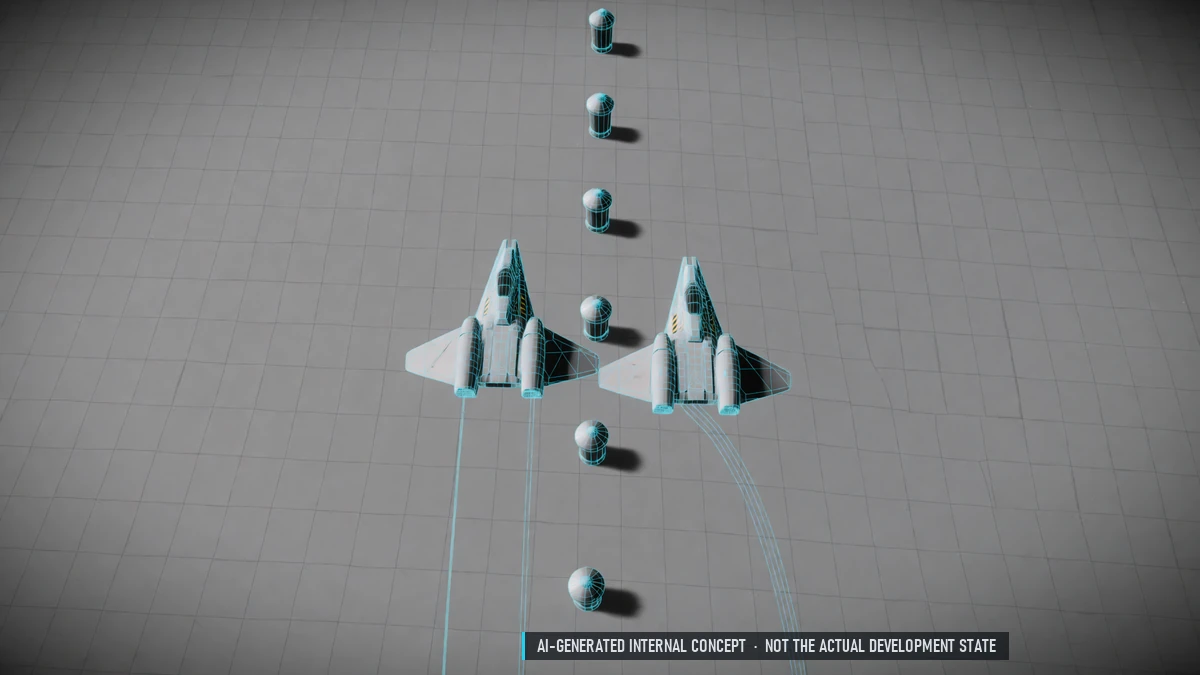
Flight Model Test
Two builds to compare: Newtonian flight and arcade mouse control. The better one stays.
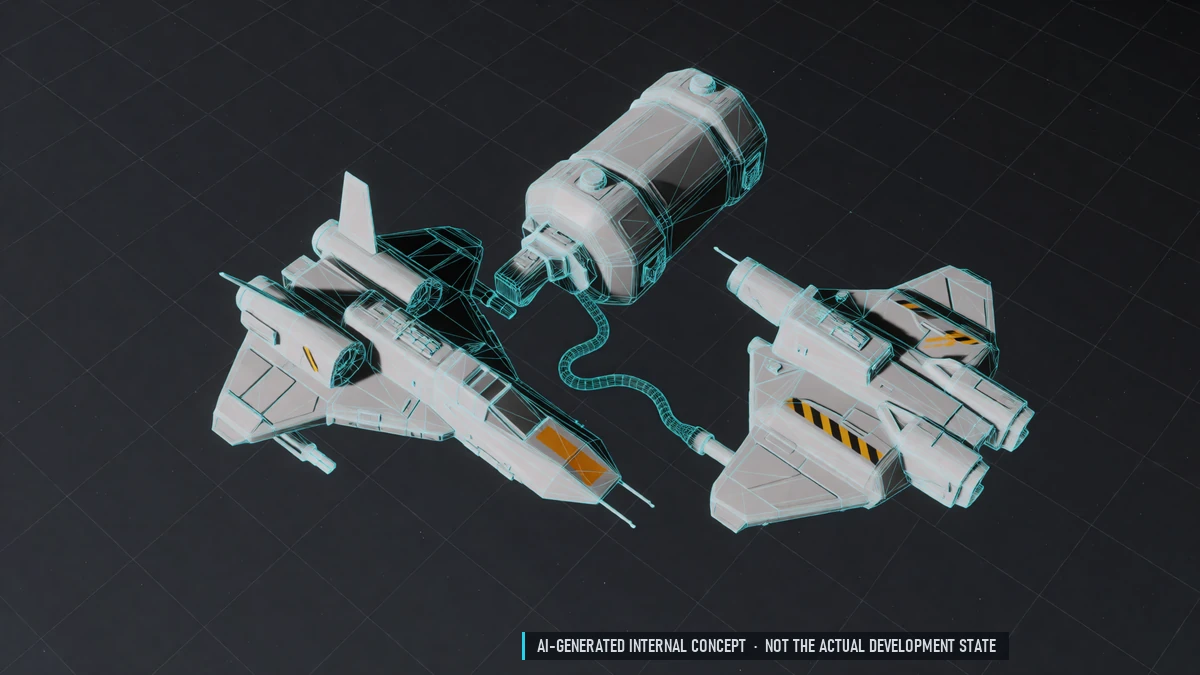
Fuel
Flying and fighting use fuel. Limp mode when the tank is empty. Refuel at stations.
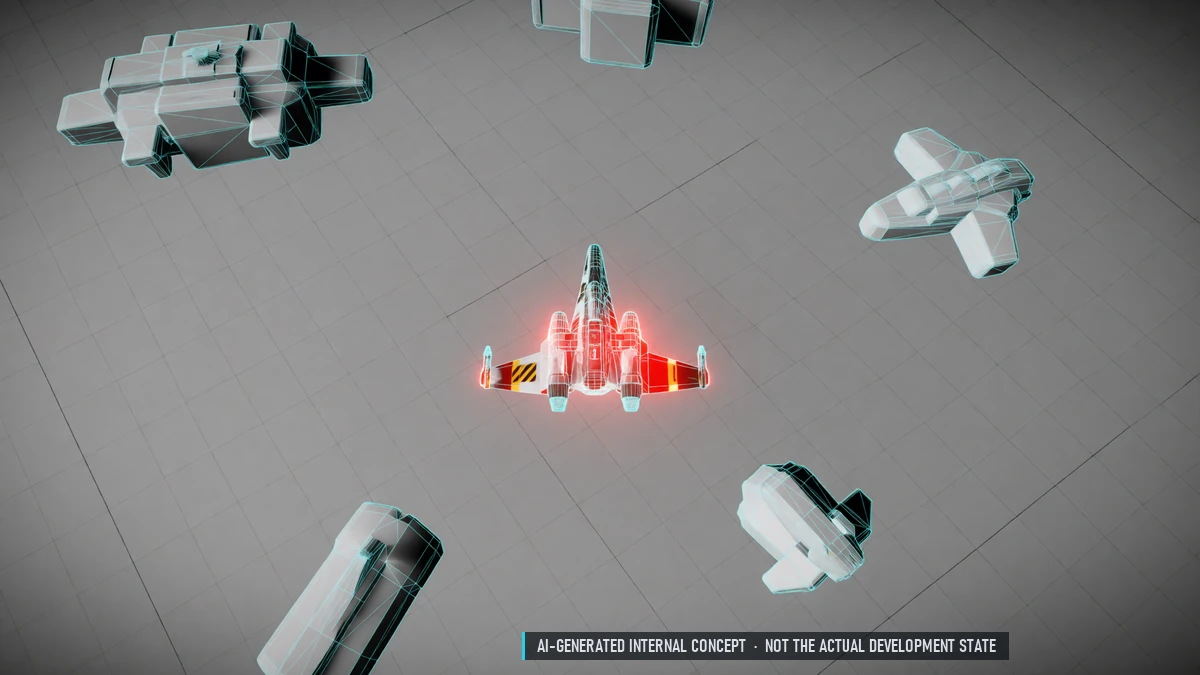
Heat
Every weapon heats your ship; coolers help. Overheated ships glow, are easier to lock and fight worse.
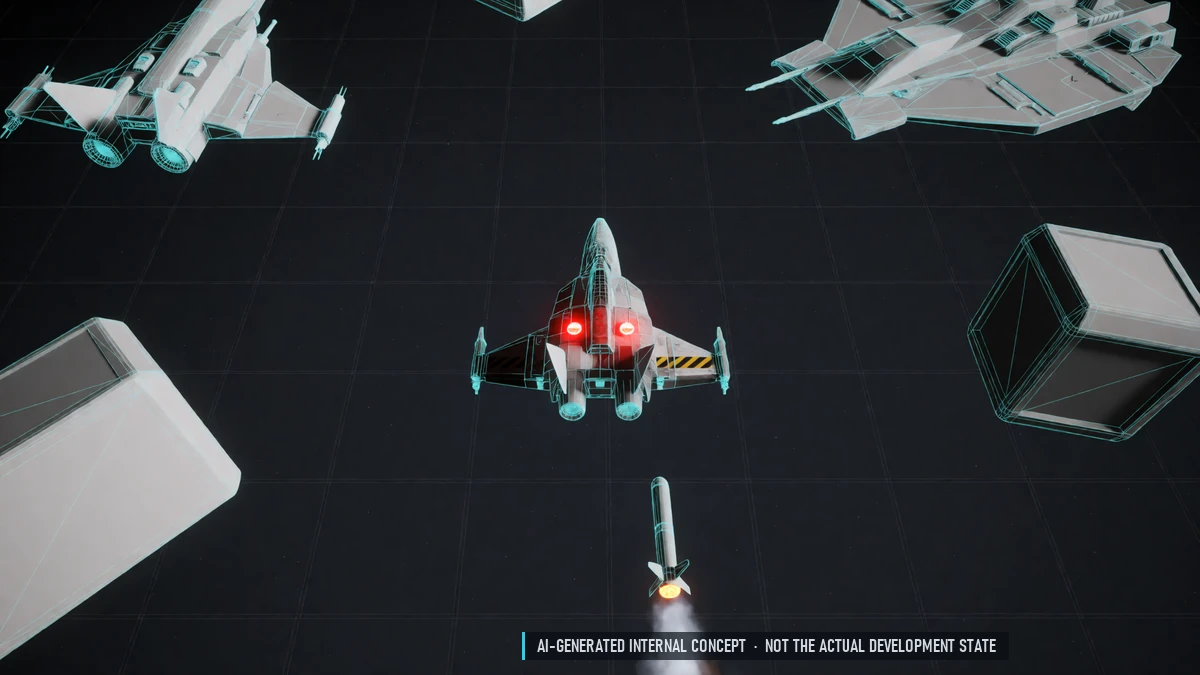
Missile Warner
Warns of incoming missiles and torpedoes shortly before impact.
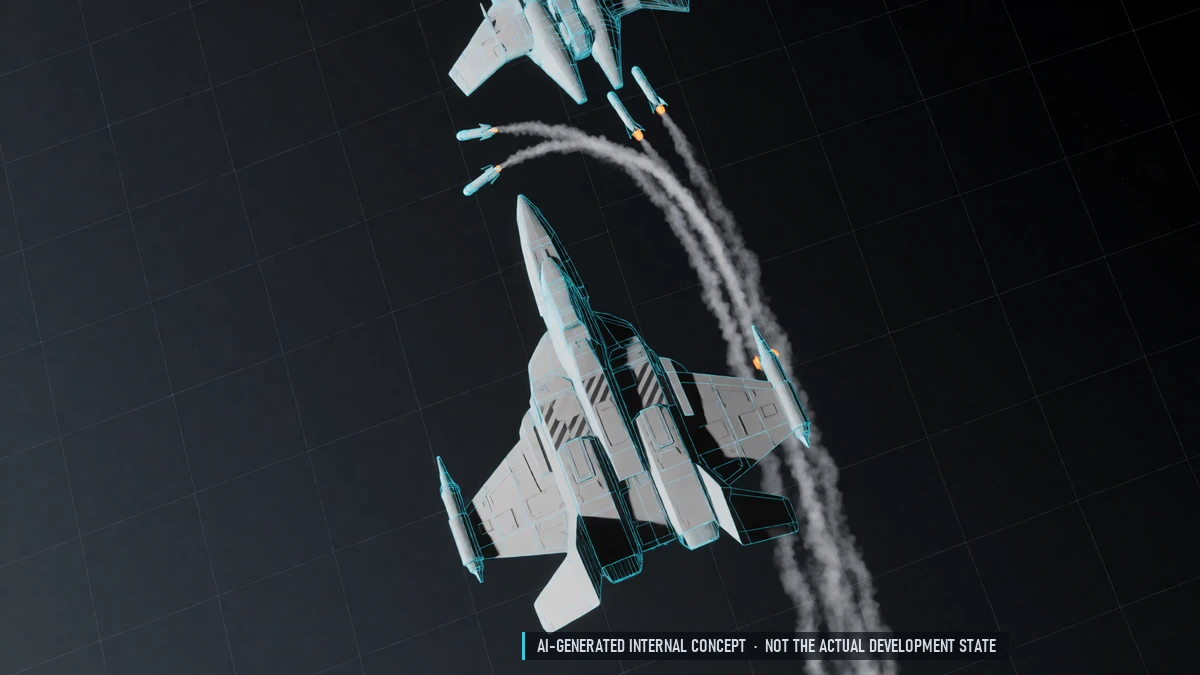
Missiles
Missiles as equipment: semi-active, active and heat-seeking. Active missiles go autonomous near the target. Fire-and-forget without a target: it picks the first enemy.
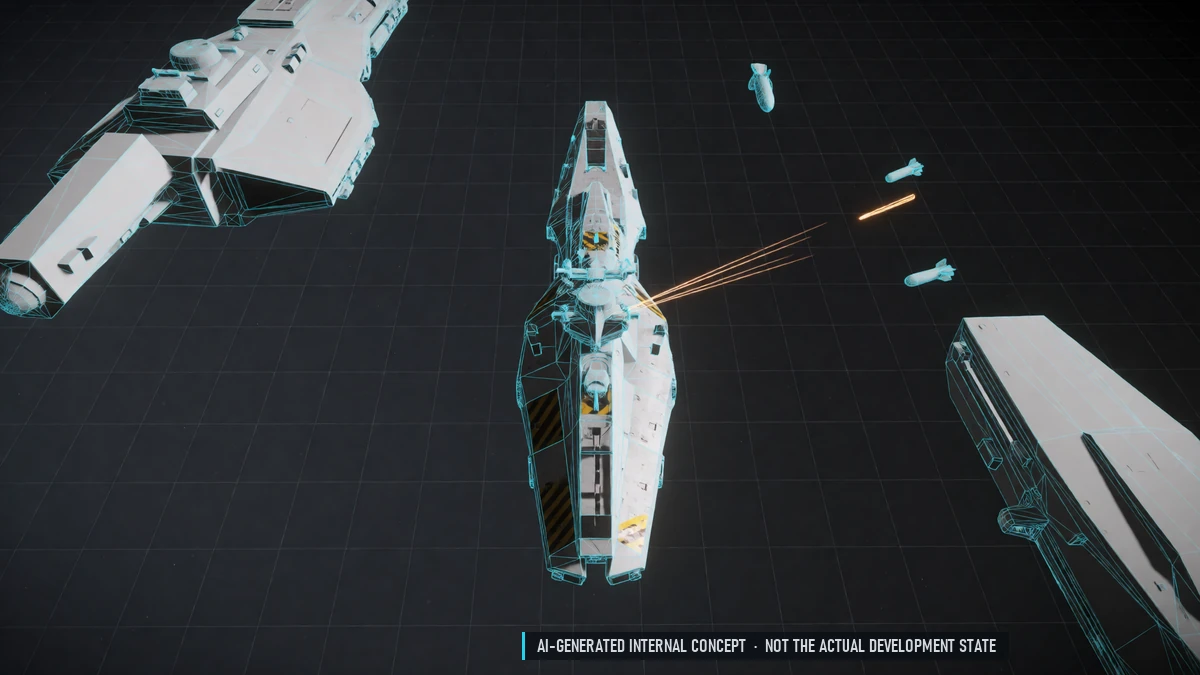
Point Defense
Shoots down missiles and torpedoes. Only on large ships; takes a turret slot.
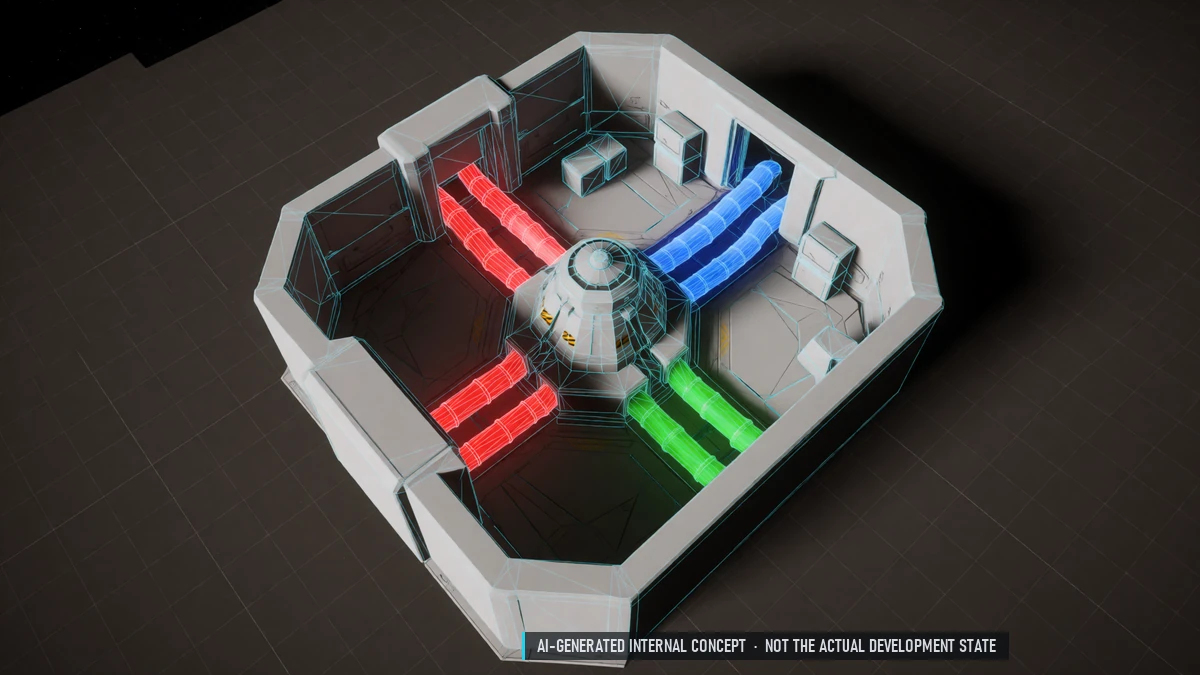
Power Triangle
Shift power between weapons, engines and shields. Overdrive above 100 % with the right generator.
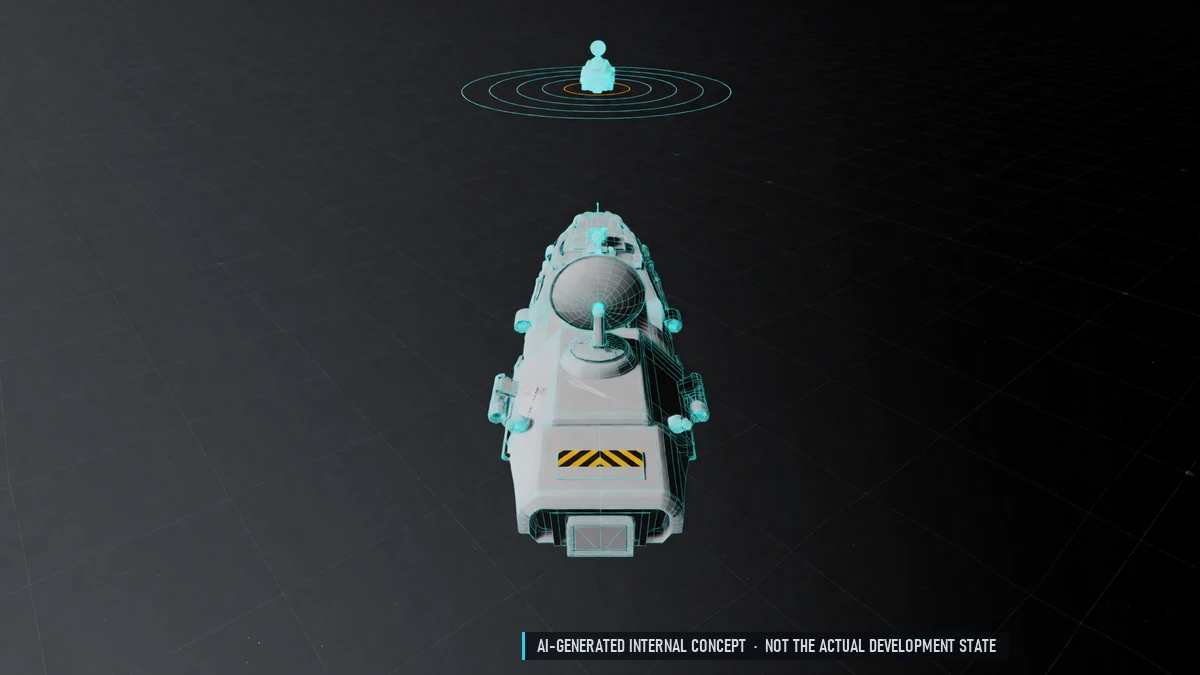
Radar
Radar as equipment with three scan modes. Pulse, Pulse-Doppler and hybrid radars. Search, track-while-scan, single target and close combat modes. Locks take time; large ships lock faster.
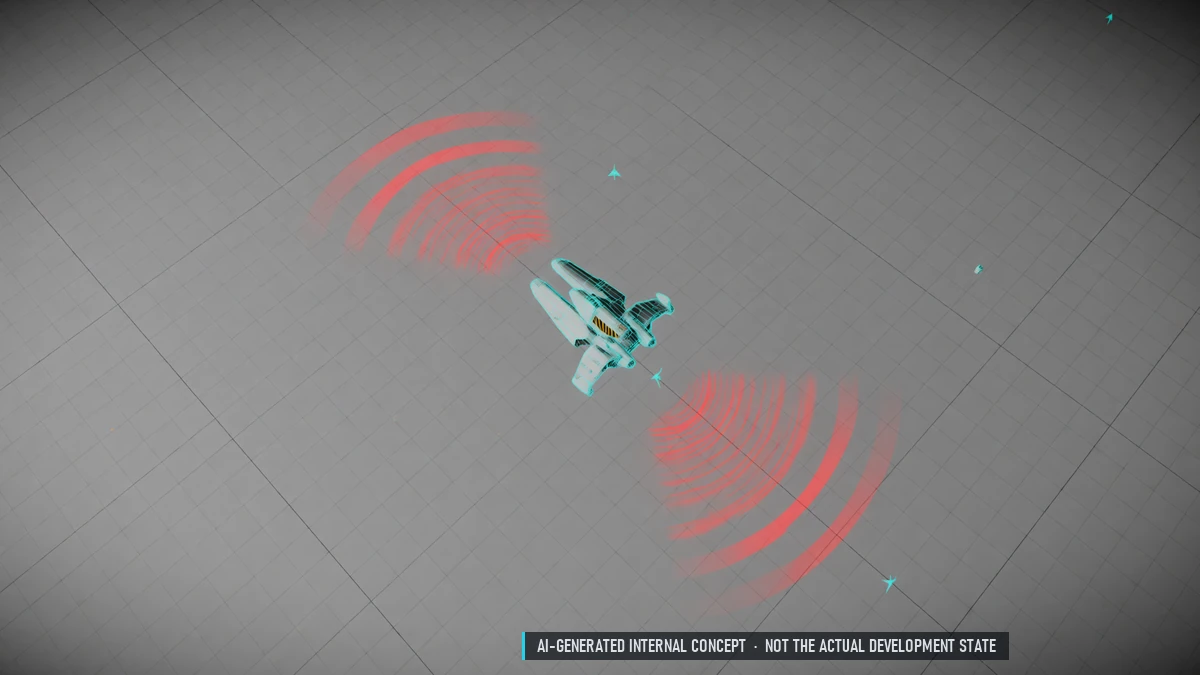
Radar Warning Receiver
See when you are pinged or locked. See incoming radar missiles. Upgrades show direction, distance and emitter type.
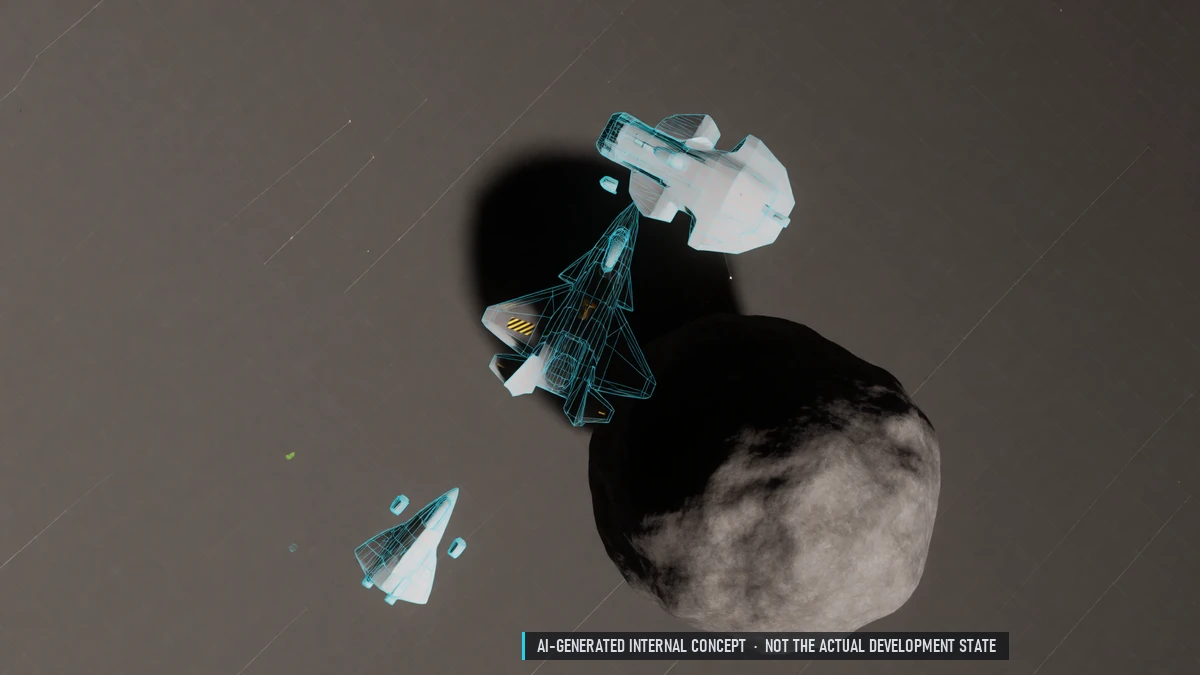
Stealth & Notching
Asteroid fields and cover hide you from radar. Fly across a Doppler radar to drop out of its track. Switch your radar off to stop pinging.
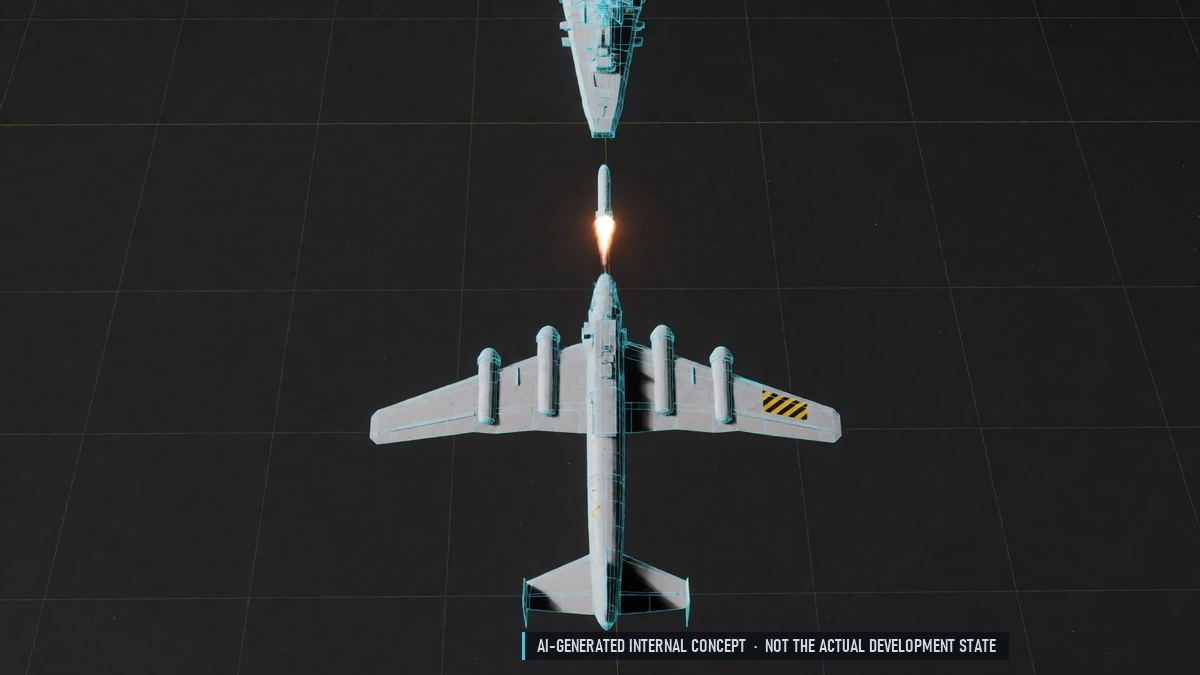
Torpedoes
Slow, heavy-hitting torpedoes for large ships.
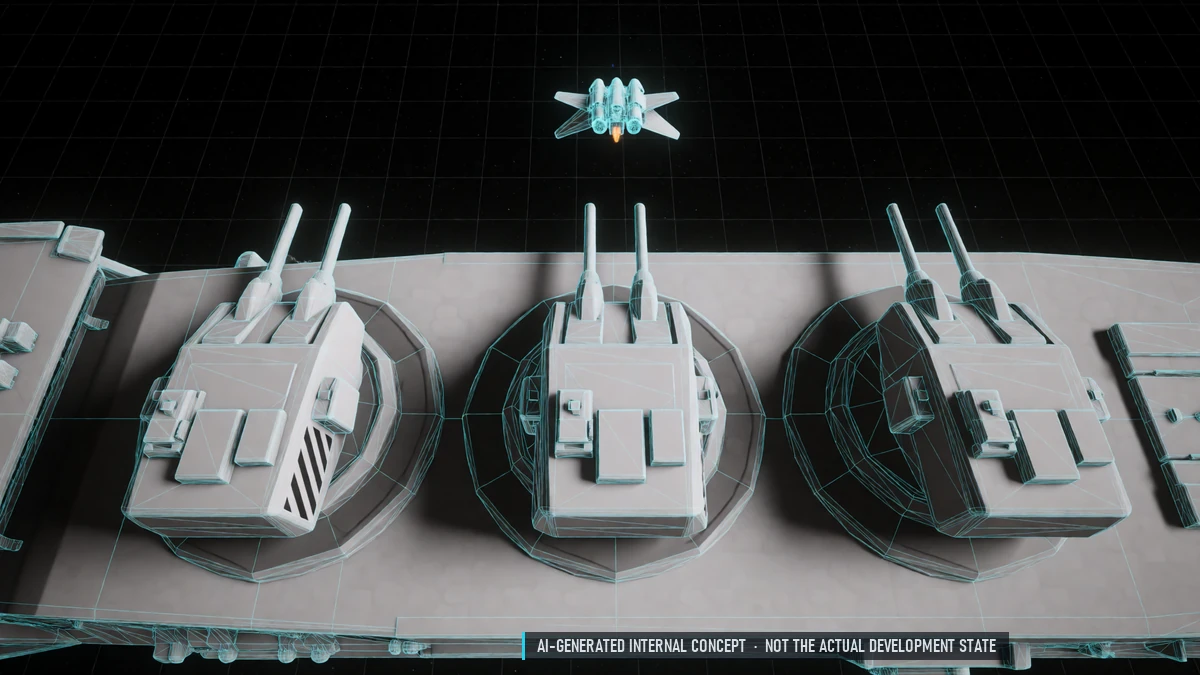
Turret Types
Radar, infrared and combined turrets. Fast crossing targets are harder to hit.
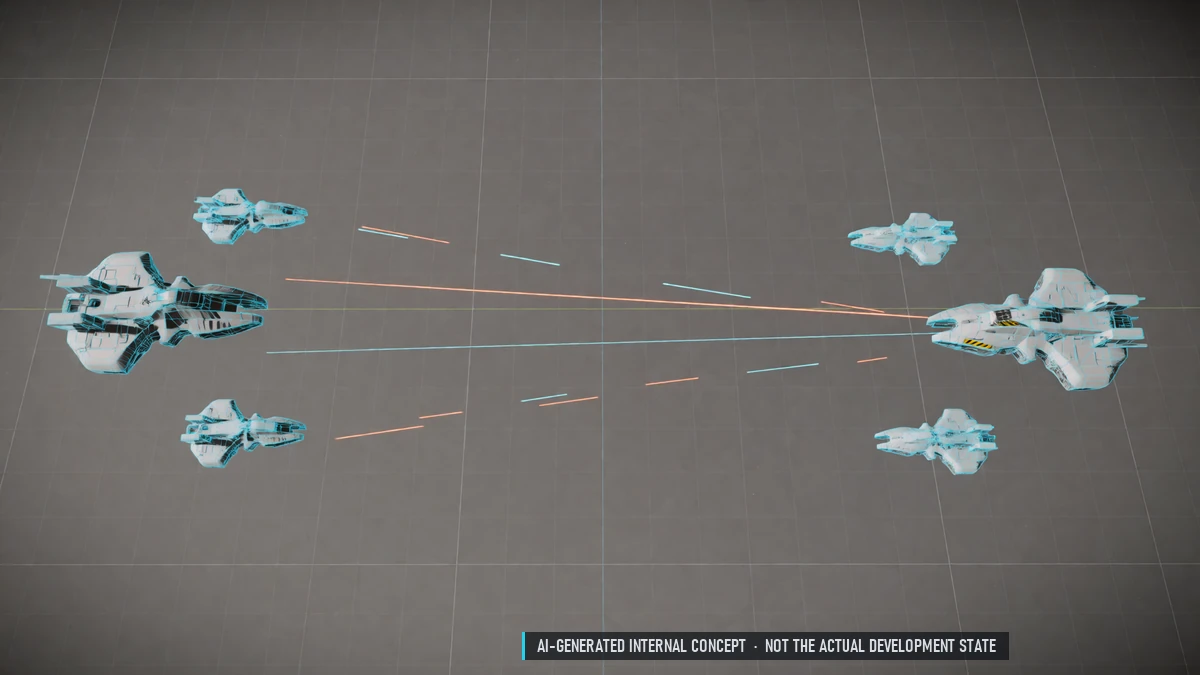
Larger Battle Sector
A bigger sector for long-range fights.
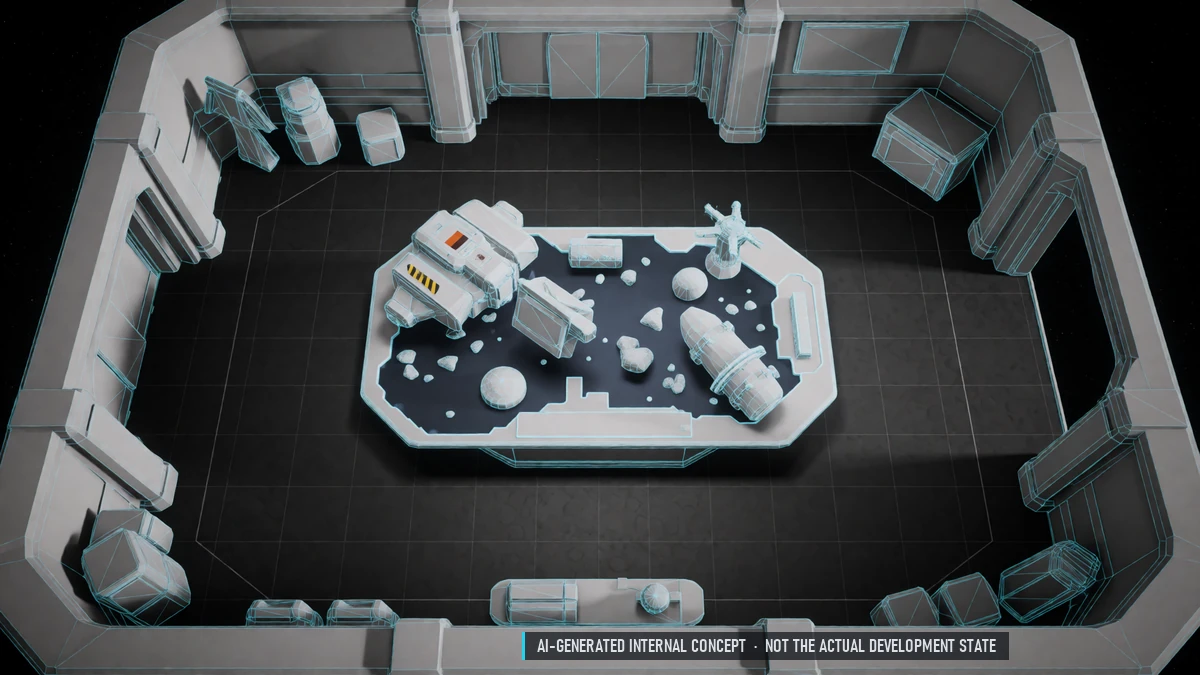
Sector Map & Minimap
Minimap in the HUD with nearby ships, wrecks and loot. Full sector map with stations, gates, fields and the sector boundary. Shows only what you can see or have discovered.
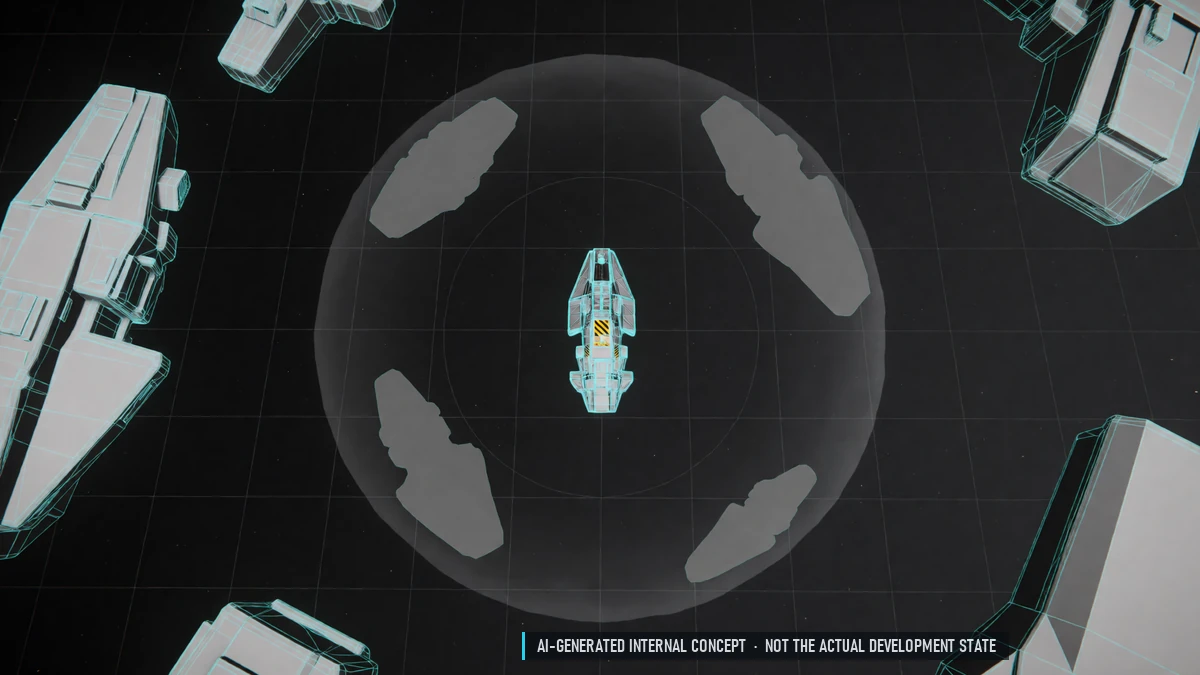
Fog of War
You only see what your ship can see. Large ships are spotted earlier. Places you have seen count as discovered.
Found in Space
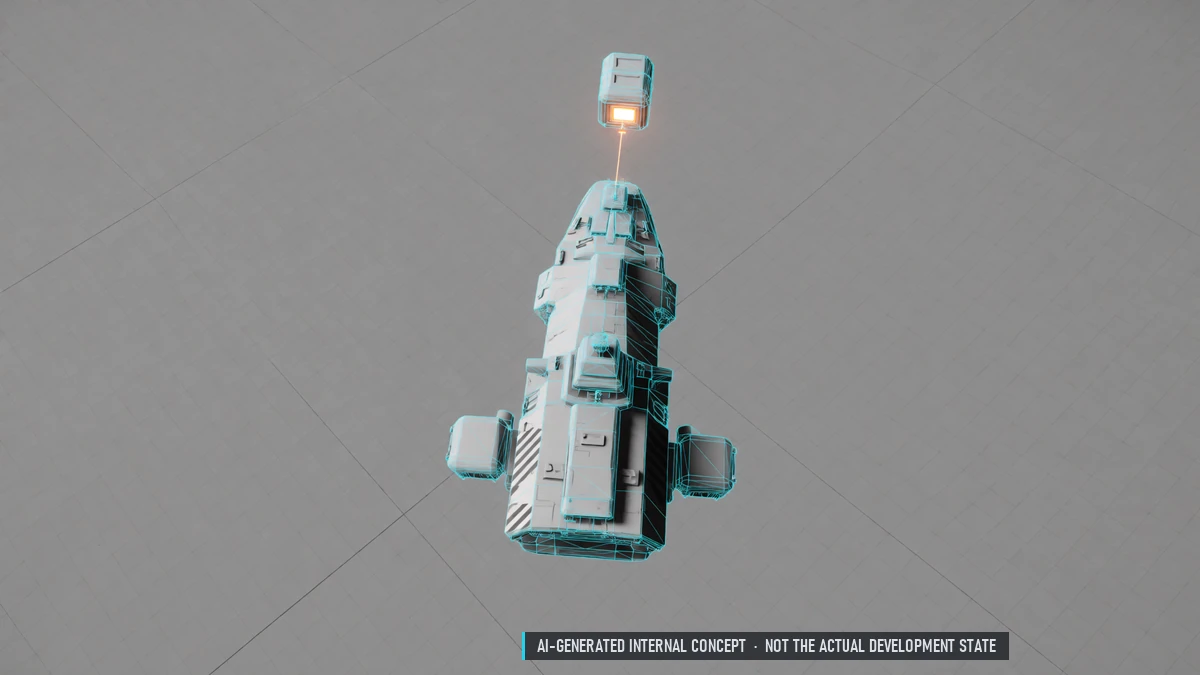
Loot found in space is at risk until you dock. Equipment in your cargo is always safe. Only part of the lost cargo drops as loot.
Ship Insurance
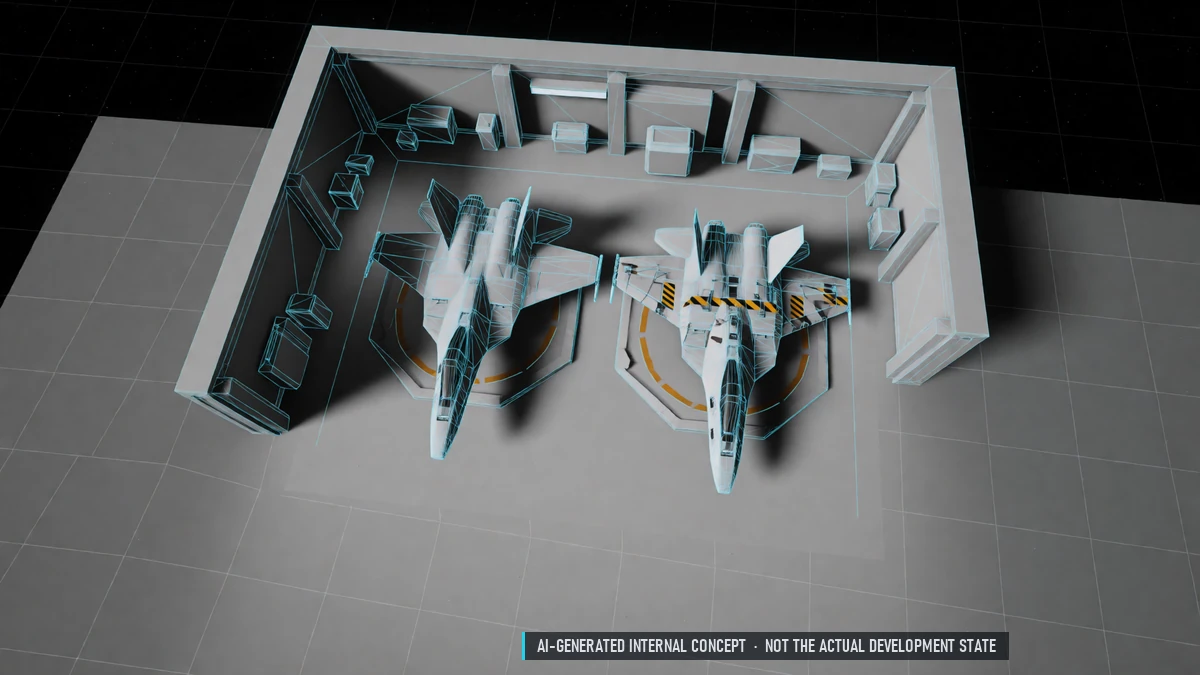
Every ship needs insurance to undock. Classic, Premium and Unlimited plans with a deductible. Pays repairs and refunds lost cargo in credits.
Group Awareness
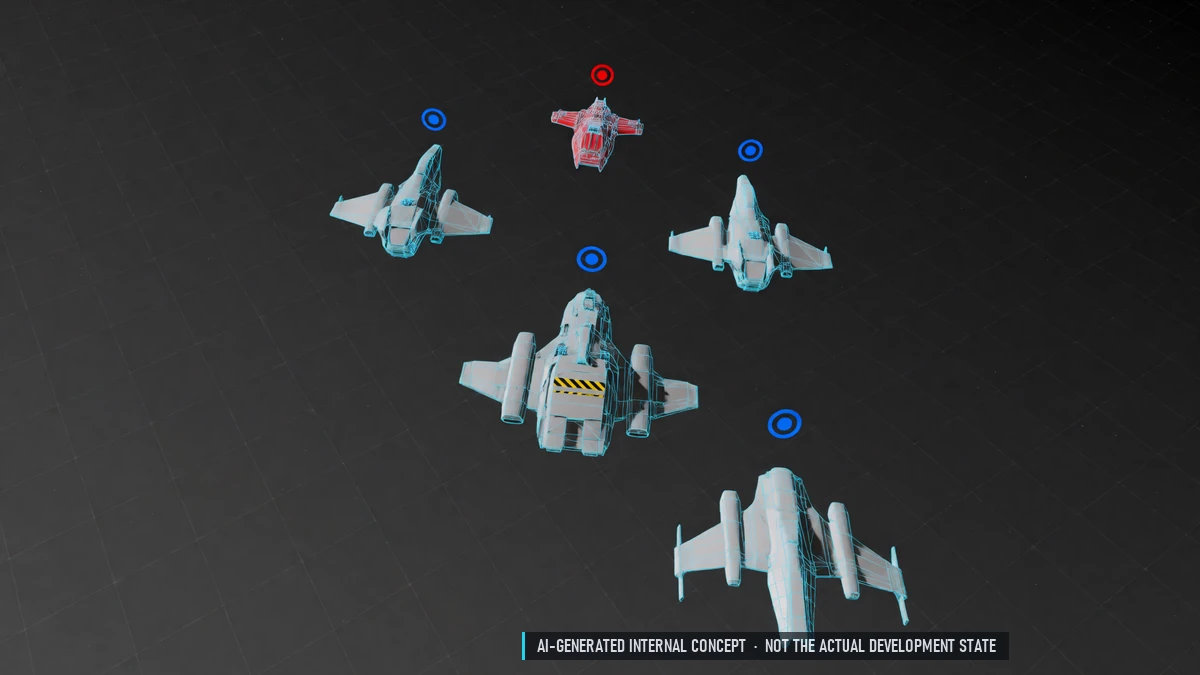
Group members are always visible in your sector. Enemies spotted by a teammate show up as markers.
Closed Alpha Testing
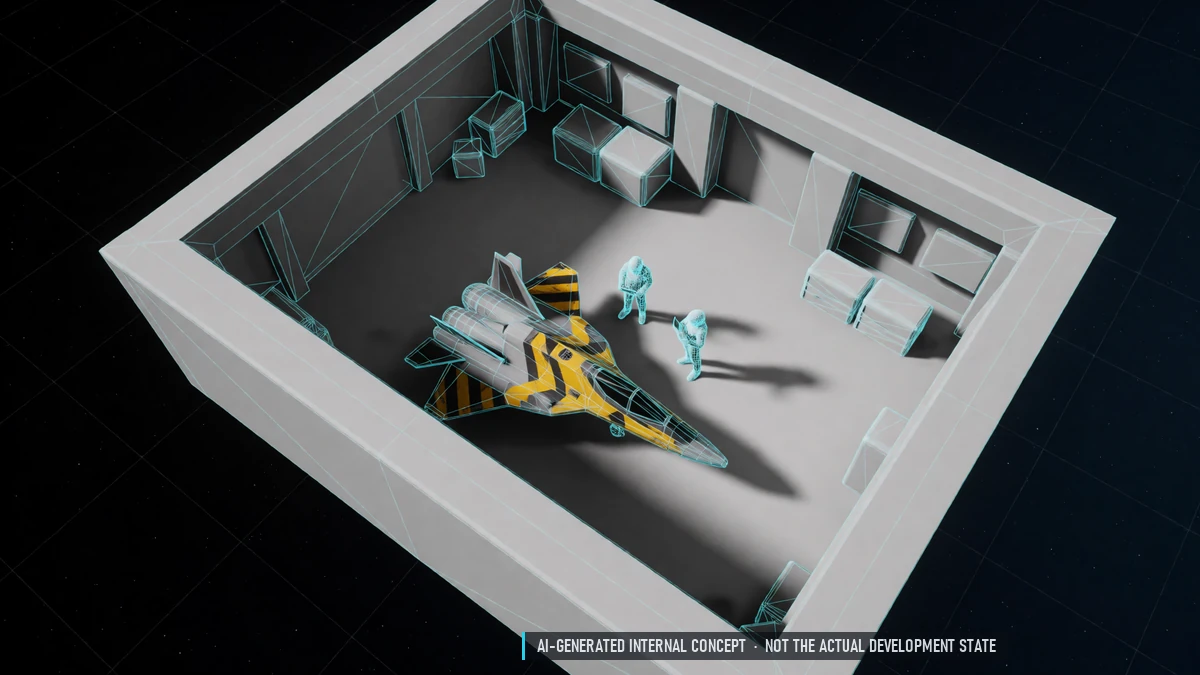
Each alpha and beta release resets progress and brings new balance. Accounts are kept. Test kits for testers.
0.3 Closed Alpha – Economy
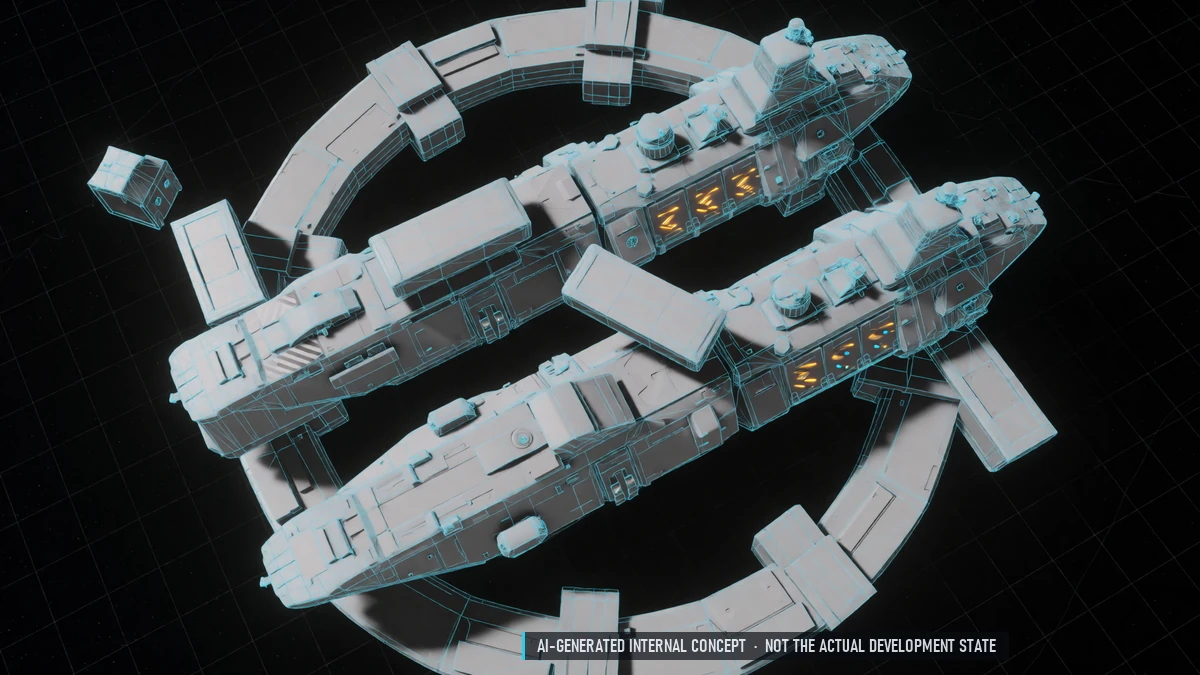
Dynamic Trade
NPC prices rise and fall with trading and recover over time. Each station produces some goods and needs others.
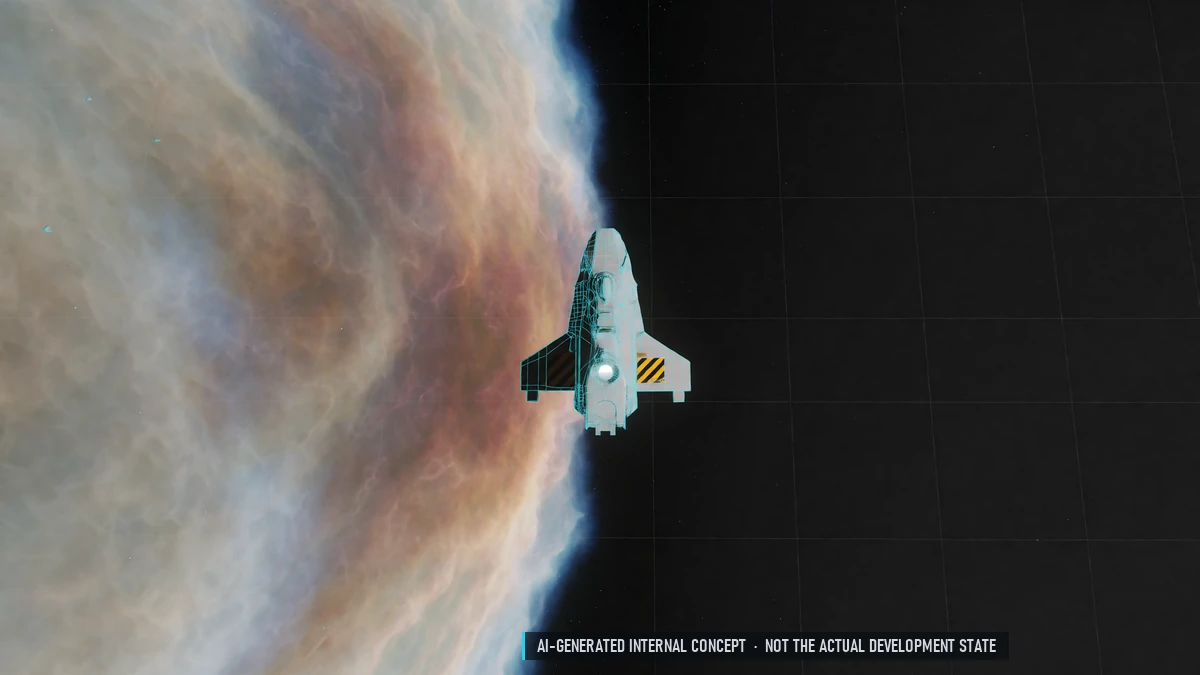
Hydrogen Refueling
Refine gas into hydrogen and refuel for free at stations.
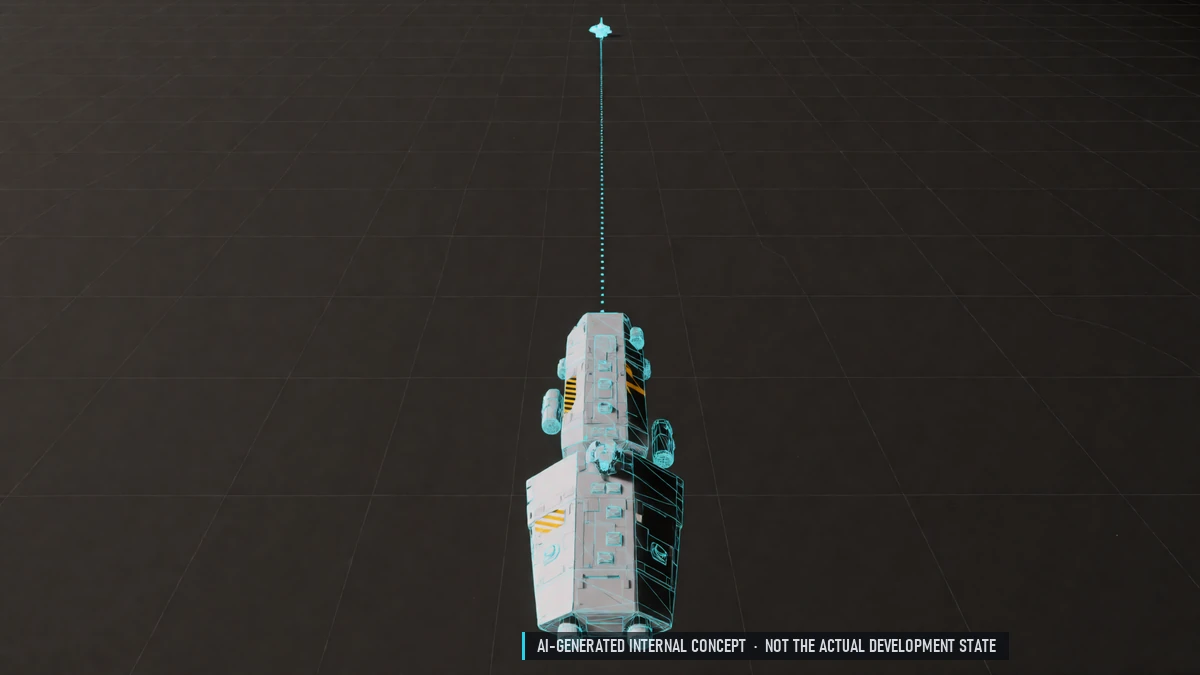
Long Hauls
Selling far from where you bought pays more. Selling inside PvP sectors pays extra.
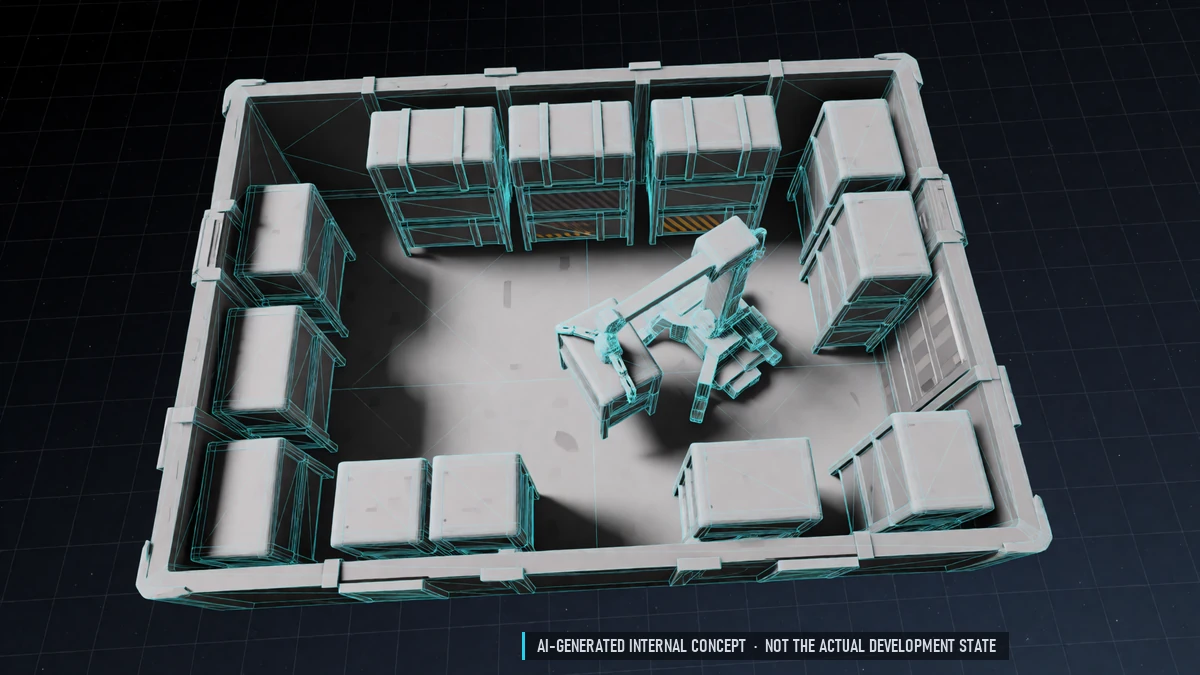
Market Storage
Purchases wait in the market until you pick them up. Pick them up at any market terminal.
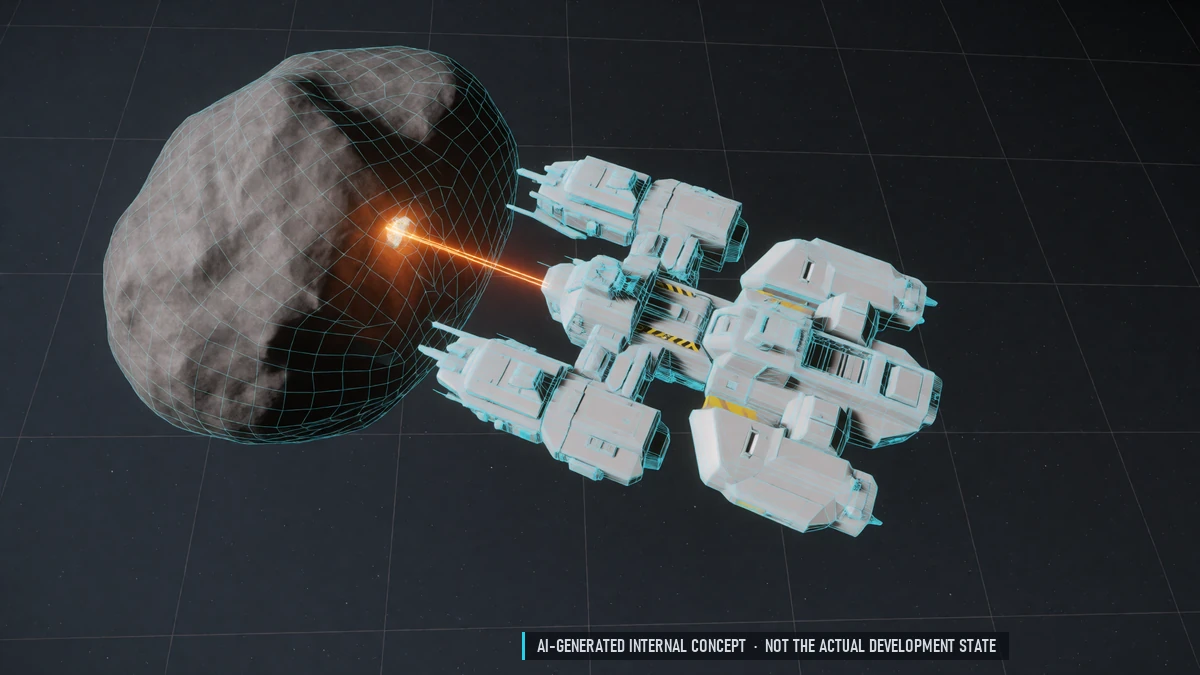
Mining
Scan, crack, collect, deliver. Minigame: keep the energy in the green zone – too much and the rock explodes.
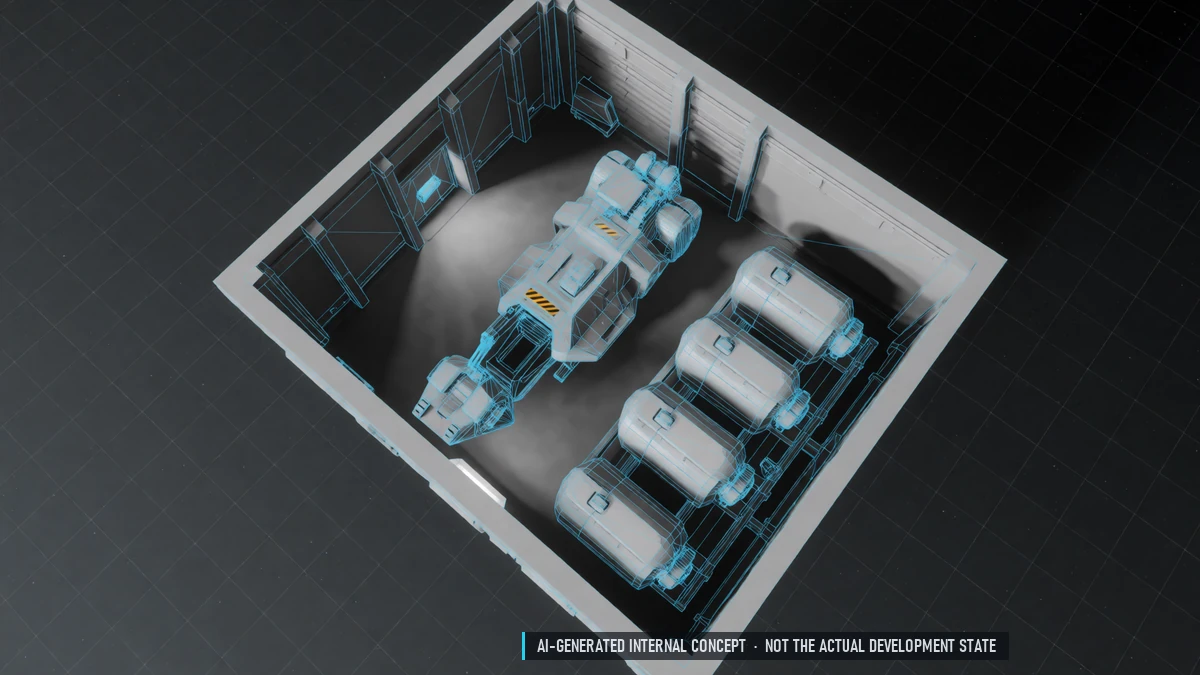
Mining Gear
Laser modules, consumable modules and up to three abilities.
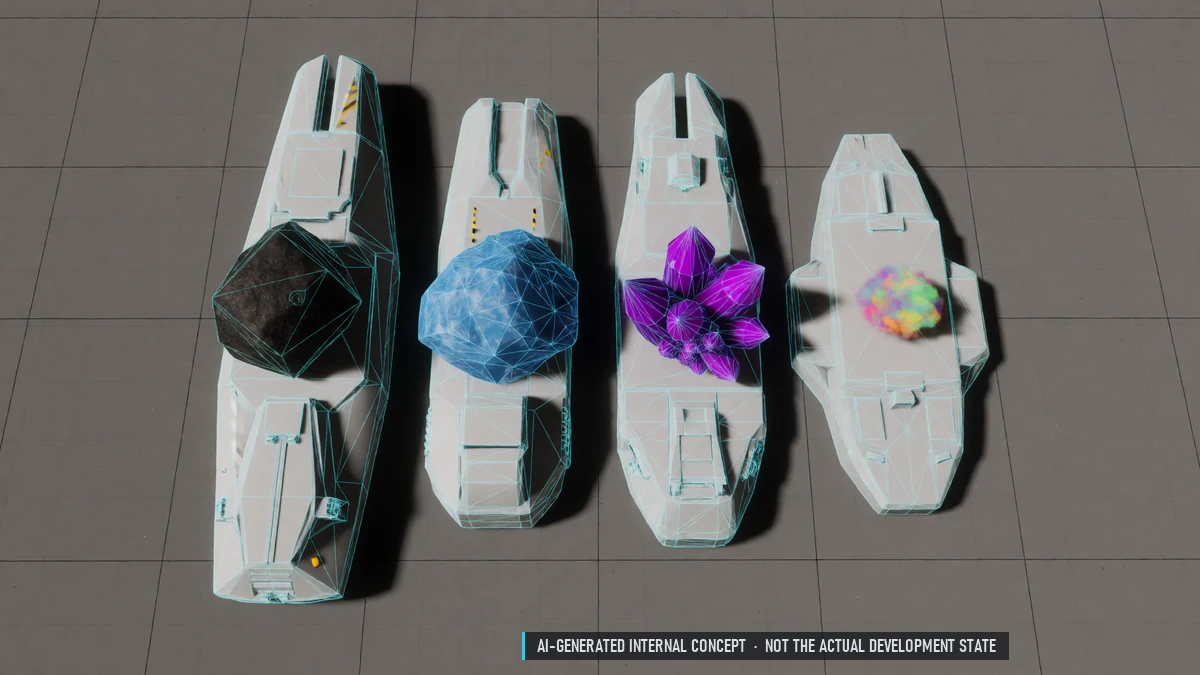
Ore, Ice, Crystals & Gas
Ore belts, ice fields, crystal fields and gas clouds. Fragile crystals with a special laser. Gas collector for gas clouds.
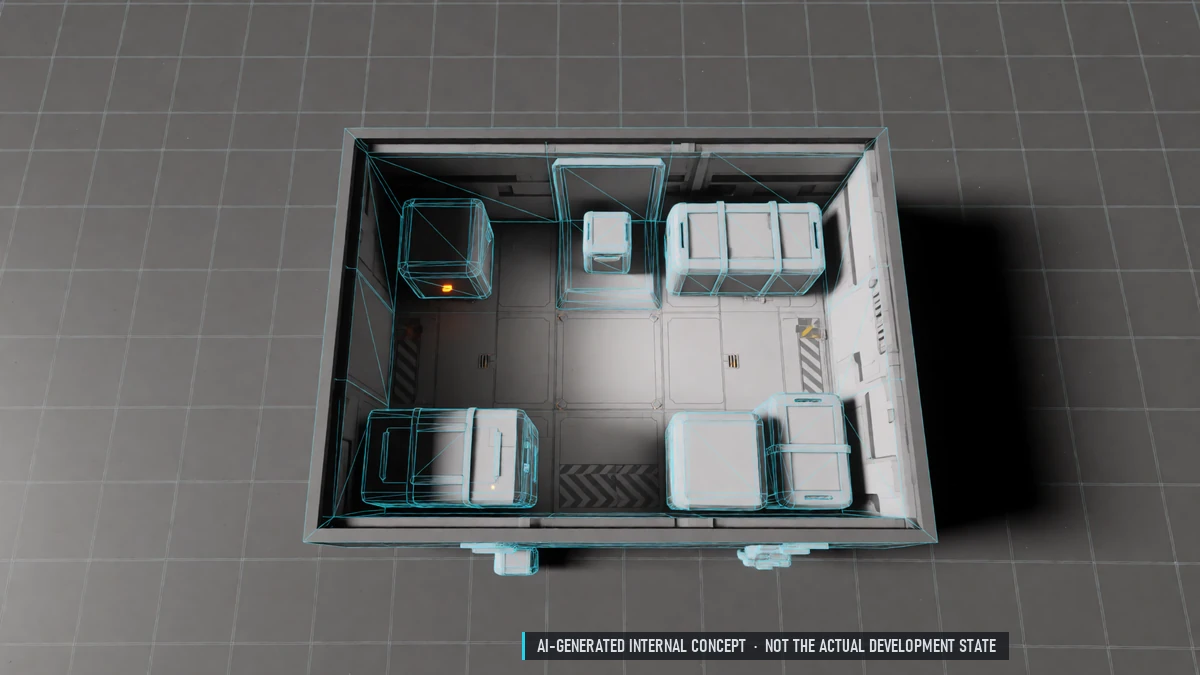
Pick-up Box
Overflow box when your station storage is full. First day free.
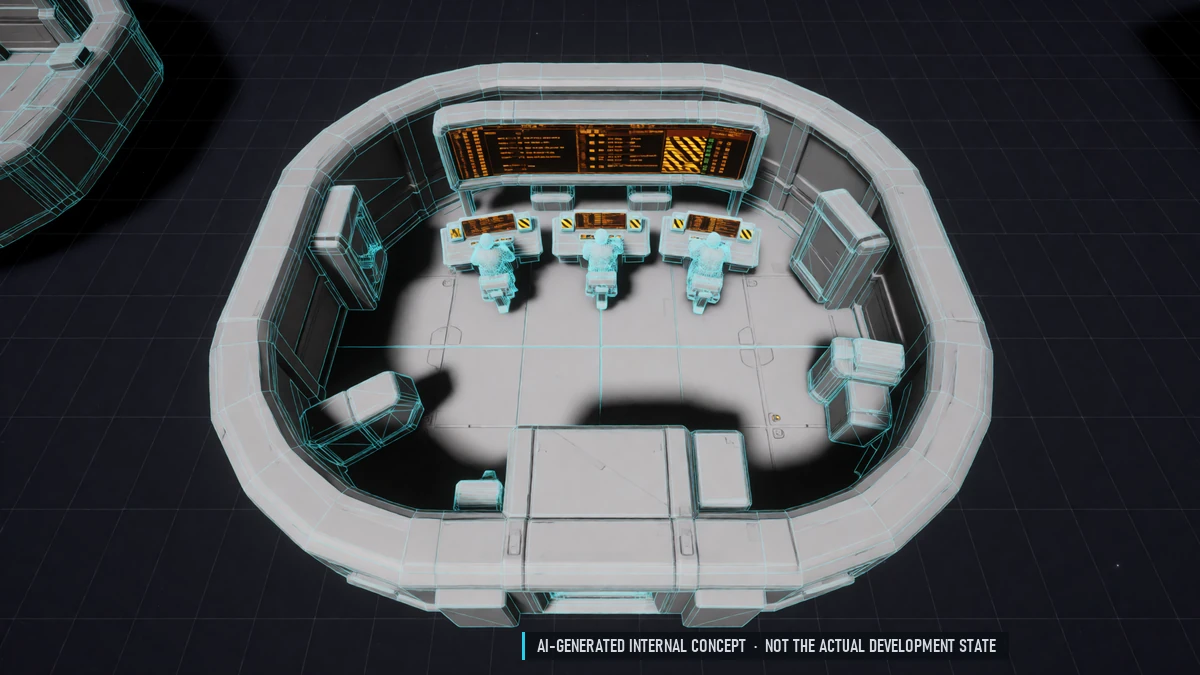
Player Market
Buy and sell with other players. Buy orders and a queue. Prices stay in a fair range.
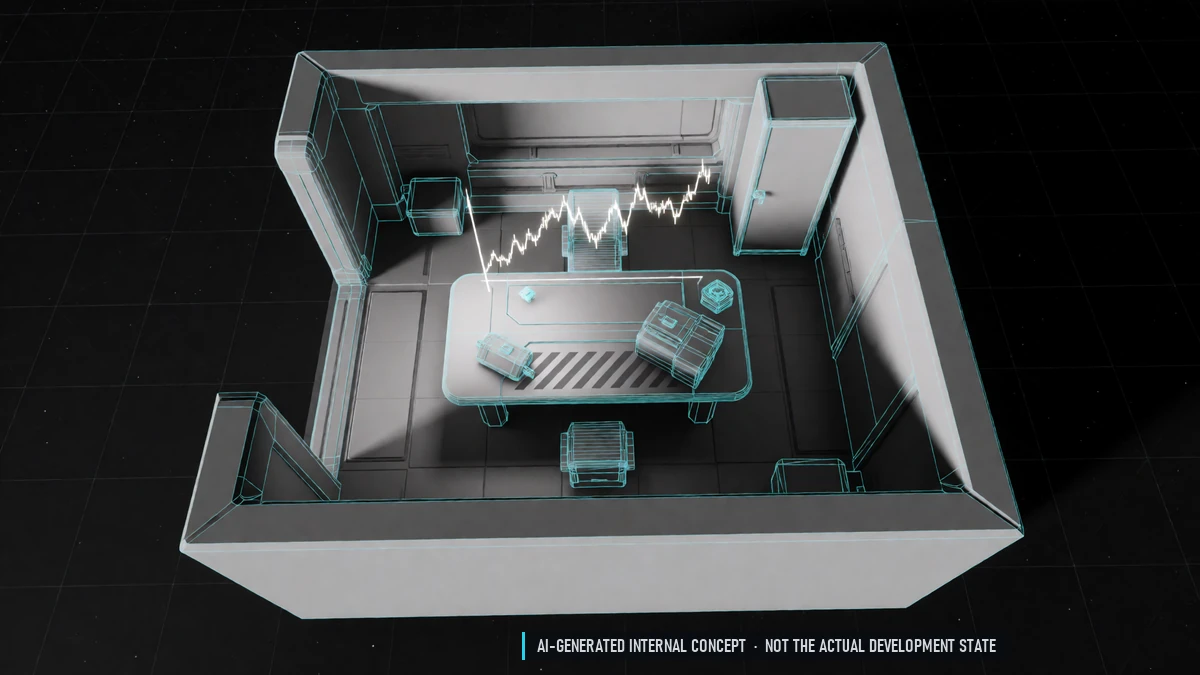
Price Charts
Price history over 24 hours, 7 and 14 days. Prices for stations you have discovered. Live prices of other stations for a fee.
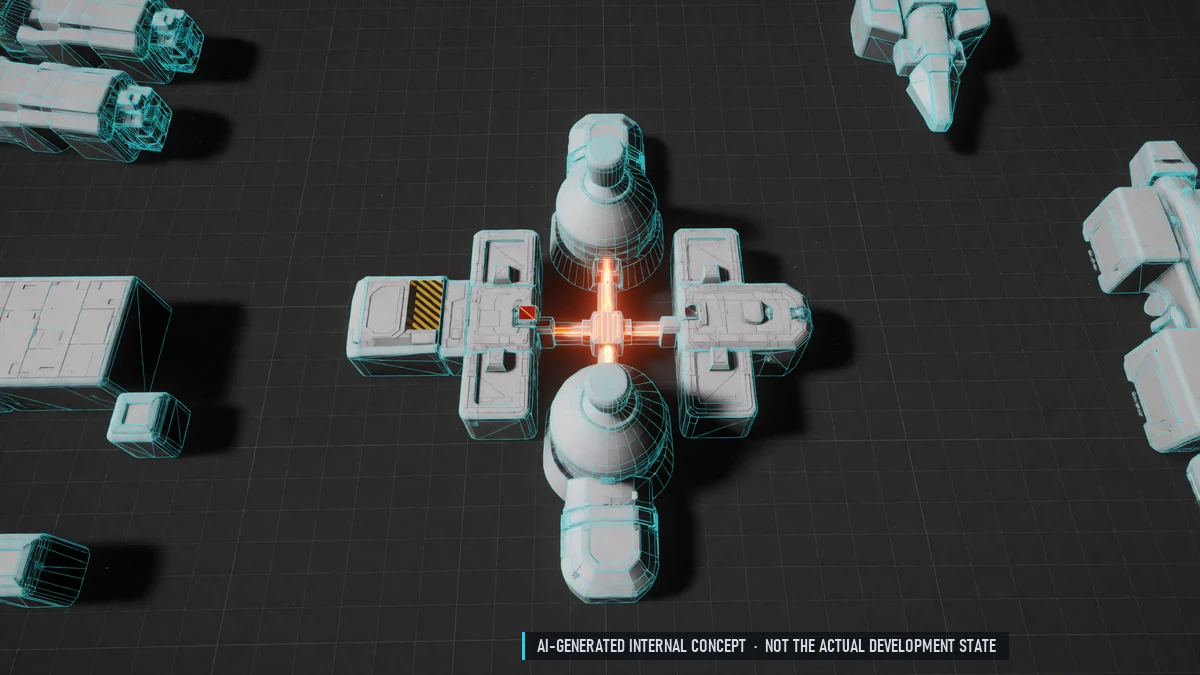
Refineries
Four methods: fast, standard, thorough, selective. Jobs keep running while you are offline. Each refinery has its strengths and prices.
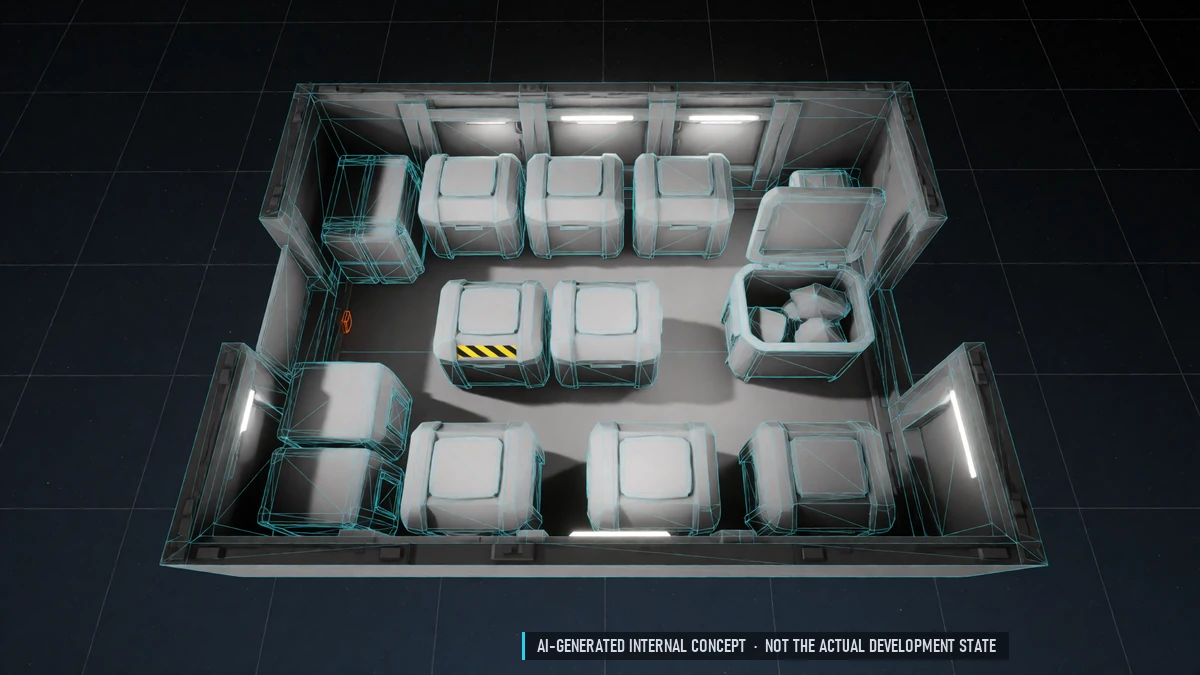
Resource Hold
Raw material goes into a separate resource hold. Resource storage at stations.
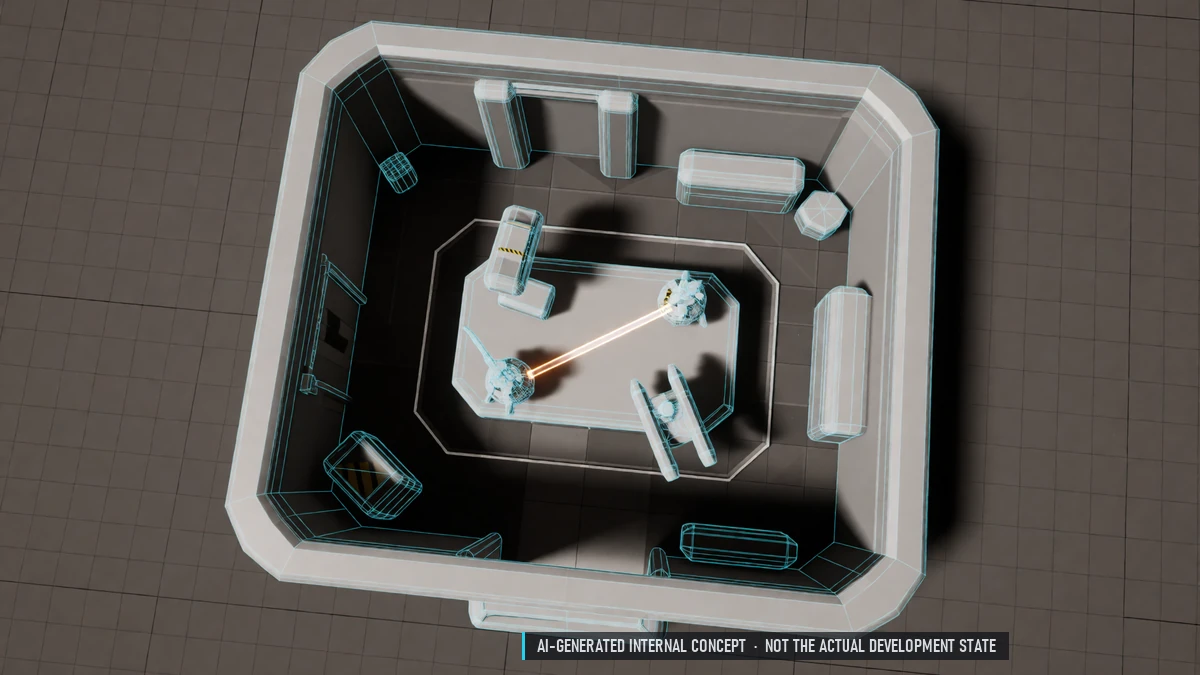
Route Planner
Suggests what to buy, where to sell and in which order. Share your routes with others.
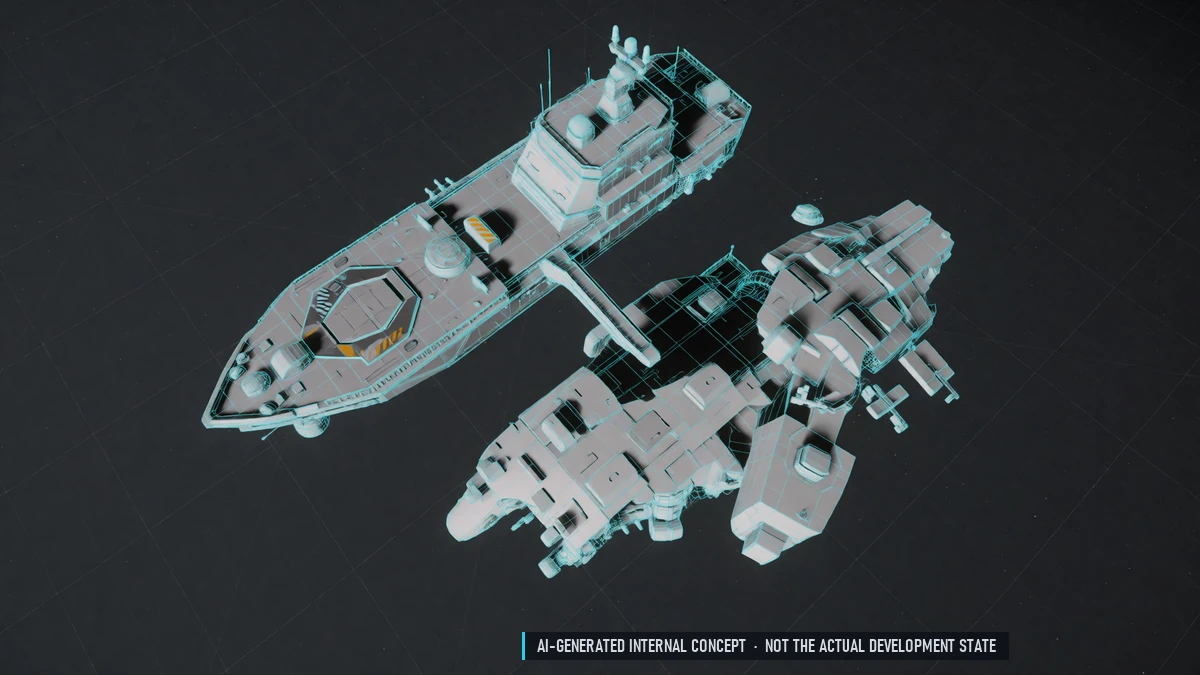
Salvage
Take apart wrecks in wreck fields with a salvage beam. Scrap, parts and blueprint fragments. Works solo.
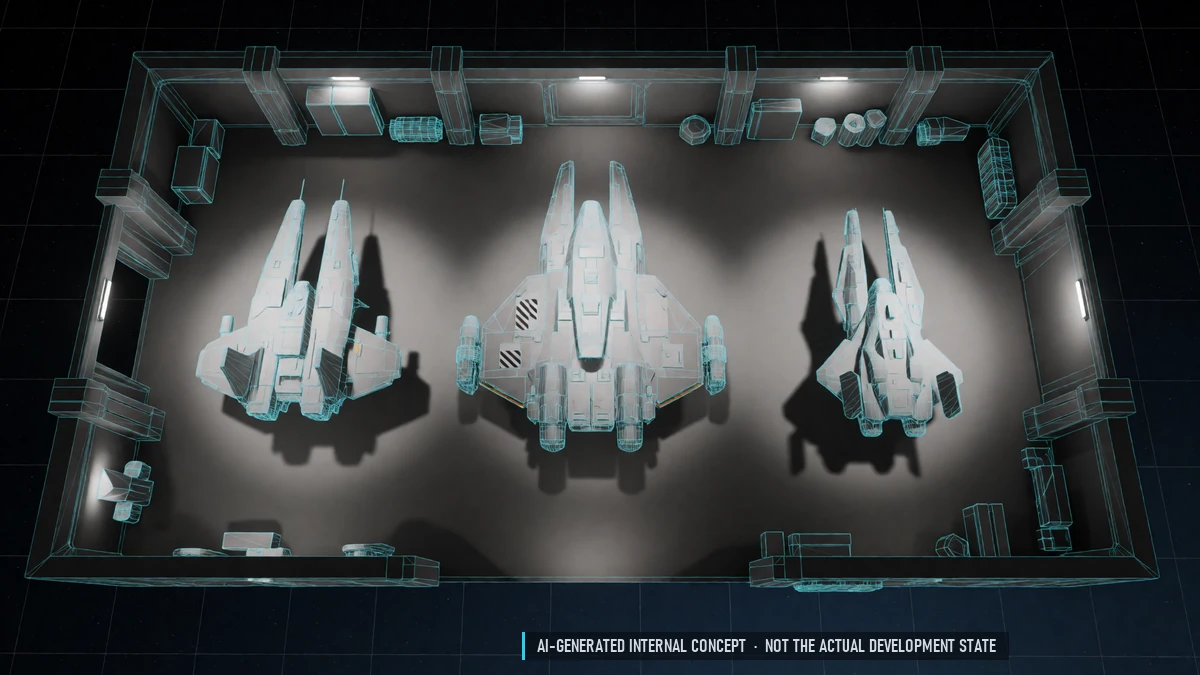
Ship Rental
Rent ships for 3 to 30 days. Rotating selection per station. Premium insurance included.
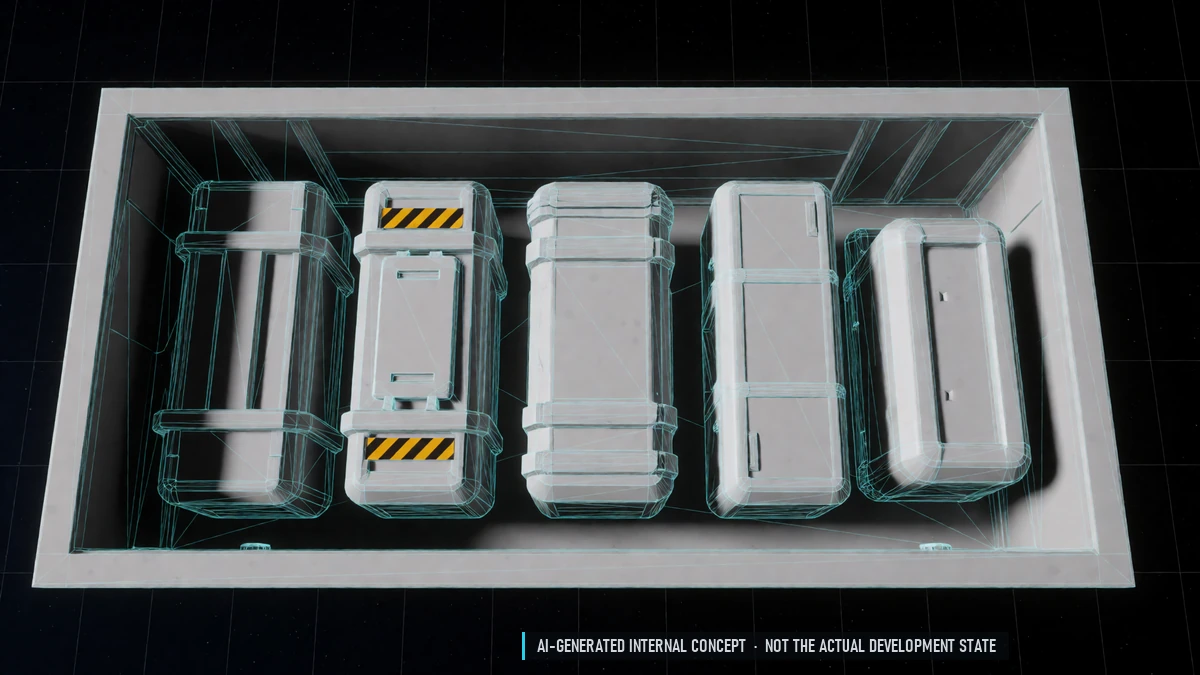
Trade Goods
Basic goods, industrial goods, tech, medicine and luxury goods.
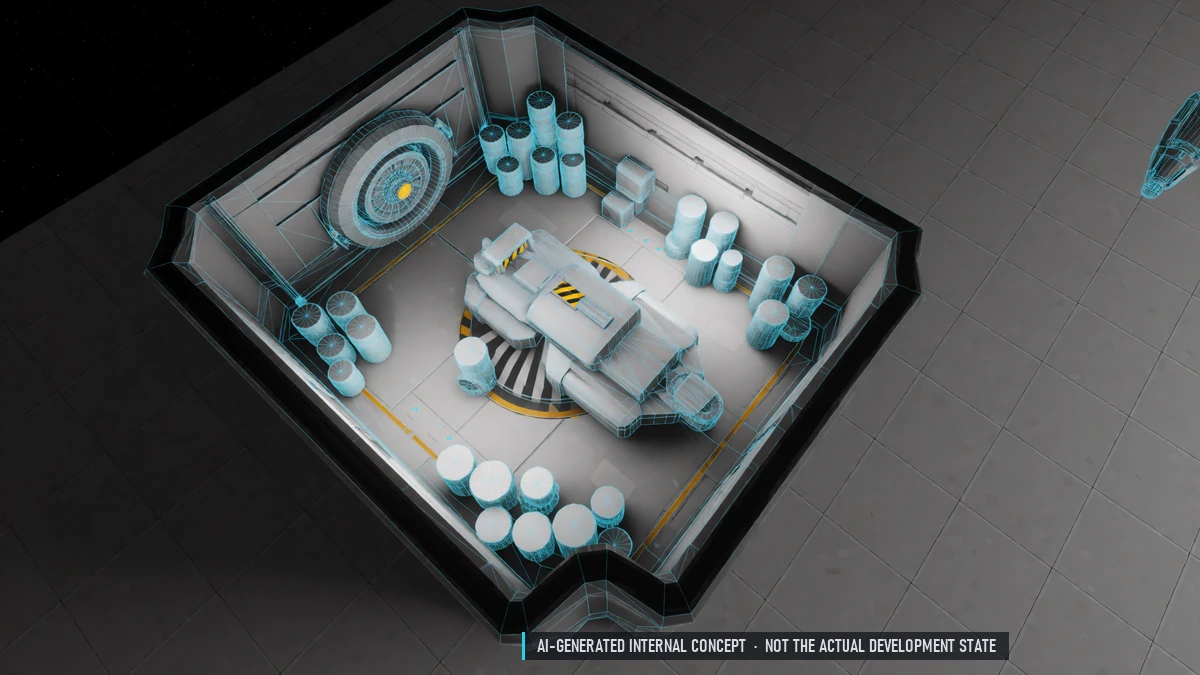
Trade Tax
Taxes go to the nation and count for its fame.
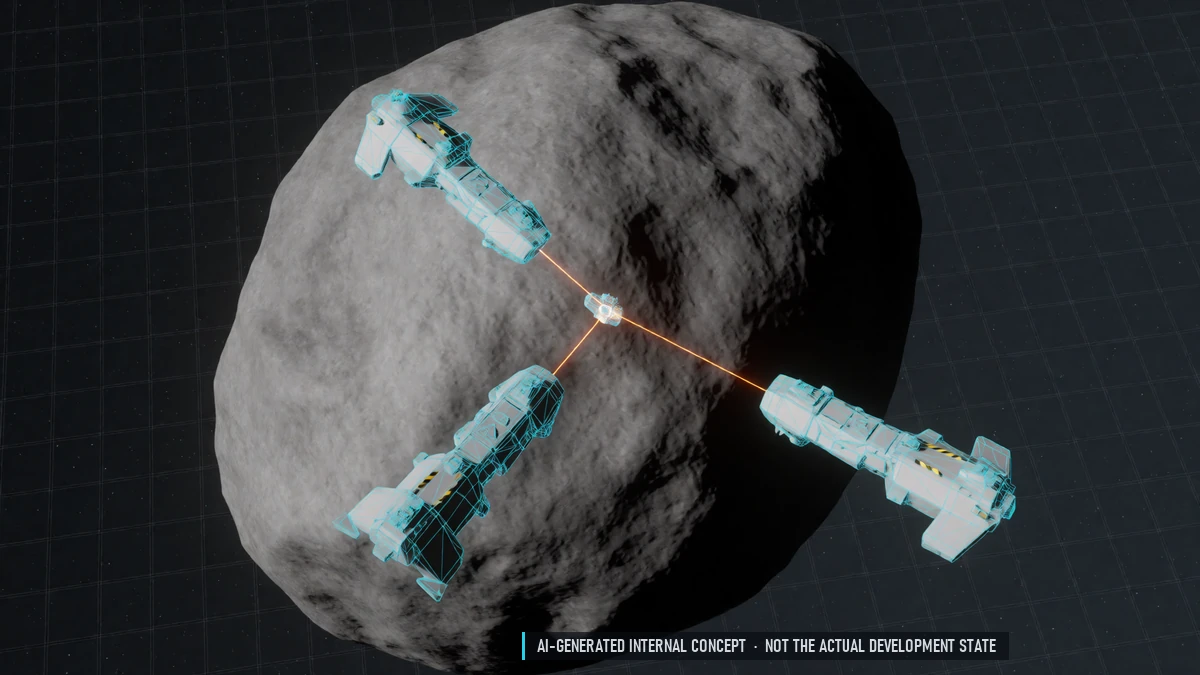
Group Mining
Huge rocks only together – lasers add up. Everyone sees all lasers and the shared progress.
0.4 Closed Alpha – World
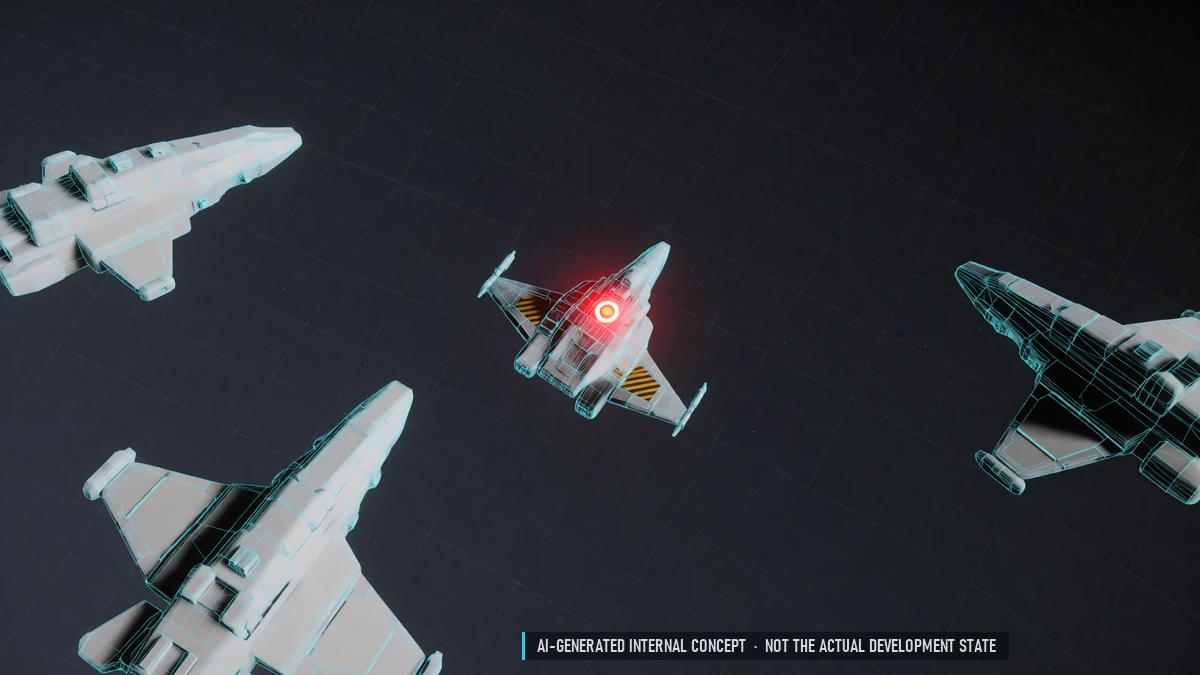
Aggressor Flag
Shoot first in a mixed sector and you're flagged. Your victim, their group and guild may fight back freely.
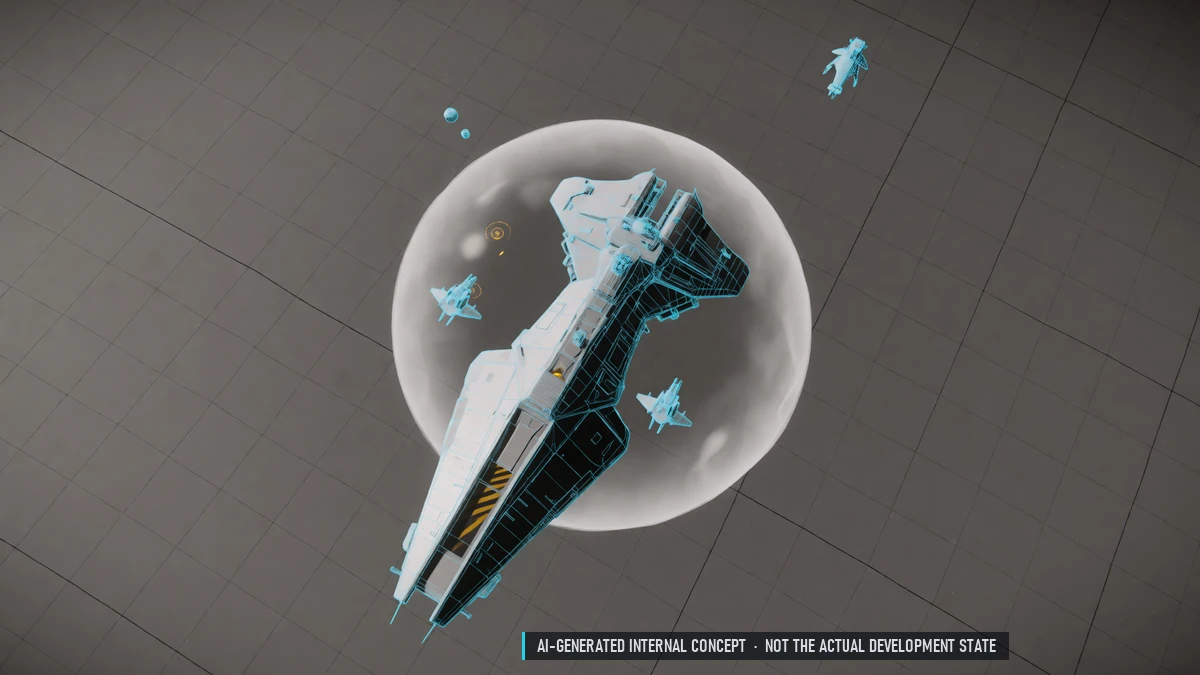
Area Jammers
Large ships jam an area: no radar locks, no quantum jumps. Small ships can't always get away.
Bounty Hunting
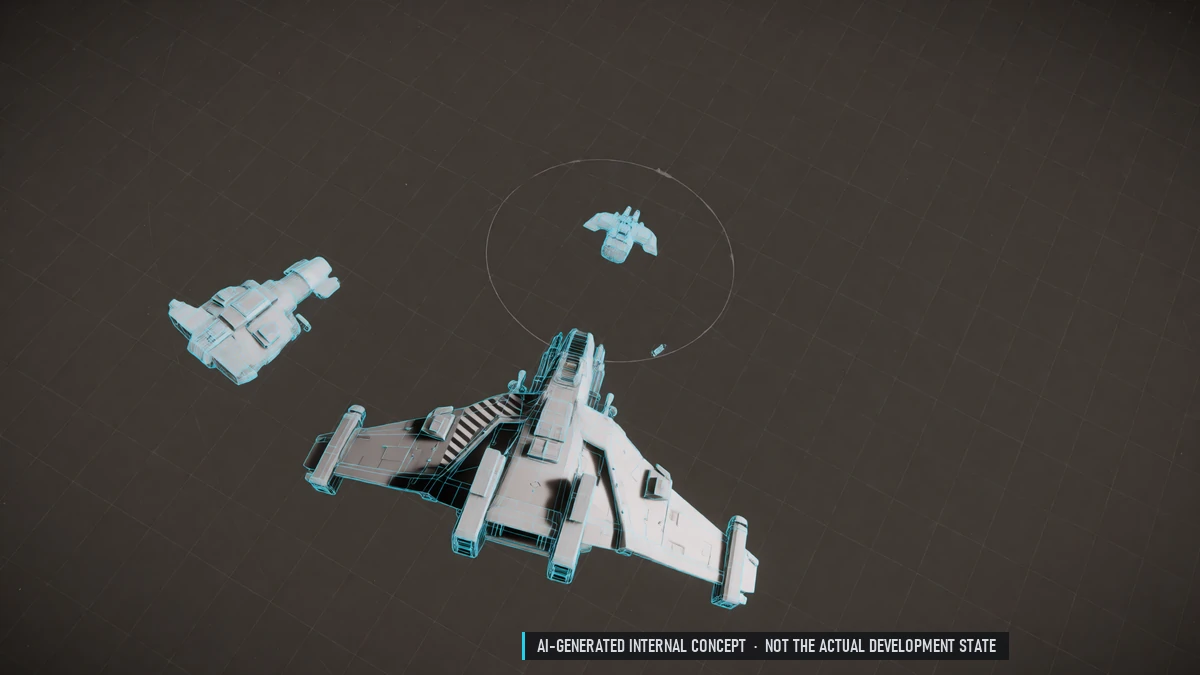
Hunt wanted pilots for a reward, split by damage. Wanted pilots show up as a rough area on the map. Place bounties on pilots with a bad reputation.
Quantum Drive
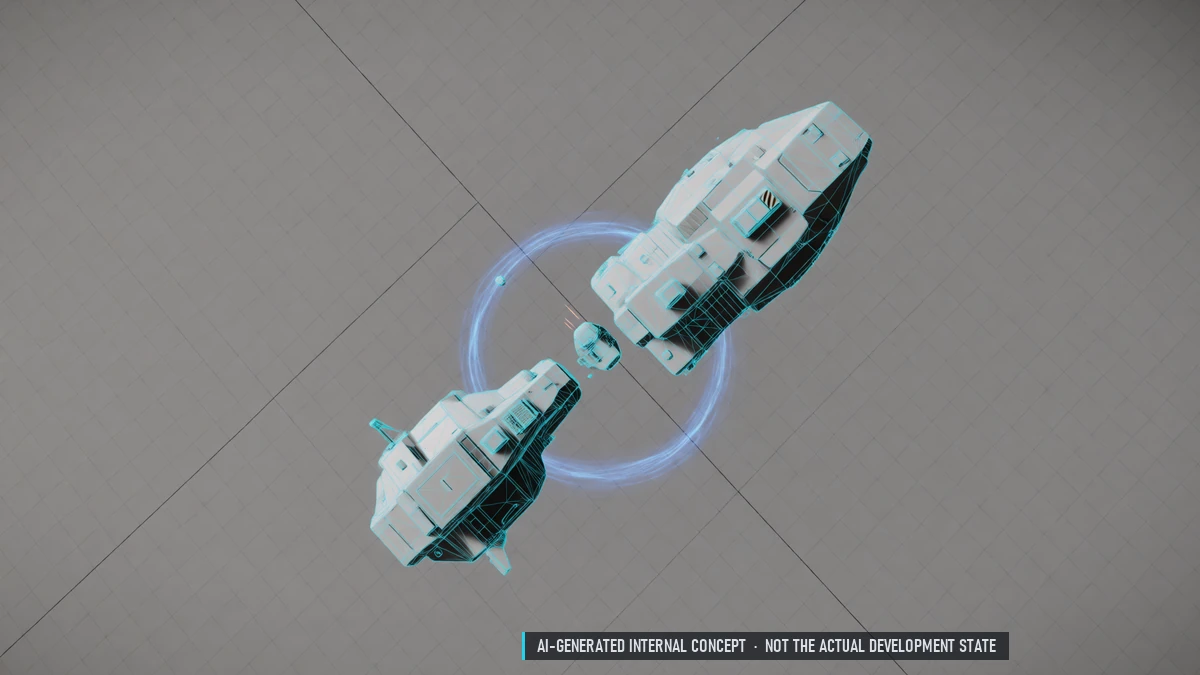
Jump to any point in a sector. Charging takes time; hits break it. Runs on its own quantum fuel.
Station Safe Zones
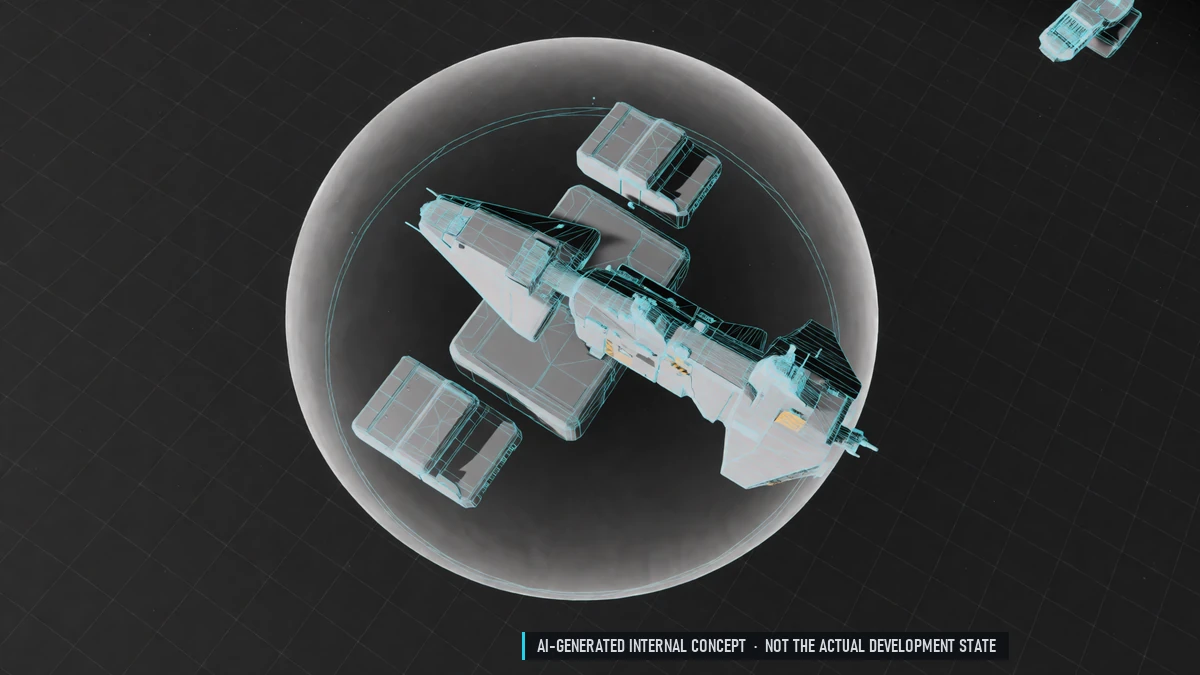
No-attack zone around every station. Short protection after undocking – shooting ends it.
Full-Size Sectors
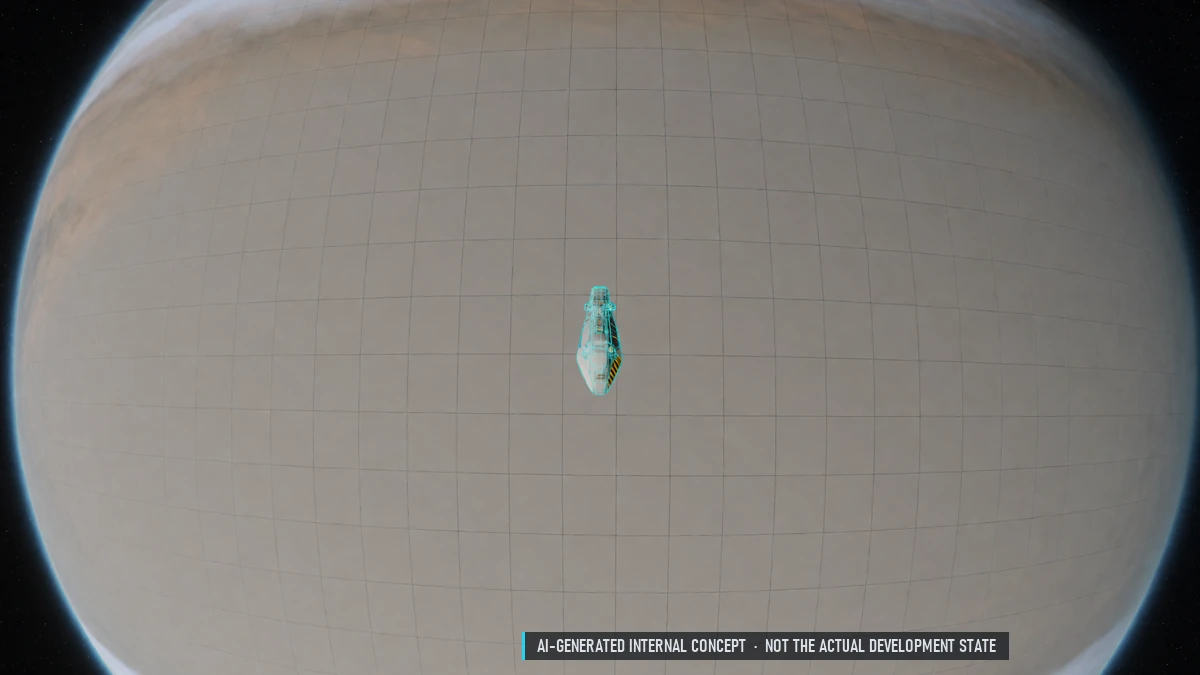
Sectors take many minutes to cross. Radar and missiles reach their full ranges.
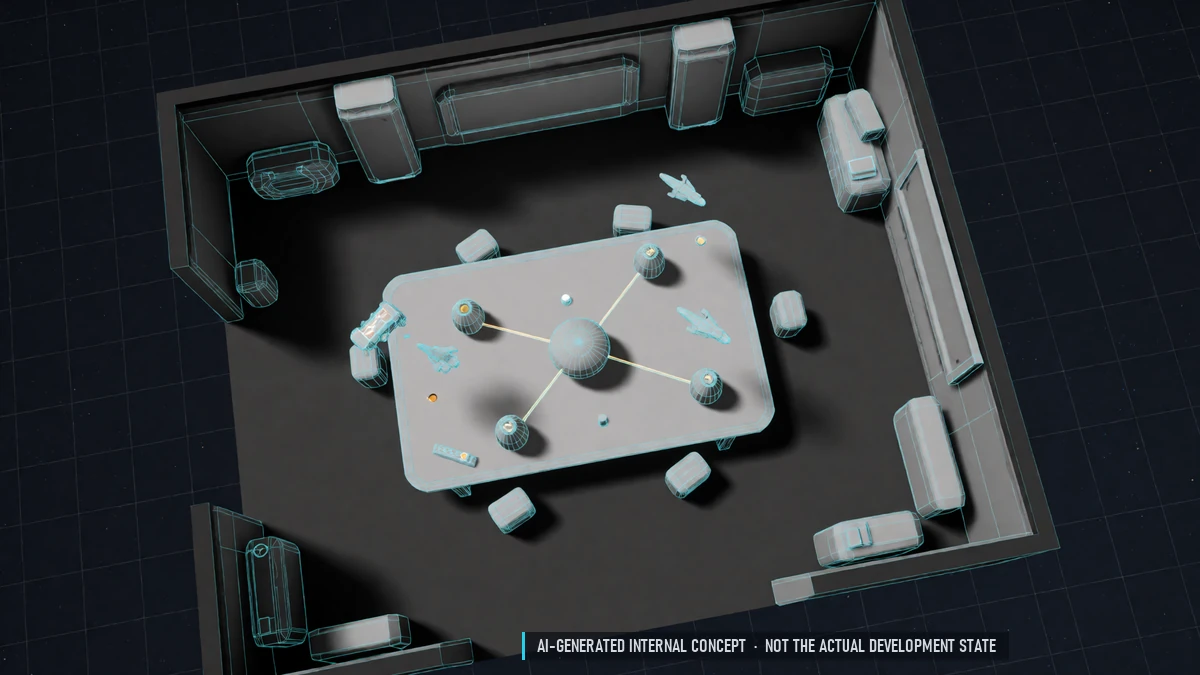
Galaxy Map
Grey map that shows only the gates at first. Stations and places appear once you discover them. Exploration window: what you found and what is still "???".
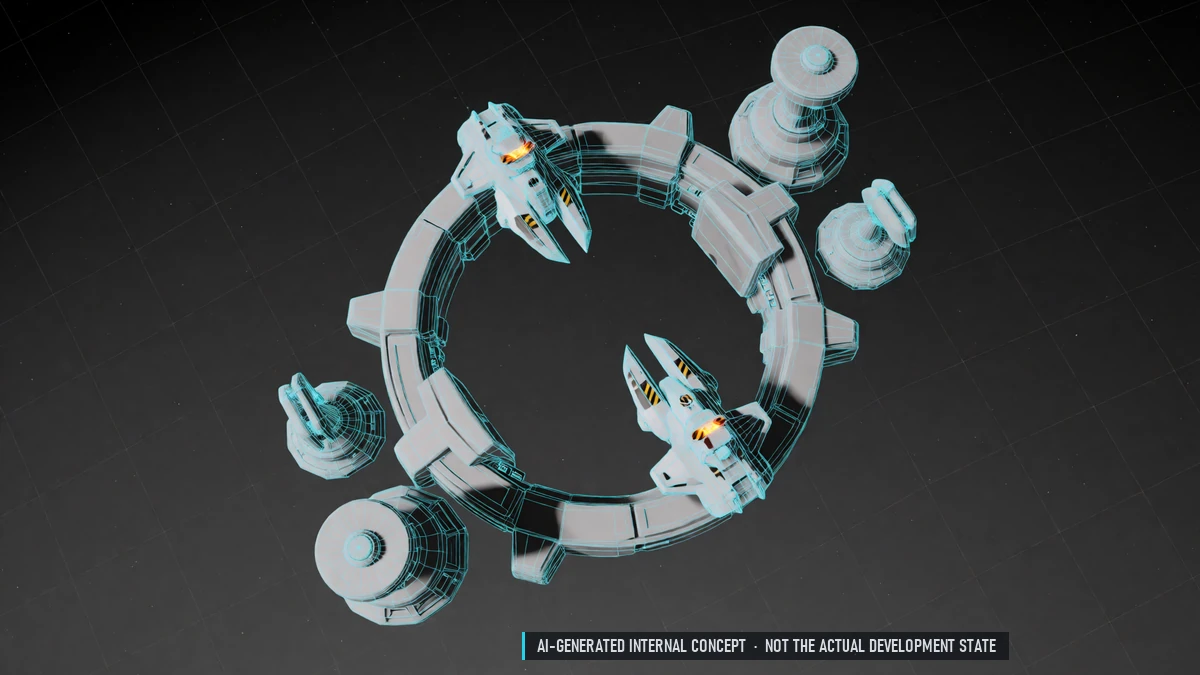
Gate Guards
Police and turrets at gates. In border sectors they defend the nation that controls the sector.
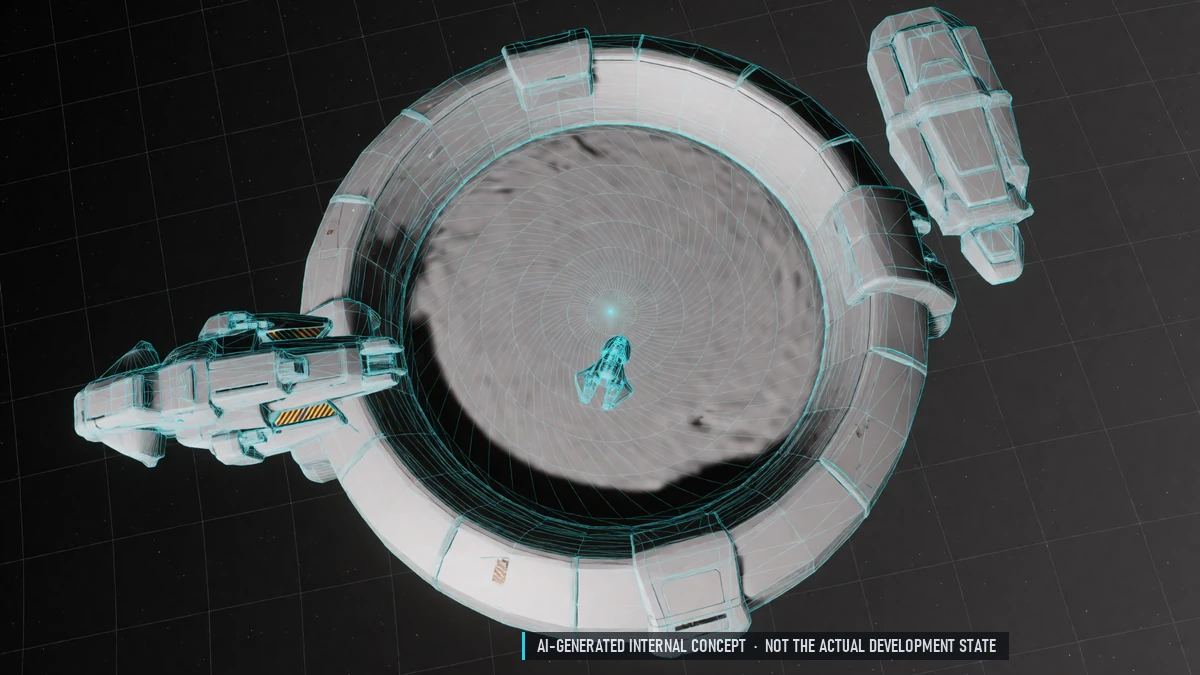
Gates
Fly into a gate to jump – no button, no loading screen. One gate to every neighboring sector. Free, always open, indestructible. Short protection on arrival.
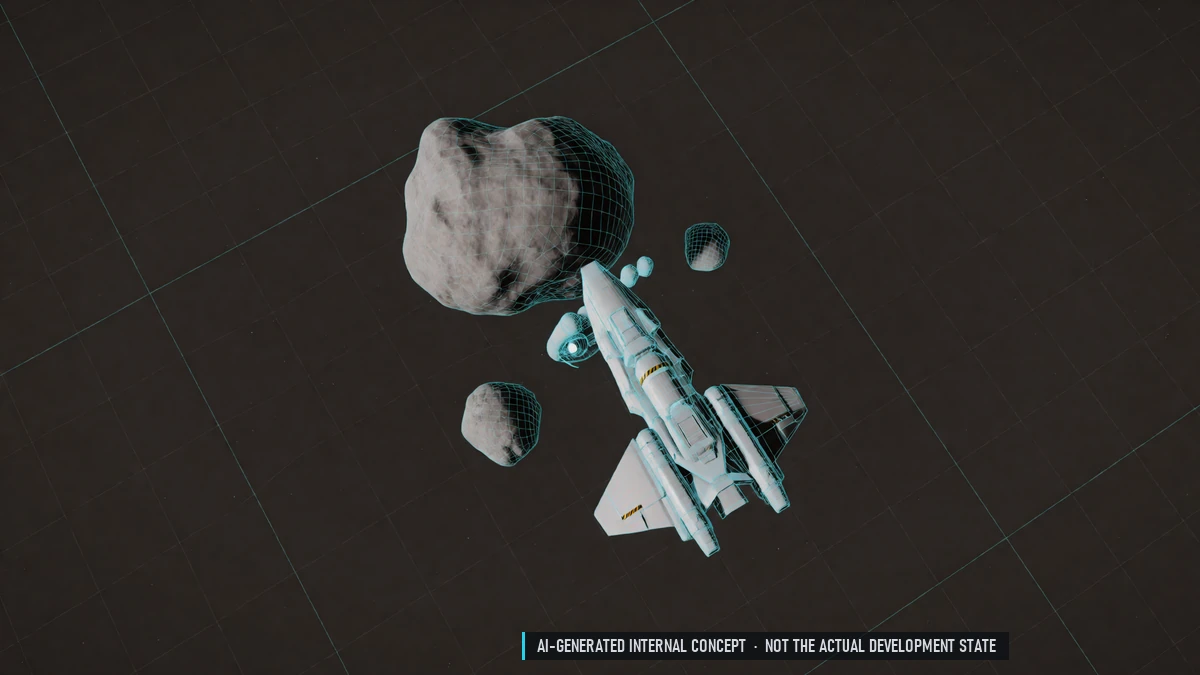
Hidden Gates
Secret smuggler routes in border and PvP sectors. Shortcuts across several sectors, found only by exploring.
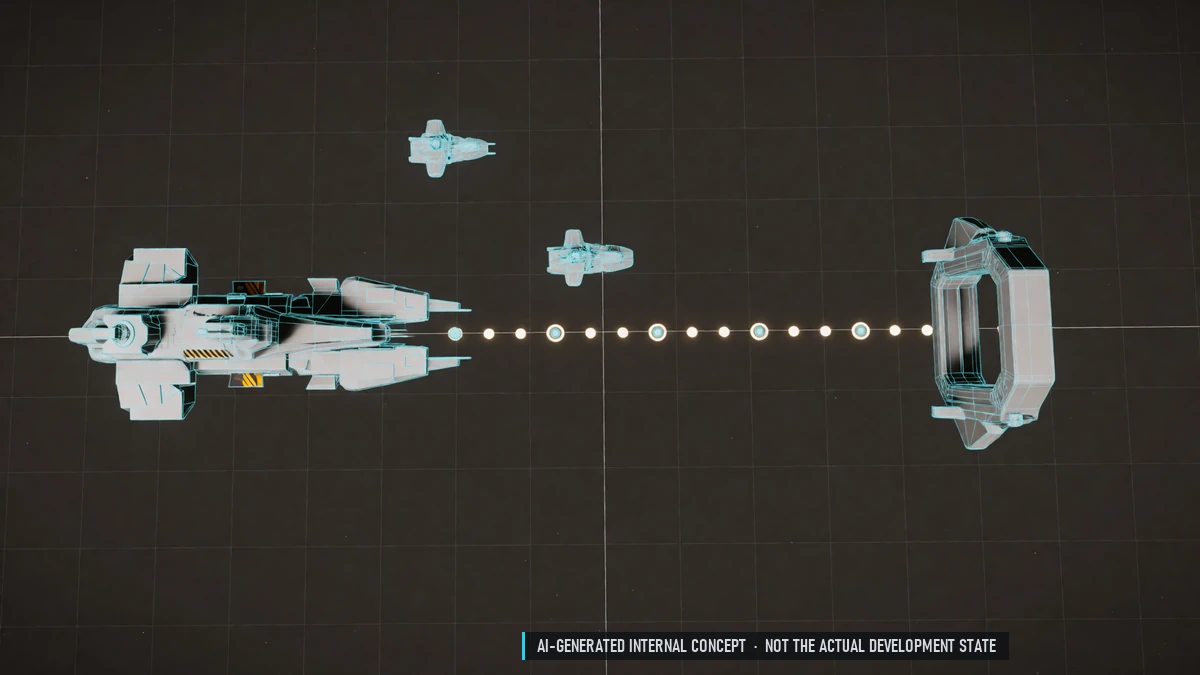
Navigation & Autopilot
Pick a destination and see the route. Autopilot across sectors, never through PvP sectors.
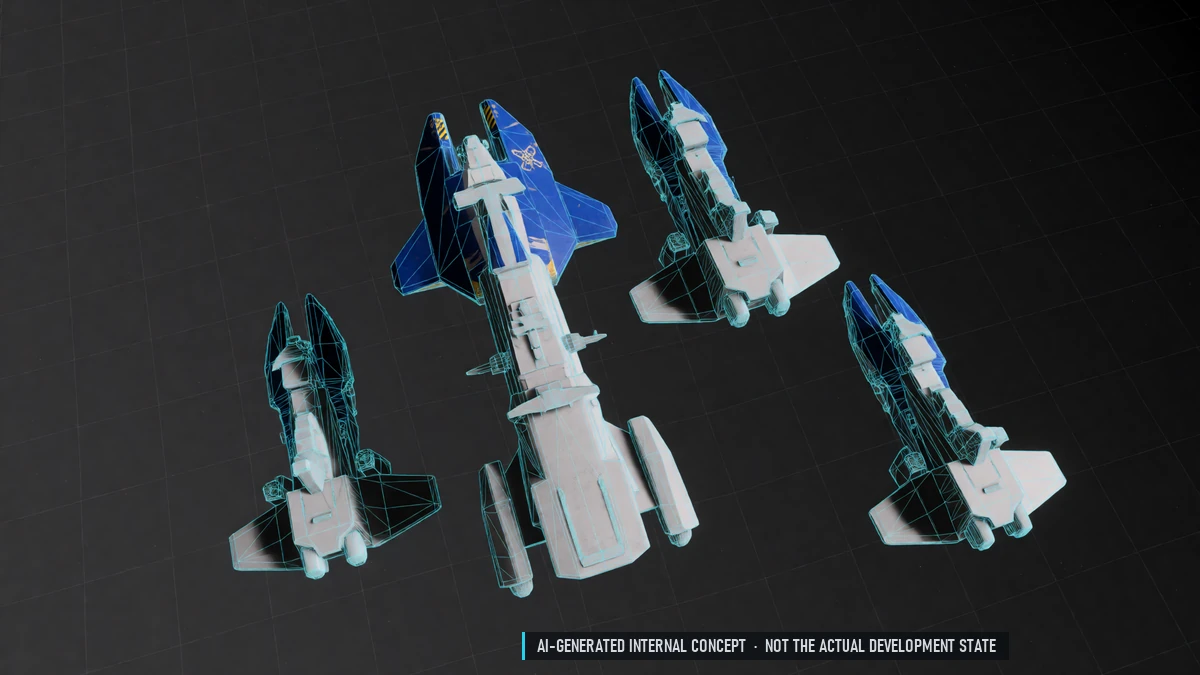
NPC Factions
Each nation gets its own police. Border sectors are policed by their controlling nation; PvP sectors have no police. Miners become their own faction.
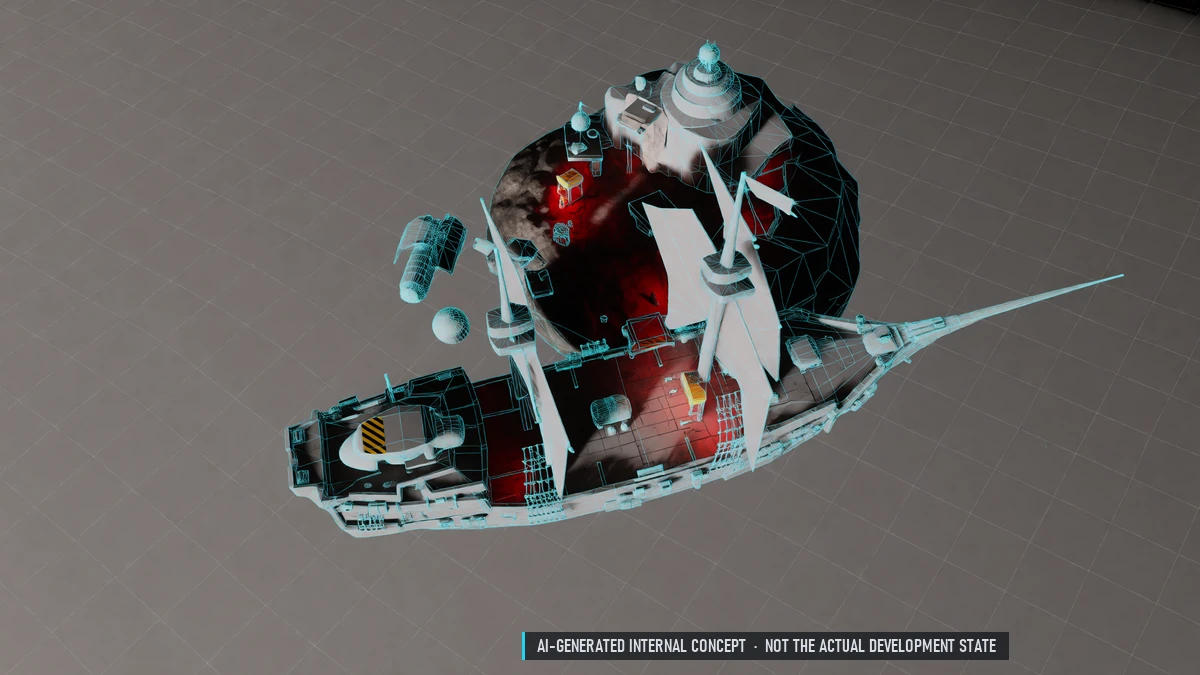
Player Pirates
Become a pirate – at the cost of your nation standing. Pirate stations in PvP sectors to dock and repair.
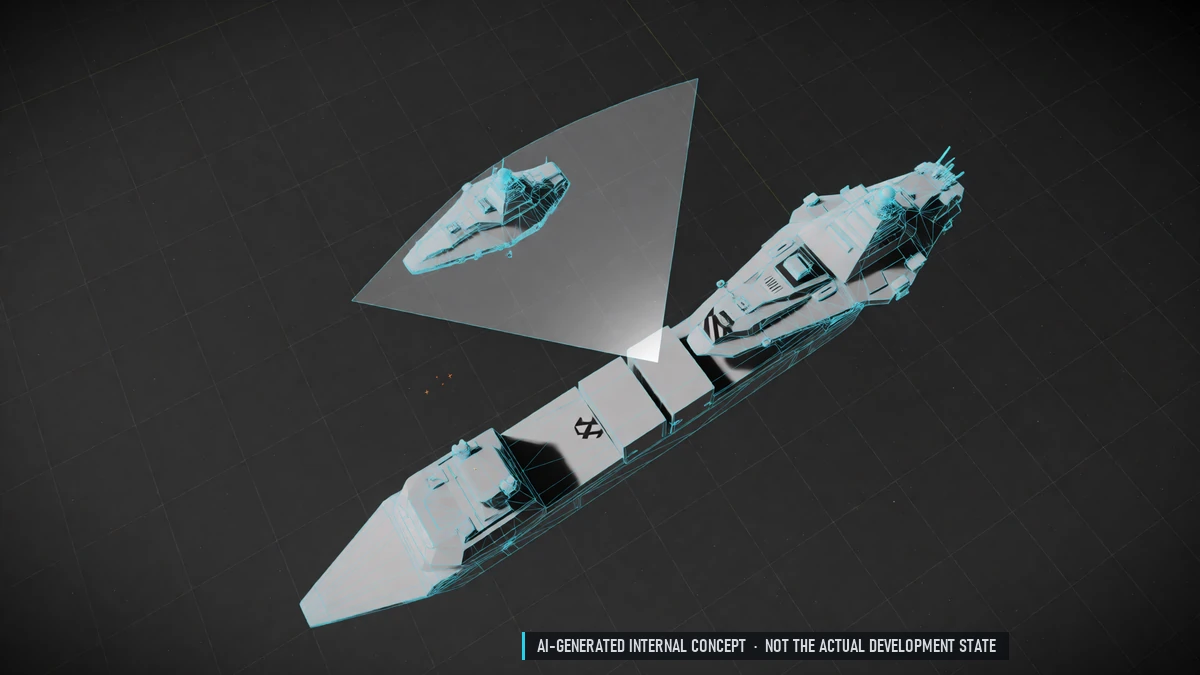
Police Checks
Police stop and scan ships – scanners aren't perfect. Running from a check makes you wanted. Checks include insurance; uninsured ships get towed.
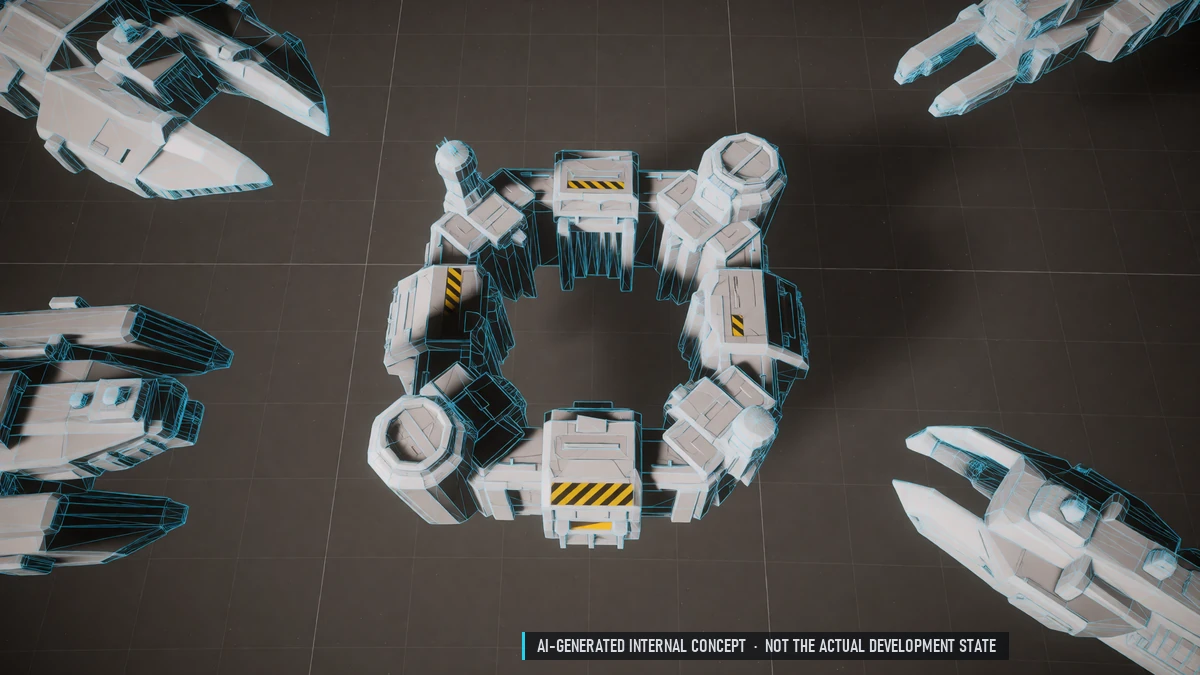
Prison
A short sentence at a prison station. Pay bail to get out sooner. Your ship is brought to the nearest station.
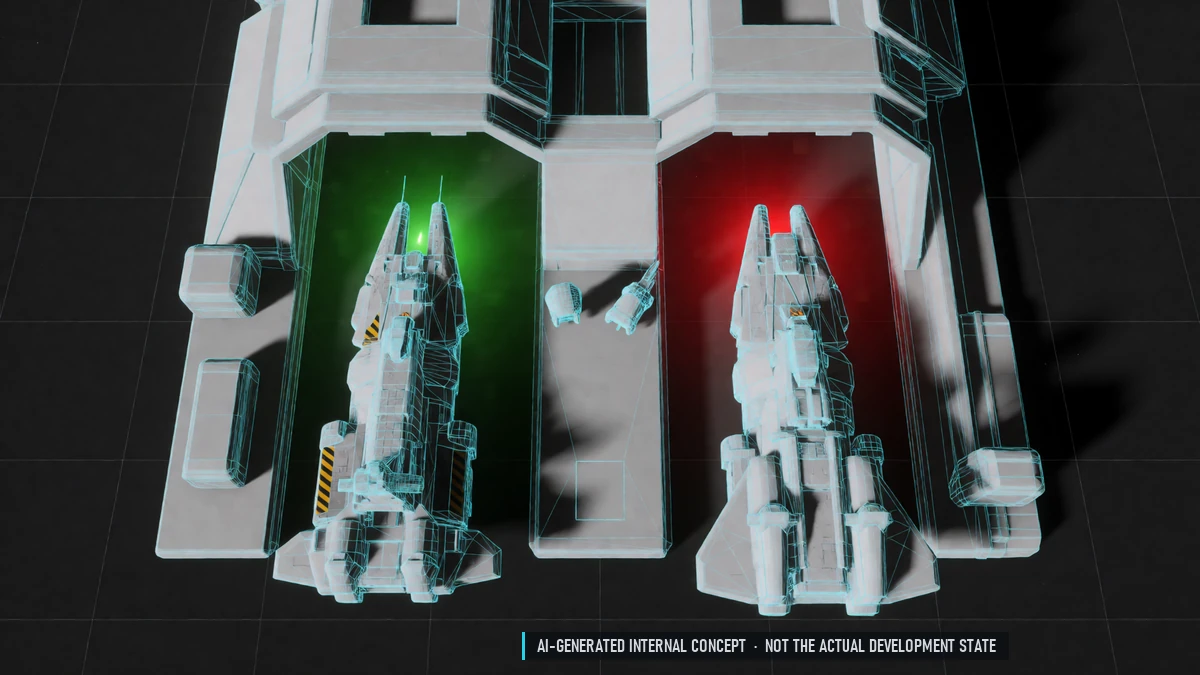
Reputation Effects
Good standing: discounts, missions, access to items. Bad standing: stations refuse docking, police hunt you.
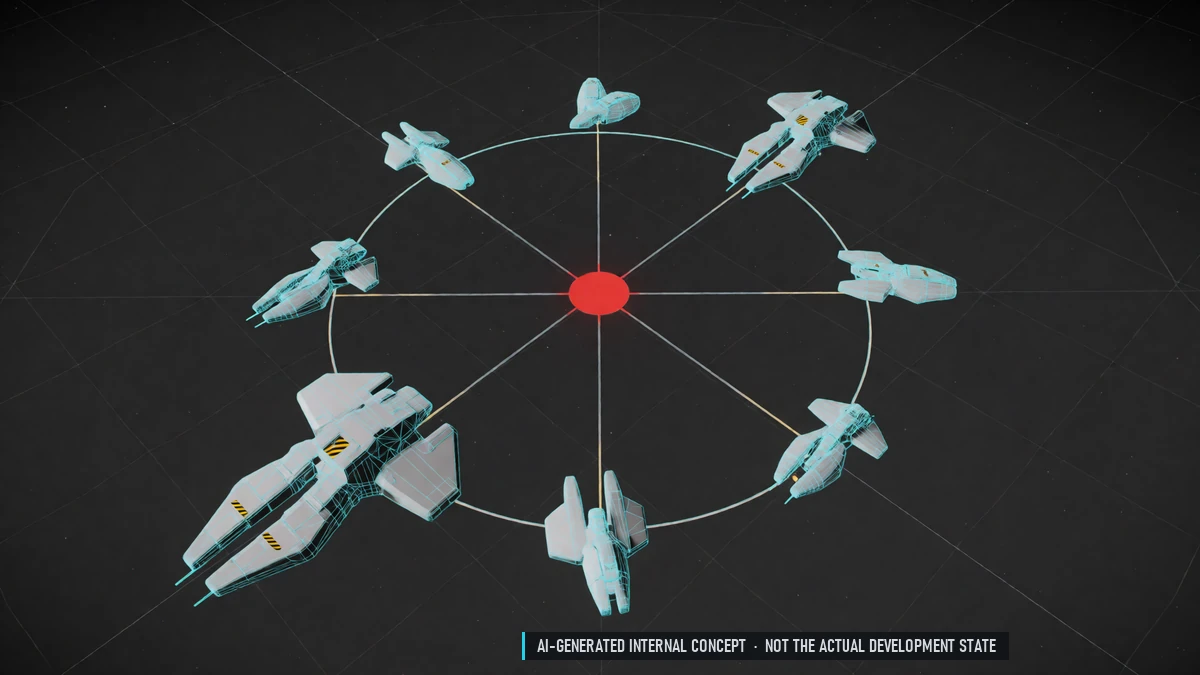
Starter Galaxy
Seven sectors: a home sector and a border sector per nation, plus a PvP center. Safe home sectors, mixed border sectors, a lawless center.
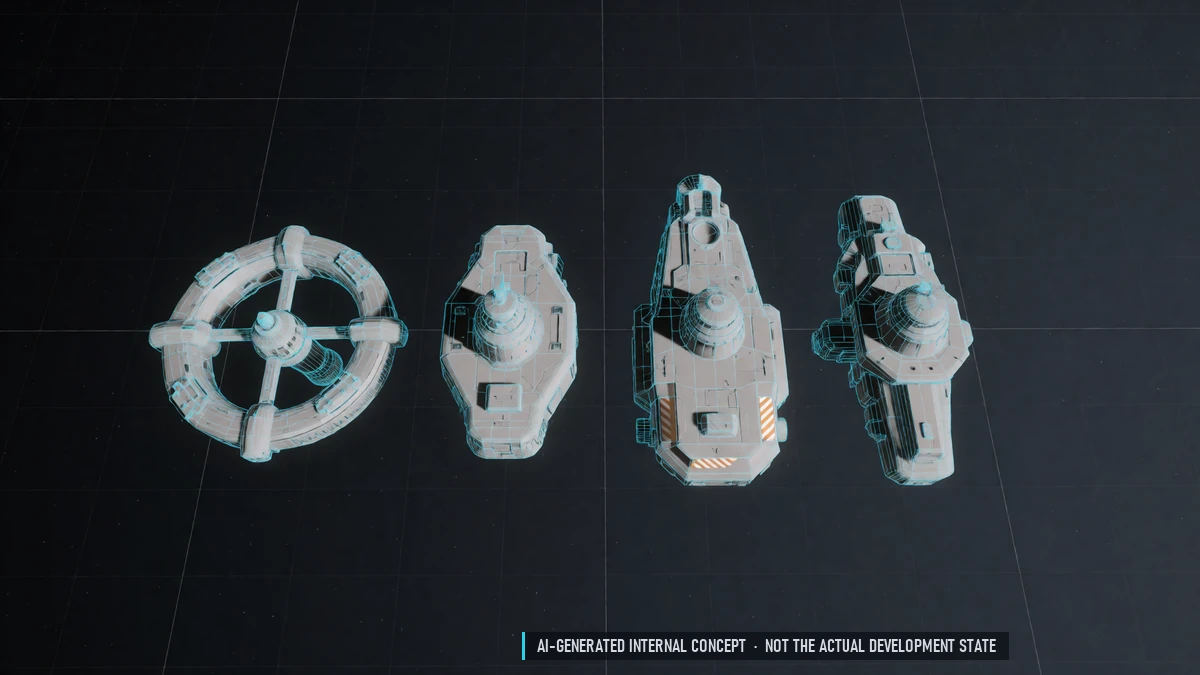
Station Types
Trade hubs, mining outposts, military stations and pirate nests. Each with its own terminals, shops and size.
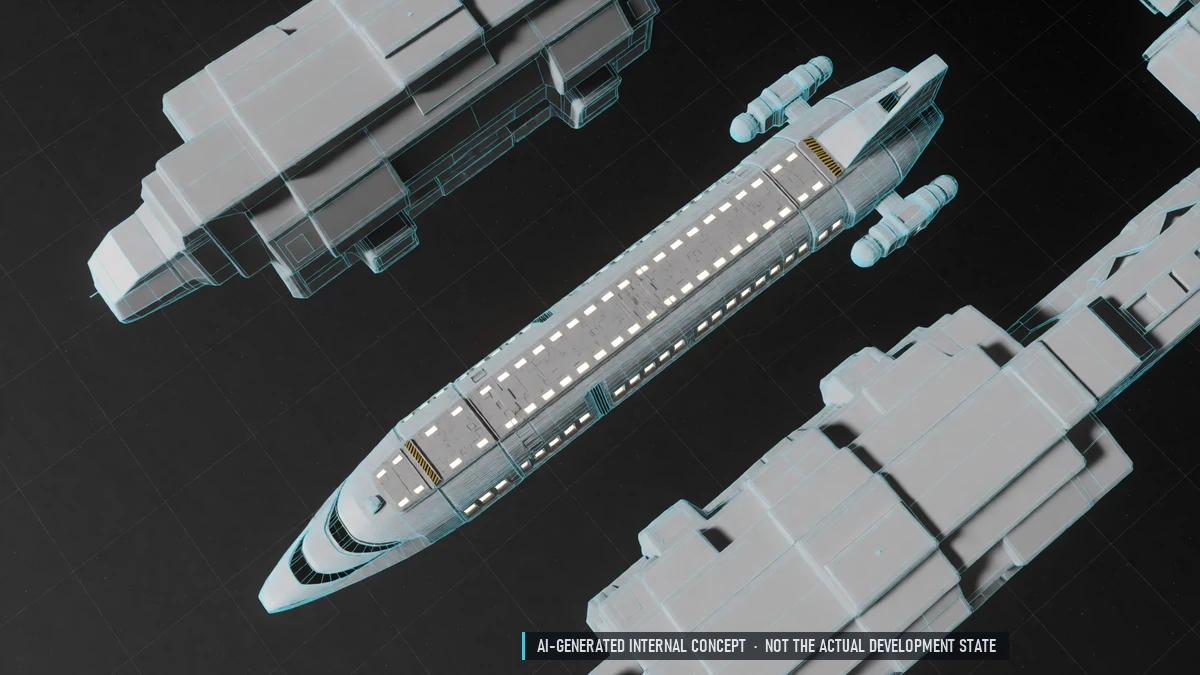
Taxi & Bus
NPC bus between stations, many passengers at once. Flies visibly through space and can't be shot down. Ride inside or watch from outside, across sectors.
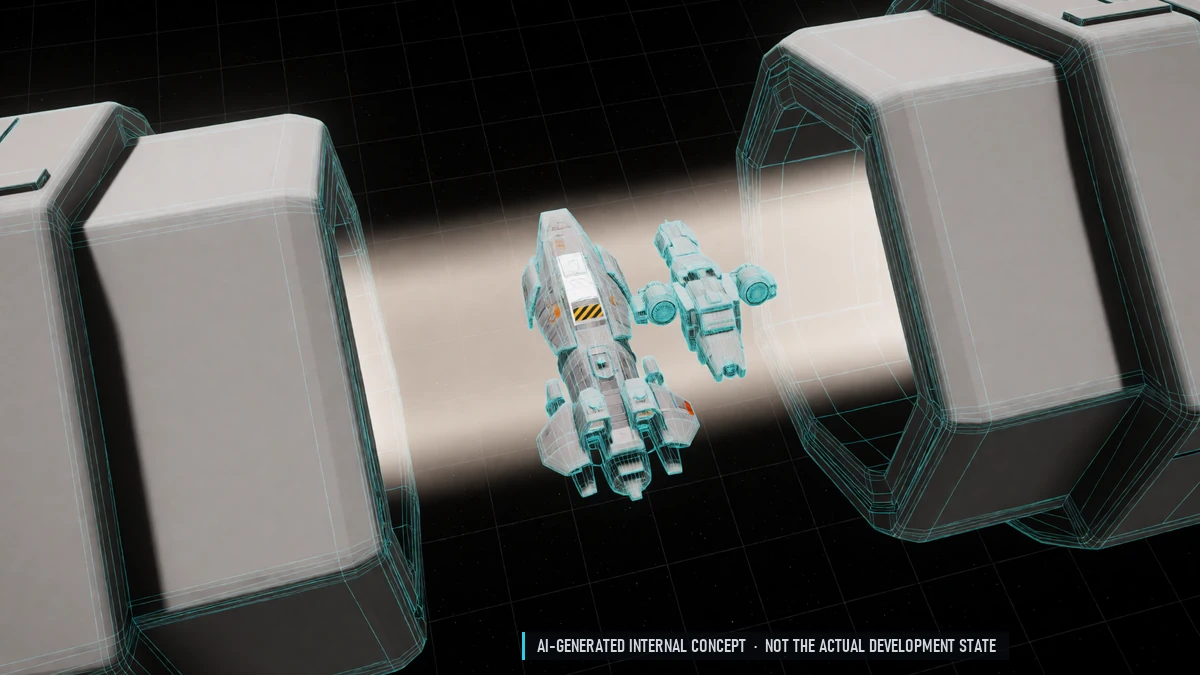
Warp Lanes
Fly through a safe warp lane between two gates. See pilots heading the same way; chat stays open. No turning back.
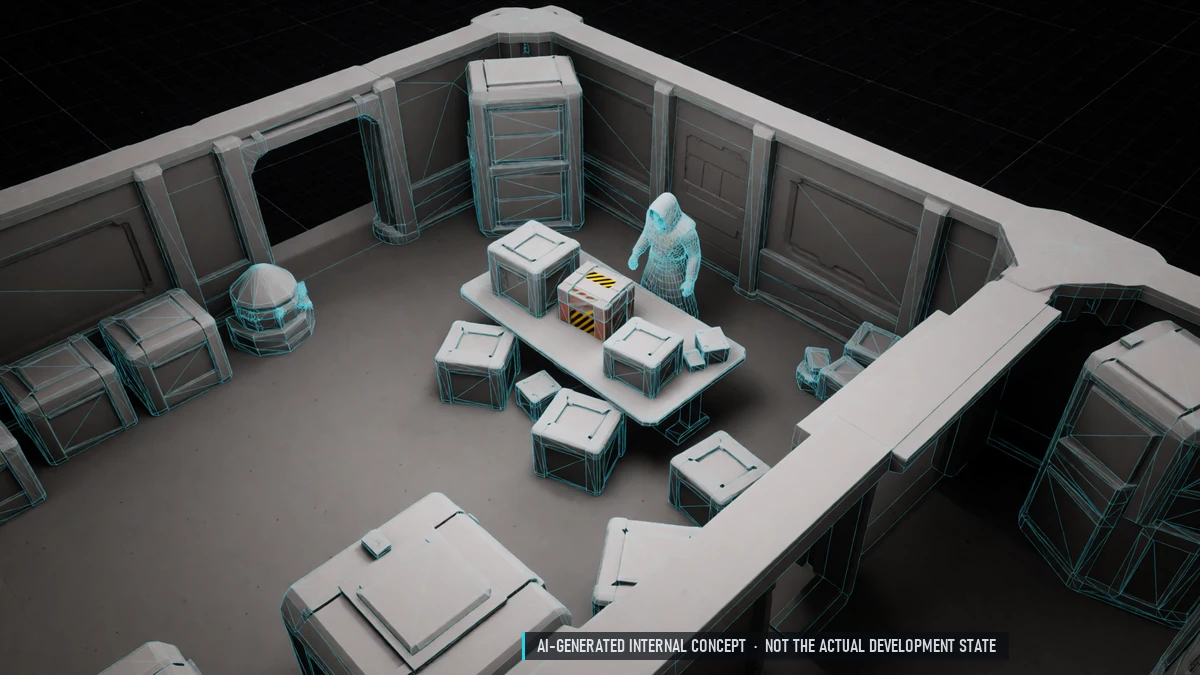
Black Market
Hidden traders in border and PvP sectors – some keep moving. Find them through rumors and contacts. Illegal goods, pirate gear, scanner jammers, fake licenses. Each trader only buys what they don't sell.
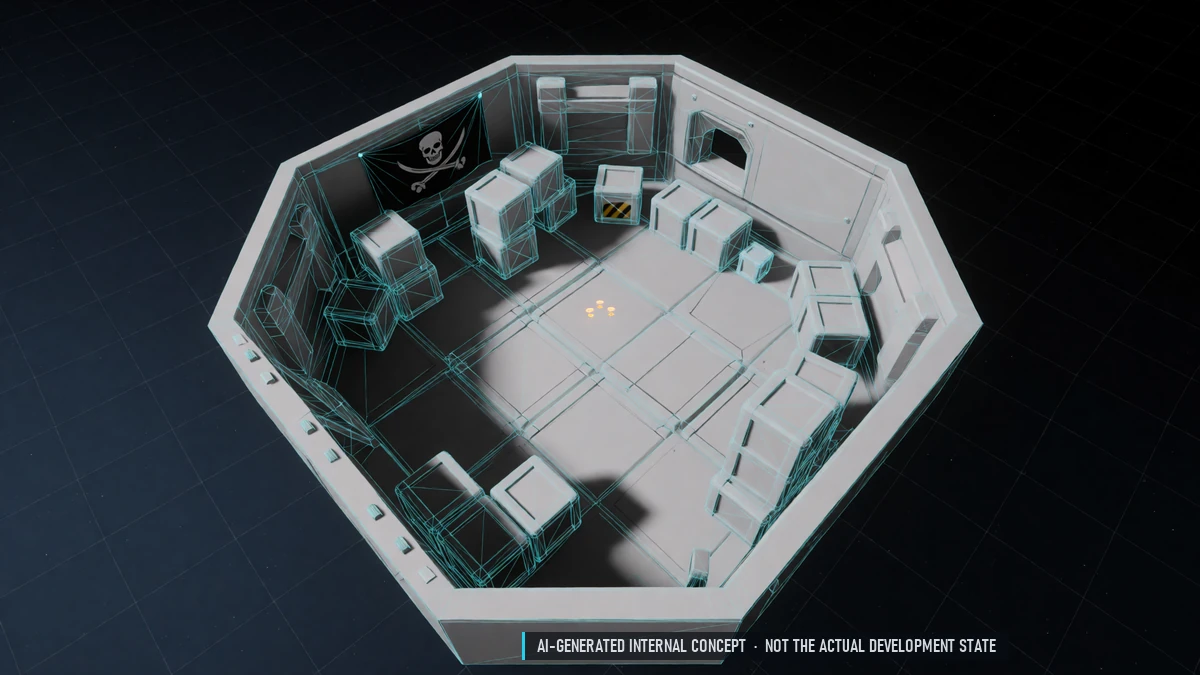
Pirate Standing
Black market trades raise your pirate standing and unlock more goods. Pirate currency for special wares.
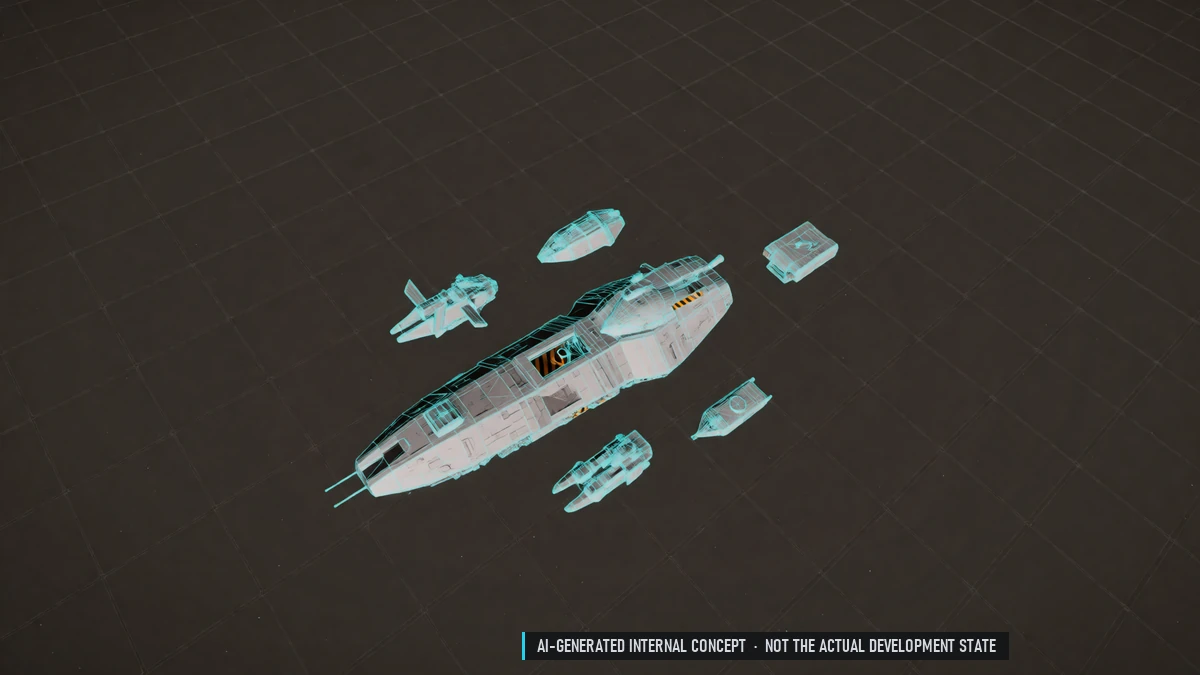
Smuggling
Illegal goods differ by nation and sector. Caught? Talk your way out, show a license, flee or surrender.
0.5 Closed Alpha – Progression
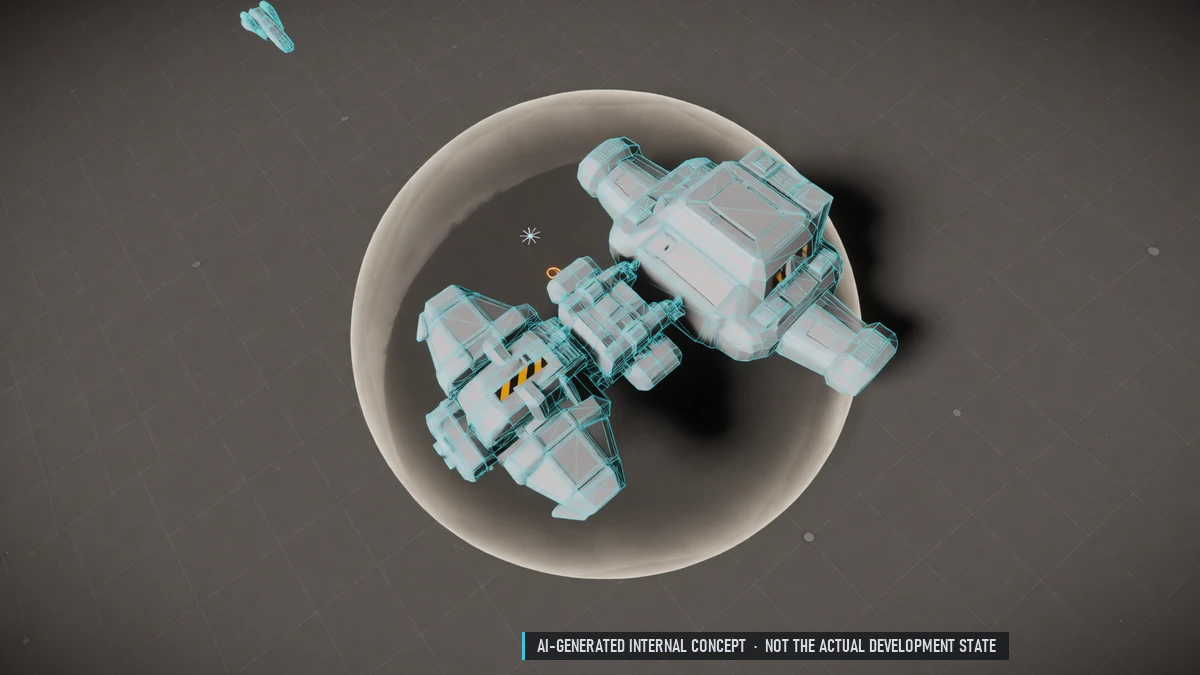
Beginner Protection
New pilots lose nothing on death in safe sectors. Protection from PvP in mixed sectors for a while.
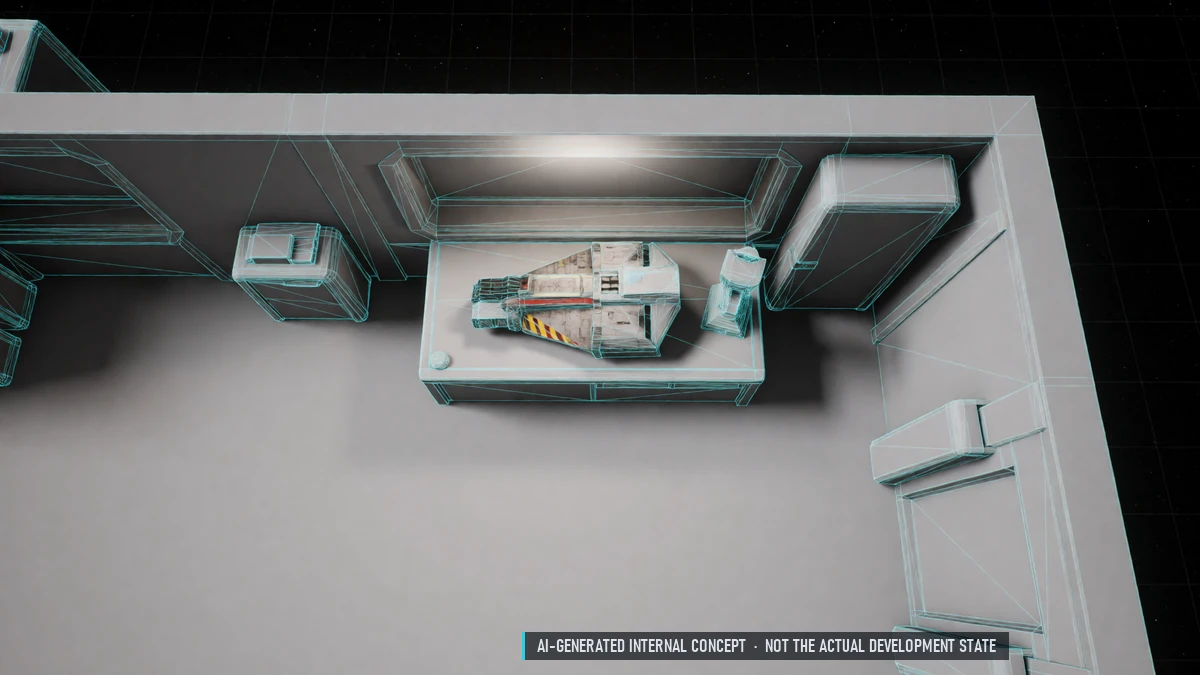
Equipment Wear
Gear wears over time and on death. Repair at stations, cheaper at a workbench with resources.
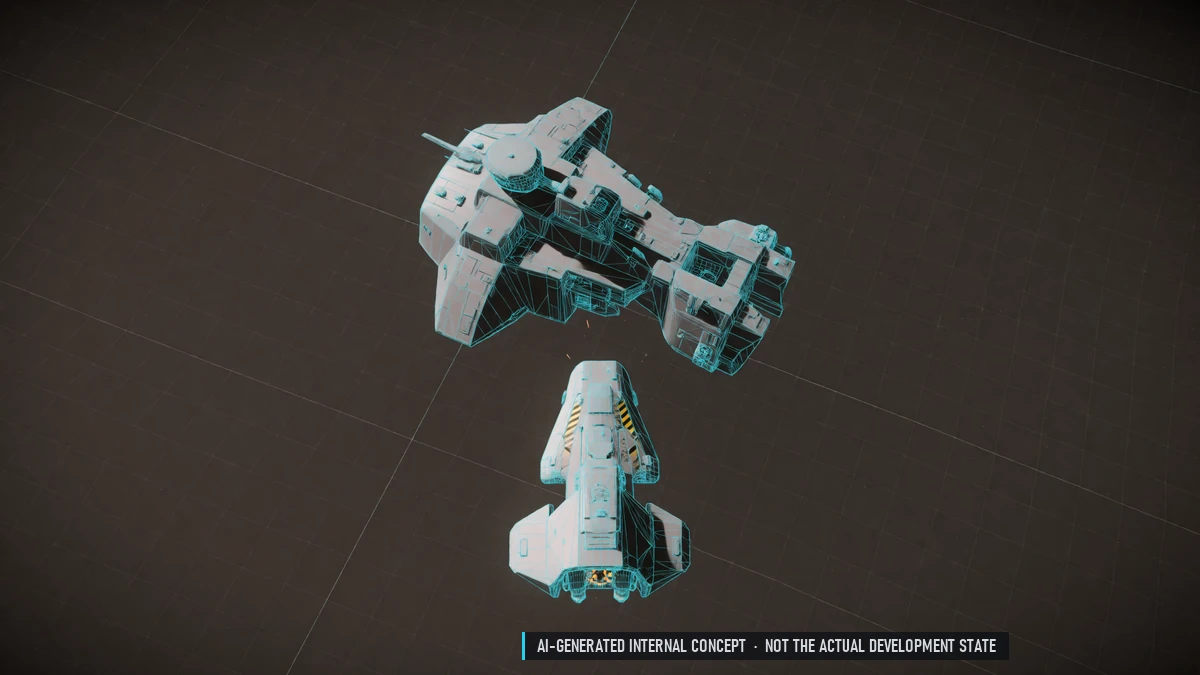
Exploration Rewards
EXP for discovering places. Map info as a reward, e.g. where traders hide.
Convoy Escorts
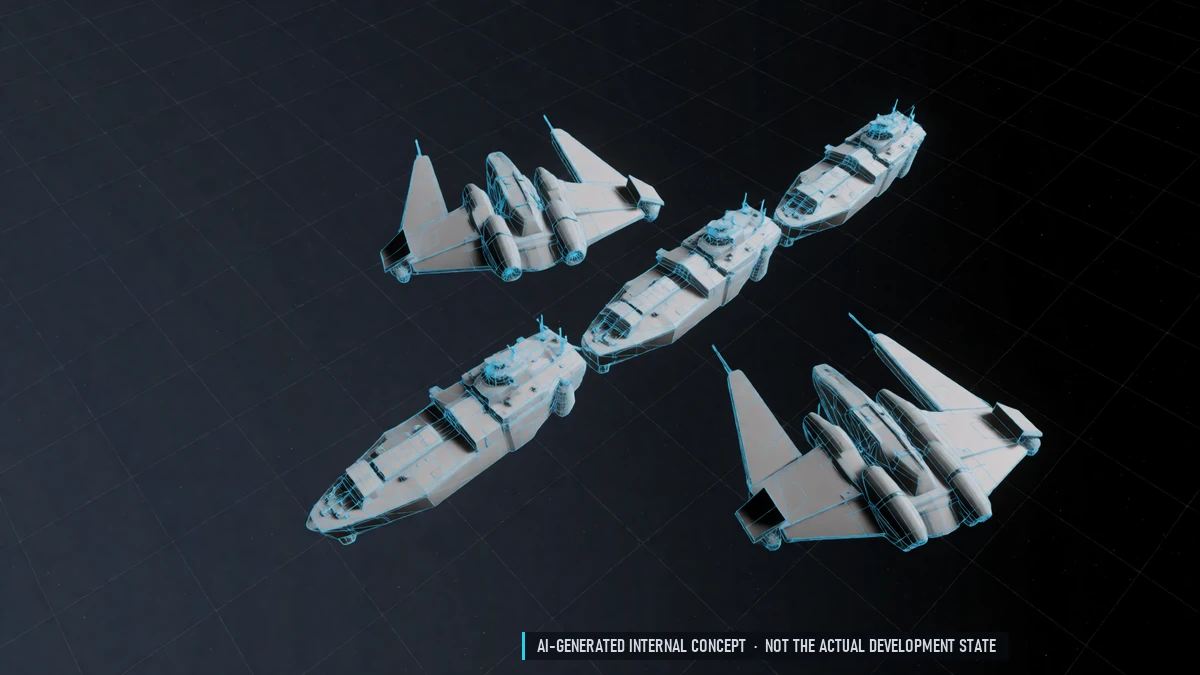
Escort NPC trade convoys for a reward.
Mining & Salvage Levels
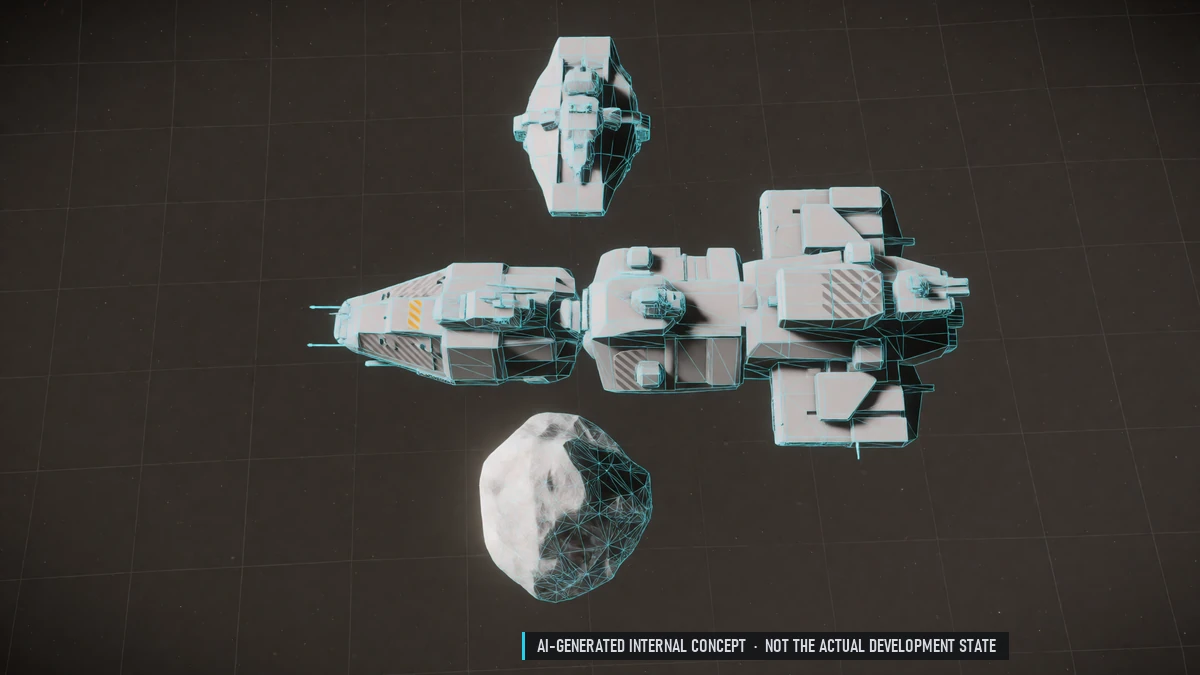
Better scanners, larger rocks, crystal lasers and gas collectors. Better refinery methods. Salvage ranks for better yields.
Supply Deliveries
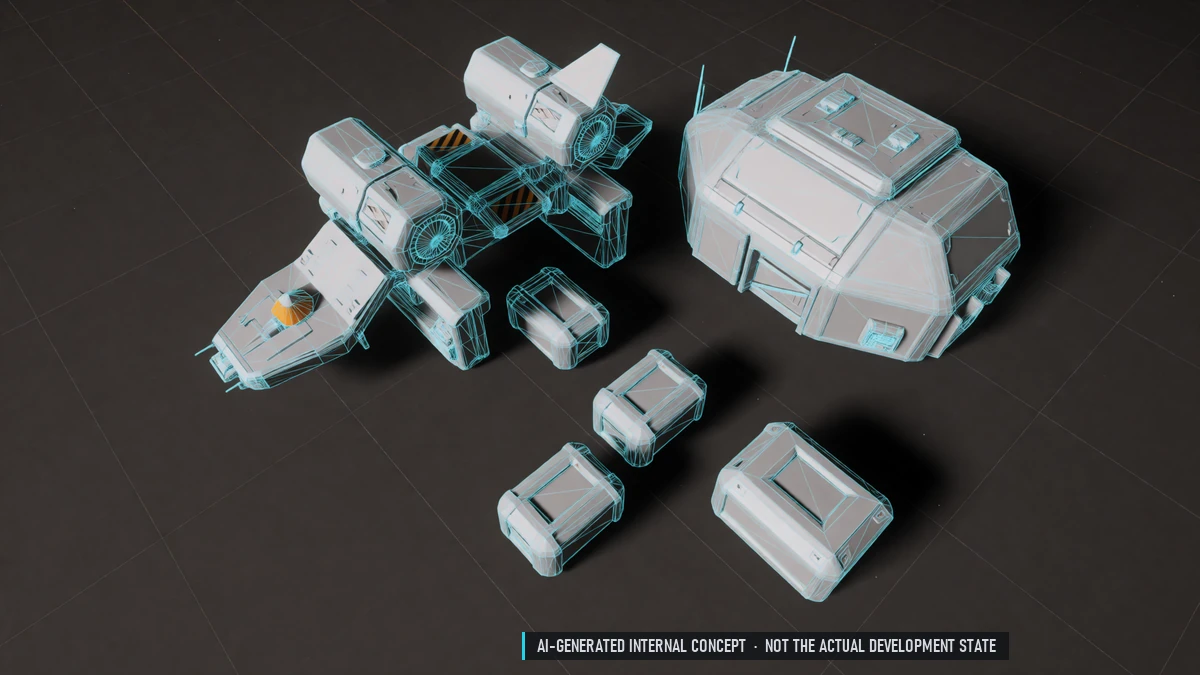
Stations buy crates of food and medicine – the farther away, the better the pay. Courier and bulk deliveries.
Trade Levels
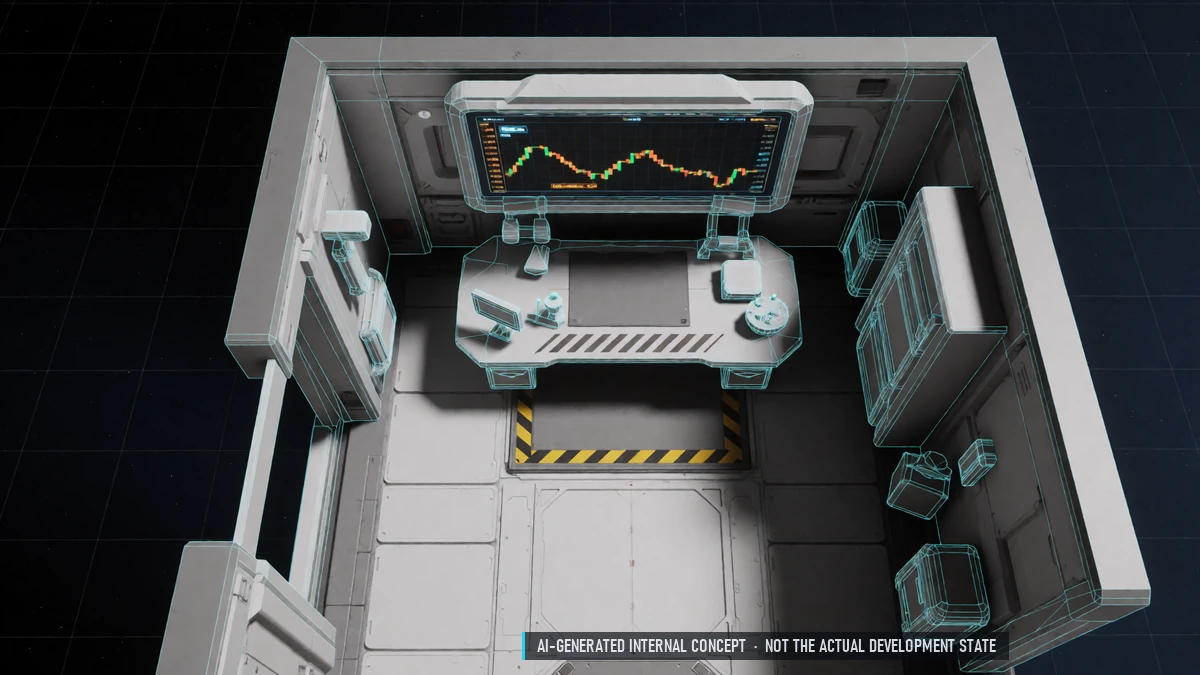
Earn trade EXP from profit. More detailed price charts, more buy orders, small discounts, wholesale. Cheaper or free live prices.
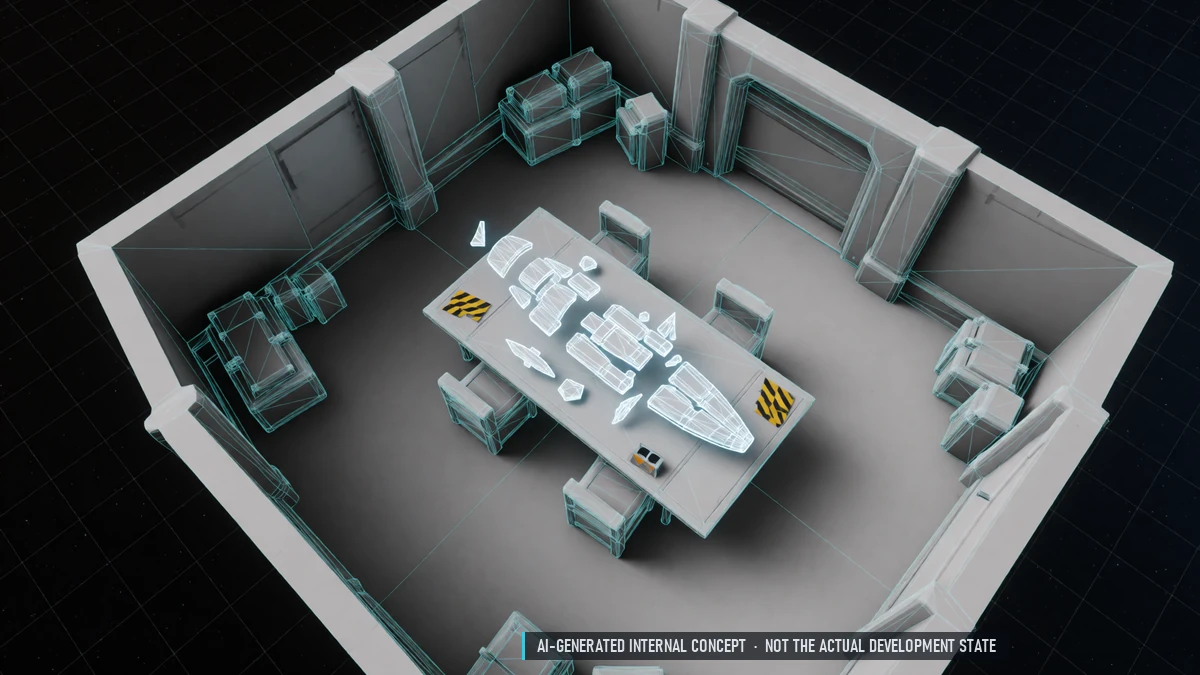
Blueprints
Learn a blueprint at a station and use it forever. Fragments drop and combine into blueprints. Ship blueprints are single-use.
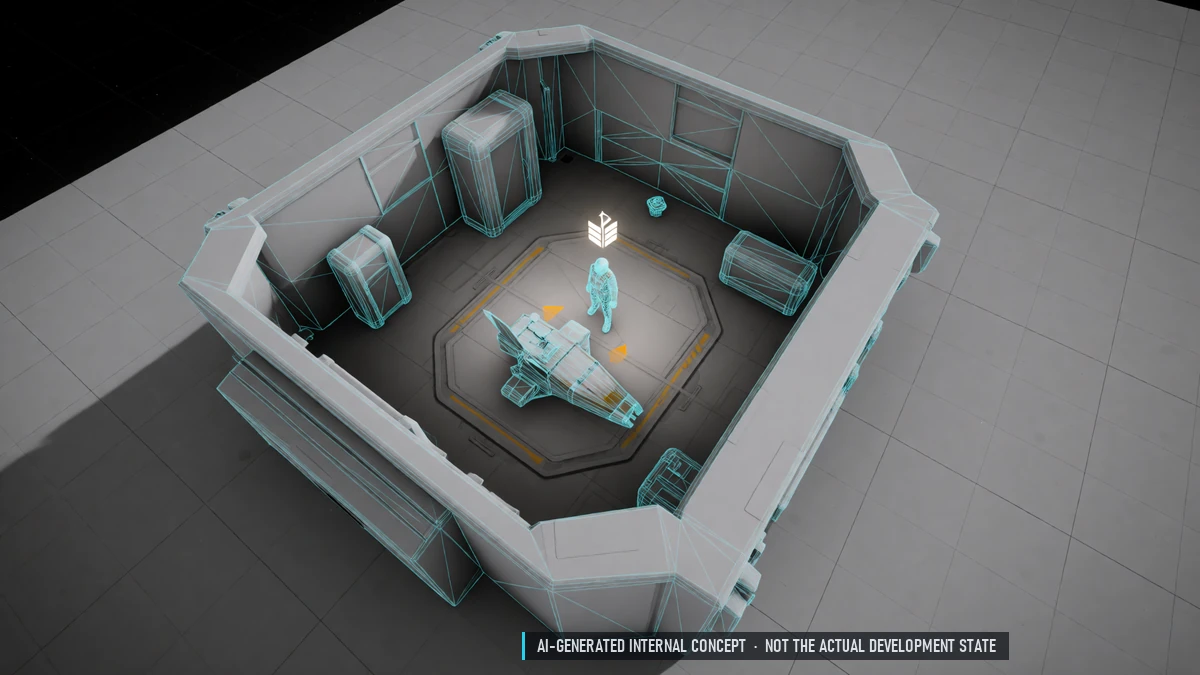
Character Levels
Level up to 50. Levels unlock licenses, gear, storage, quest slots and market orders – never combat stats. Small EXP loss on death, never a level down.
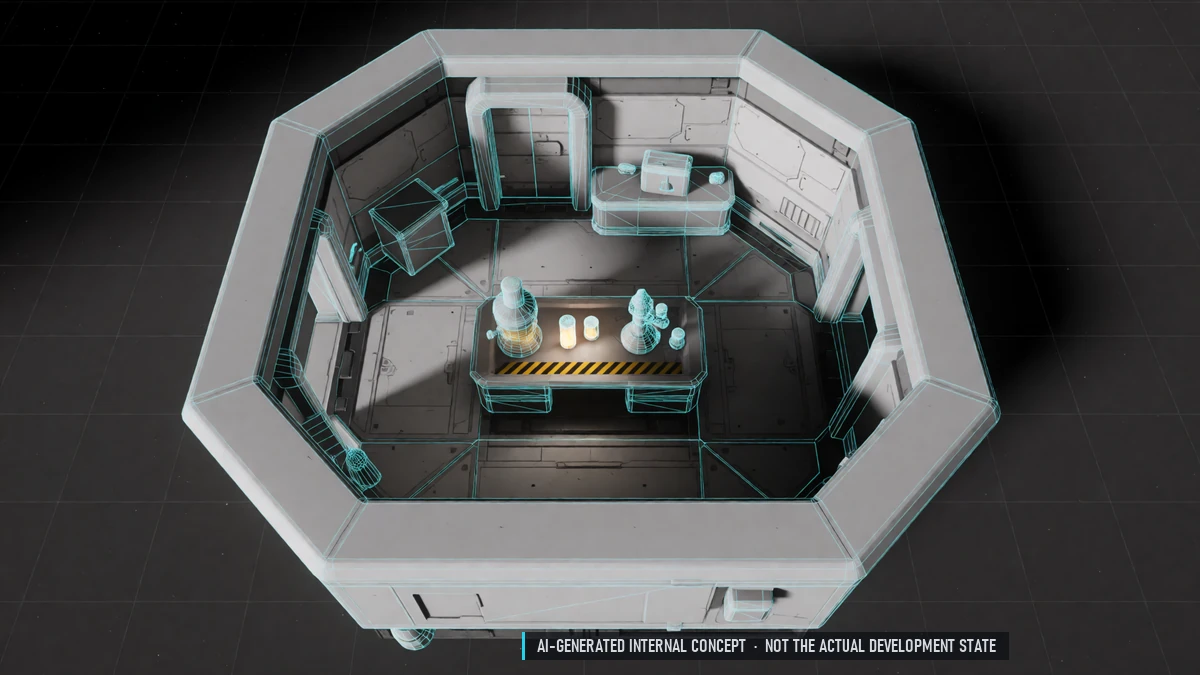
Chemistry
Labs in stations. Medicine, stims, coolant, fuel additives and repair paste. Mixing minigame – careful with dangerous recipes.
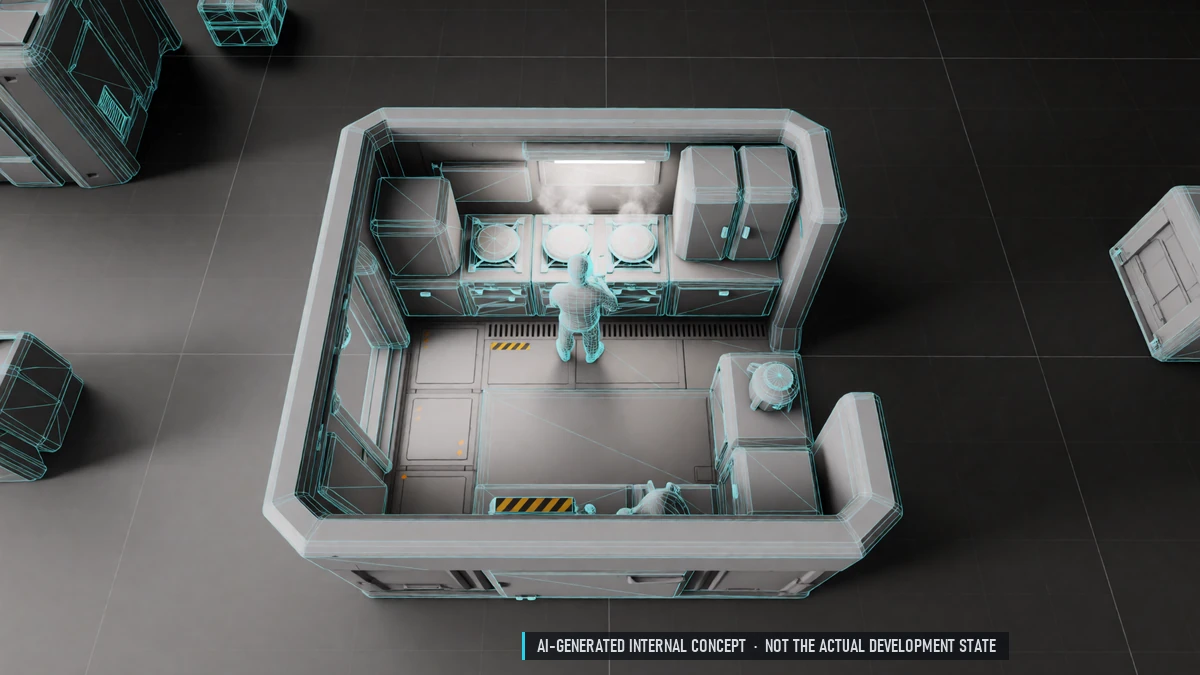
Cooking
Kitchens in stations. Meals, drinks, rations, delicacies and banquets. Buffs for EXP, lifeskills, shields and more. Discover recipes by trying ingredients.
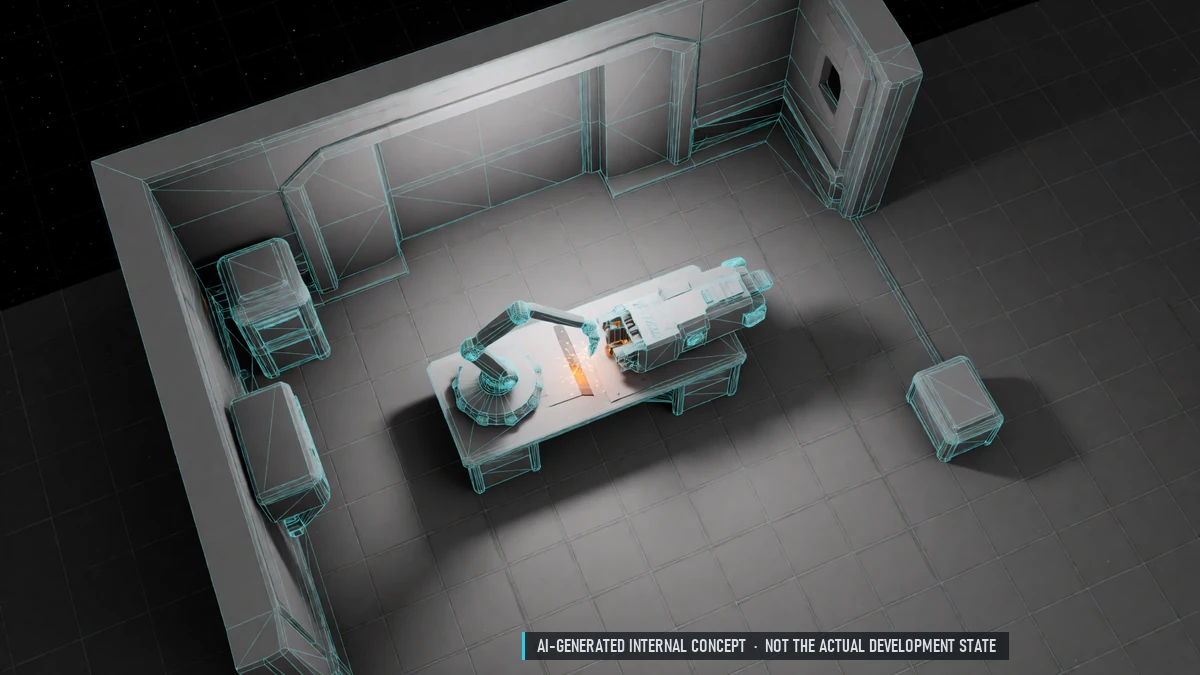
Crafting
Workbench and workshop at stations. Ammo, consumables, gear, ship modules and electronics. Every run can roll a higher rarity. NPC orders keep running while you're offline.
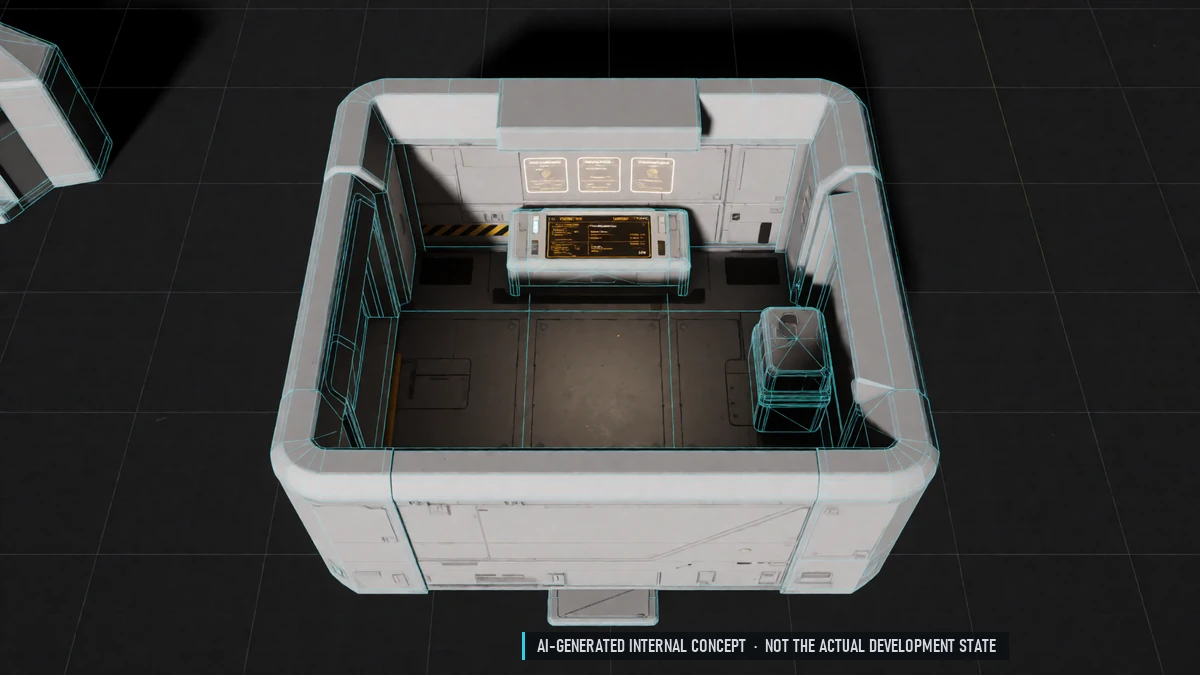
Daily & Weekly Tasks
The same tasks for everyone, sorted by play style. Fixed daily and weekly reset. Always optional.
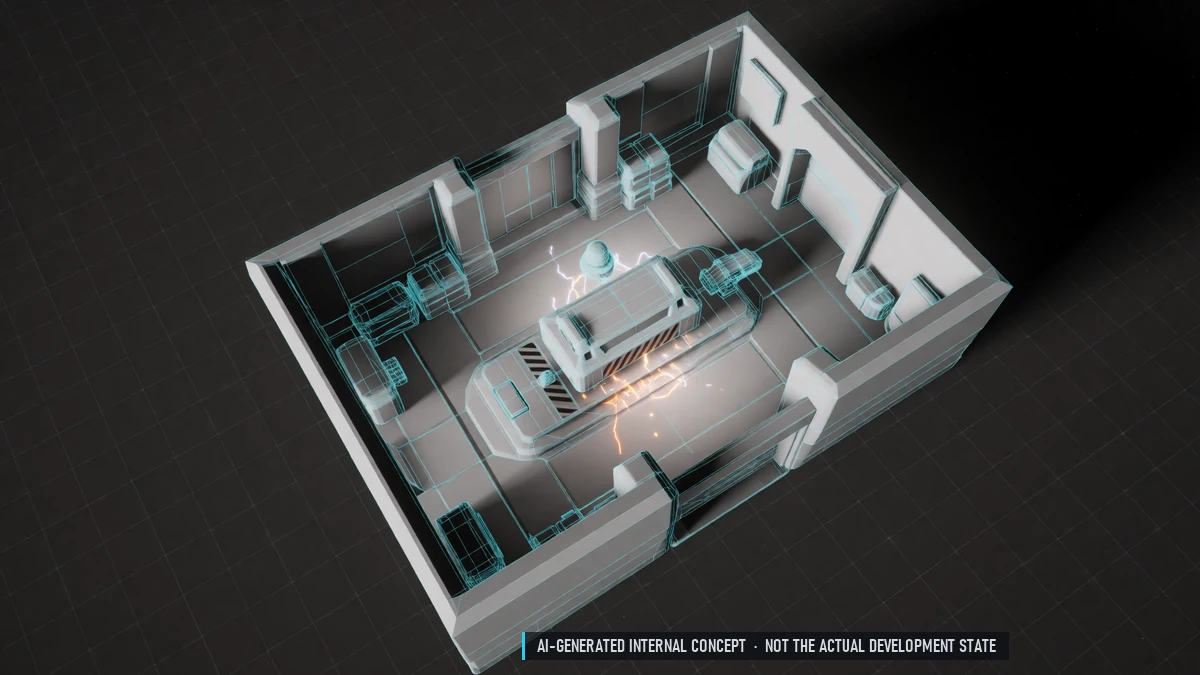
Enchanting / Upgrade
Enchant gear and special tiers. Every fail raises your next chance; a guaranteed success after a streak. Protection items prevent downgrades.
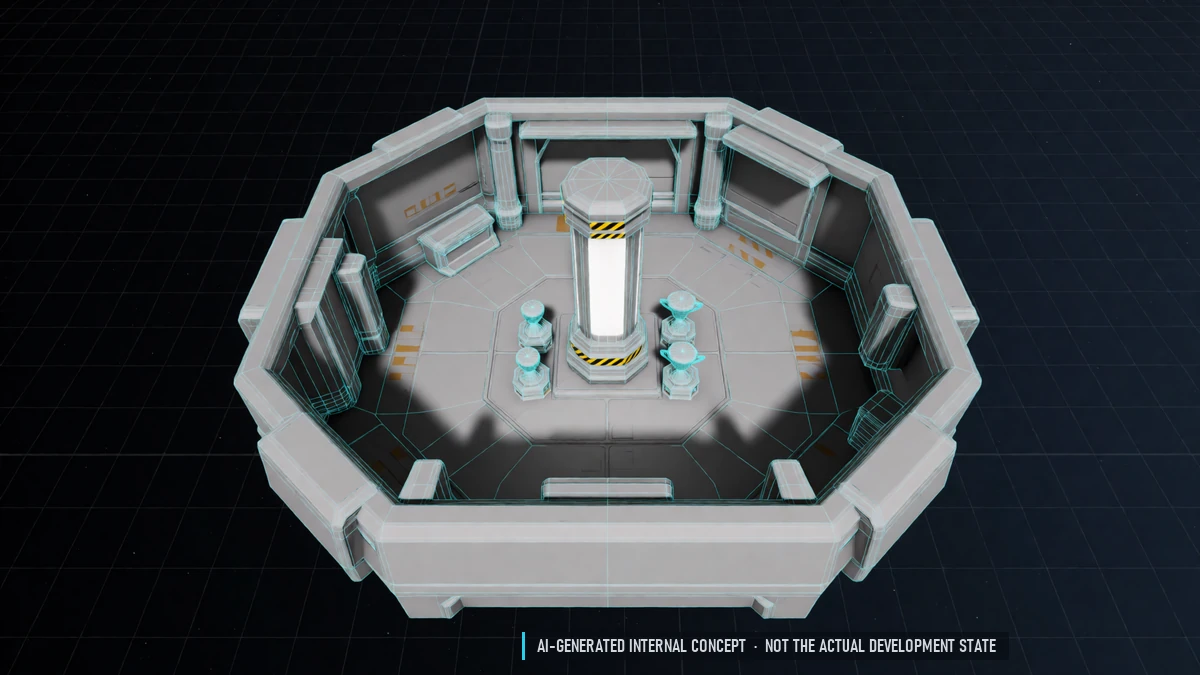
Lifeskill Rankings & Titles
Leaderboards for every lifeskill. Titles like "Master Chef".
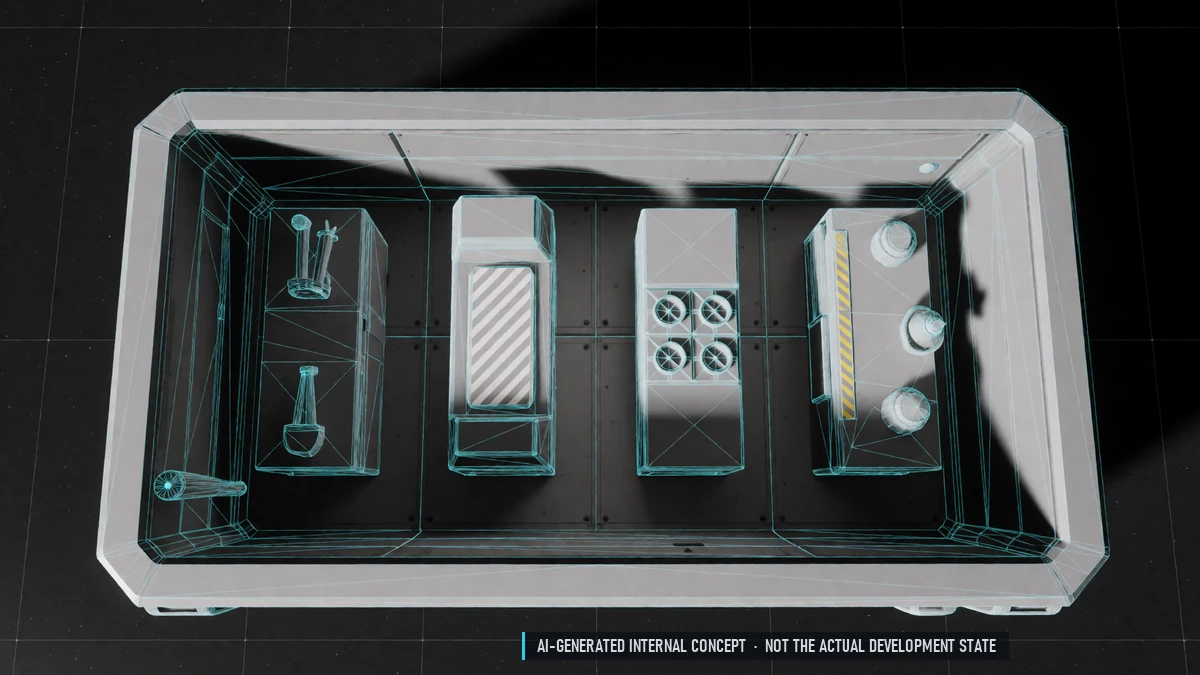
Lifeskills
Ranks for mining, salvage, trade, crafting, cooking and chemistry. Unlock recipes, tools, methods and better yields – never combat stats. Optional minigames for bonus rewards.
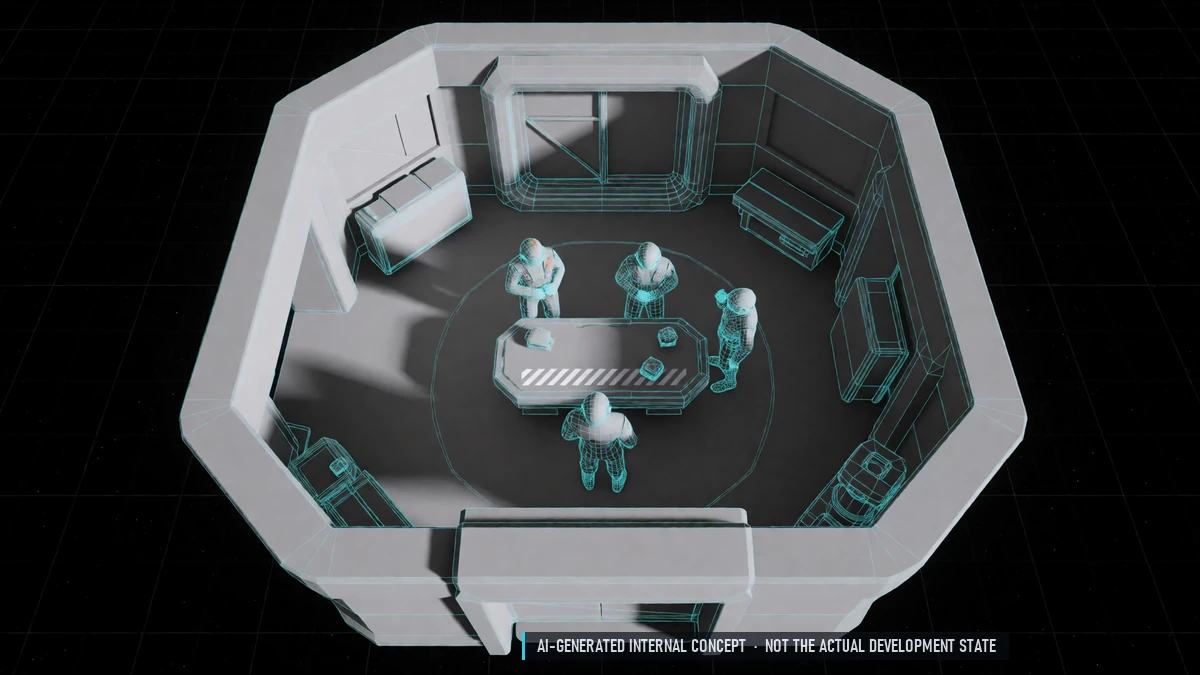
Missions
Repeatable missions: combat, trade, mining, exploration, salvage, lifeskills. Difficulty 1–5, for solo pilots and groups. Mission givers in stations; share missions with your group.
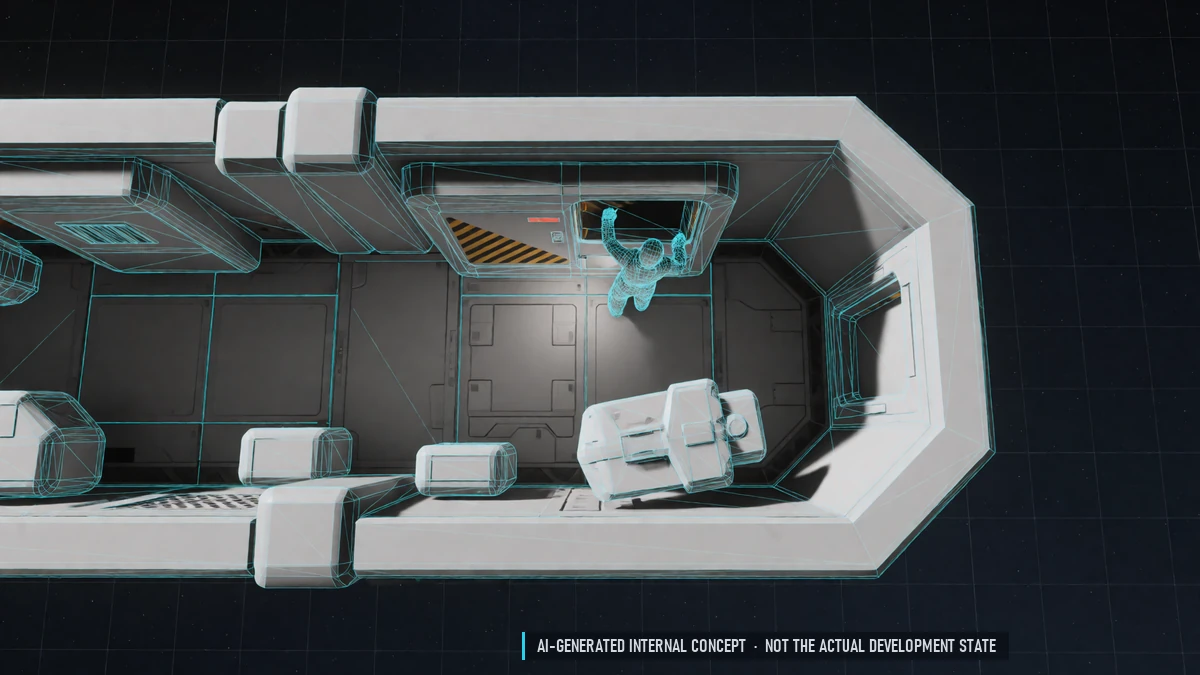
NPC Jobs
Work for NPCs for credits – no ship needed. The same jobs shorten prison time.
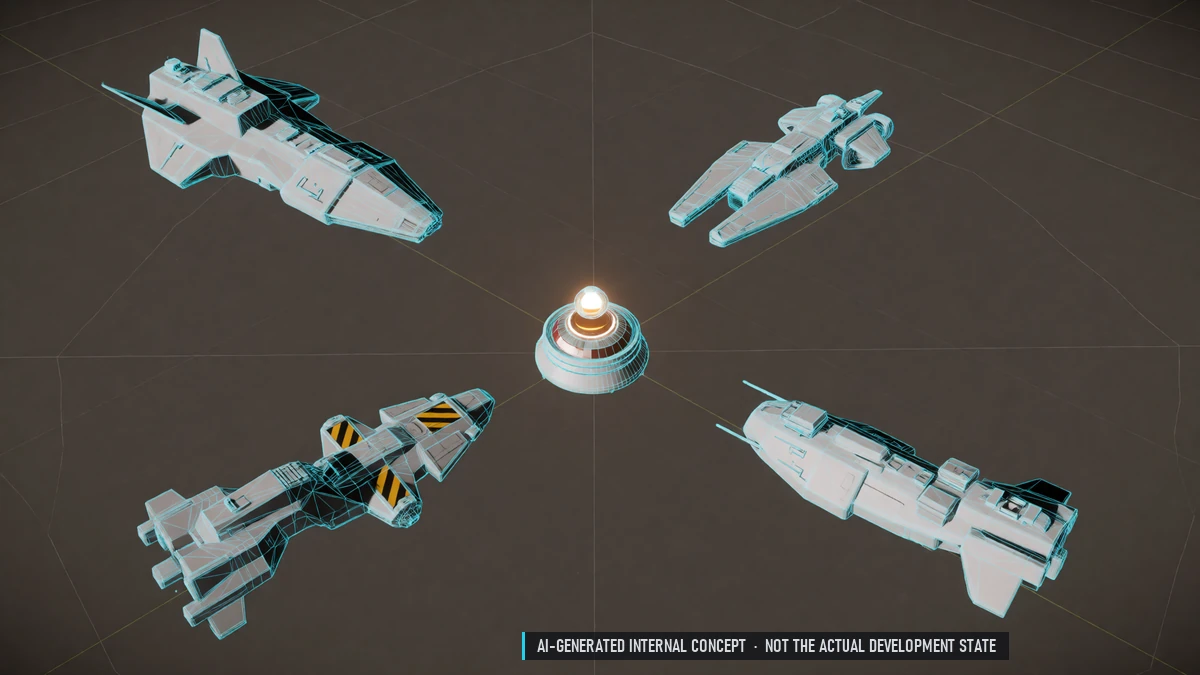
Open Missions
Public missions in stations – join in, everyone gets the same reward.
Pardon Chains
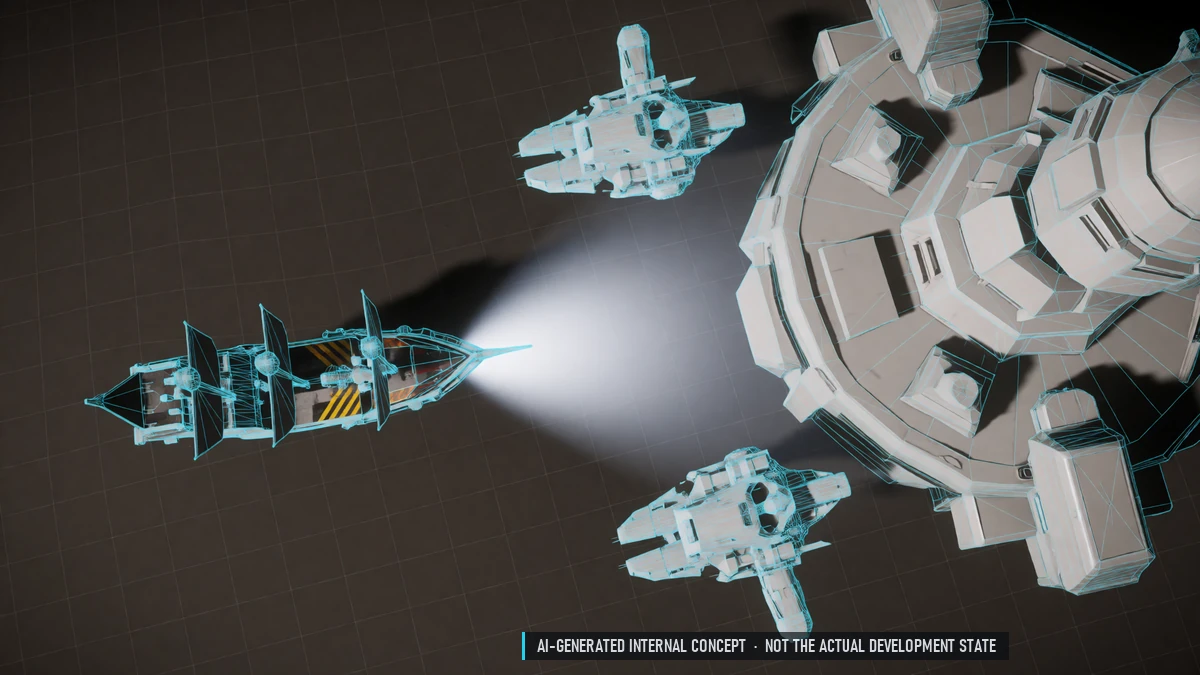
Pirates can return to a nation: pardon missions, waiting time and a fee.
Rarity
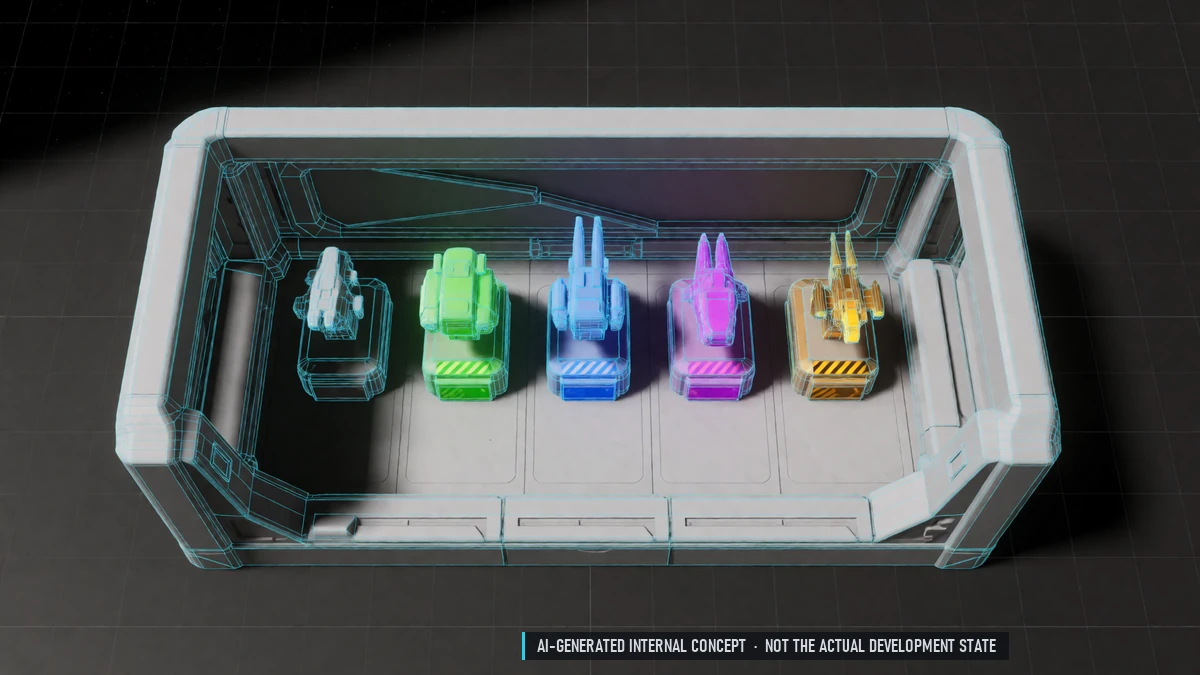
Seven rarity tiers, four at the start. Upgrade rarity with materials and credits – at a risk. Higher rarity brings bonus stats and sockets.
Reputation Chains
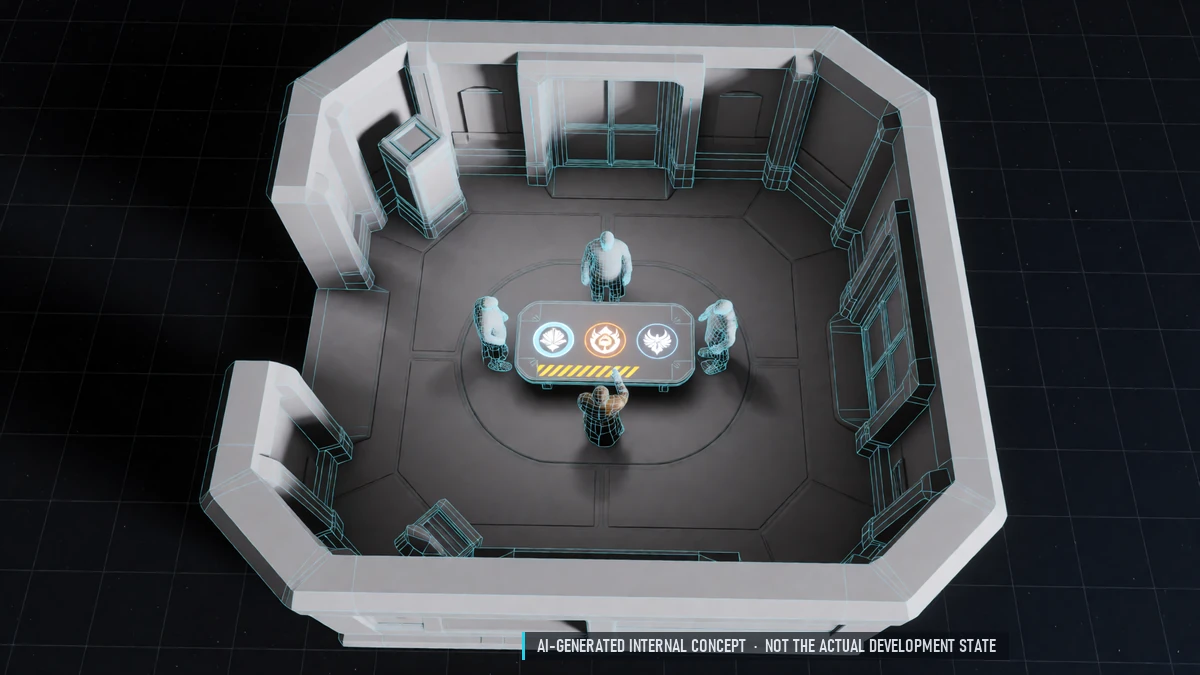
Mission chains for every nation and NPC faction. Unlock items, discounts and further chains.
Shipyard
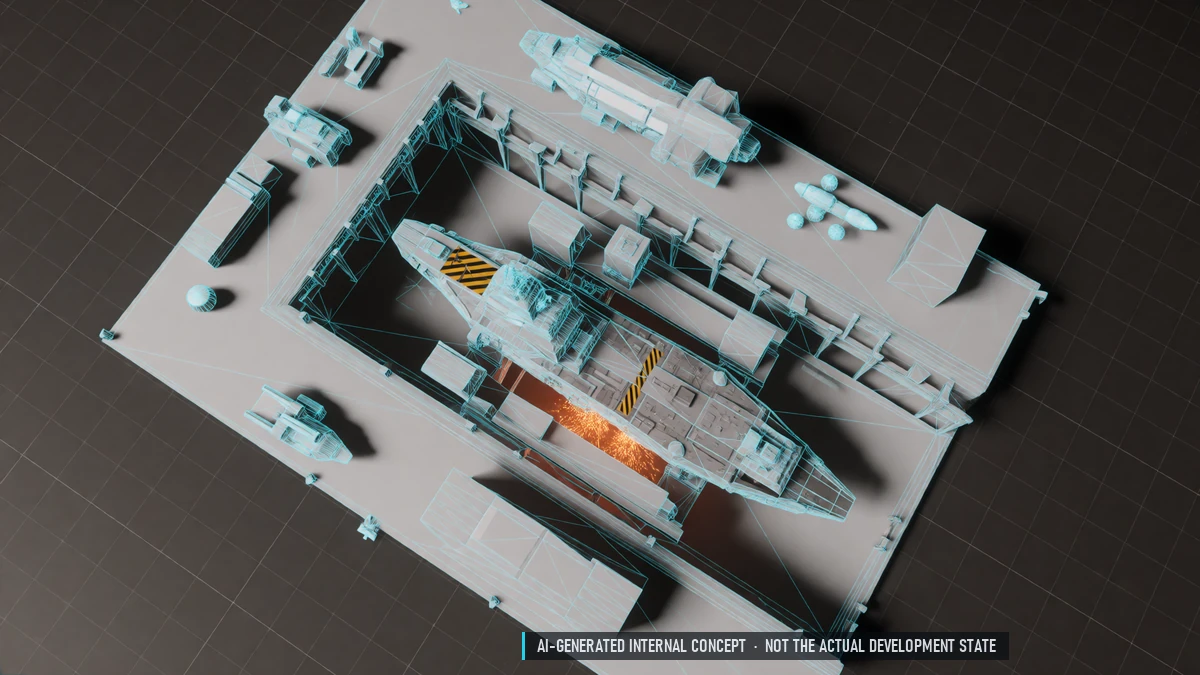
Build better ship variants from blueprints.
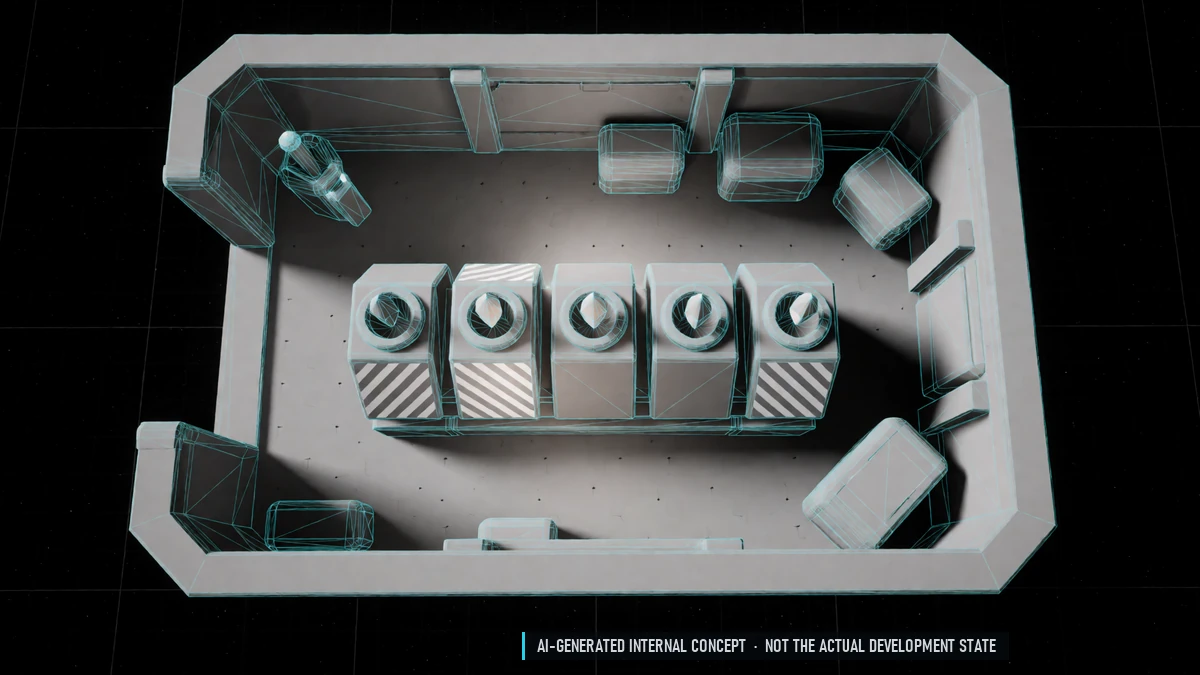
Sockets & Gems
Up to five sockets, depending on rarity. Gems for extra stats; remove them with a special item.
0.6 Closed Alpha – Community
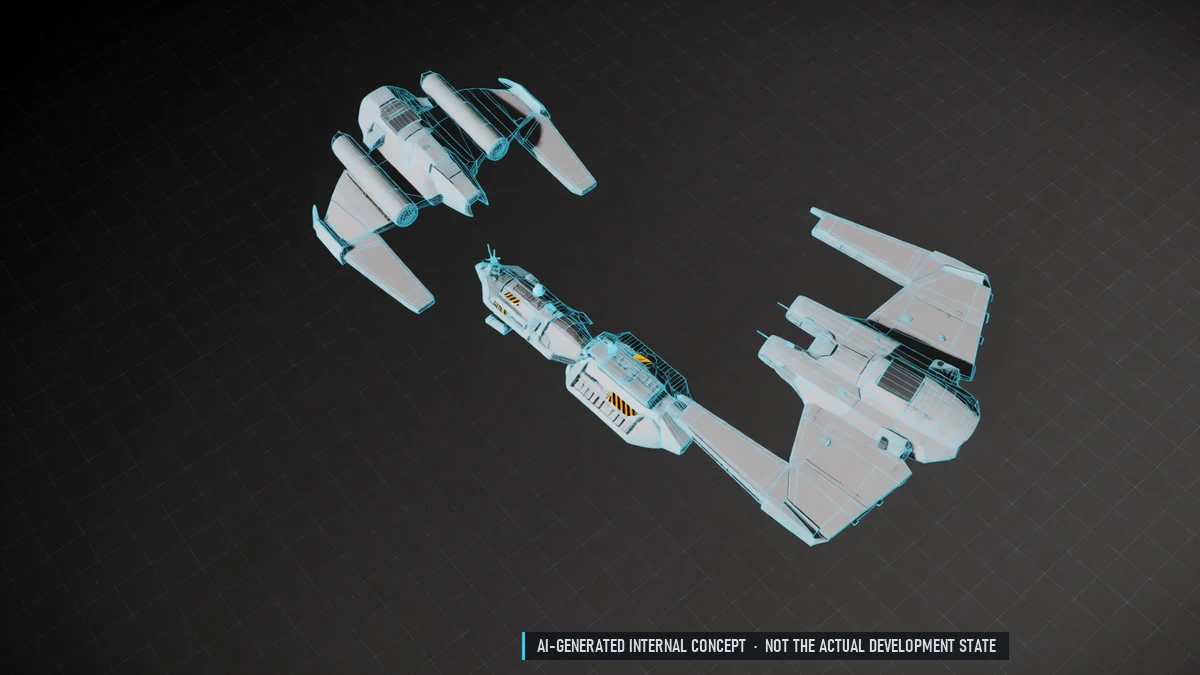
Guard Contracts
Hire players or NPCs as guards for mining, trade and transports. Paid per minute of real guard time, held safely by the station. Groups can pool their money.
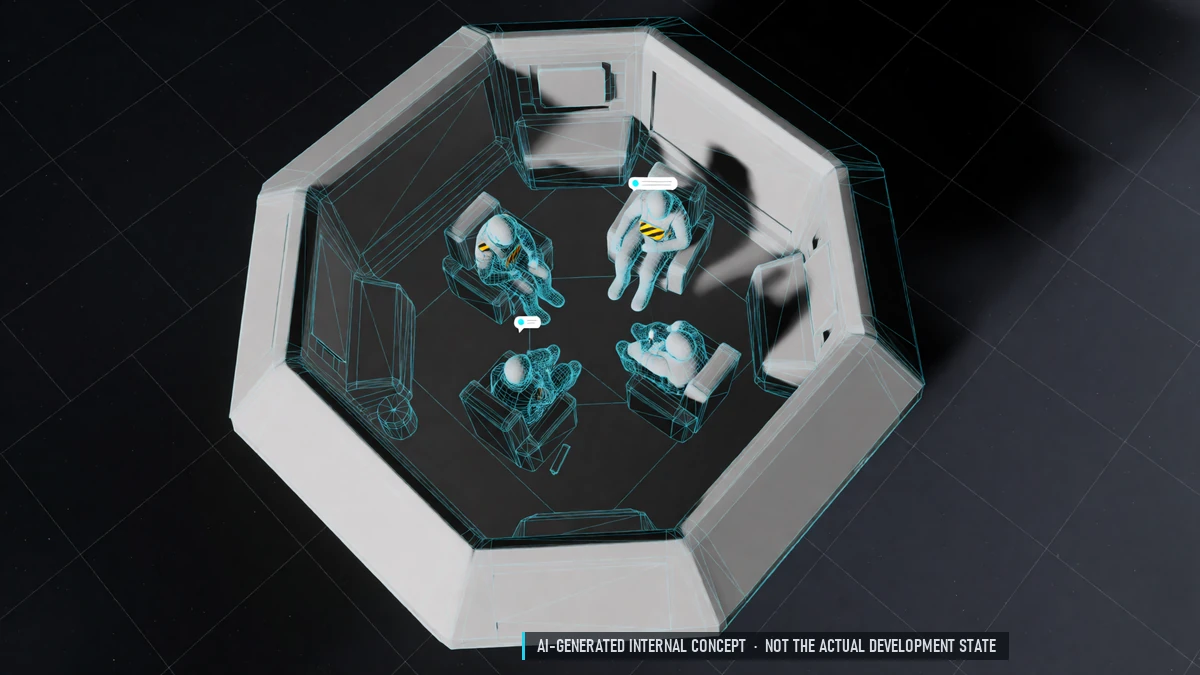
Chat & Friends
More channels: sector, nation, guild, alliance, platoon, private messages. Friends list and block list.
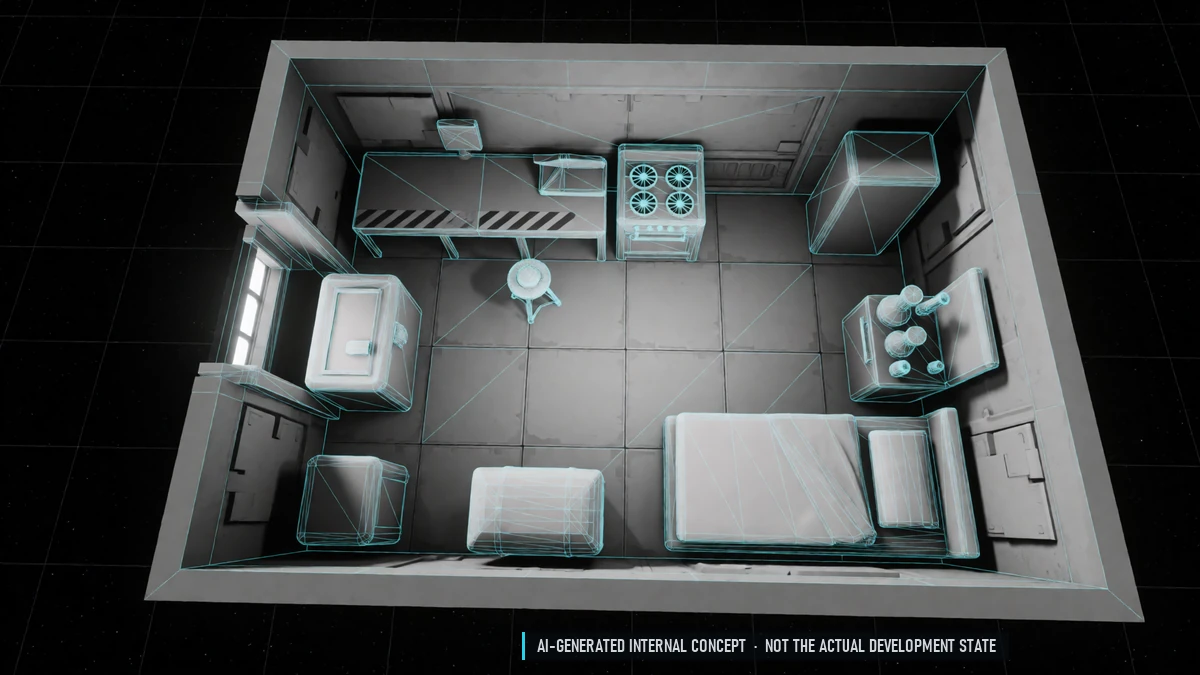
Functional Furniture
Workbench, stove, chemistry set and storage chest. A bed sets your spawn point.
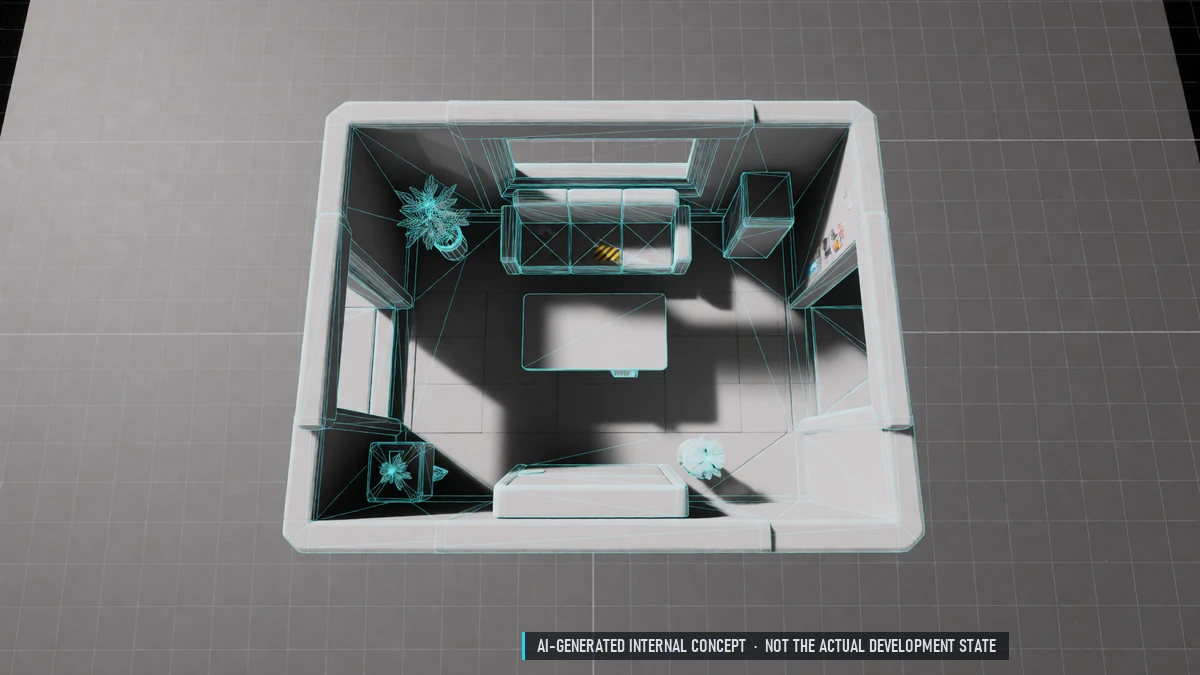
Furnishing
Place furniture on a grid; change floors, walls and lights. Furniture from NPCs, crafting or the player market. Save layouts, share them as blueprints, gallery with likes.
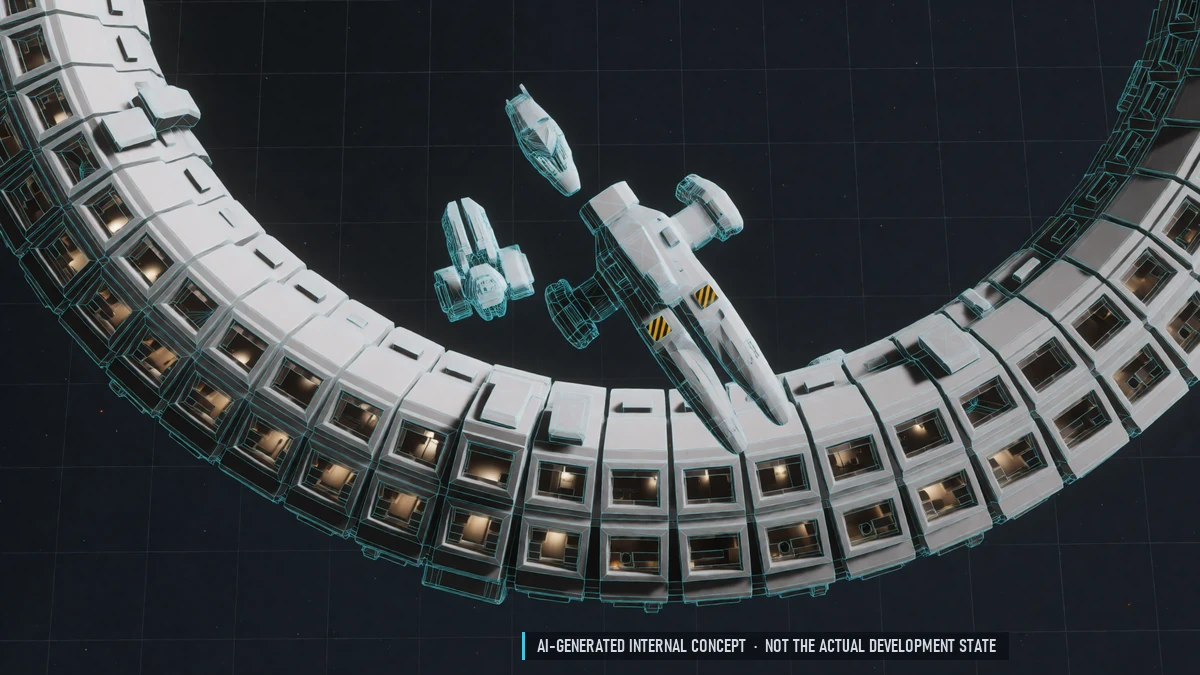
Housing
Quarters on every station in three sizes: buy, rent or win at auction. Invite friends, your guild or everyone.
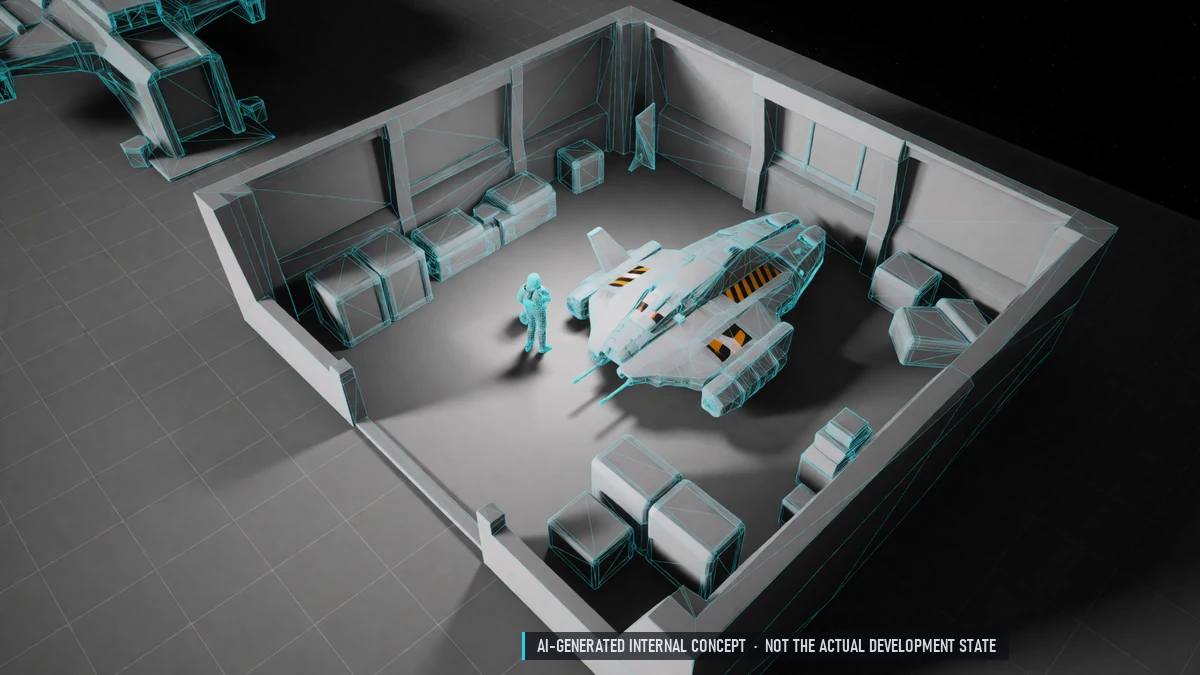
Mentors
Invite a friend or find a mentor. Newcomers complete tasks; both earn rewards. Help channel with marked mentors.
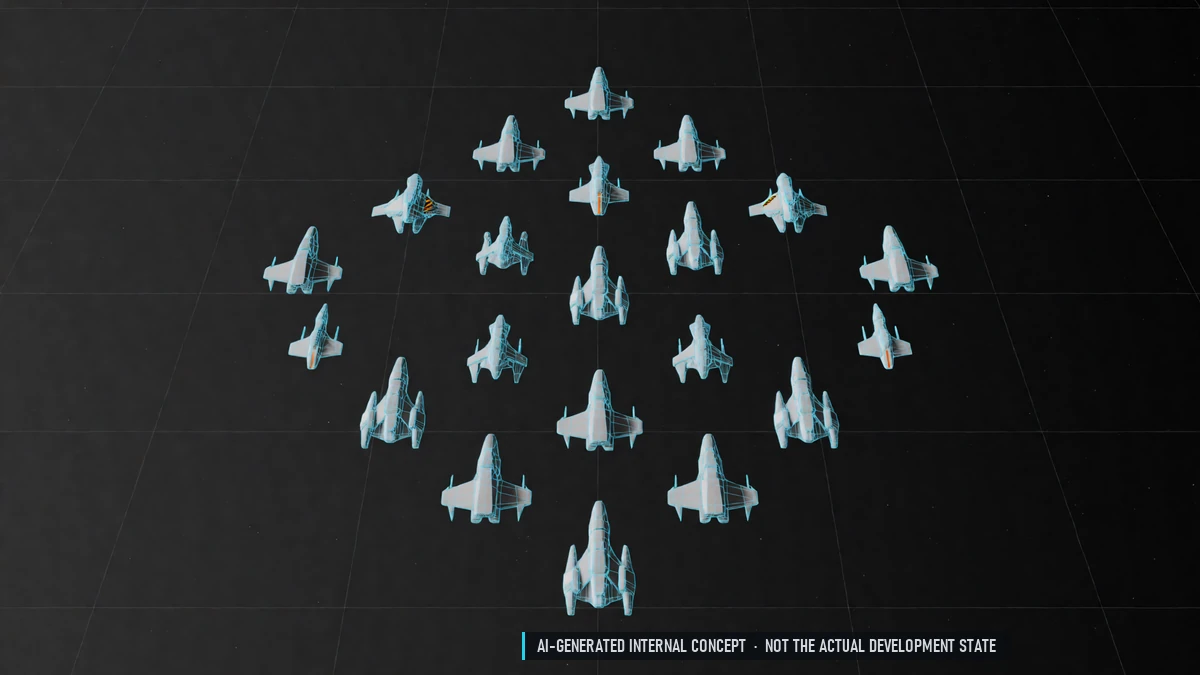
Platoons
Up to 20 pilots for wars and PvP. Shared EXP when close together. See each other and share spotted enemies. Group and platoon display: hull, shield and fuel warnings.
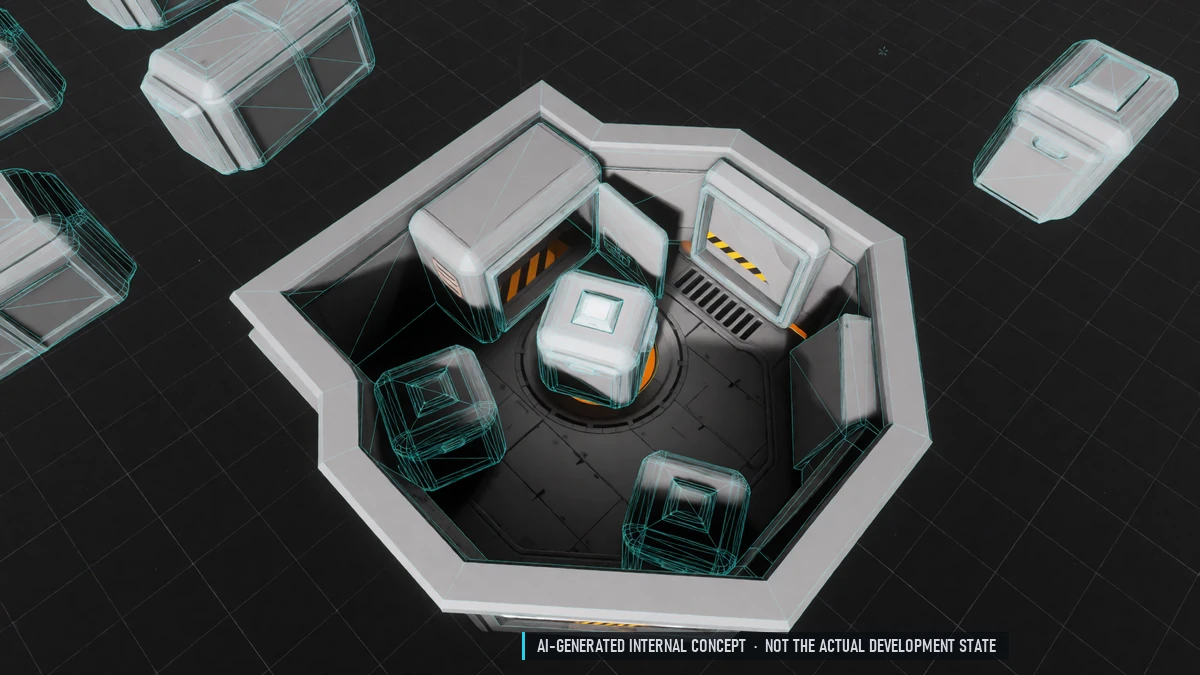
Redeem Codes
Codes for events and compensation, redeemed in the game menu. Rewards wait for you at any station.
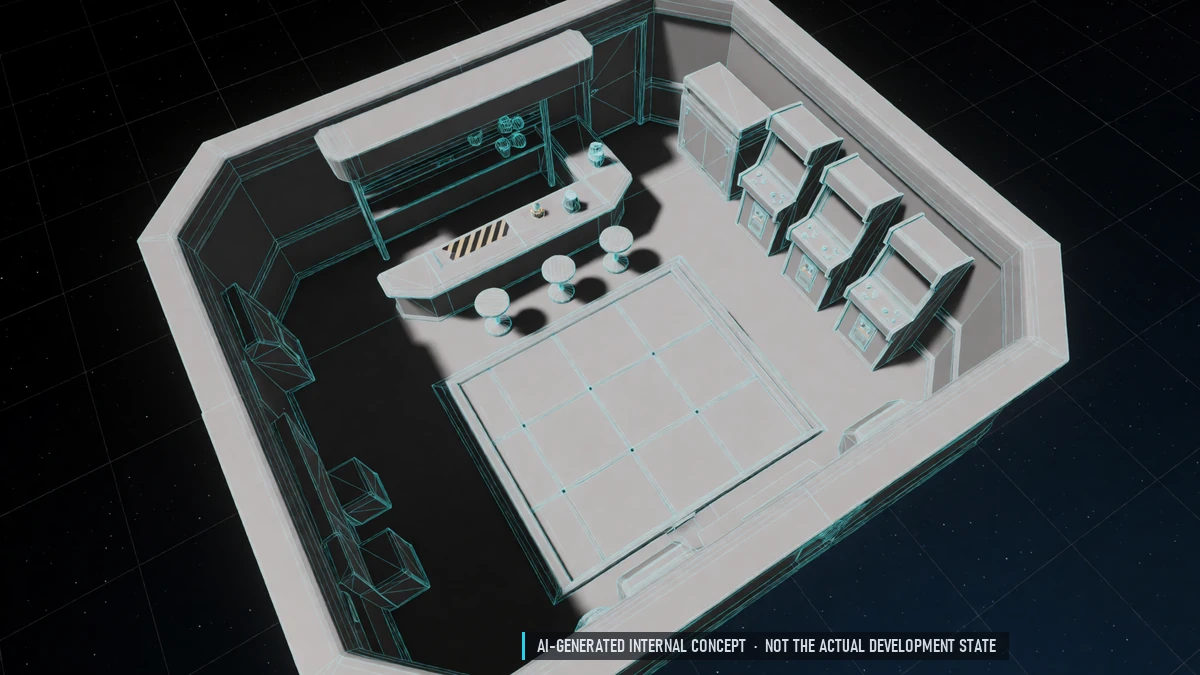
Station Leisure
Bar, emotes, sitting and dancing. Retro minigames with leaderboards and titles.
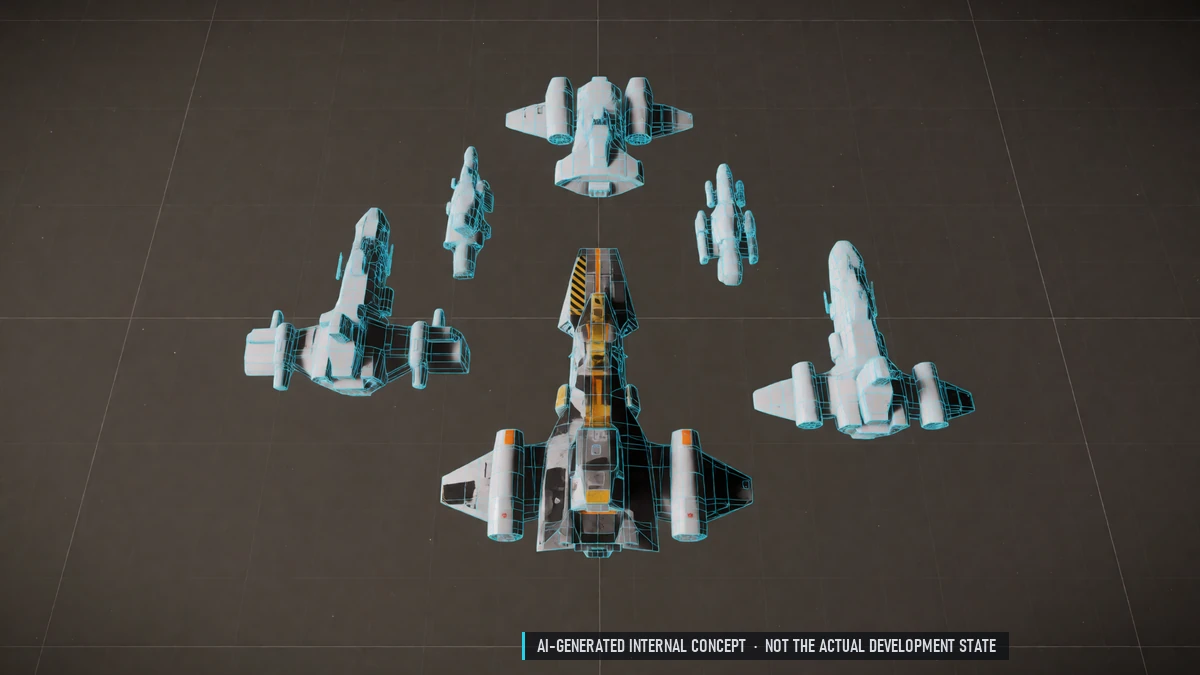
Alliances
Up to ten guilds in an alliance. No friendly fire inside the alliance.
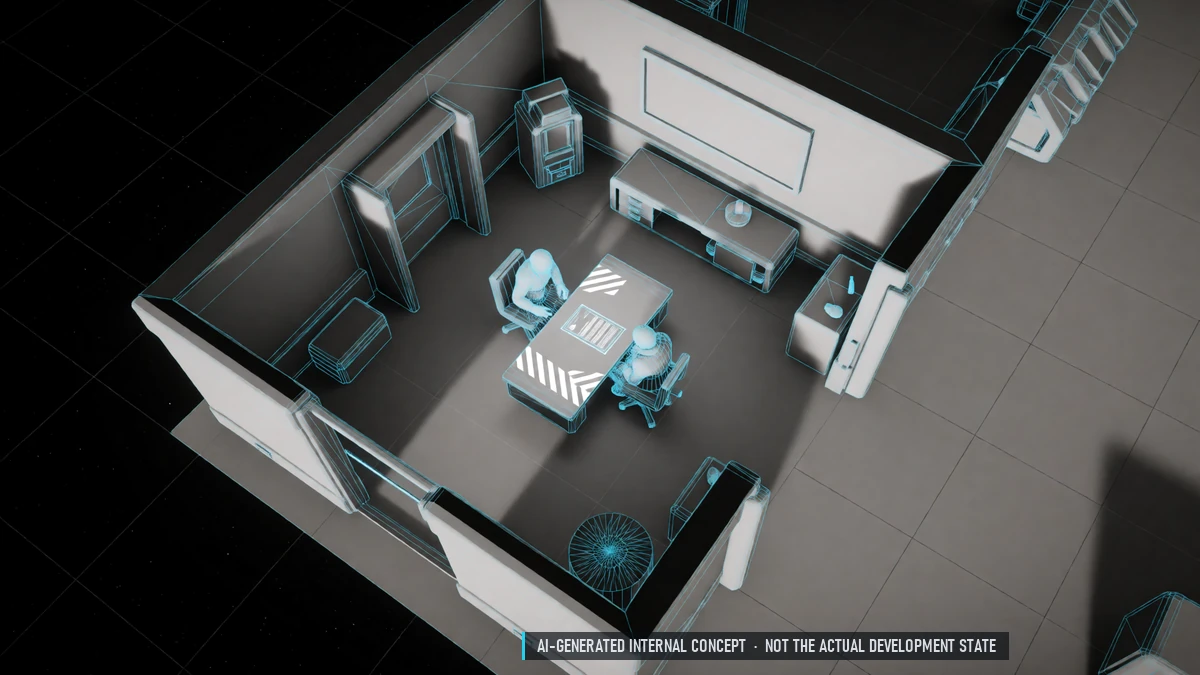
Guild Contracts
Every member signs a contract for 14 to 365 days. Daily salary and a fair exit for both sides. Seven-day trial for recruits.
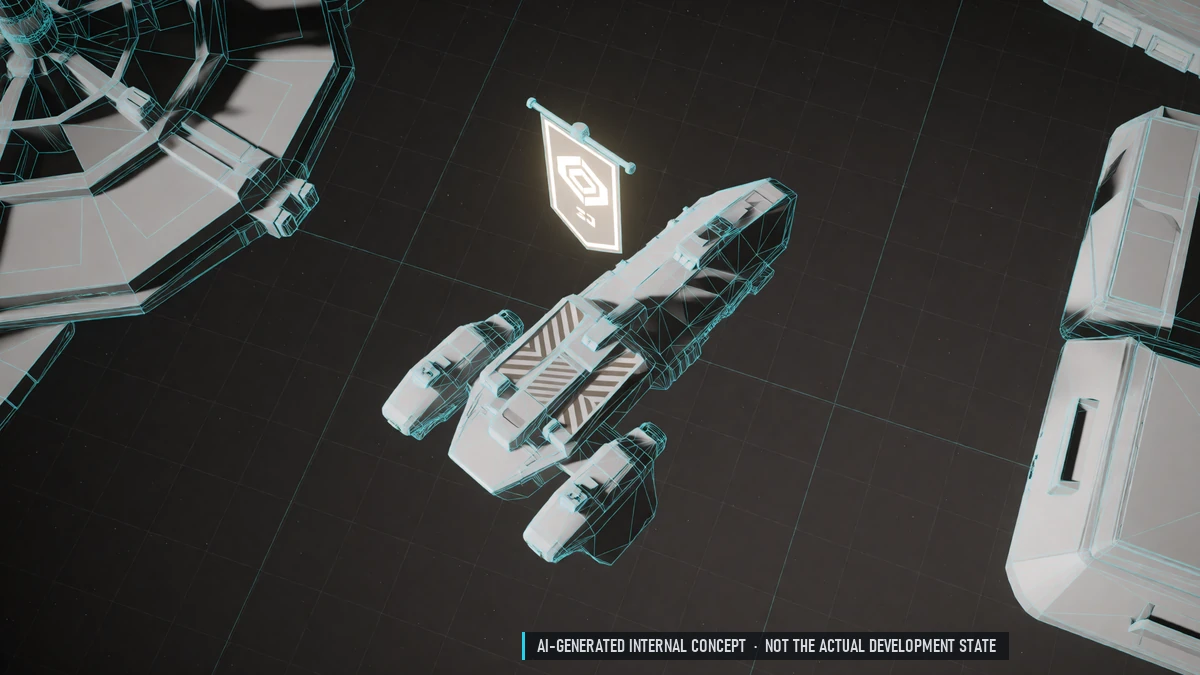
Guild Fame
Earn fame through active members and missions. Fame unlocks guild bonuses. Active guilds grow, inactive ones fade.
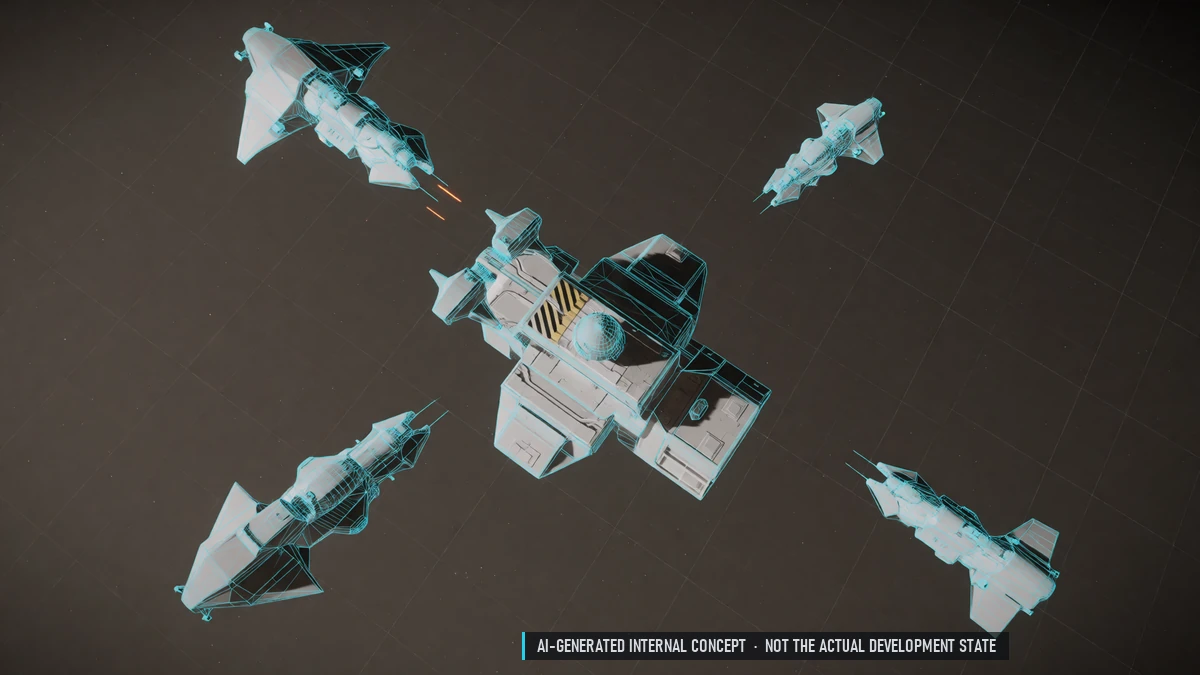
Guild Missions
Missions for the whole guild with shared progress. Rewards go to the treasury, with a share for everyone who helped.
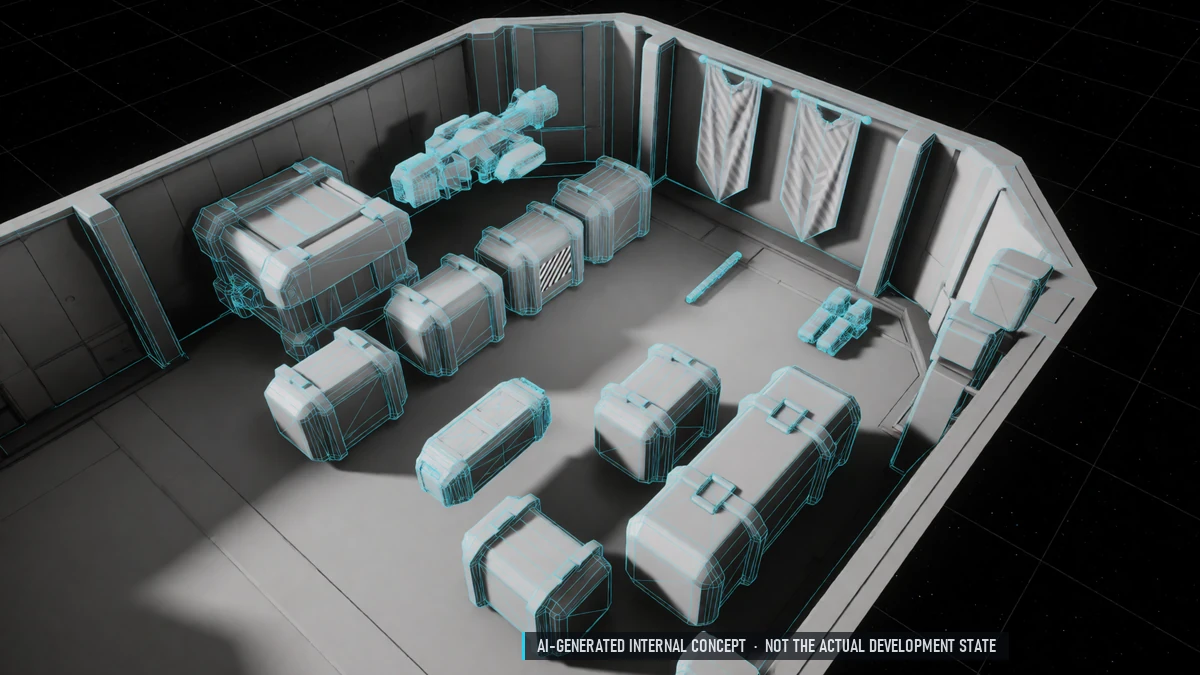
Guild Storage & Quarters
Guild storage at a station of your choice. Win guild quarters at auction for guild crafting.
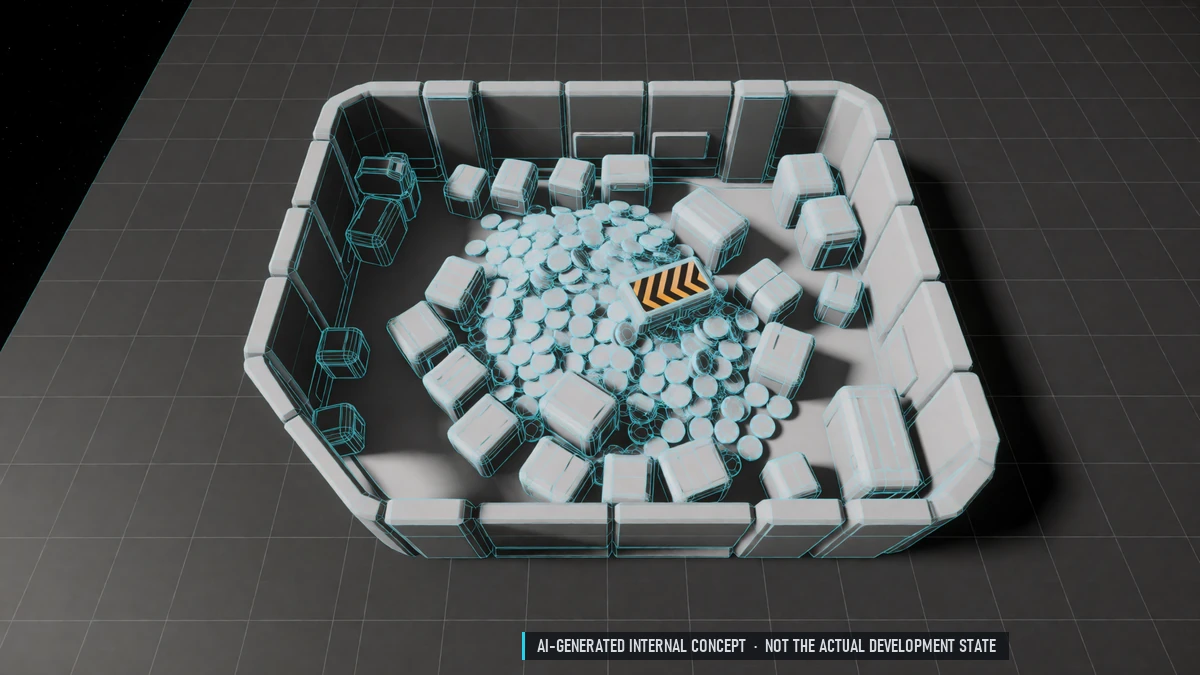
Guild Treasury
Filled only by guild activities. Pays for upgrades and salaries. Weekly tax on guild wealth.
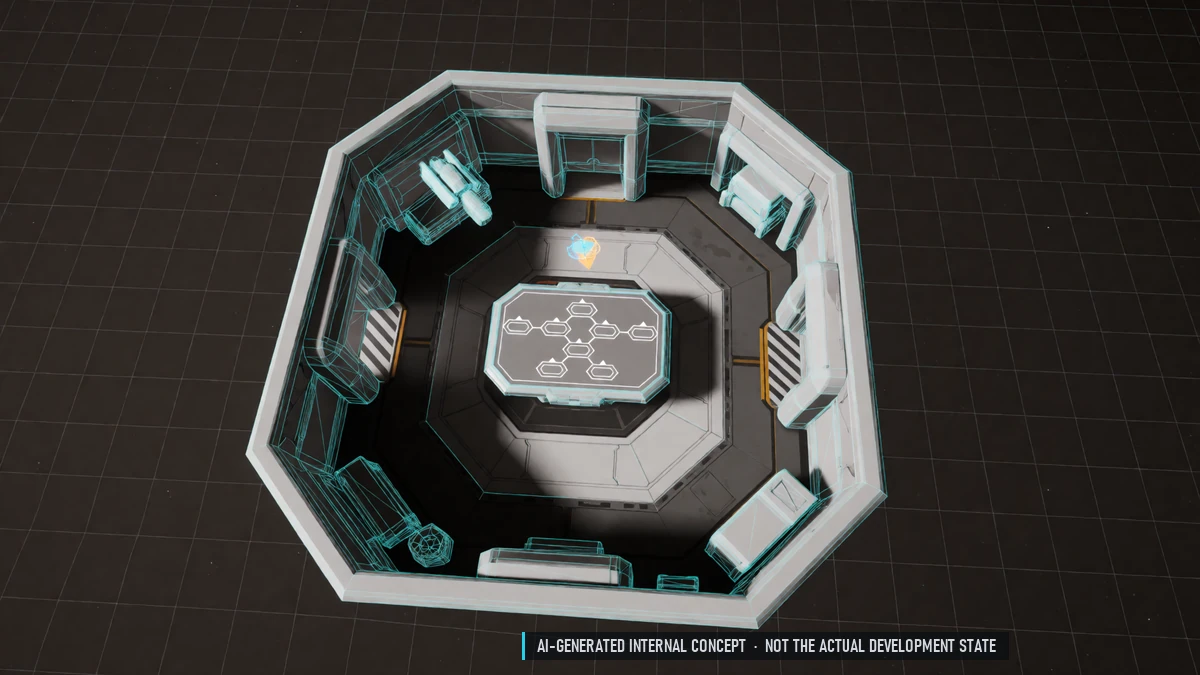
Guild Upgrades
Guild levels and an upgrade window for buffs and guild size.
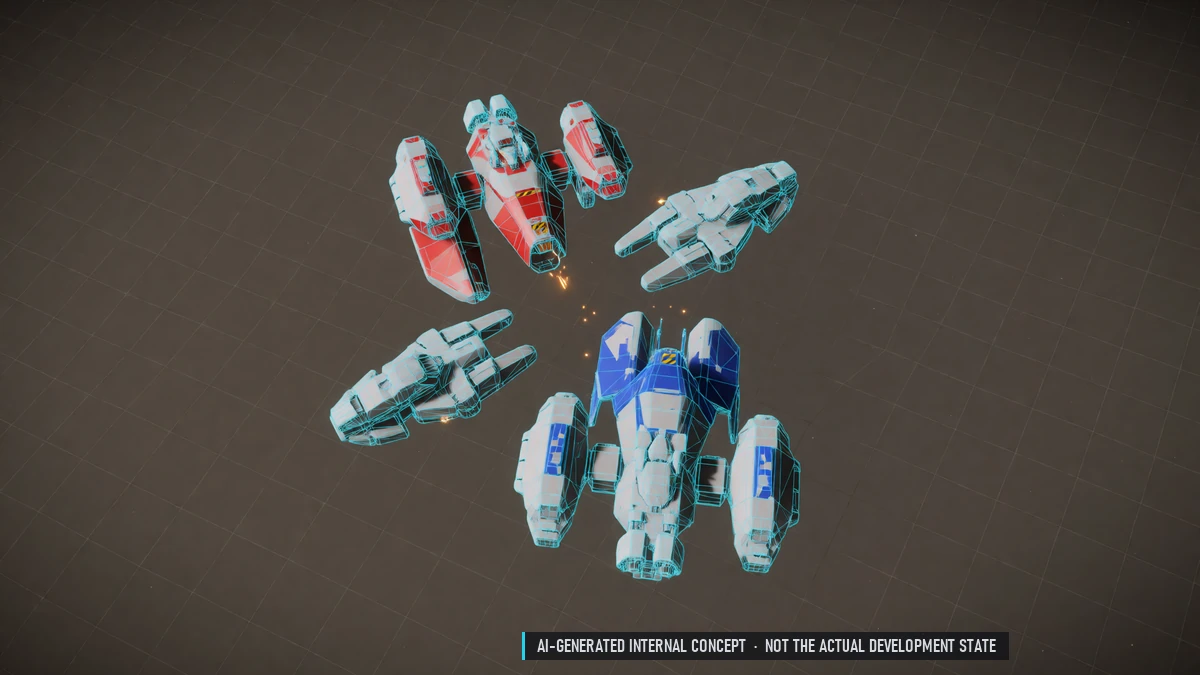
Guild Wars
Declare war – no consent needed. Lasts 30 days or until both sides make peace. Members of both guilds may fight each other freely. Bounties on whole guilds.
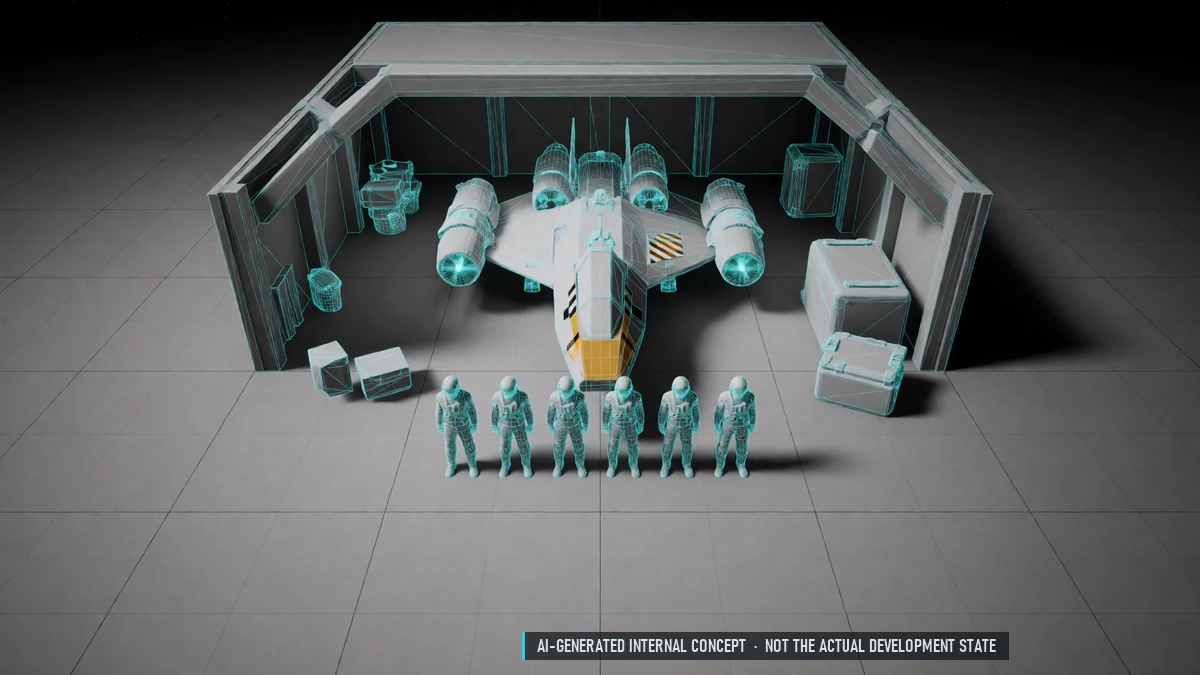
Guilds
Found a guild – members from any nation welcome. 20 slots at the start, up to 100. Ranks: leader, officer, member, recruit. No friendly fire inside the guild.
0.7 Closed Beta – Guild Territory
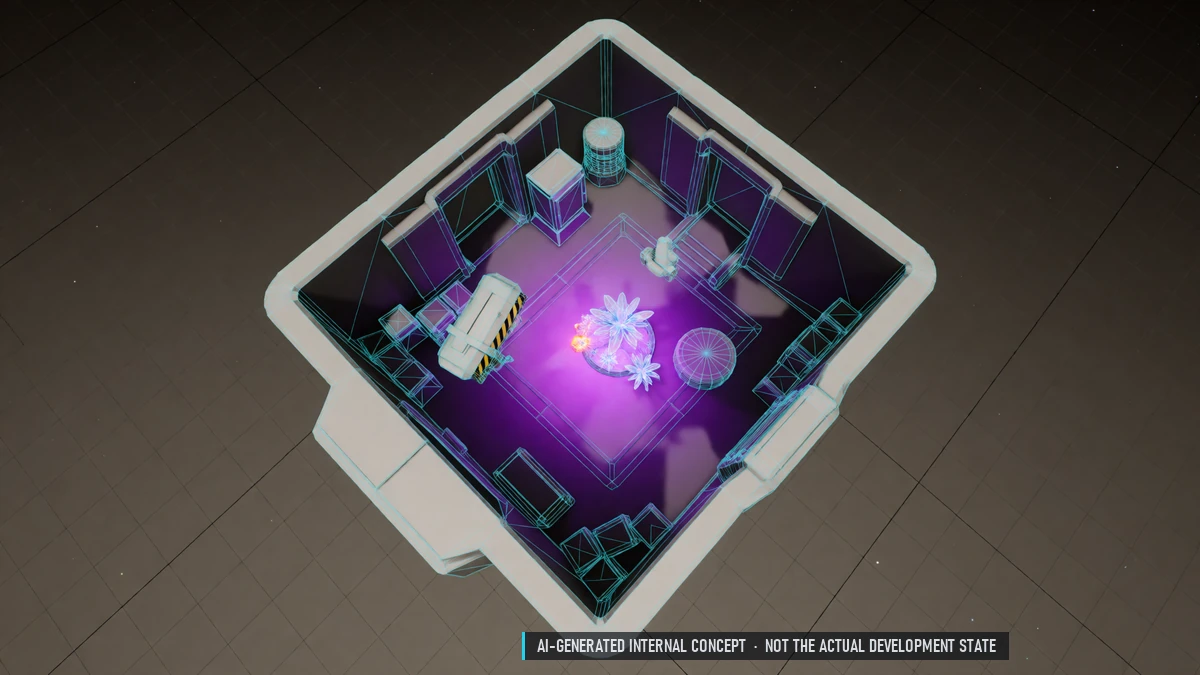
Illegal Plants & Drugs
Illegal plants need constant care. Brew invented drugs in your quarters, guild stations or pirate nests. Sell them on the black market.
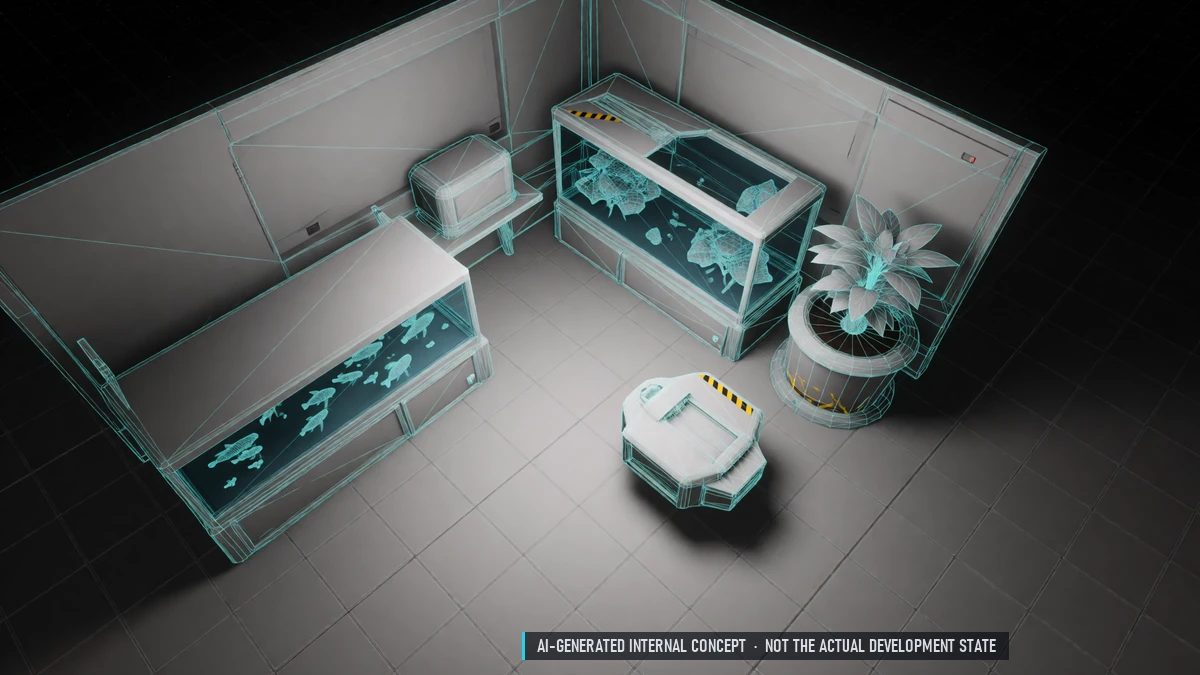
Crossbreeding & Aquaculture
Cross two plants for a new one. Farm fish, crabs and insects.
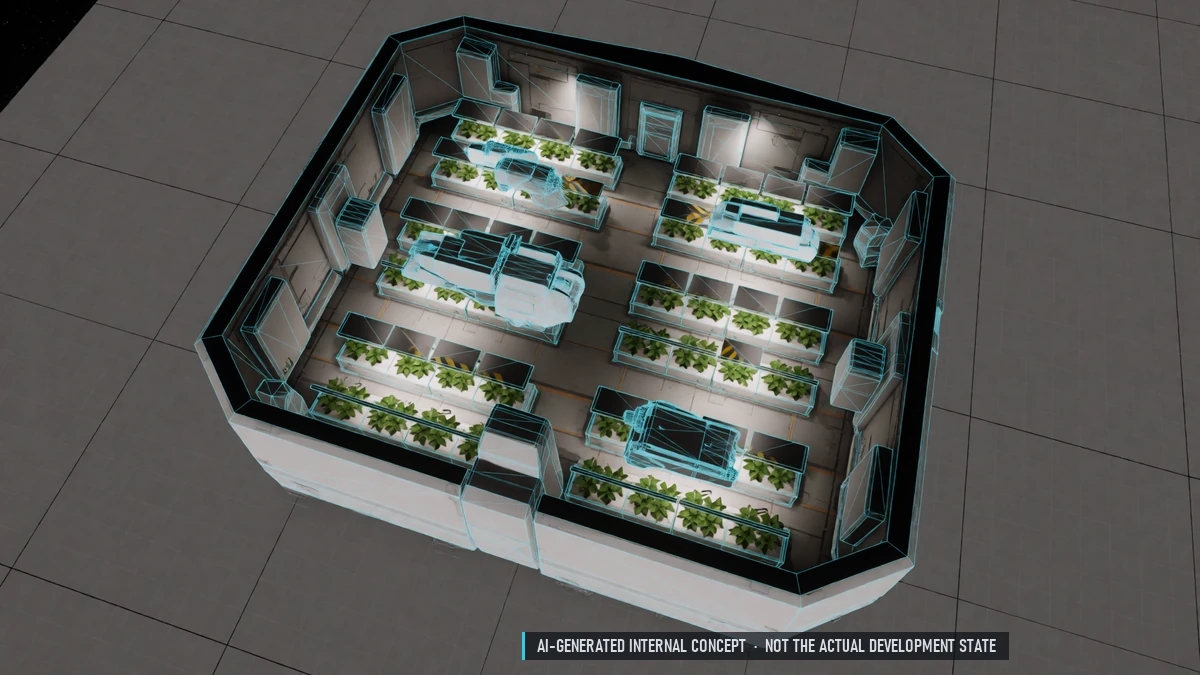
Hydroponics
Farming lifeskill: beds in your quarters, farm modules on guild stations. Crops, algae, mushrooms, herbs, industrial plants and exotics. Care makes plants grow faster.
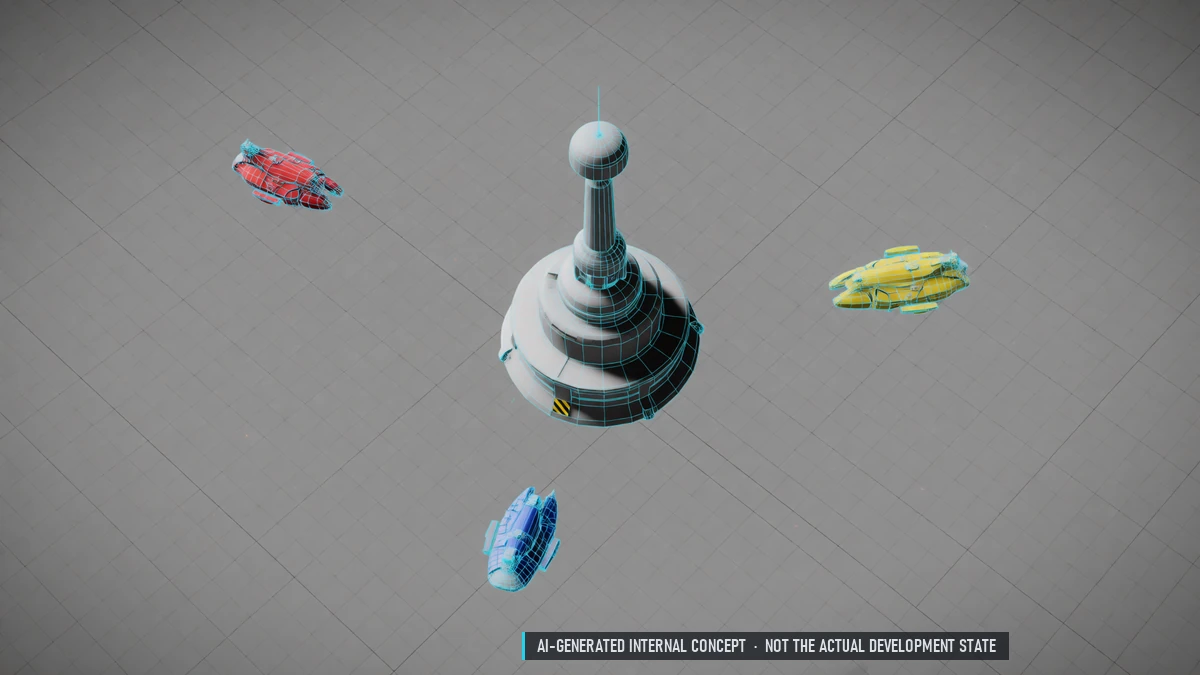
Contested Sectors
Each week one sector is marked as contested. PvP there between the nations fighting for it. Conquest missions and a weekly battle for control.
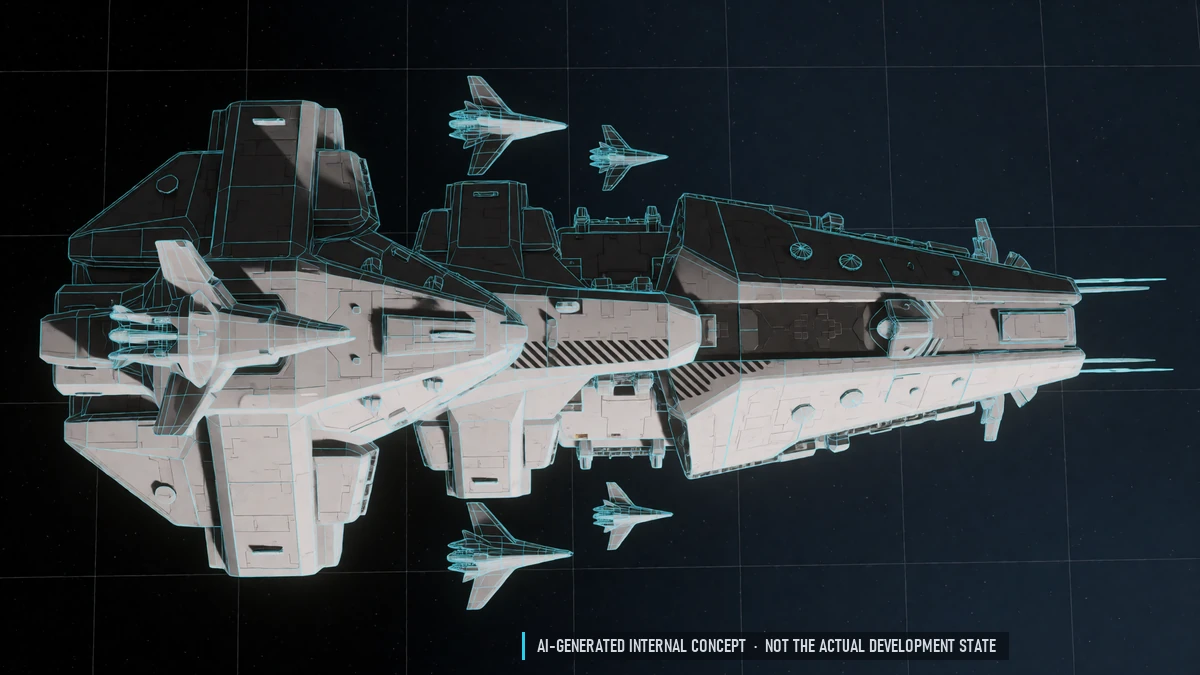
Dreadnought
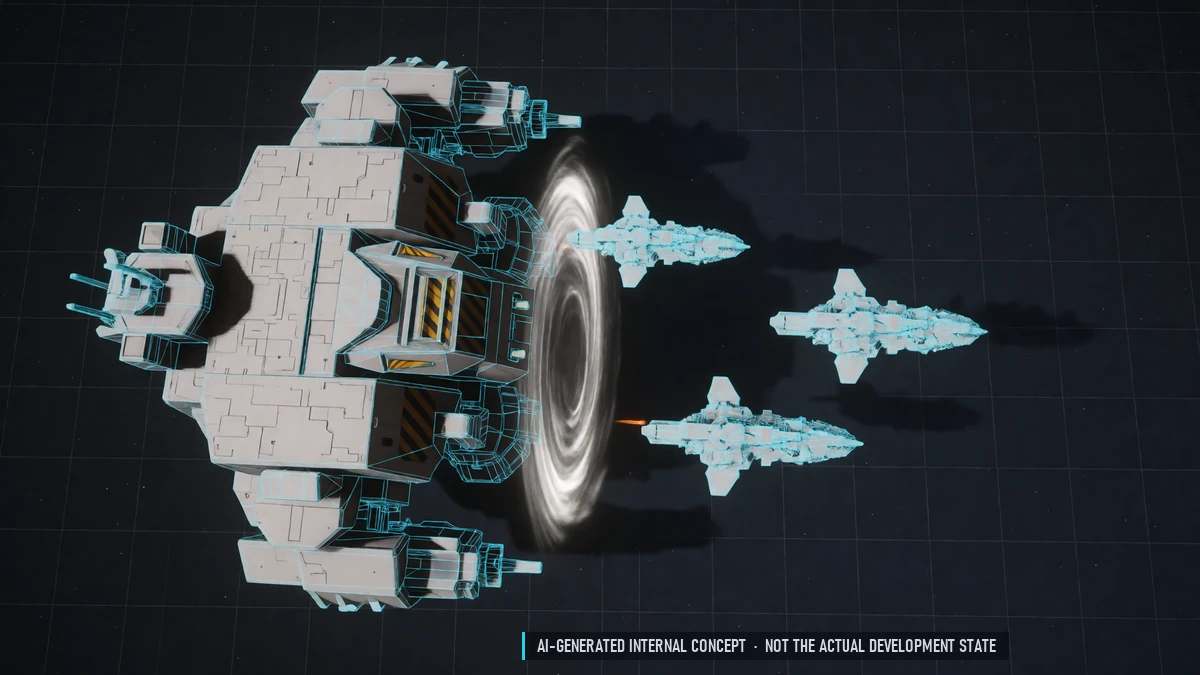
Walkable guild capital ship from its own shipyard module. Pilot, copilot and gunners – some turrets manual, some automatic. Hangar for smaller ships: dock, rearm, refuel. One per guild.
Group Portal
The dreadnought opens a portal for a short time. Everyone may pass – anywhere except the nations' home sectors. Bring your guild along.
Guild Ships
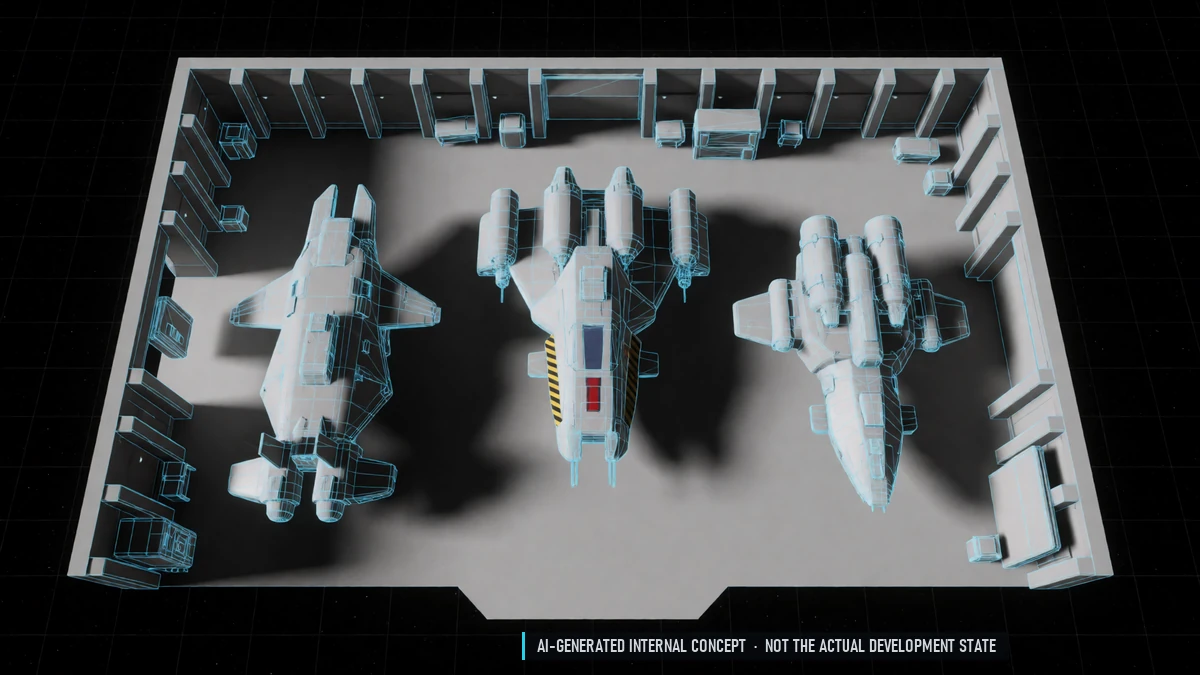
Built at the guild station's shipyard. Members with permission fly or request them. Lending log, insurance paid by the treasury.
Guild Stations
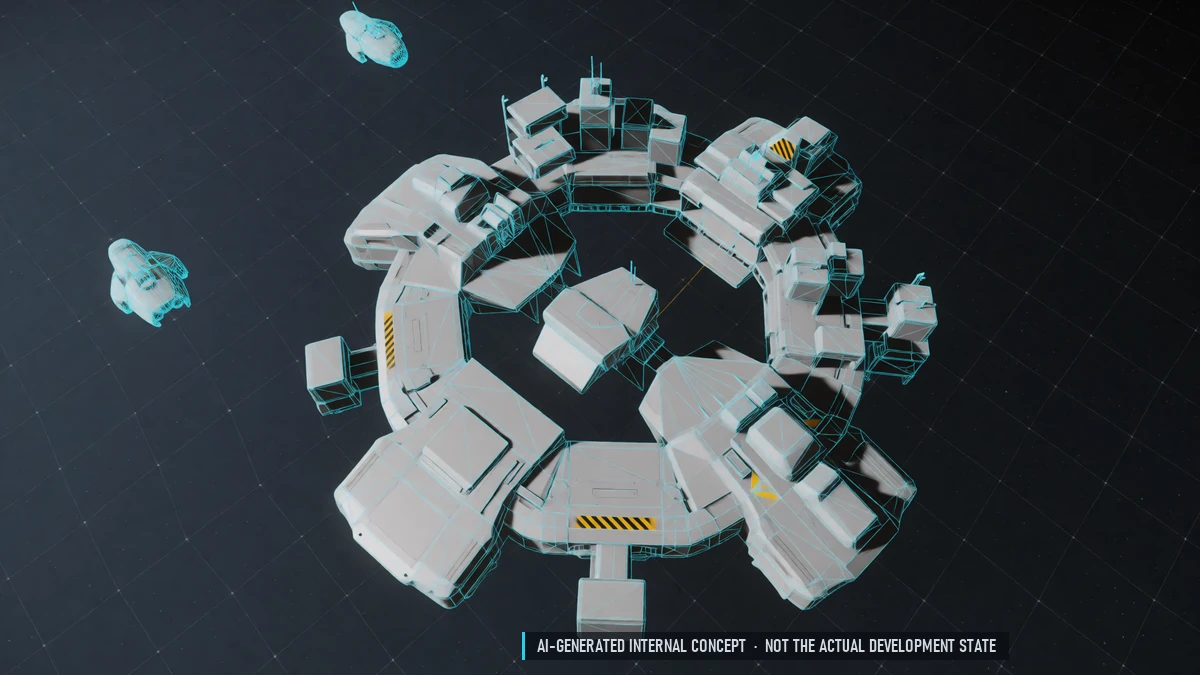
Build your own station in border and PvP sectors. Fixed spots in nation sectors, won at auction. License, foundation, core, modules – built from donated materials. Station levels 1–5, one station per guild.
Pirate Guilds
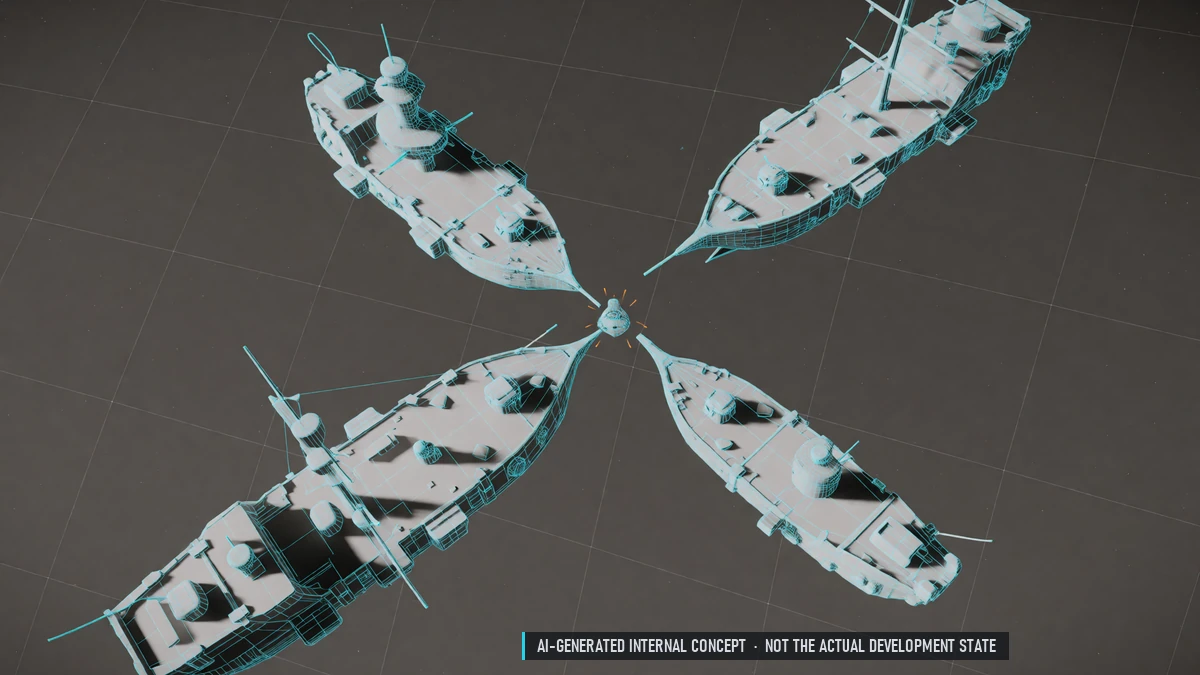
Pirate guilds conquer sectors for the pirates.
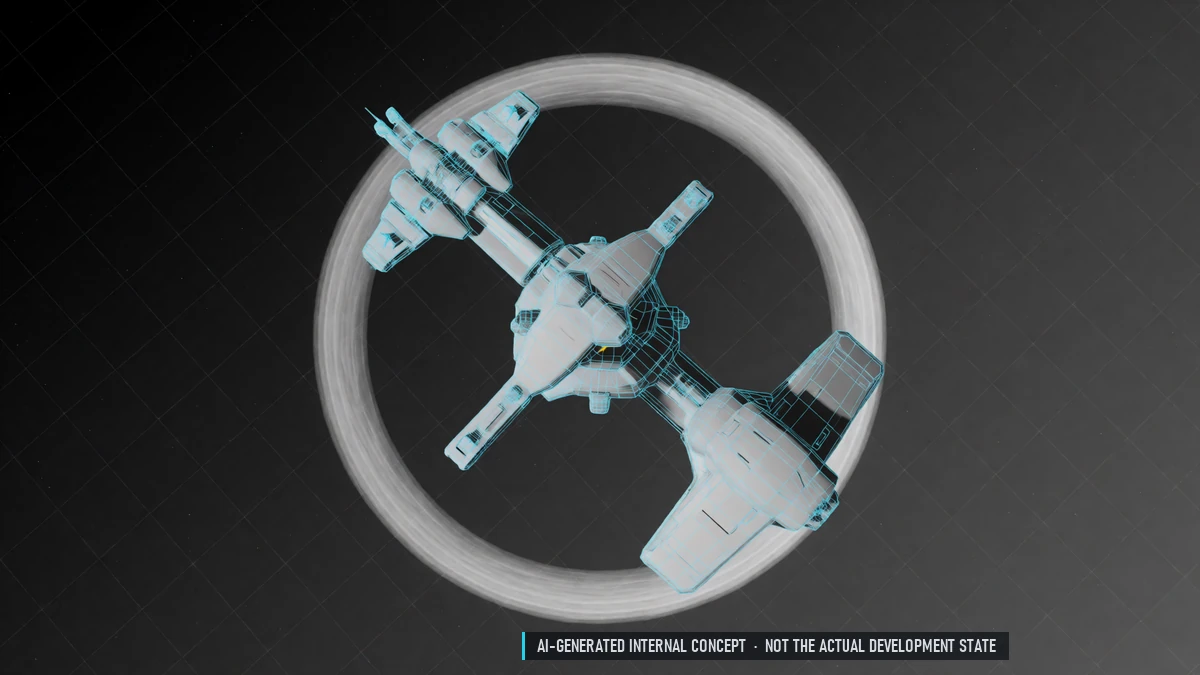
Relocating Stations
Move a finished station with a jump drive. Or pack it up and set it up again elsewhere. Not during wars or attacks.
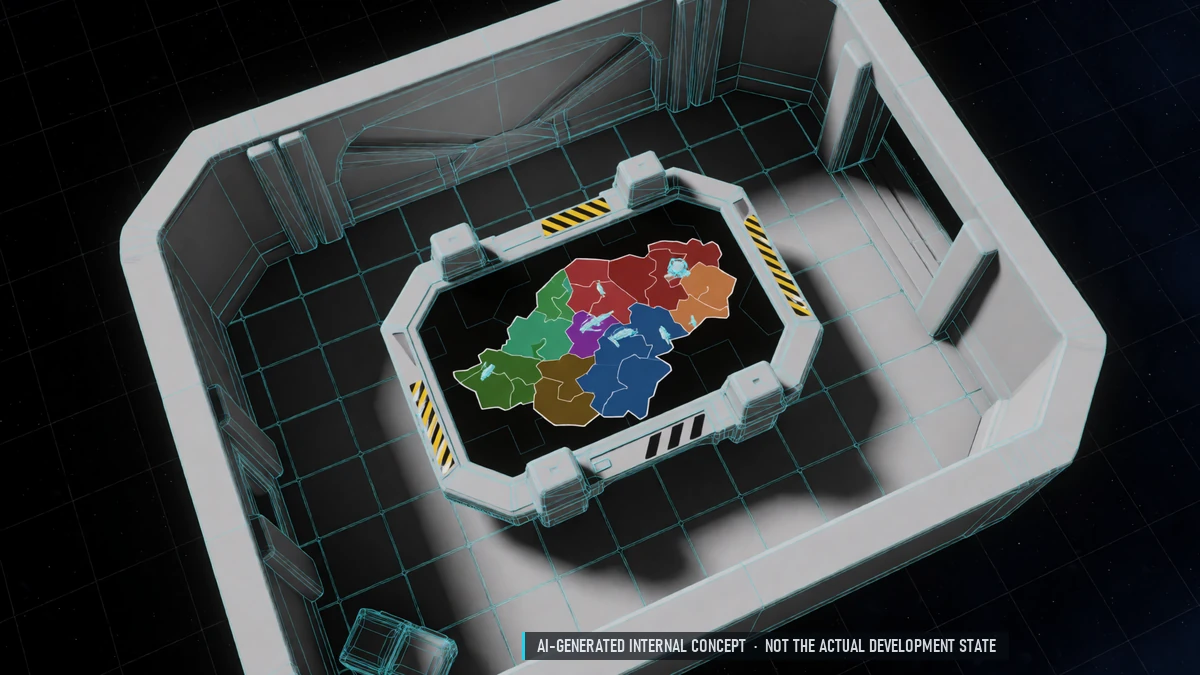
Sector Conquest
Nations compete for influence in border and PvP sectors. Influence from stations, missions, kills and trade. The winner's police patrol the sector, its taxes count for that nation.
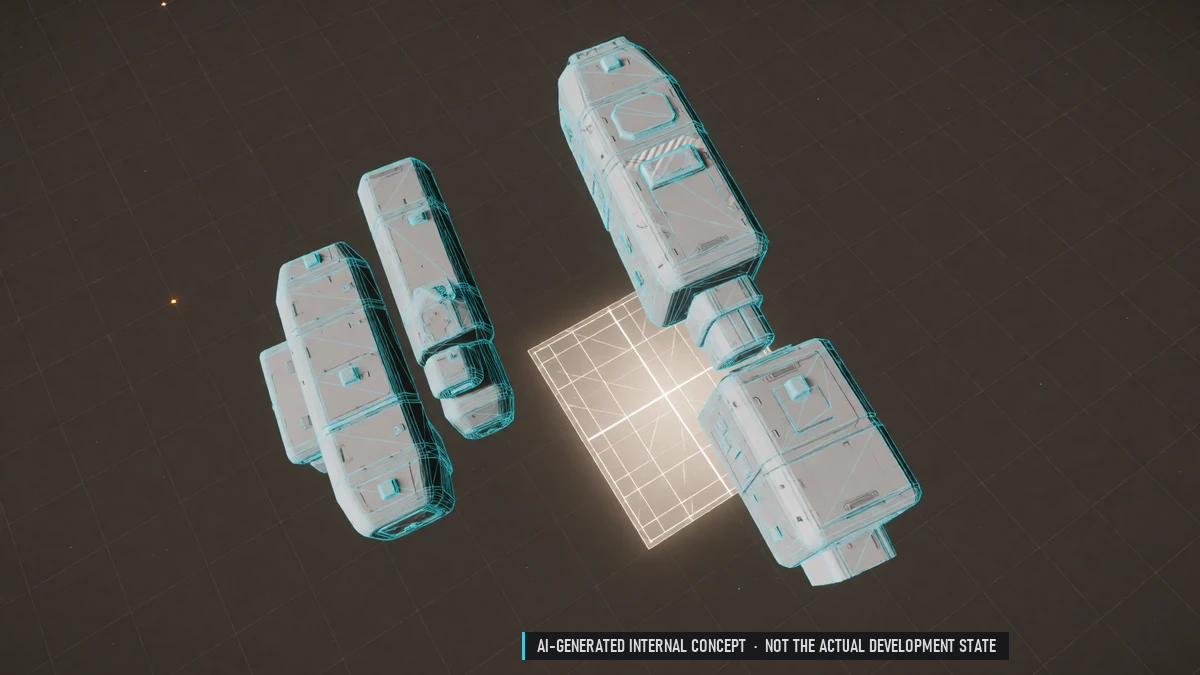
Station Editor
Dock modules together and pick turrets for fixed hardpoints. Colors, guild emblem and lights. Rooms follow the modules; furnish halls and guild quarters. Share station layouts with other guilds.
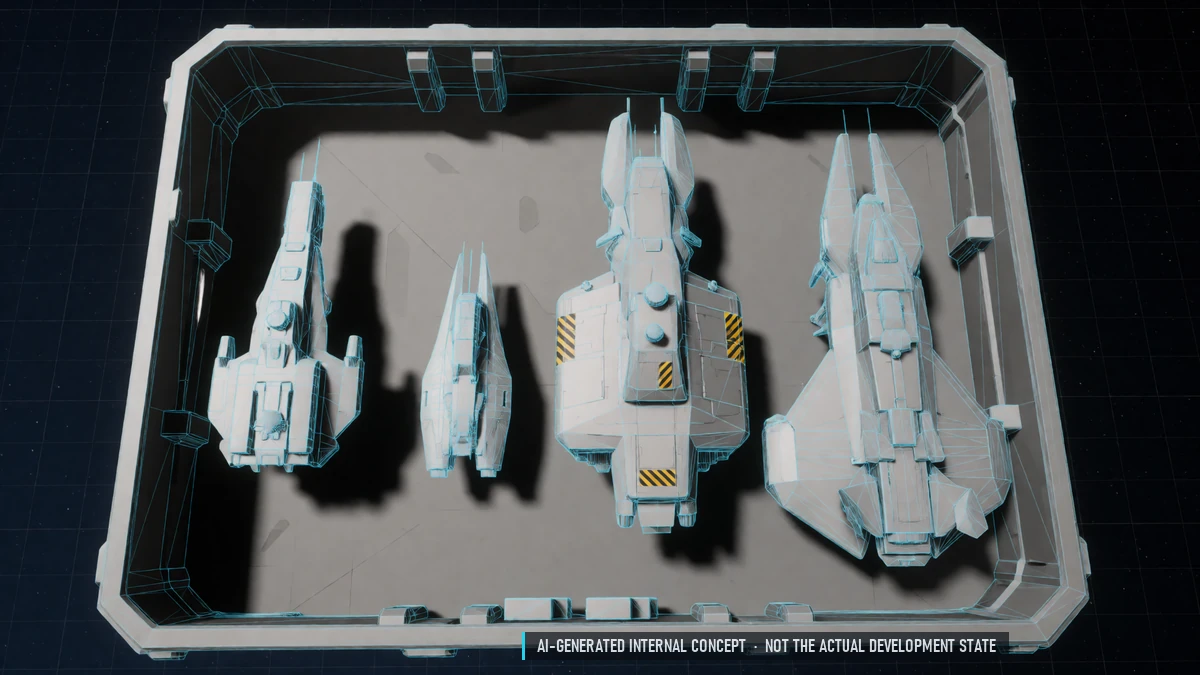
Station Hangar & Storage
Shared hangar – your ship stays yours. Guild storage plus private storage for every member. Visitors can dock and use services for a fee.
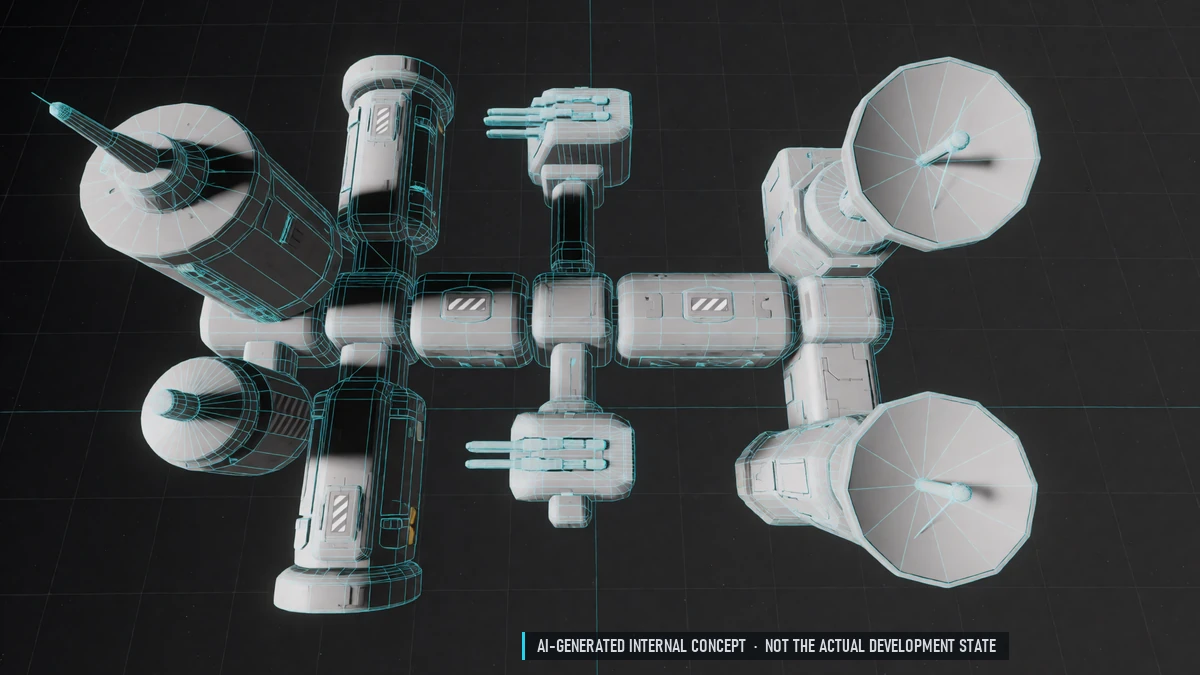
Station Modules
Refinery, shipyard, storage, repair, turrets, shields, radar, production and guild hall. Guild kitchen, lab and farm. Some modules can be built more than once.
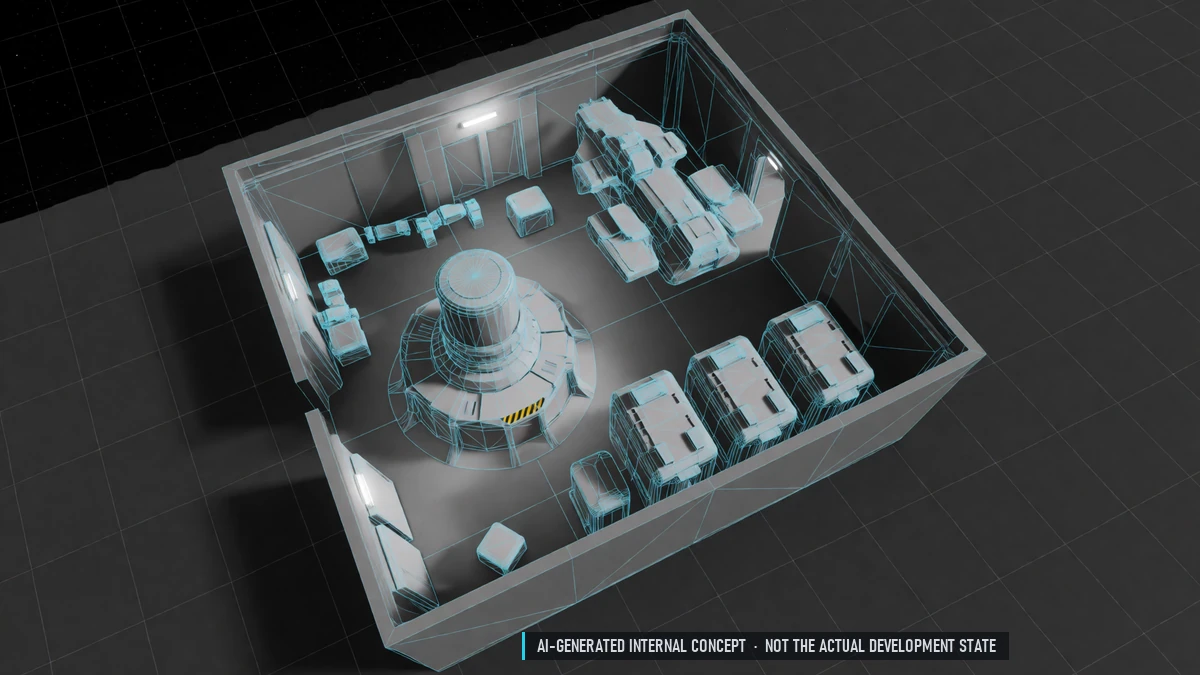
Station Power
Generators set a power budget – not every module runs at once. Fuel the generators; members can donate. Batteries as a backup.
0.8 Closed Beta – Siege & Boarding
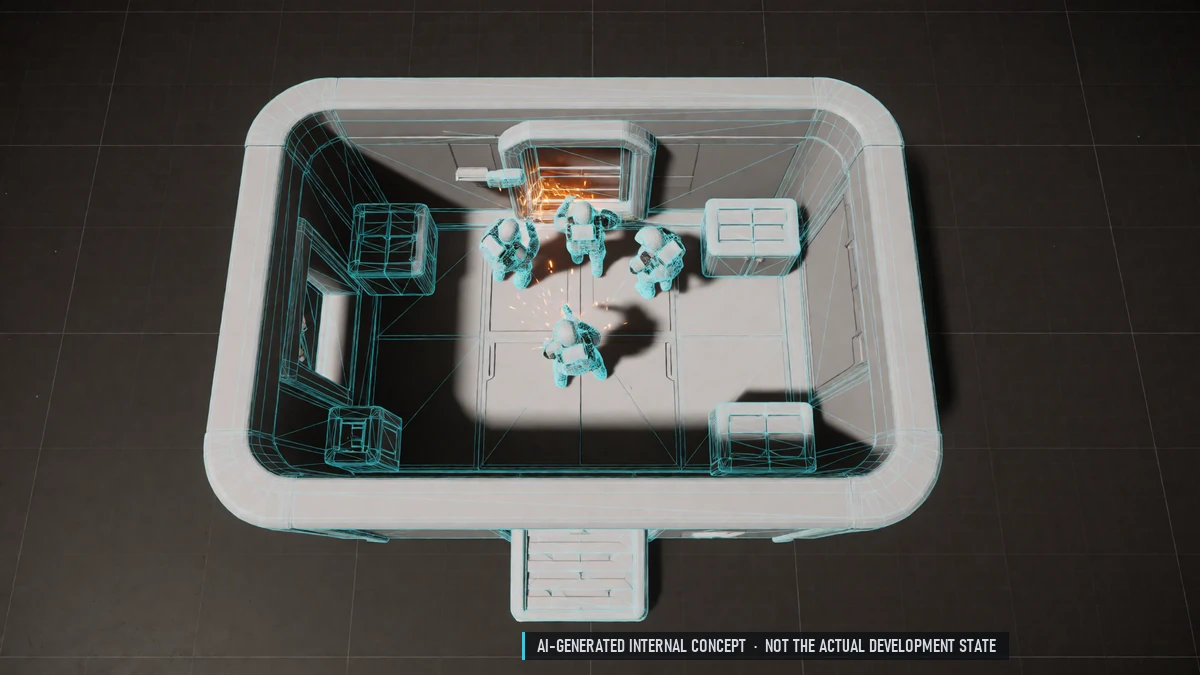
Boarding
Phase 2 the next day: board the station on foot. Defenders can shift the start a little. Hold control points, then the core room. Hack terminals to sabotage modules.
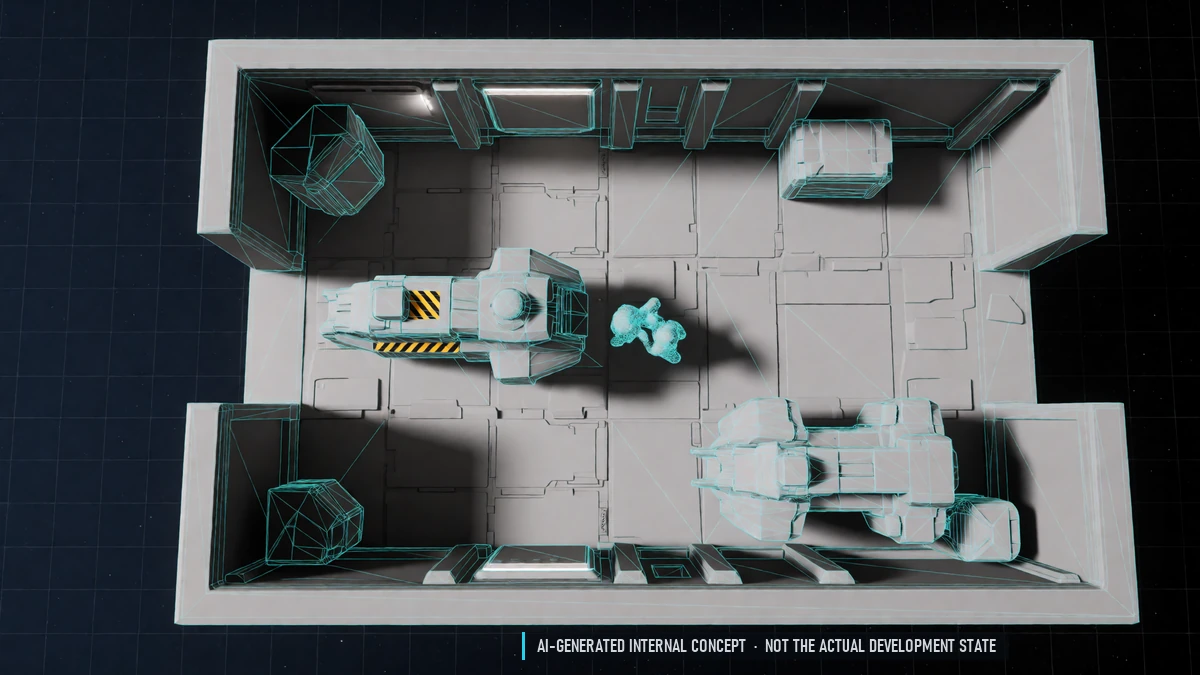
Dreadnought Boarding
Board a dreadnought once its shield is down and it is badly damaged. Plant time bombs – the crew defuses them in minigames. No attacks on dreadnoughts in safe sectors.
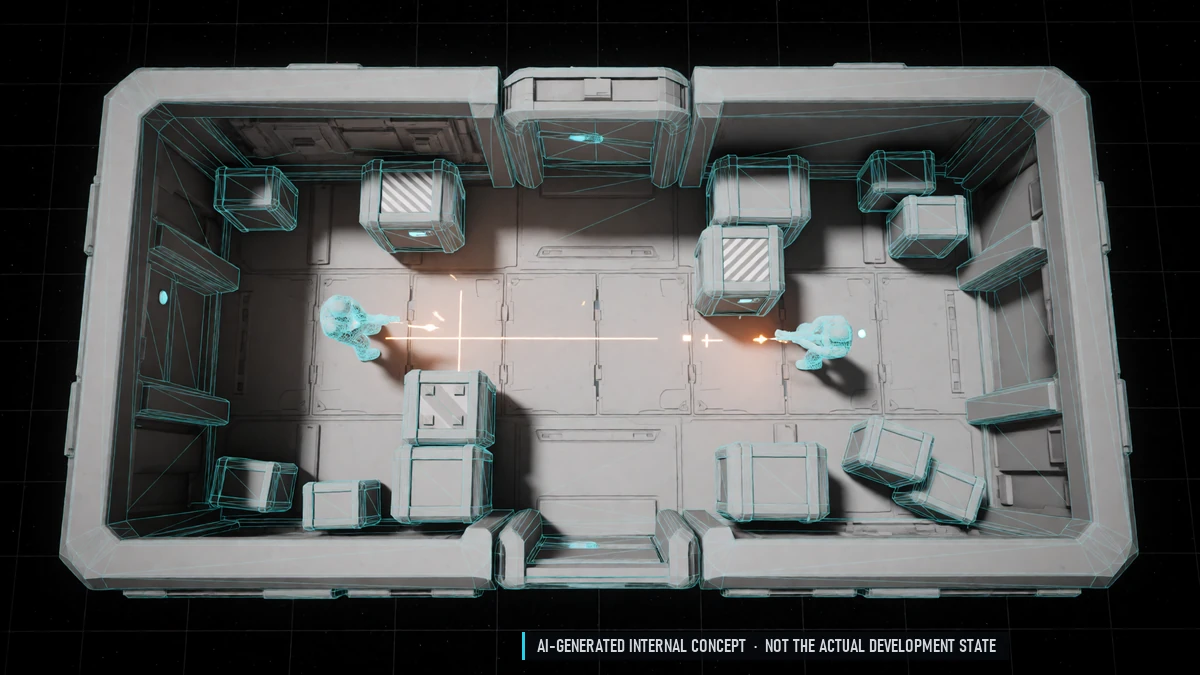
Ground Combat
Top-down combat on foot with mouse aim, cover and doors. Twin-stick controller support. You only see what's in your line of sight.
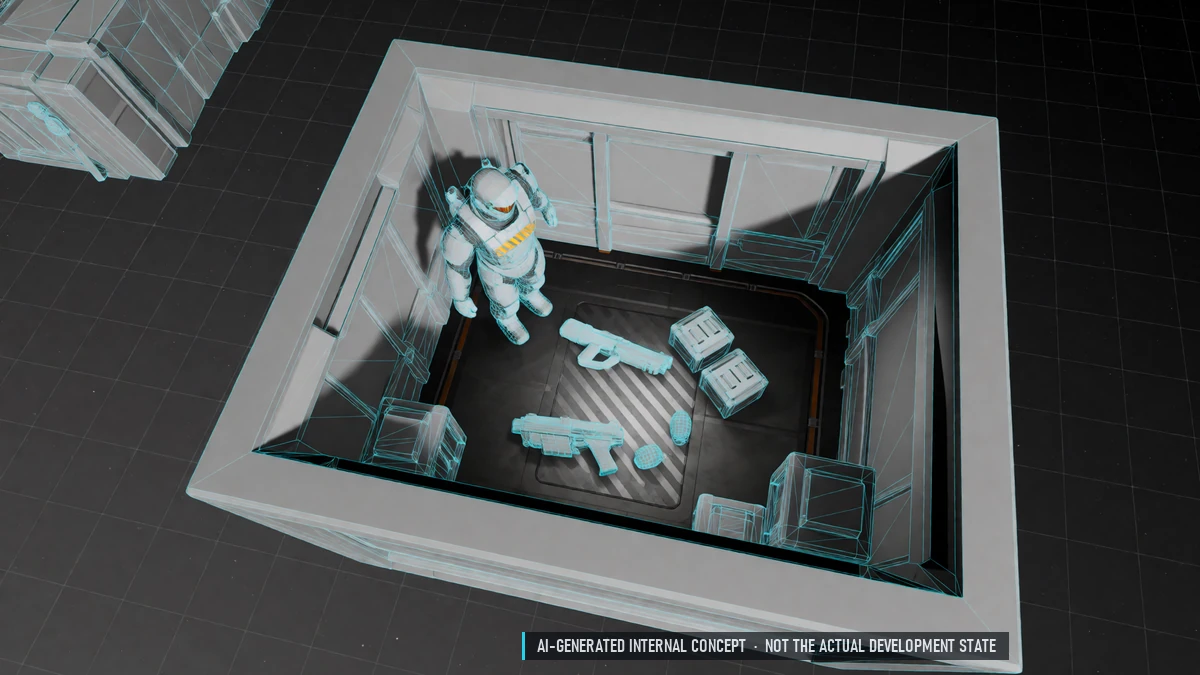
Ground Gear
Suit, two weapons and gadgets: grenades, medkits, hacking tools, shield domes. Medicine and stims from chemistry. Pick up ammo and consumables others drop.
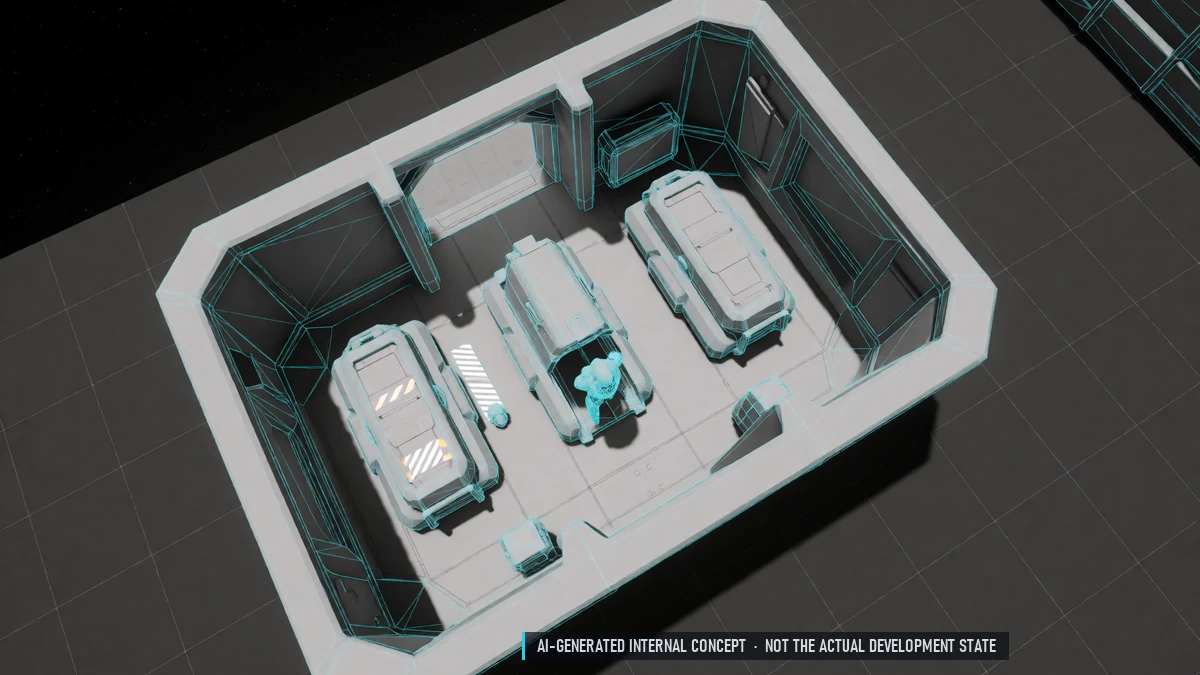
Respawn Tickets
Defenders respawn with a cooldown and limited tickets. Attackers board again – or respawn on their dreadnought nearby.
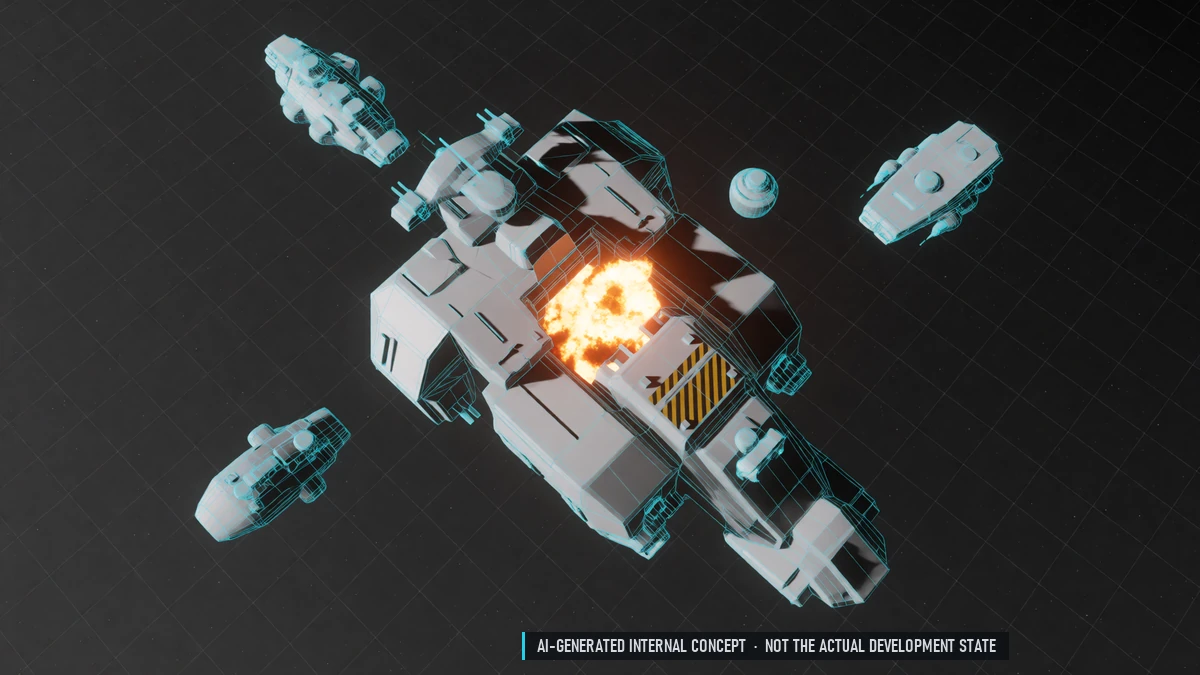
Dreadnought Destruction
A destroyed dreadnought leaves a big wreck with loot. Everyone aboard and every docked ship must respawn. Long repairs.
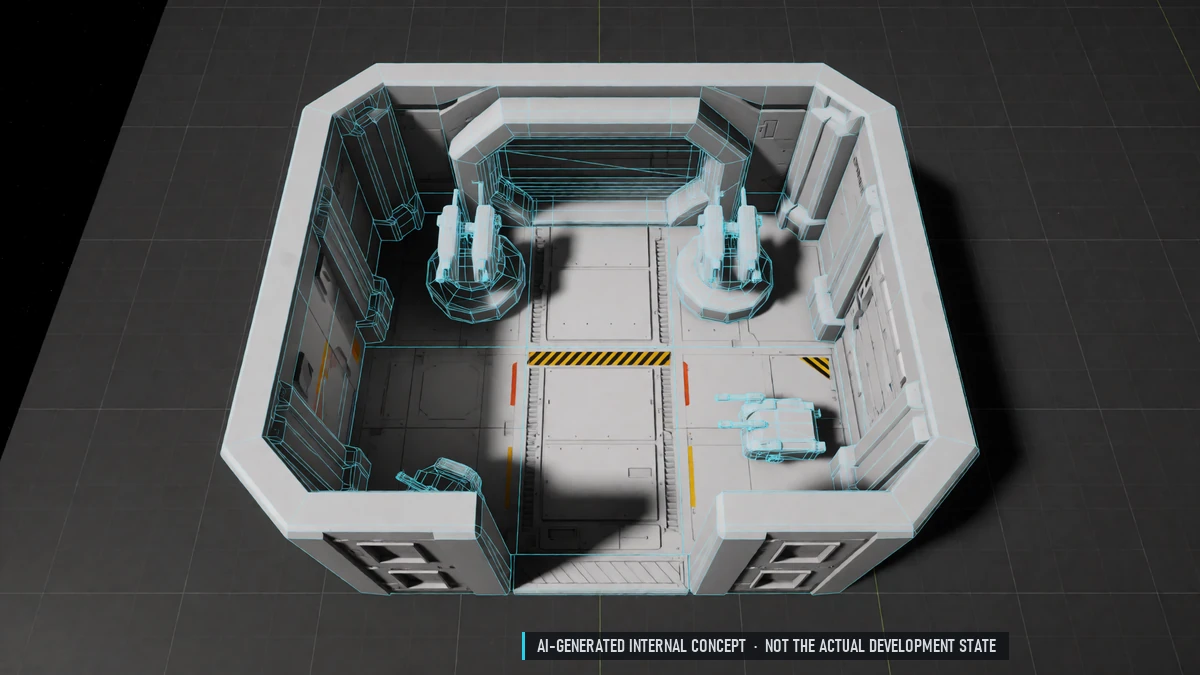
Inner Defenses
Auto-turrets, doors and control points inside stations and dreadnoughts. Guilds choose what stands where.
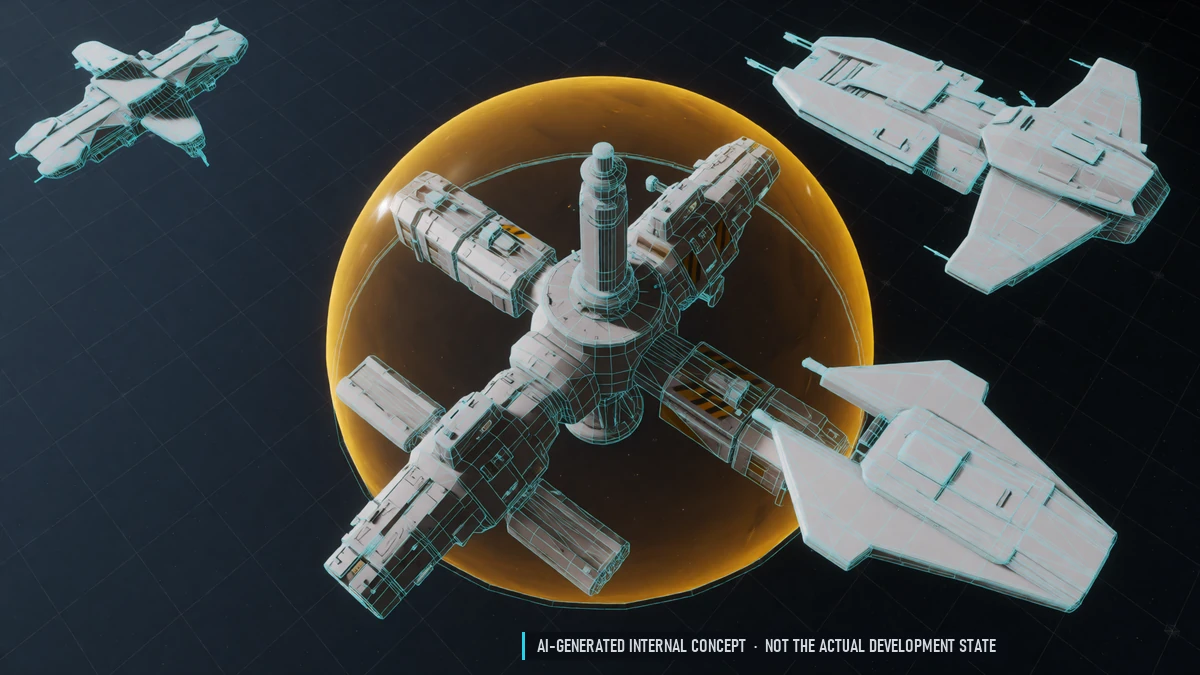
Siege Protection
Seven days of protection after every siege. Guilds can buy extra protection time. In border sectors, police defend against other nations.
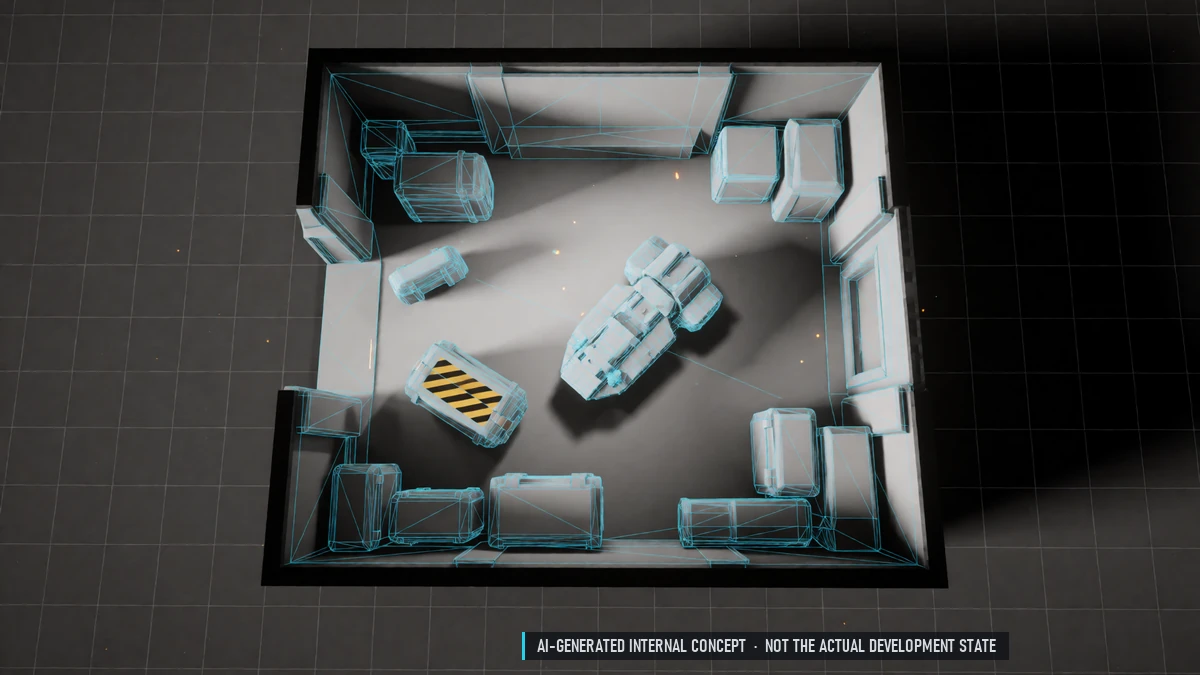
Siege Rewards
Loot from guild storage and production – never from personal storage. Damaged modules and a production stop. Guild raid rankings. Stations can't be taken over.
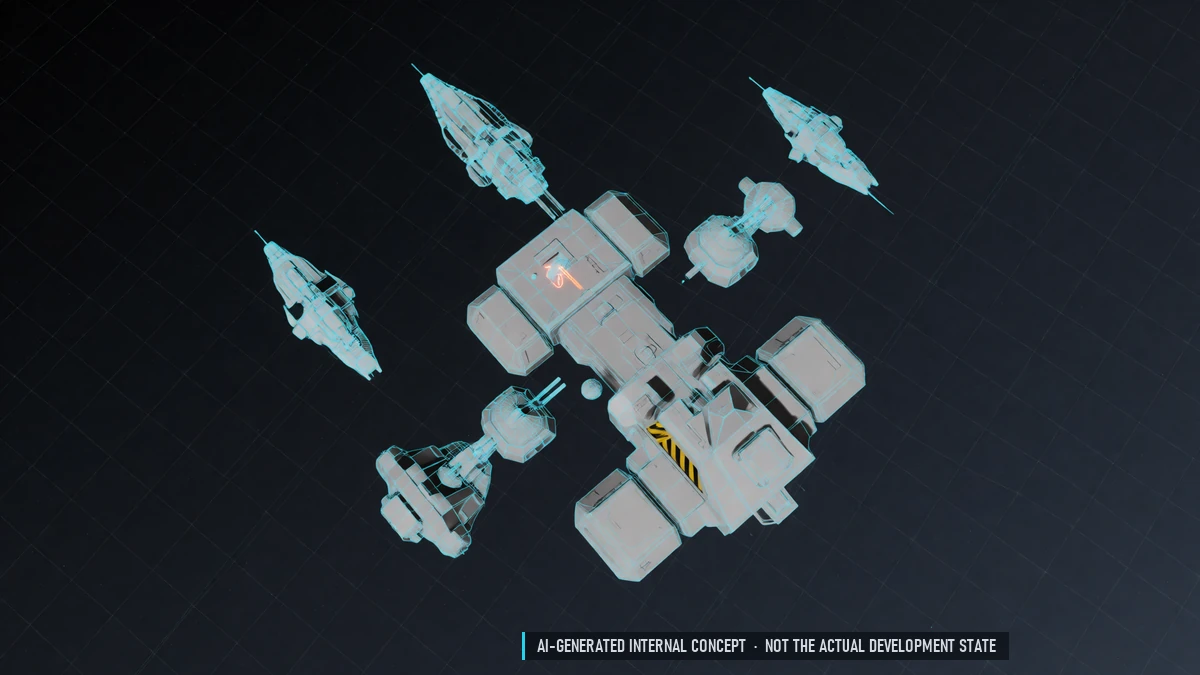
Sieges
Attack a guild station only after declaring war. Phase 1 in space: bring down the shield and every turret. After that the station is safe until the next day.
0.9 Closed Beta – Endgame
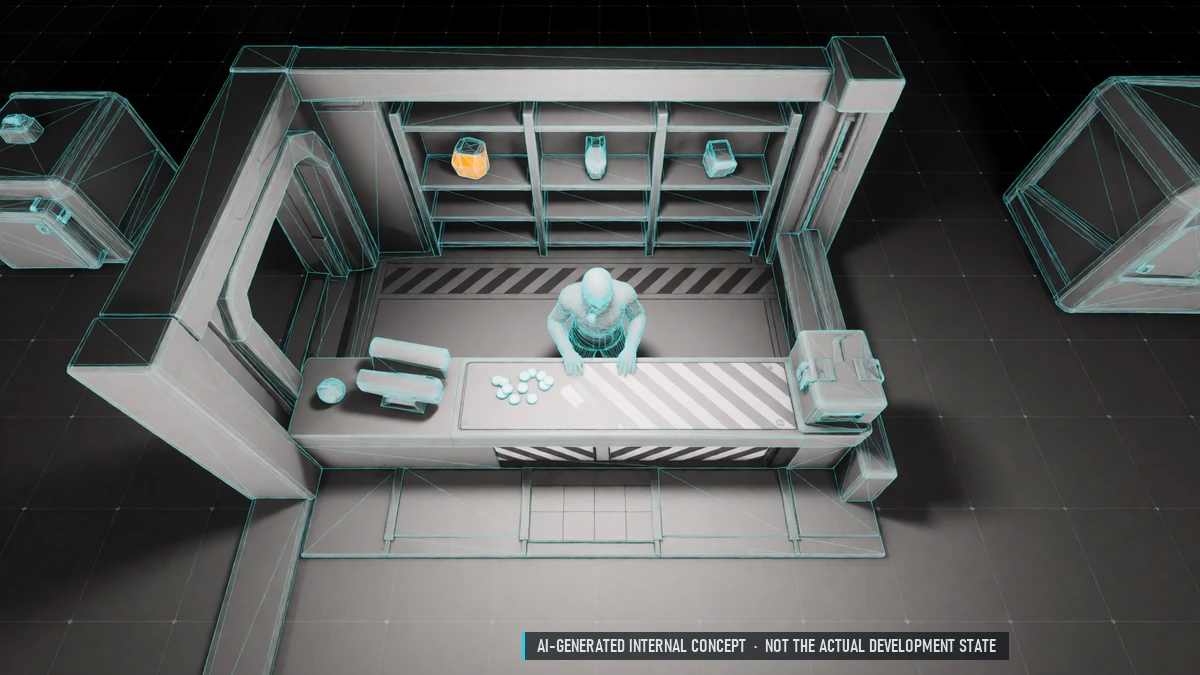
Exchange Shop
Trade arena tokens, event and faction currencies for rewards.
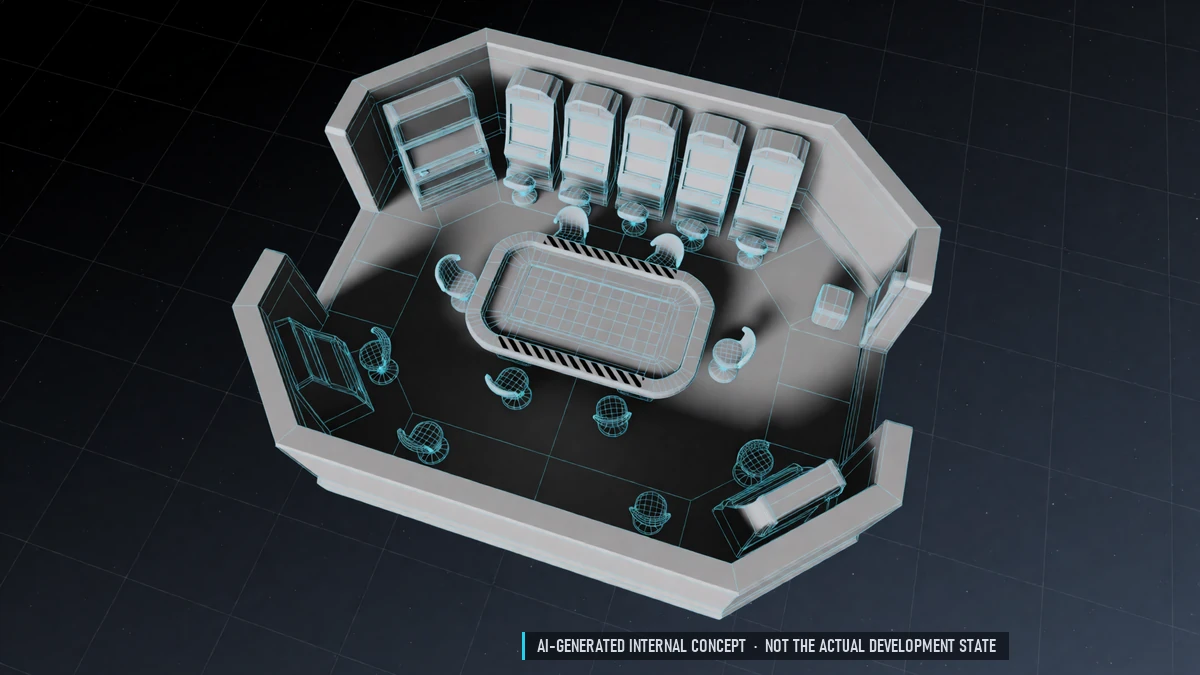
Casino
Slots, roulette and blackjack against the house – credits only. A jackpot on every casino station. No real-money payouts.
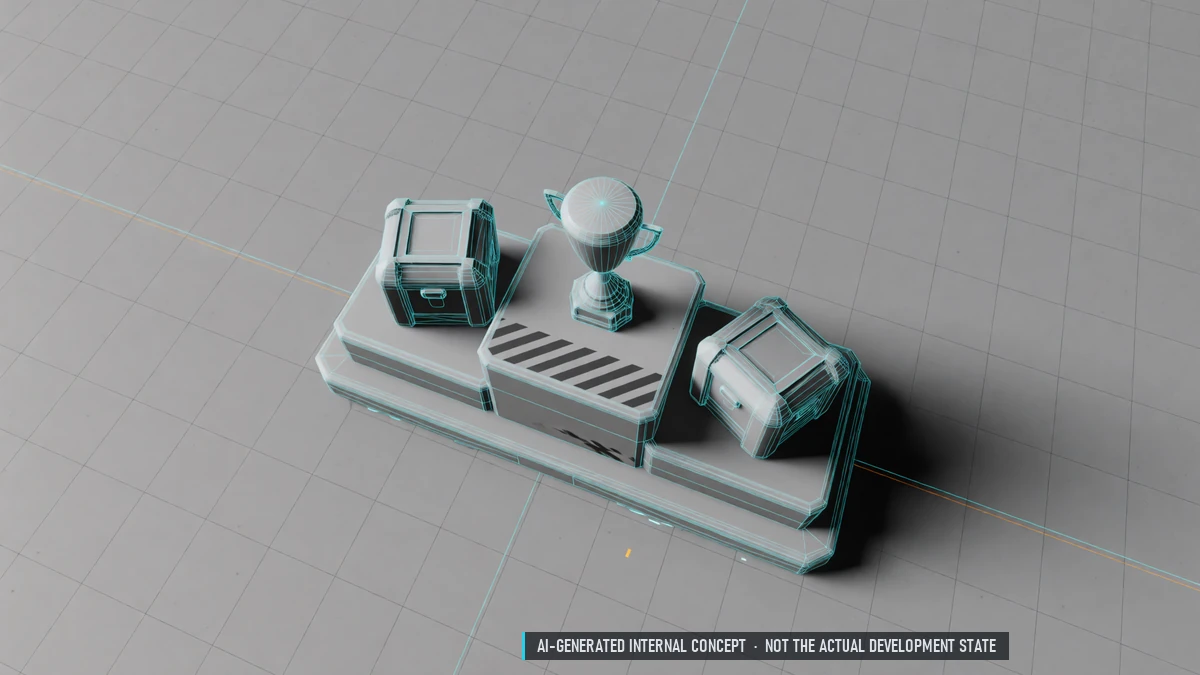
Arena Rewards
Every match gives pass points and arena tokens – even a loss. Arena season pass. Season rewards by rank.
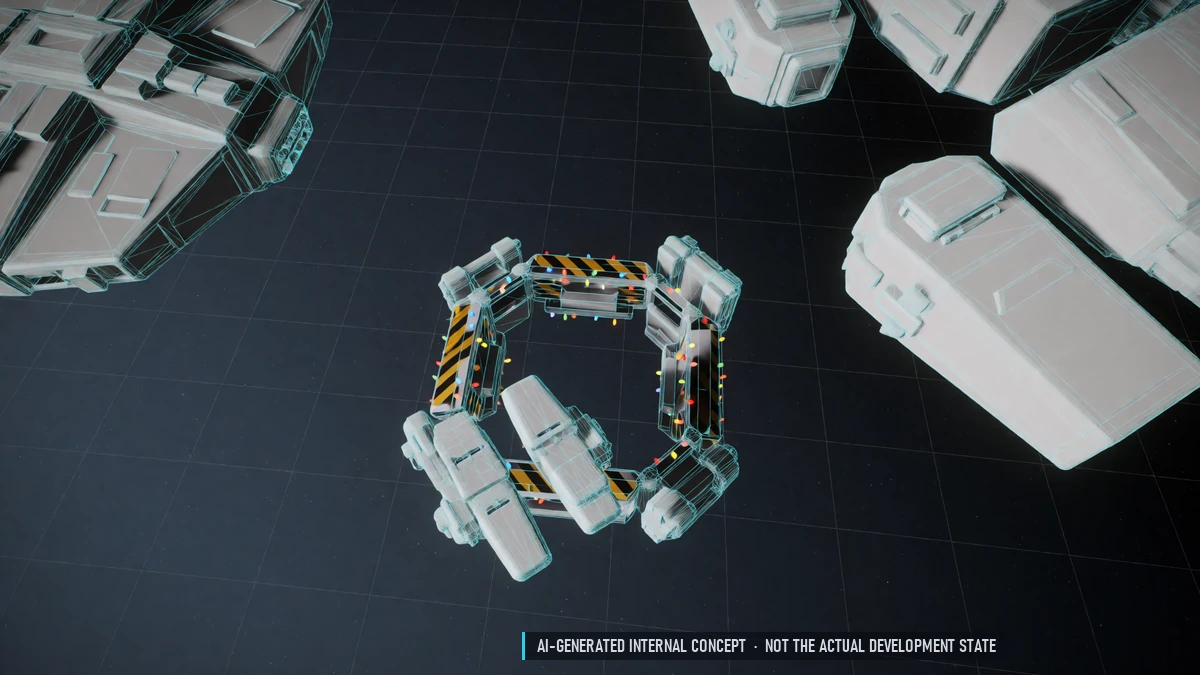
Event Gates
Temporary gates during server events.
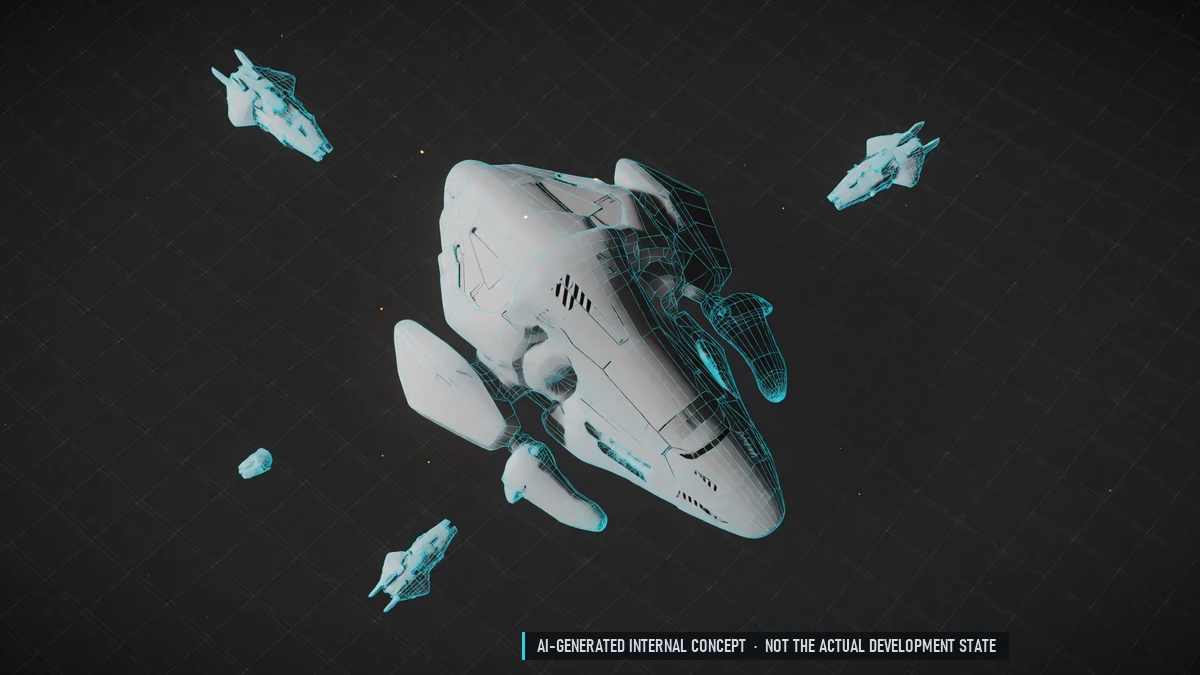
Field Bosses
Appear at random in border and PvP sectors. Only the sector is announced. PvP allowed – boss loot is safe once collected. A win brings sector influence.
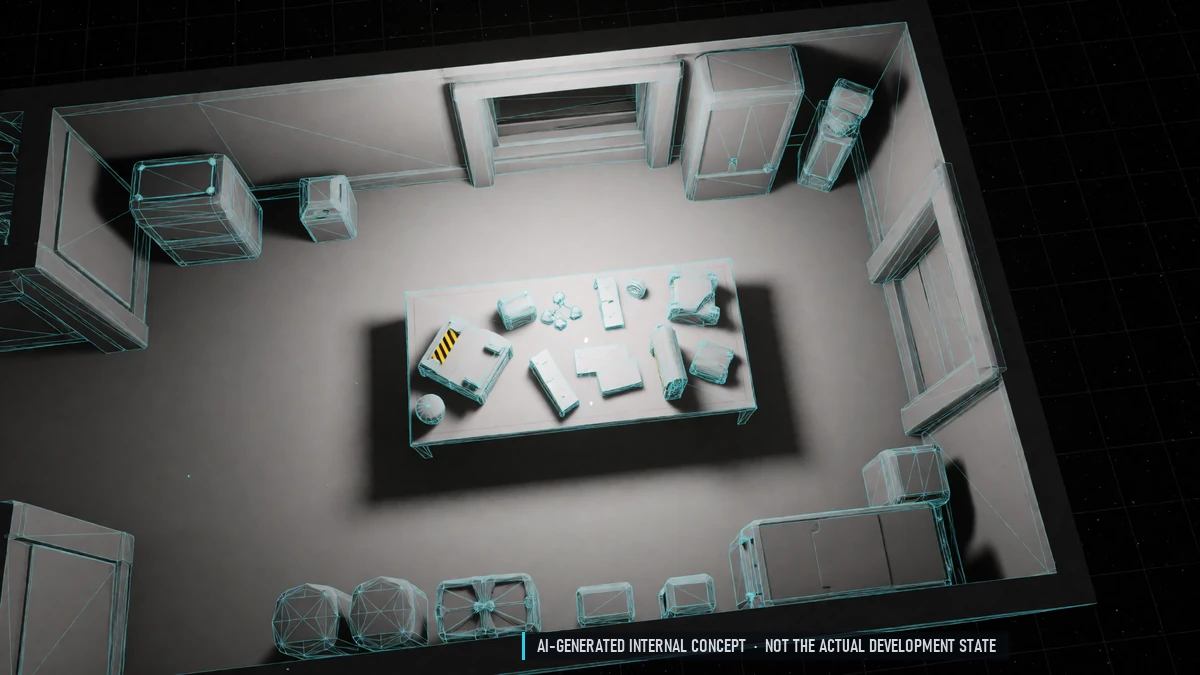
Gate Clicker
Spend resources or tickets for random gate parts and rewards.
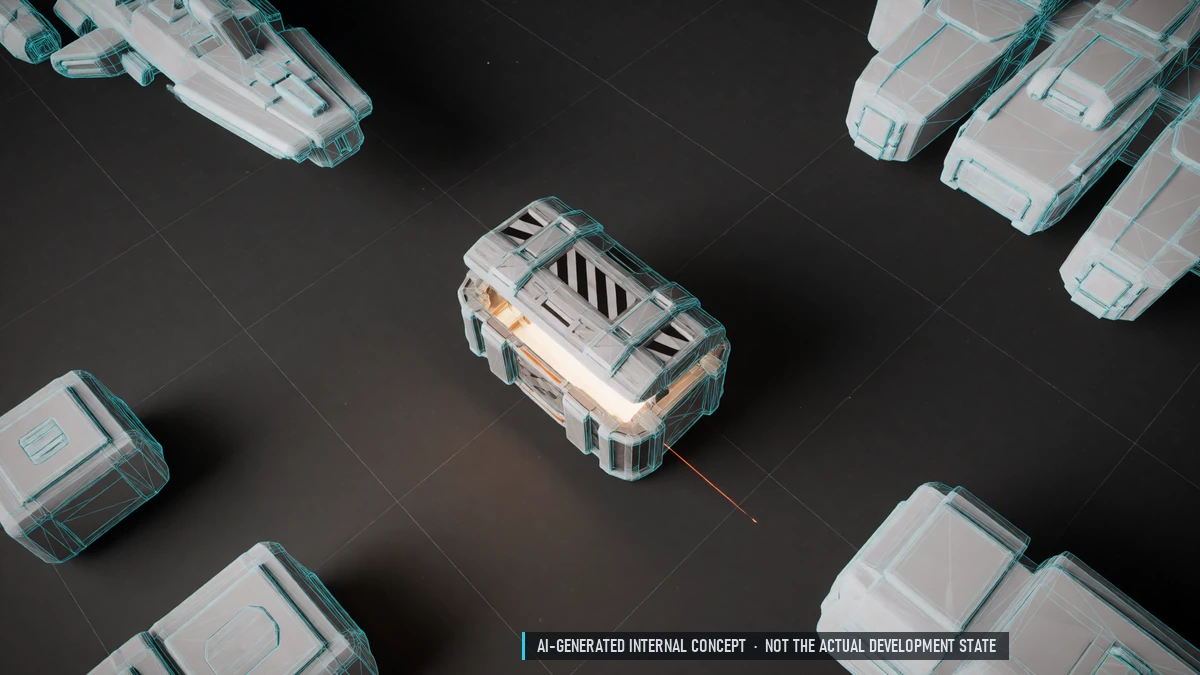
Loot Crates
Bosses, gates and NPCs drop crates. Have them opened by an NPC for credits. Everyone who helped gets a reward.
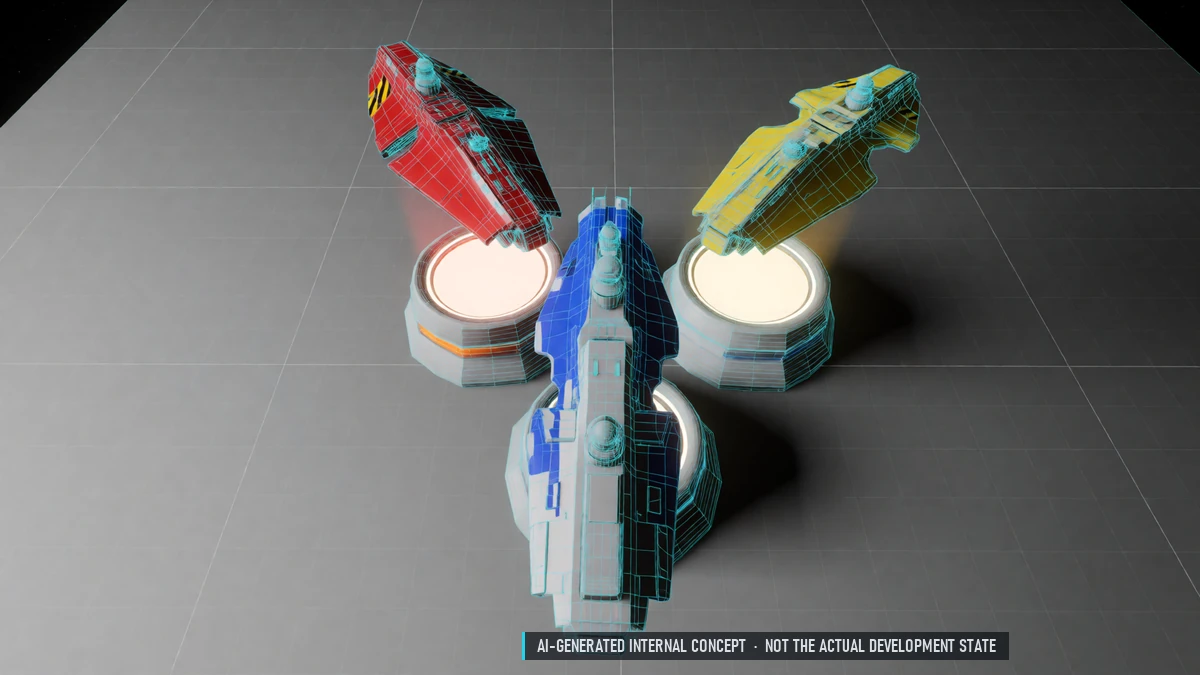
Nation Rankings
Everything a nation's pilots spend counts as fame. Nations compete on a leaderboard.
PvP Arena
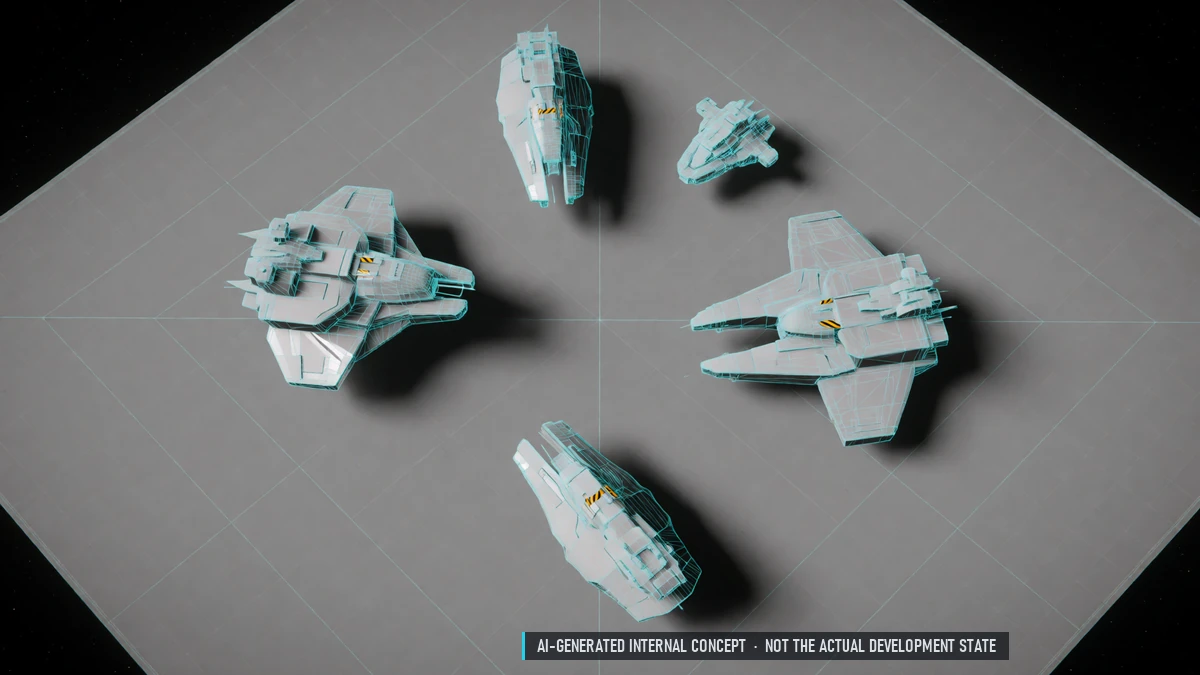
1v1 up to 5v5 – only skill counts. Equal stats: pick a ship and one of your loadouts. Ranked and training matches, also private games. Sign up at any station, solo or as a party.
Reward Gates
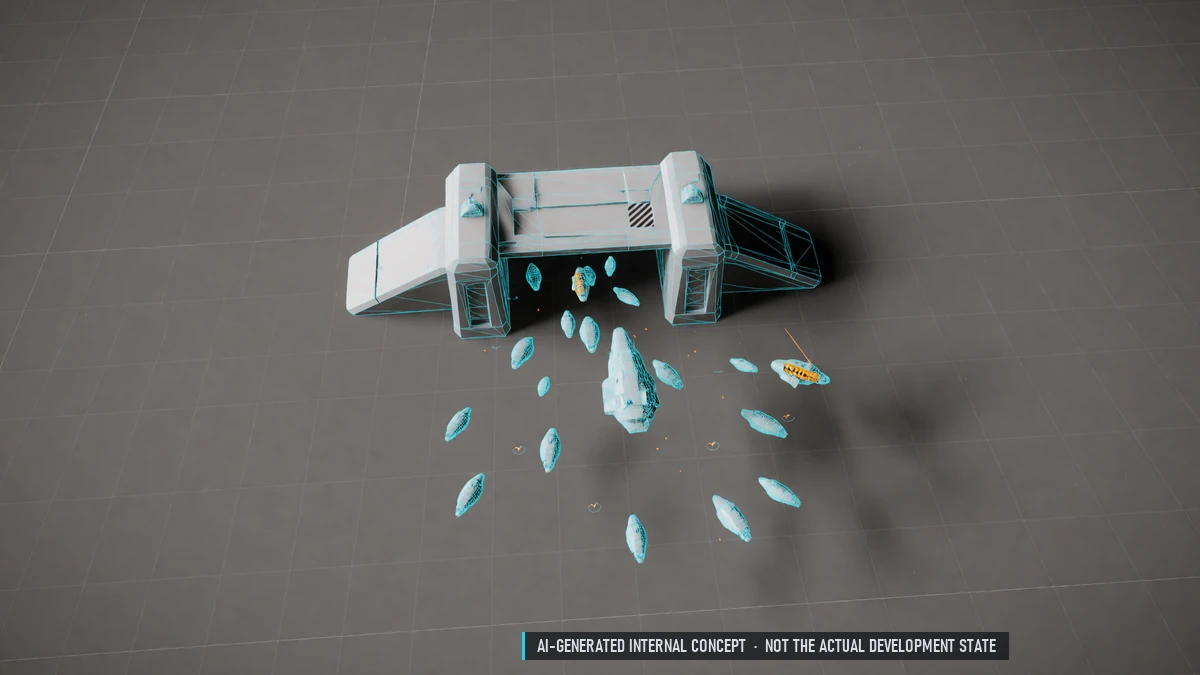
Collect all gate parts and open your own gate. Alpha, Beta and Gamma gates: waves and a gate boss. Solo or with your group, three shared lives.
World Bosses
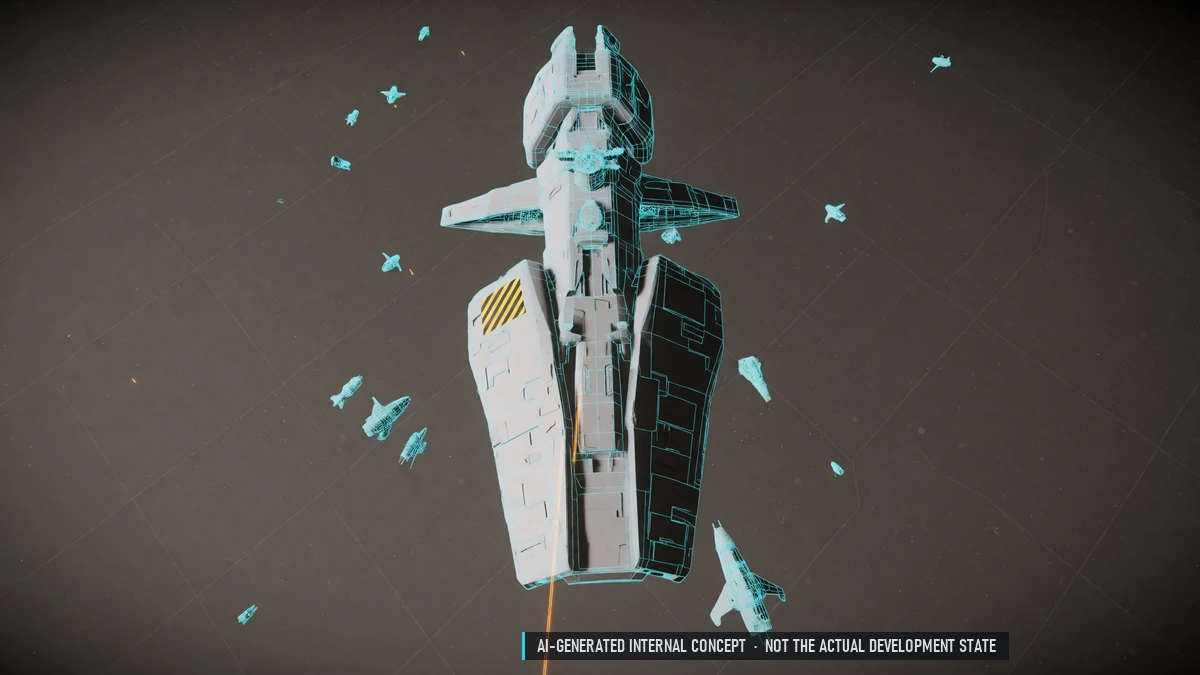
Huge bosses in a shared neutral sector, on a weekly schedule. Phases, weak spots and missile barrages. Announced in game – you choose how early. A special boss with limited weekly rewards.
0.10 Closed Beta – Onboarding & Shop
Boosters
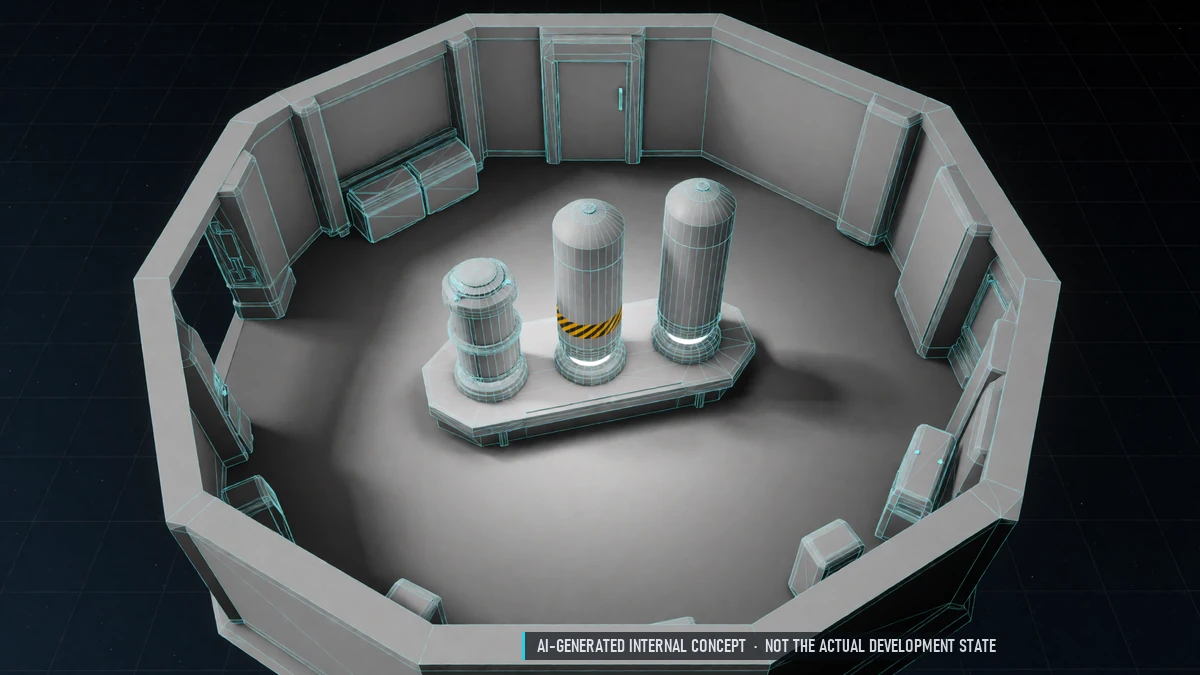
EXP and drop boosters with a fixed cap. Also from login rewards, events, the free pass and the exchange shop. No effect on PvP loot.
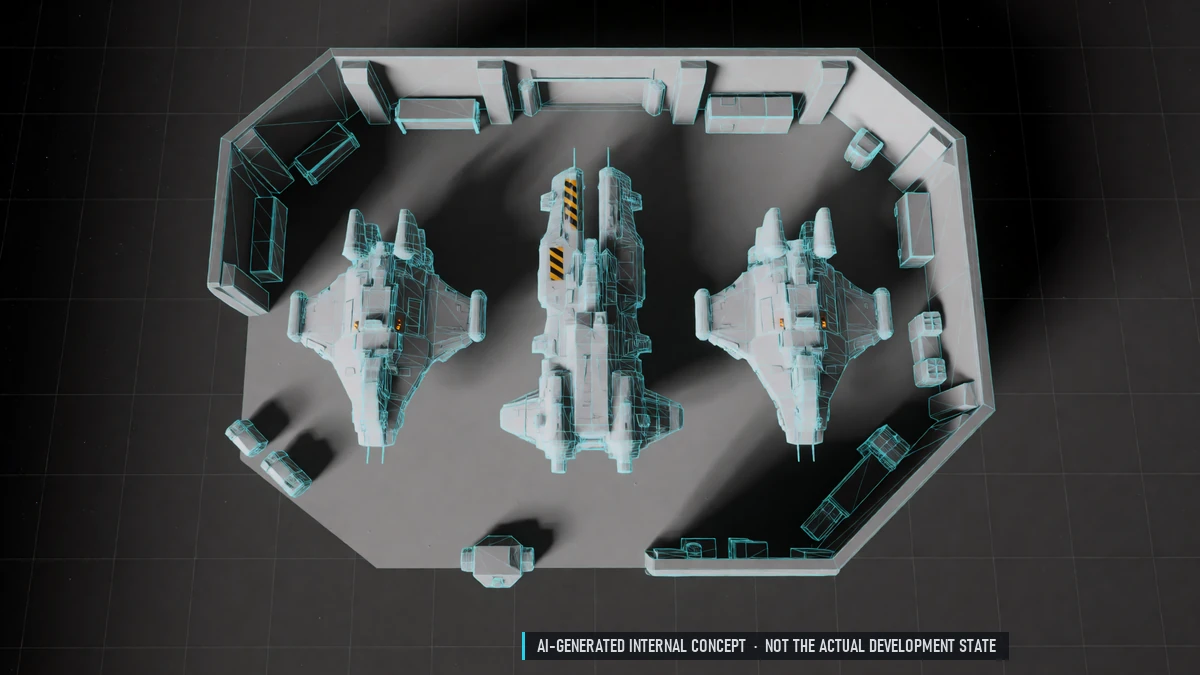
Cash Shop
Skins, paint jobs, outfits and furniture. Sell shop items on the player market, up to five a week. Extra nation changes.
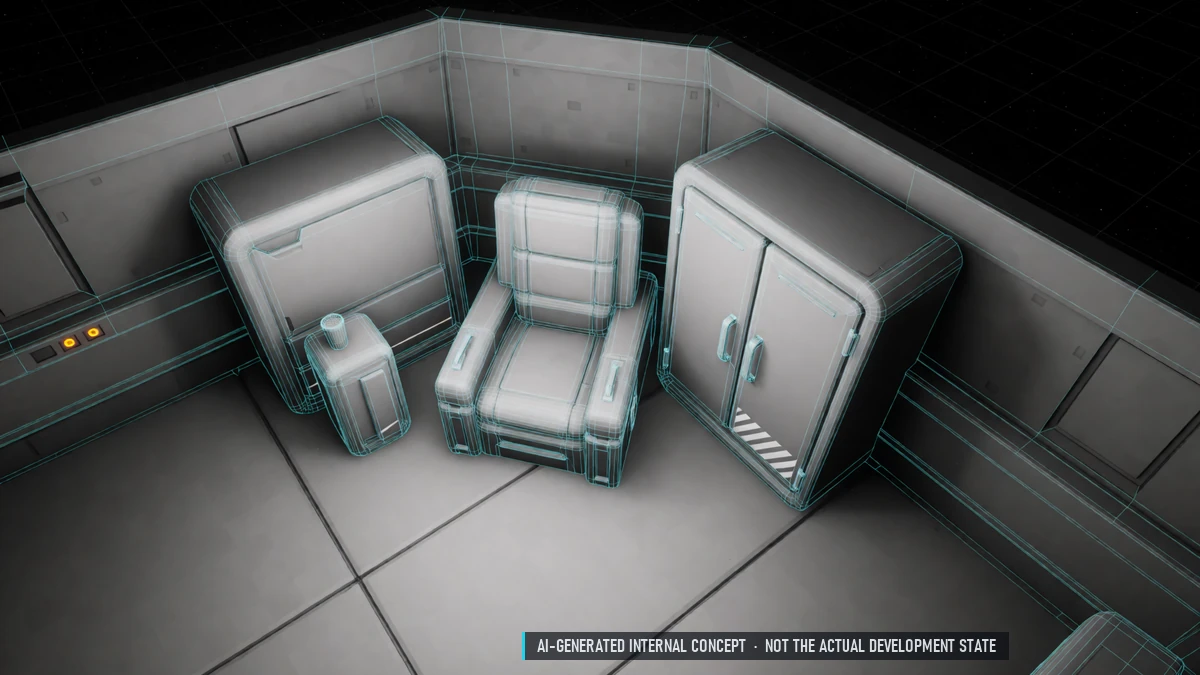
Comfort Pack
Lower market fee, more storage and market slots, more market orders. Small EXP and drop bonus.
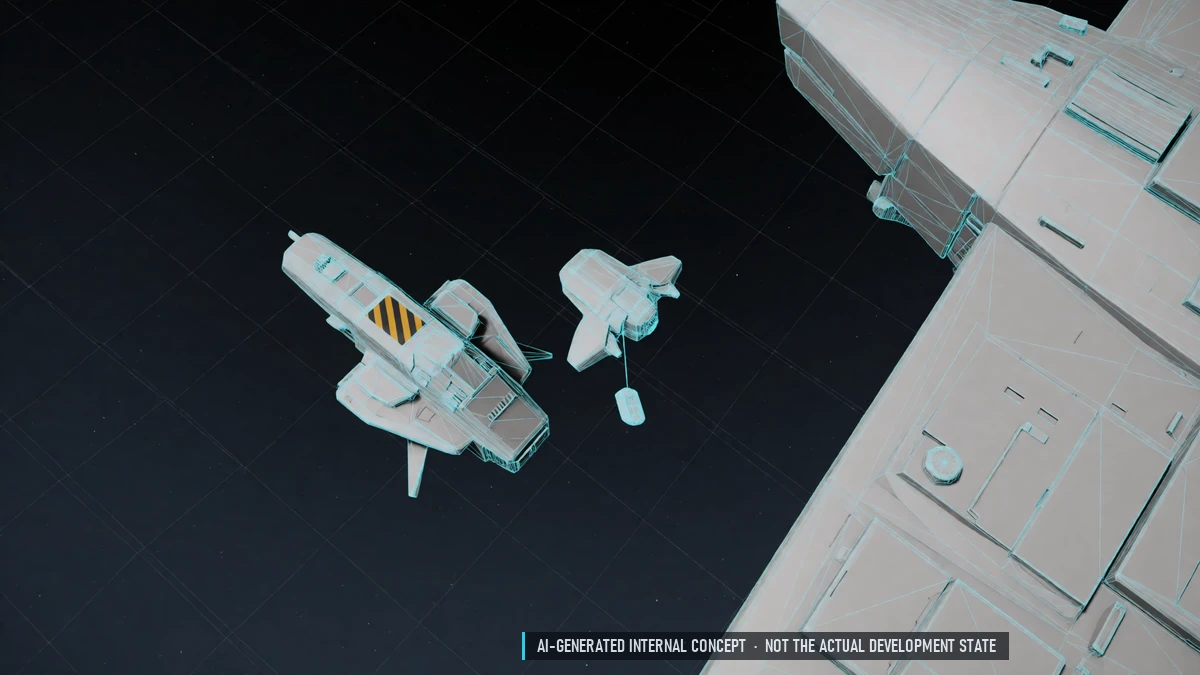
Companion Drone
Collects loot nearby and can be upgraded. From the shop, events or the exchange shop.
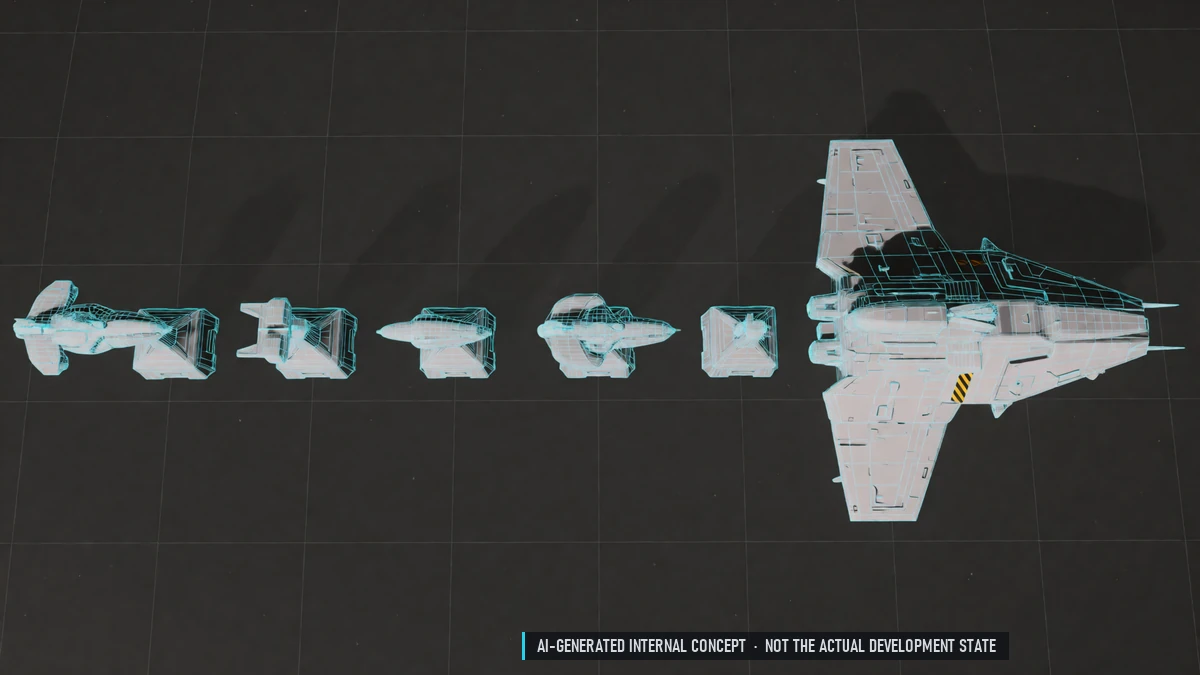
Season Pass
Free and premium track.
Unlimited Insurance
Unlimited insurance from the shop. No deductible while your comfort pack is active.
Login Rewards
Daily rewards for logging in.
Skin Recycling
Break down skins into protection items for enchanting.
Story Start
A short story introduction. Choose your path: combat, mining or trade. All paths meet in a shared story mission.
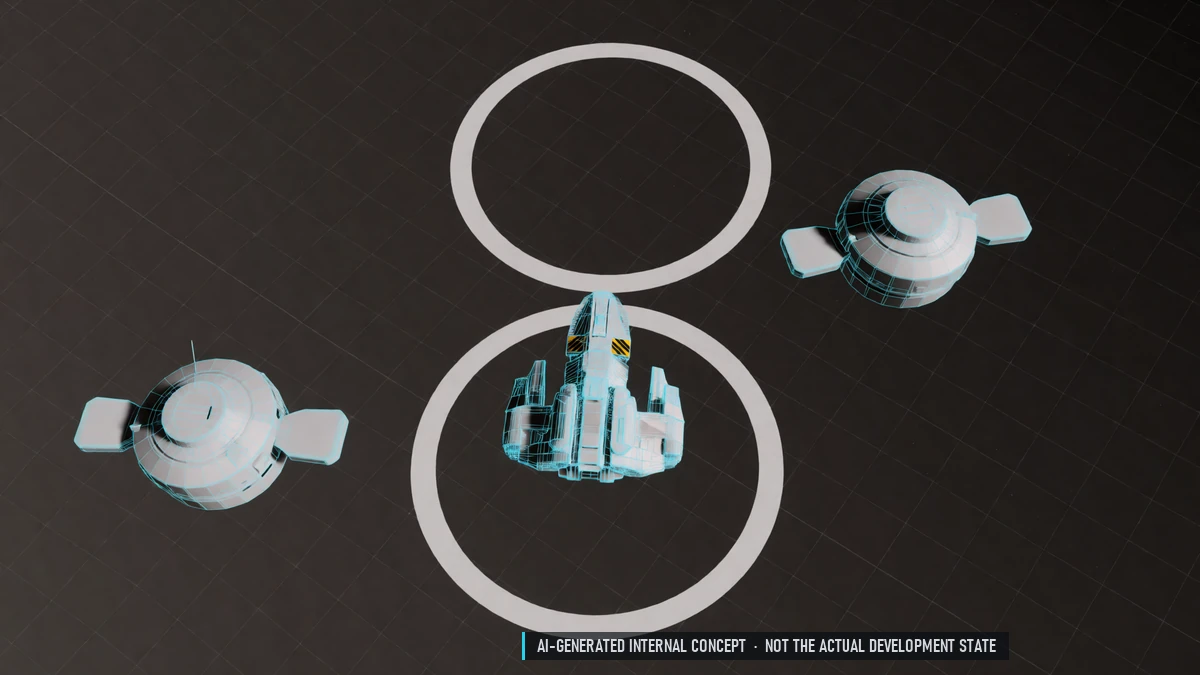
Tutorial
Guided start in your own tutorial sector: fly, fight, dock. Ends with a jump to your nation's home station. Skippable.
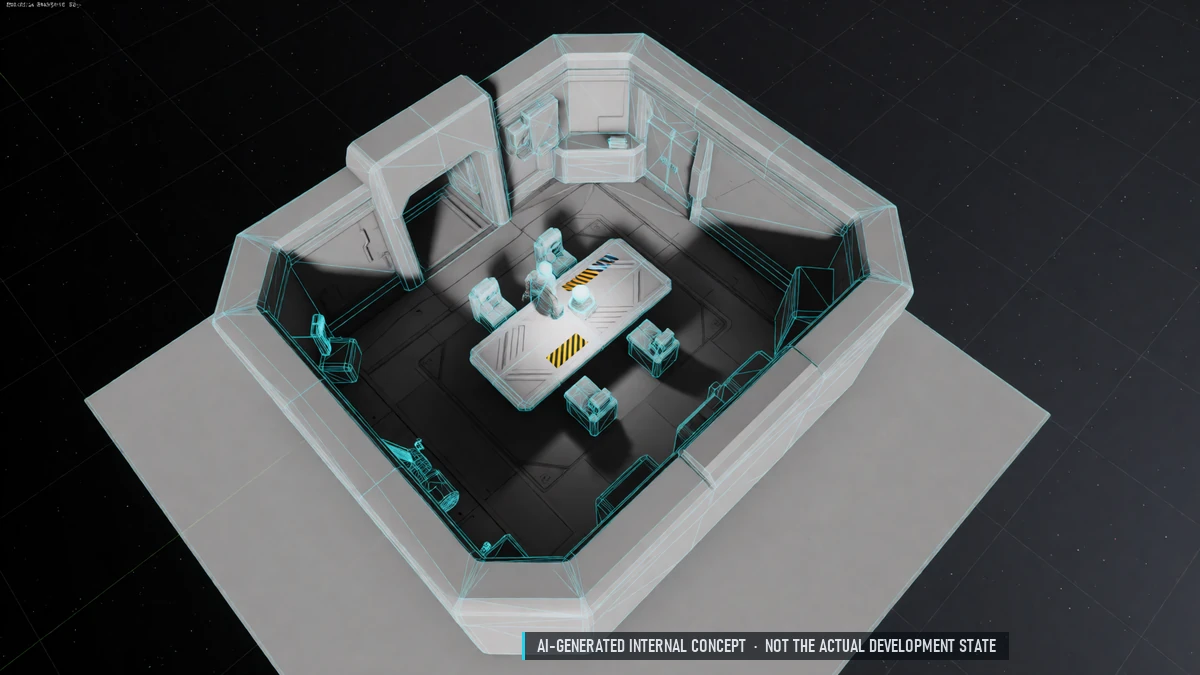
What's Next?
At login: one to three suggestions for what to do next. News banner with events and patch notes.
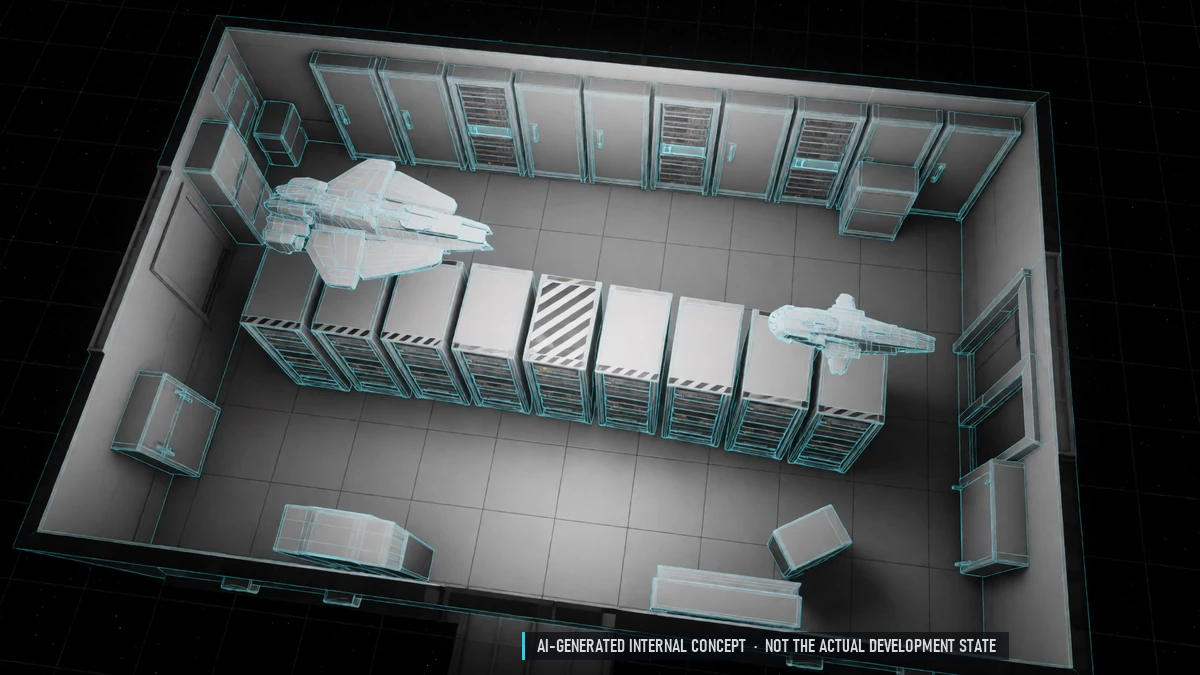
Final Balance
Balance pass based on server simulations.
To Release - After Release
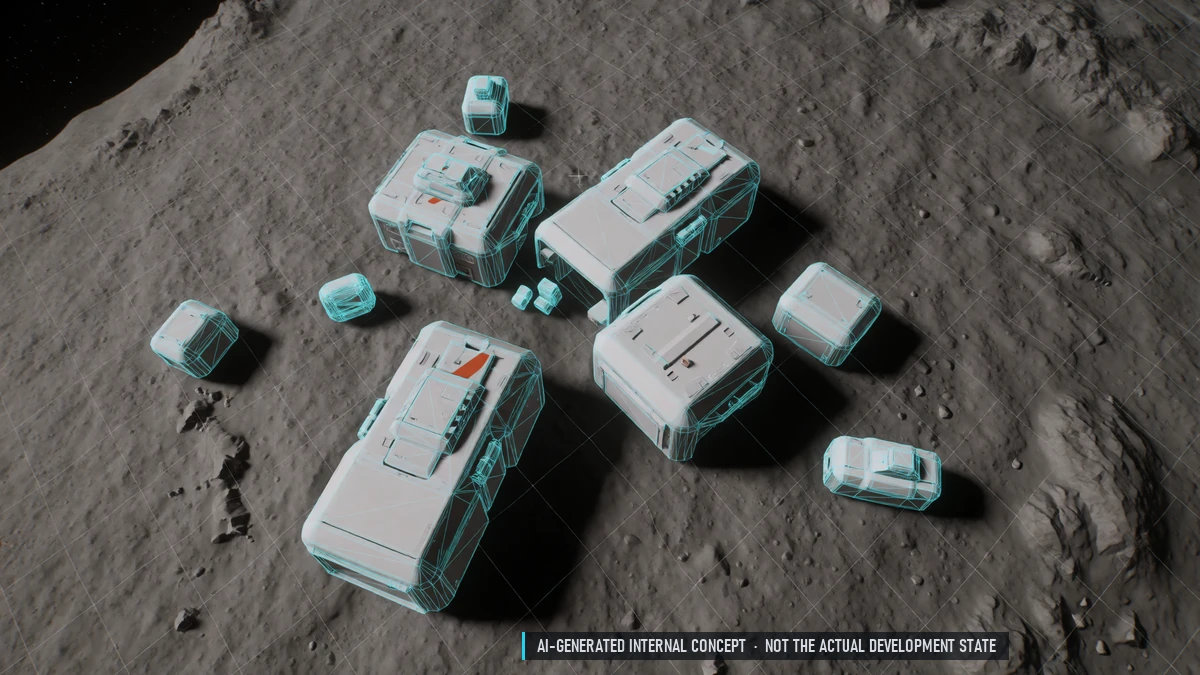
Base Building
Build your own base on planets.
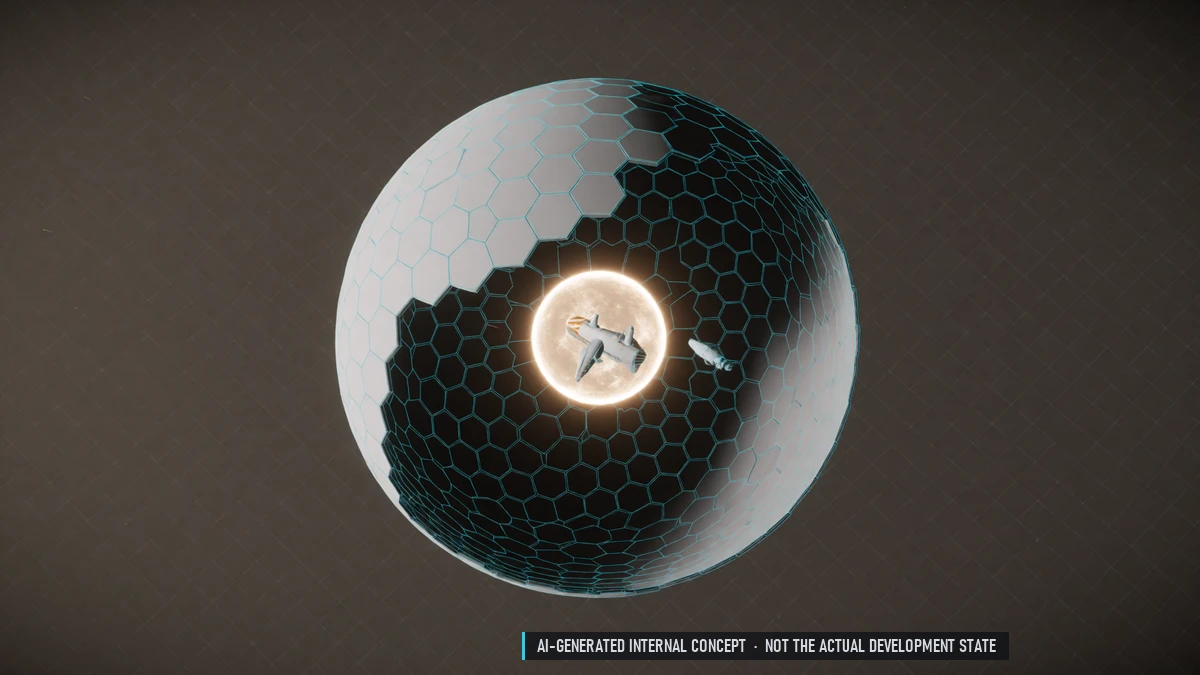
Dyson Spheres
One per nation in safe space, walkable like a huge station. Farm fields, markets, workshops and NPC jobs.
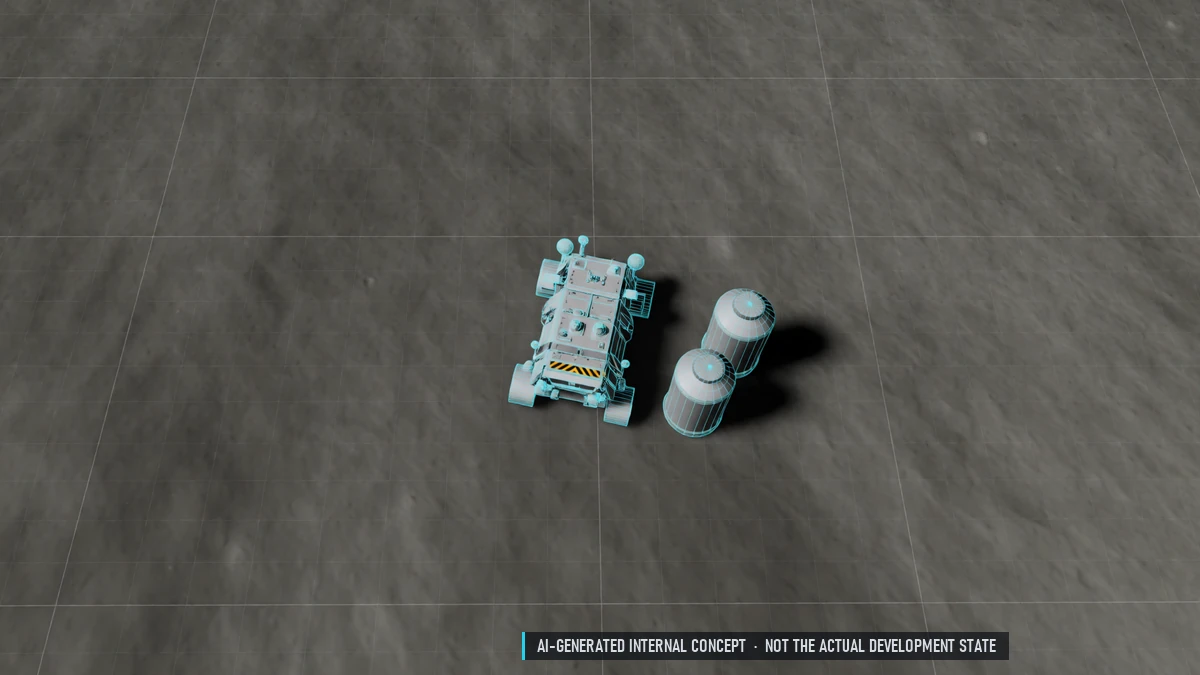
Moons
Like planets, with their own environments and needs such as oxygen.
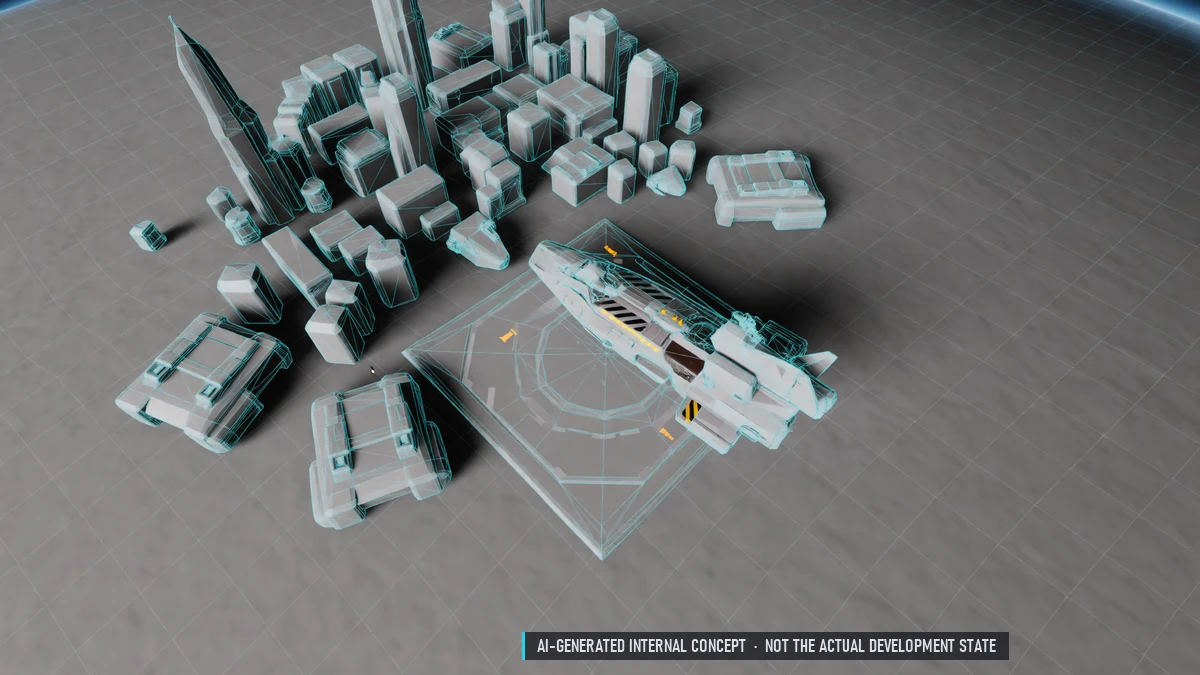
Planets
Planets as places of their own – explore on foot and by vehicle. Cities that work like stations. Get there by taxi; day and night cycle. Mostly in safe sectors.
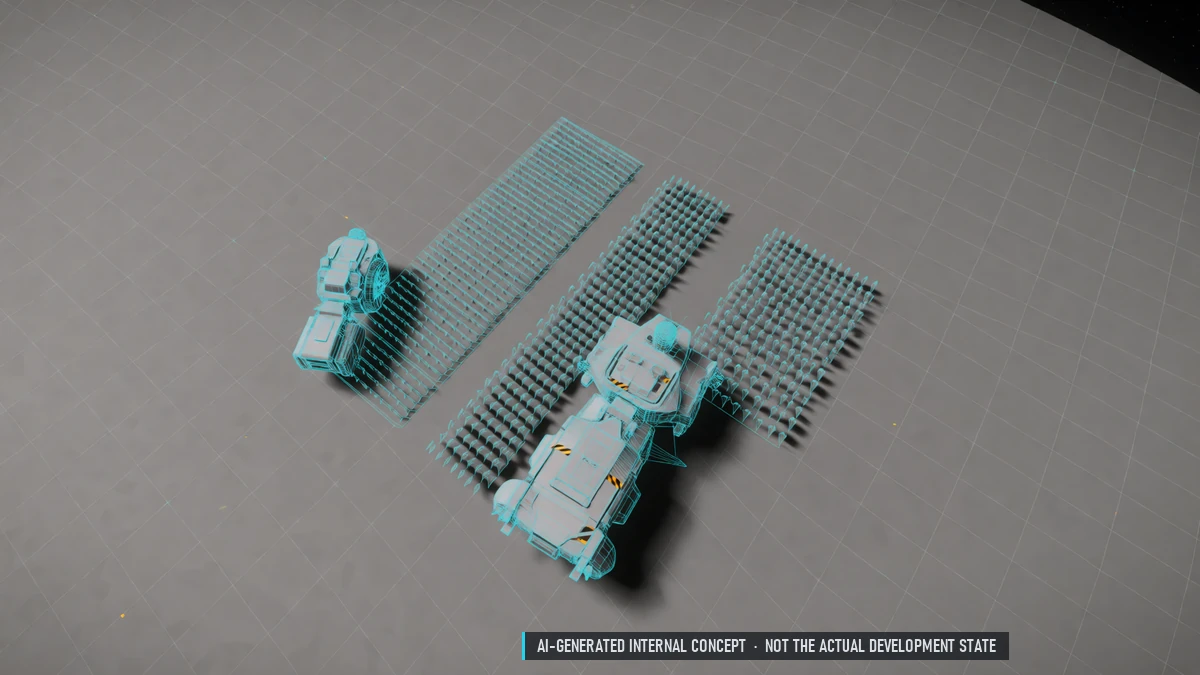
Farming Fields & Vehicles
Large fields on Dyson spheres, worked with vehicles. Guild fields at weekly auction, smaller fields for rent.